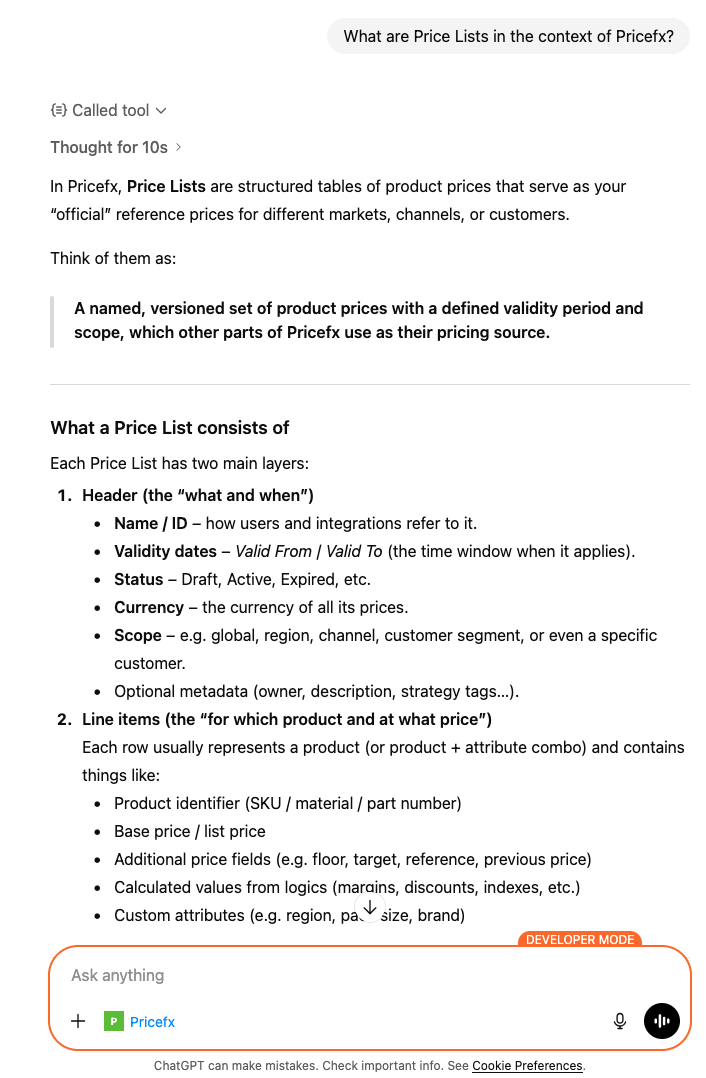
Once you have successfully established a public connection to the Pricefx MCP Server, you can use the knowledge_search public tool.
-
Open your browser and launch ChatGPT.
-
Click New chat.
-
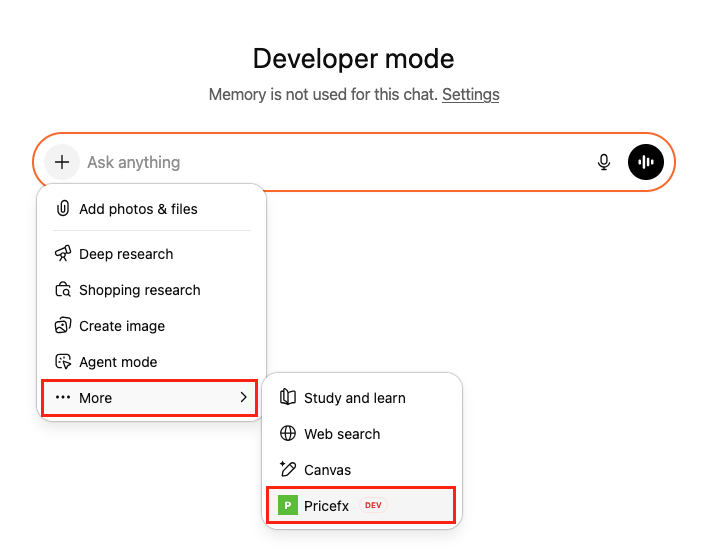
Click + icon in the message input field.
-
Click … More in the menu.
-
Select your public Pricefx MCP Connection.
-
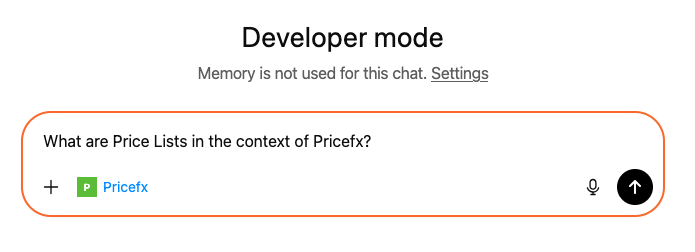
Enter the prompt into message input field.
-
Click

-
When prompted, confirm the use of the
knowledge_searchtool by clicking Confirm.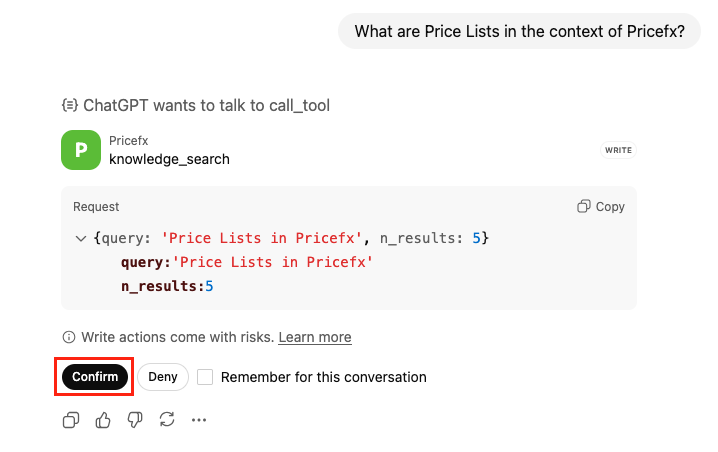
-
Review the results returned by the tool.