
You can copy, paste and download the JSON definition of a query to reuse the query without building it again.
-
Go to Analytics > Dashboard Manager > Queries.
-
Click New Query.
Or open an existing query.
-
In the toolbar of the Query Definition Editor, click JSON.
-
Click

-
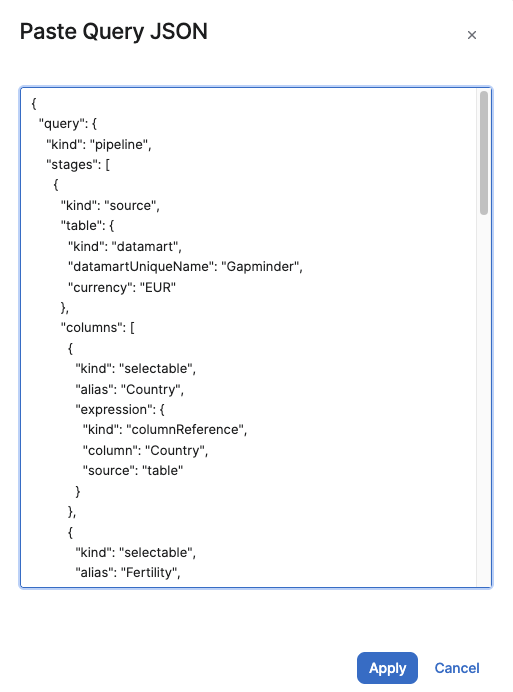
Paste the JSON definition into the text field.
-
Click Apply.
-
Click Save to save the query.
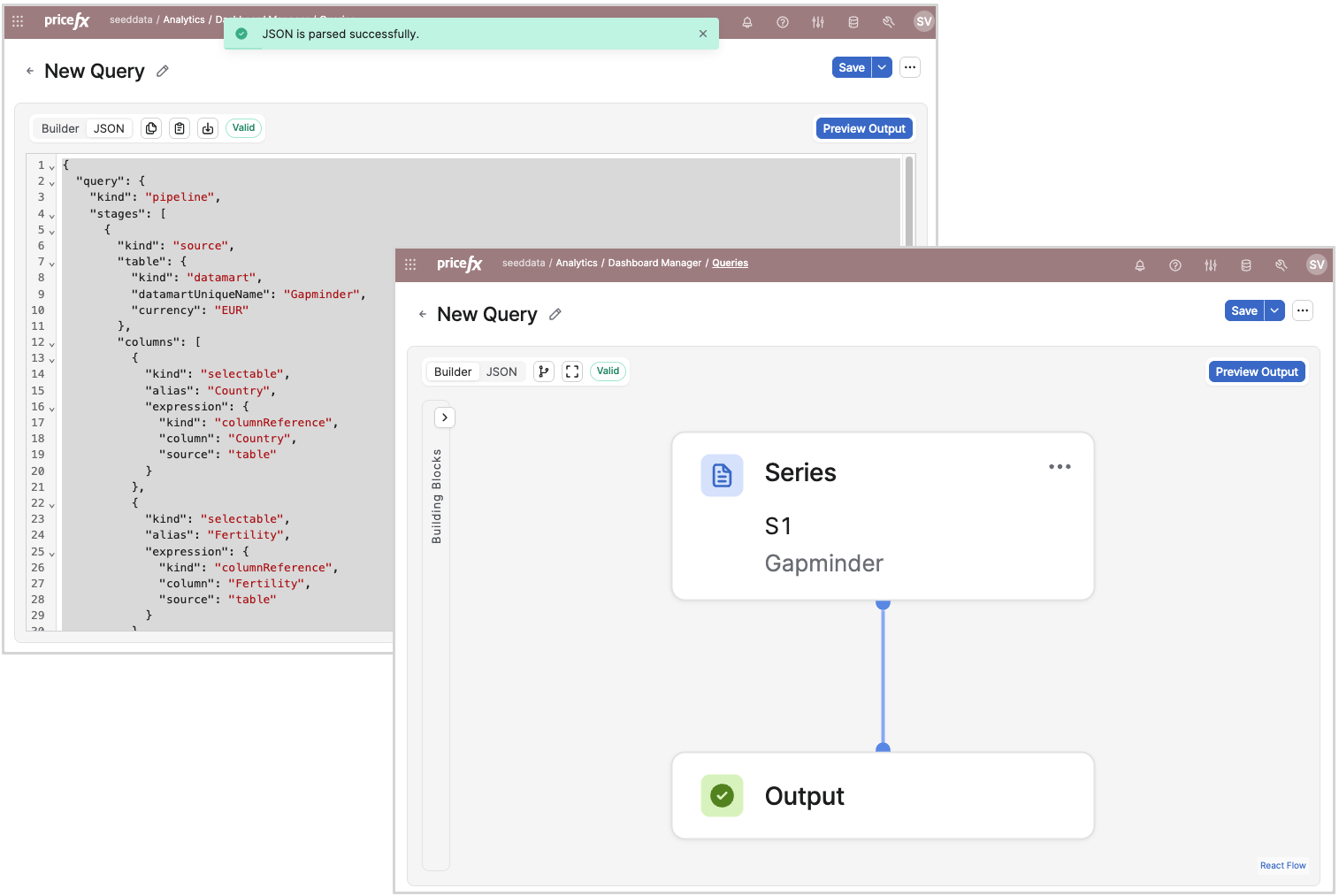
After Apply, the Query Definition Editor shows the message JSON is parsed successfully. The Builder view shows the pasted query as Building Blocks.
Troubleshooting
|
Error Message |
Cause |
Resolution |
|---|---|---|
|
|
The text field in the Paste Query JSON dialog is empty. |
Paste a JSON definition into the text field, then click Apply. |
|
|
The pasted text is not valid JSON. |
Copy the definition again with Copy JSON, then paste it again. |
|
|
The pasted text is valid JSON, but not a valid query definition. |
Check that the definition starts with a |
The messages do not identify which part of the definition is wrong.