
You can set the Row Limit to restrict the number of rows included in the final query output.
Following the steps from How to Create a Query. Here are the steps to set the row limit in a query.
-
Click Row Limit.
Limits the number of rows at this step of the query.
-
In the Row Limit section:
-
Enter the number of rows in the Row Limit.
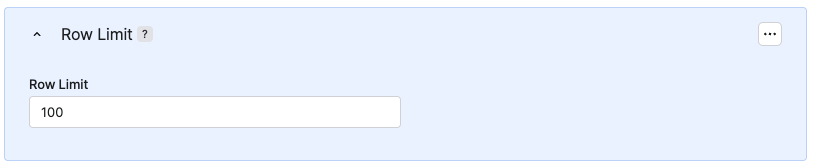
-
-
Click Save.
-
In the Save Query menu:
-
Enter a Label.
-
Enter a Name.
-
In the Save to Folder section, select the folder where the query will be saved.
-
Click Save.
-
When you return to the Query List screen, the query will be saved in the selected folder.
Row Limit is an independent block. You can insert it anywhere. Later blocks (for example Sort) work only with the limited result set.