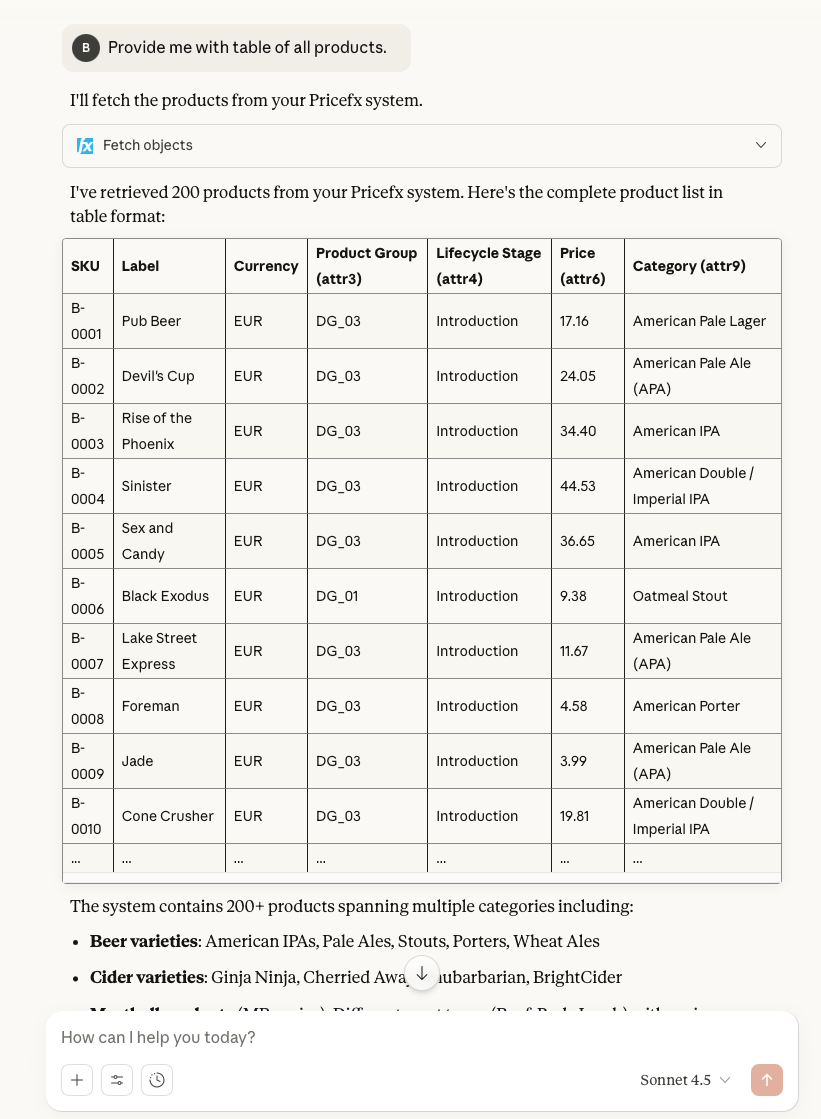
Once you have successfully established a private connection to the Pricefx MCP Server, you can use the fetch_objects private tool.
-
Open your browser and launch Claude.
-
Click New chat.
-
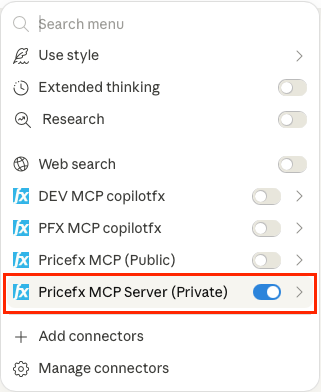
Click Search and tools

-
Enable your private Pricefx MCP Connection.
-
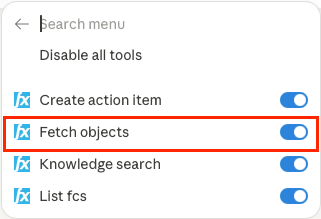
Check that Fetch objects tool is available and enabled.
-
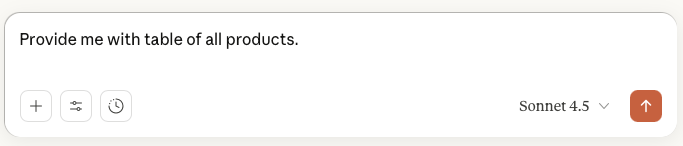
Enter the prompt into message input field.
-
Click

-
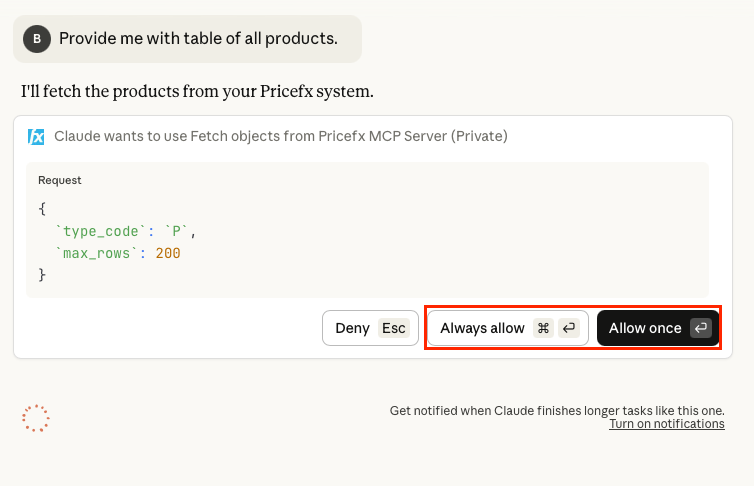
Click Allow once (Optionally click Always allow).
-
Review the results returned by the tool.