
Before you start, make sure you have an active private connection to the Pricefx MCP Server. Use the datamart_query_data private tool in Claude to query data from a Datamart.
-
Open your browser and launch Claude.
-
Click the + icon.
-
Go to Connectors.
-
Verify that your private connection is enabled.
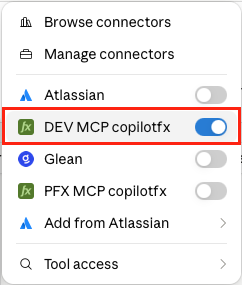
Connectors menu with the private Pricefx MCP Server connection enabled. -
Enter the following prompt in the message input field.
Can you list the last 10 transactions from "Standard_Sales_Data"?
Claude message input containing the Datamart query prompt. -
Click Send message

-
If Claude asks for permission to use the
datamart_query_datatool, click Allow.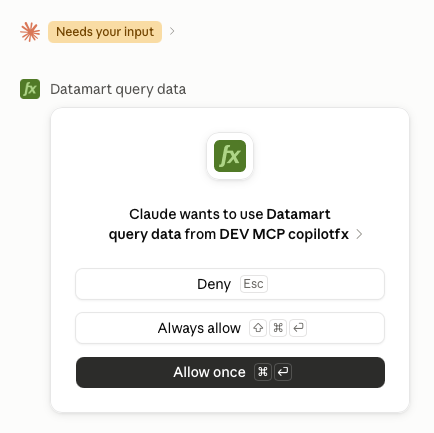
Claude permission dialog requesting access to the datamart_query_datatool. -
The
datamart_query_datatool returns the requested data from the selected Datamart.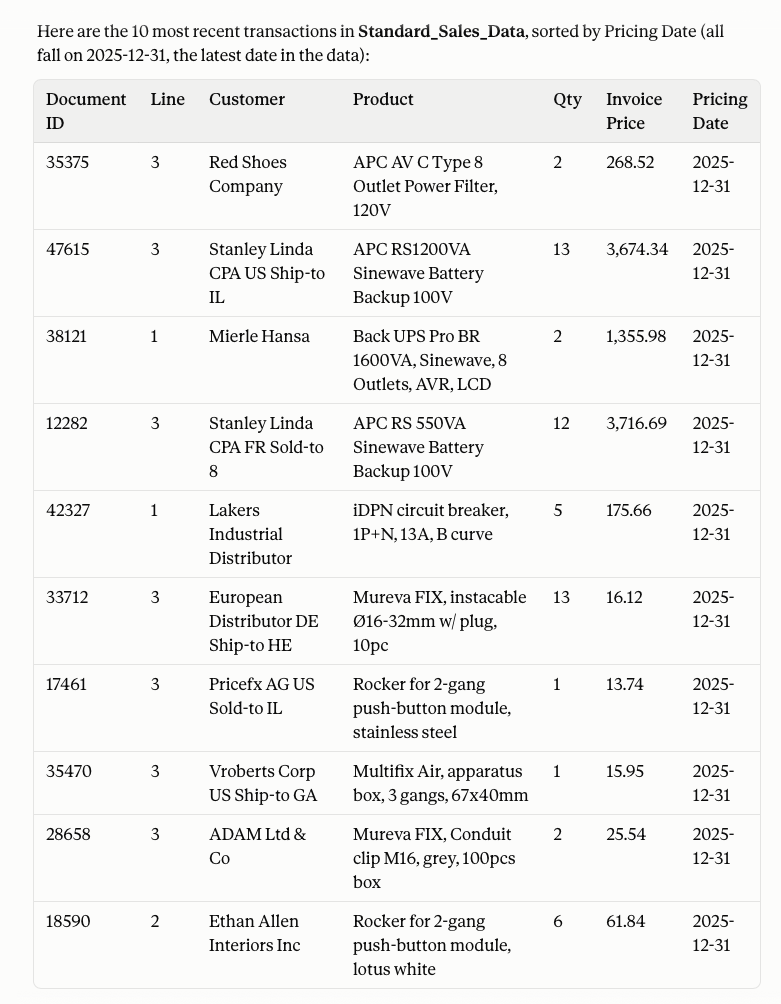
Claude response showing the data returned by the datamart_query_datatool.