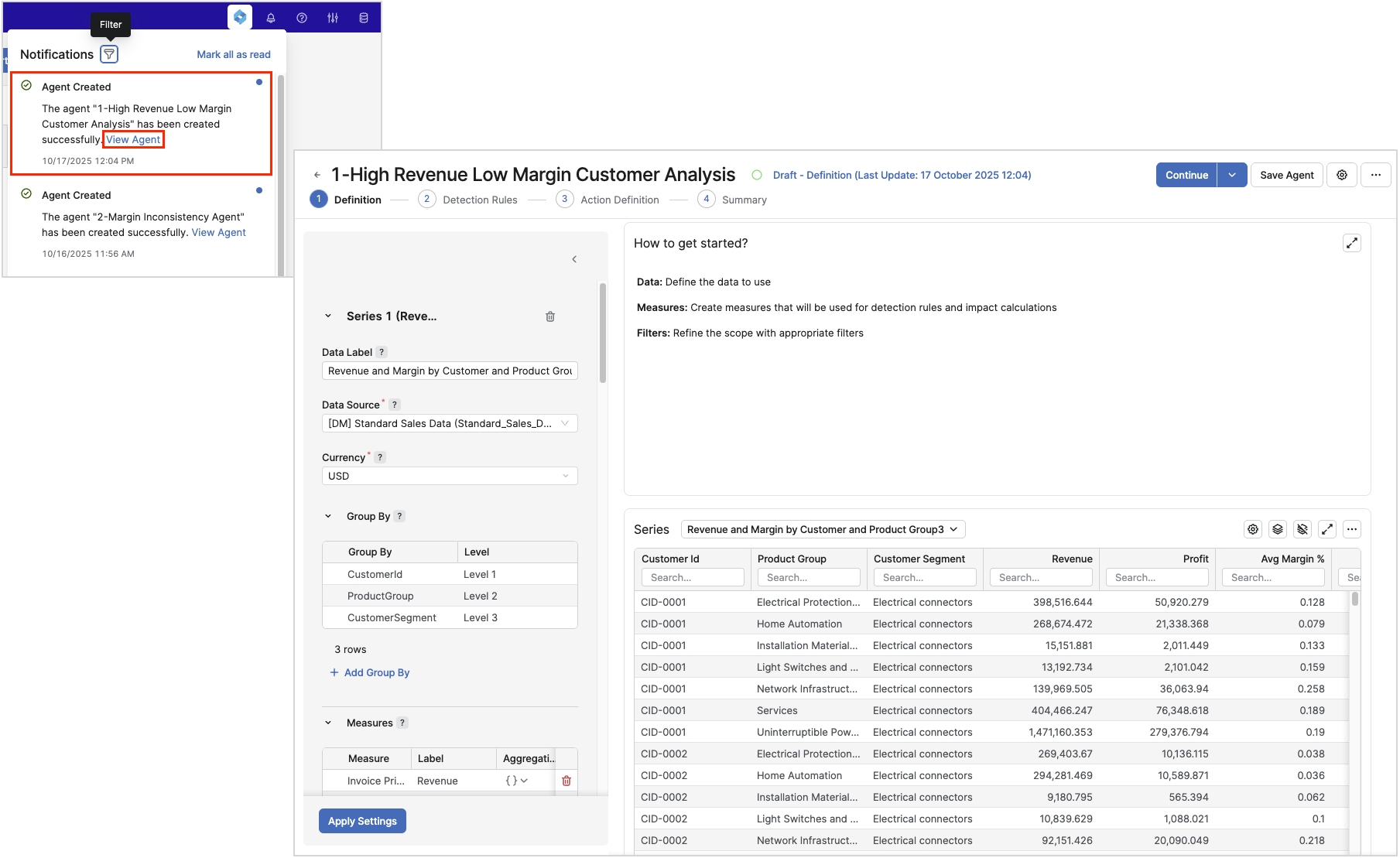
The feature adds a user notification when an Agent is created from the Pricefx Copilot, so you are promptly informed about the result and can open the Agent directly from the notification. The notification is delivered via the Notification Center. As soon as the Agent is created, Pricefx Copilot also shows the same confirmation, including a direct link to the Agent's detail page, right in the chat window, so you do not need to leave the conversation to check the result.
Use Cases
-
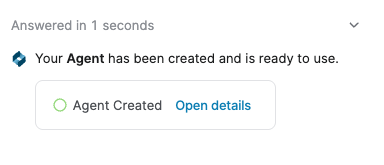
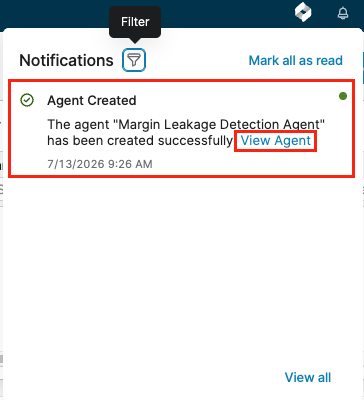
Successful Agent generation – Once the Agent is created, Pricefx Copilot displays a confirmation message directly in the chat, showing an Agent Created status and an Open details link that takes you straight to the created Agent's detail page. You also receive a Notification Center entry with the same context link, so you can open the Agent later even if you have navigated away from the chat.
-
Agent generation fails – You receive a notification message via Notification Center entry containing the error message returned by the Agent Generator service.
How it Works
-
Start an Agent creation from the Pricefx Copilot using the guided flow for creating an Agent.
-
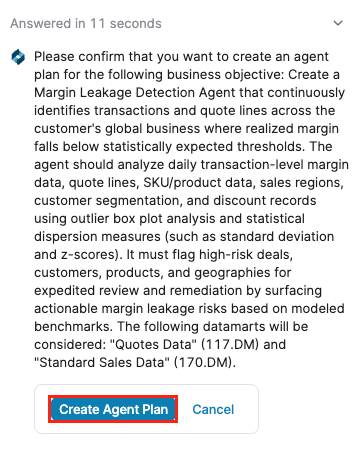
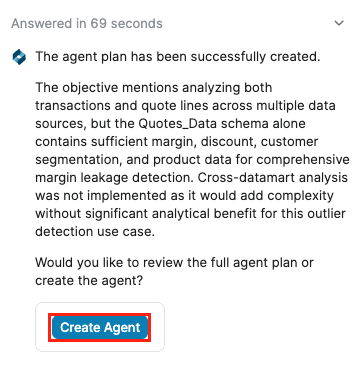
Copilot provides you with the Agent’s Business Objective and selected Datamart(s).
-
Click Create Agent. (Alternatively review the Agent Plan and continue to chat with Copilot and change the Agent Plan, for example change the selected Datamart.)
-
When the processing is complete, Pricefx Copilot displays a confirmation message directly in the chat:
Your Agent has been created and is ready to use., together with an Agent Created status indicator and an Open details link.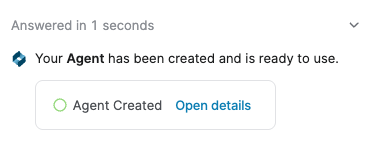
-
Click Open details in the chat to open the Agent detail page directly.
If you have navigated away from the chat, you can instead click the corresponding entry's context link in the Notification Center to open the same Agent detail page.