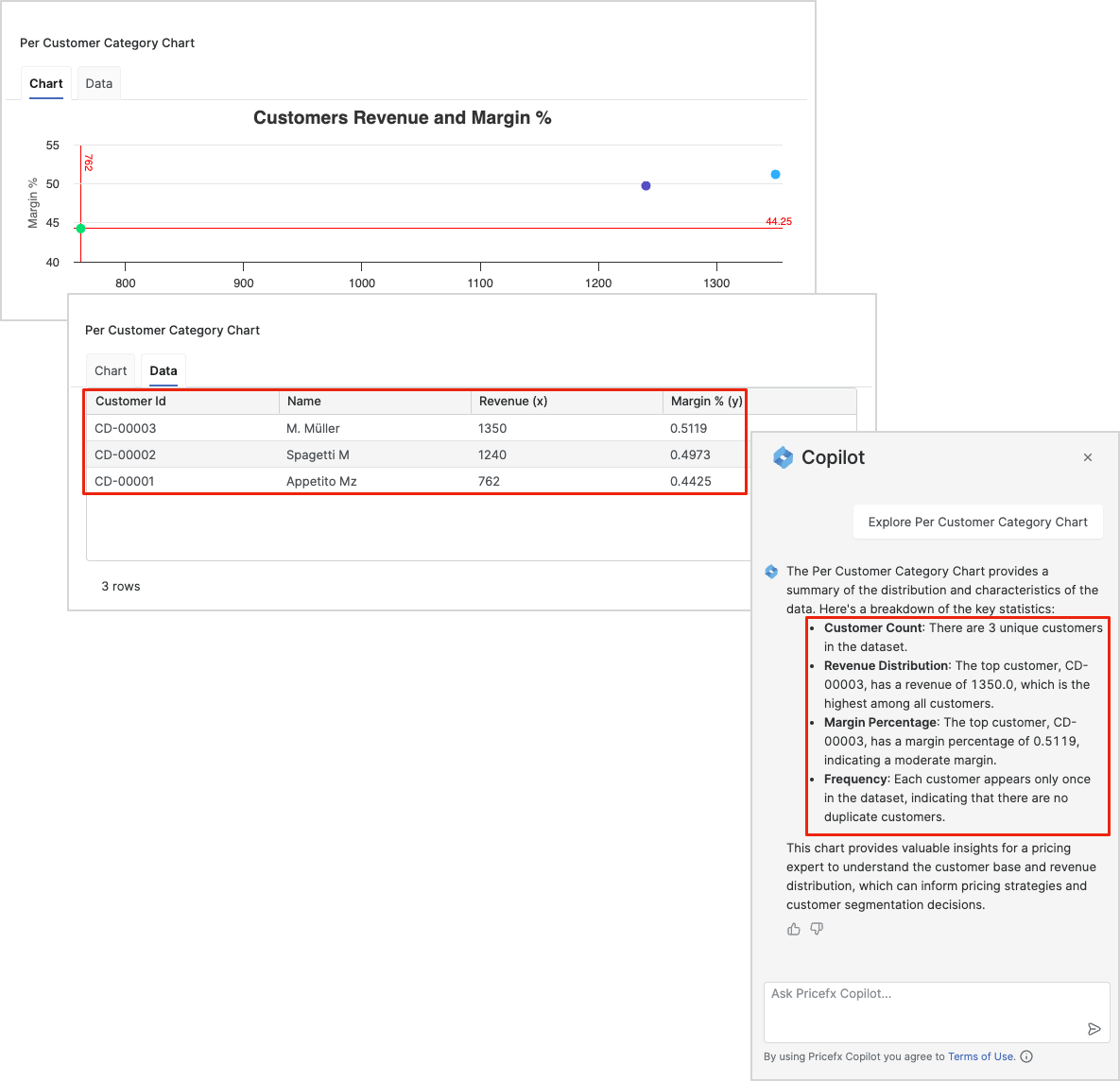
Clicking the Explore button
This table displays the number of products across various performance categories. Below is a description of each field:
-
Category – Represents the performance category of products, indicated by the following values:
-
Low
-
Medium
-
High
-
-
Total Products – The number of products in each category, presented as a numeric value.
Note that once you click the Explore button, it will become disabled, as only one instance of the Pricefx Copilot can be run at a time. By clicking the Explore button at the Portlet level, Pricefx Copilot will only have access to the data contained within that particular Portlet.
Once the Pricefx Copilot is processing your question, the only way to stop this process is by closing the conversation window, as there are currently no alternative methods available. While the Pricefx Copilot is processing your question other Explore buttons on the Dashboard or on the particular Portlets are disabled. You are provided with the following tooltip. Answering. Please wait for the response to complete.