
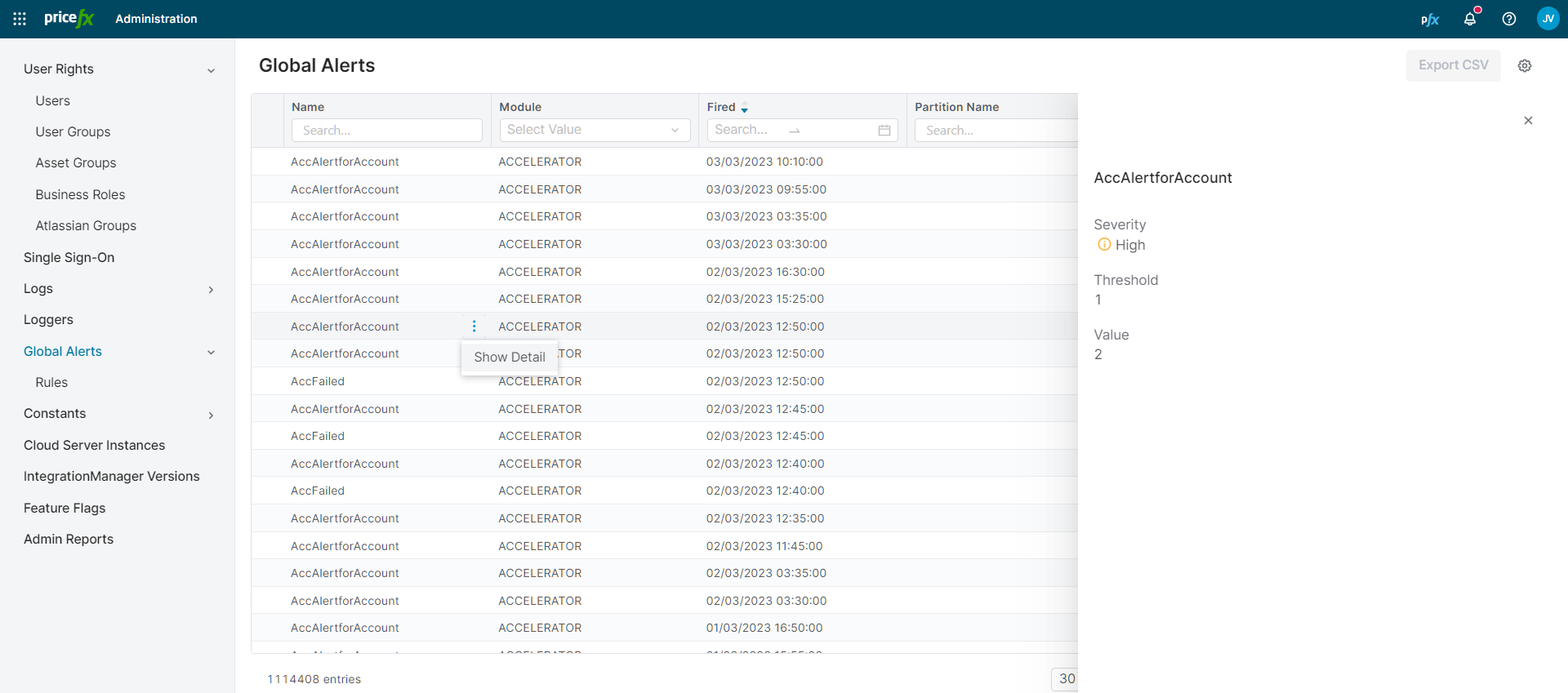
In addition to account-specific alerts, you can also define a global alert which works across all of the partitions/integrations/Accelerators registered in PlatformManager.
To see global alerts and rules, you need the Global Alerts - read or the Global Alerts - edit permission. To create or edit global rules, you need the Global Alerts - edit permission. Without it, the New Rule button is not available.
Global Alerts offers two rule types, Query and Logic Change. In Administration > Global Alerts > Rules, New Rule opens a menu with both rule types. To create a global Query rule, select Query. Then fill in the rule as described in How to Create Alert. For a global Query rule, you select all partitions, all integrations, or Accelerators to monitor. Also, monitoring Accelerators is available only in Global Alerts.
The Logic Change rule type is available only in Global Alerts. A Logic Change rule sends an alert when a user changes a logic on one of the rule's partitions. Changes by users on the allowed list of the rule do not trigger the alert. You do not write a query for a Logic Change rule.
-
A Logic Change rule watches all production partitions or selected production partitions. A production partition has the Environment value
PROD. Only partitions on version 17.3 or later record logic changes. -
A Logic Change rule needs email recipients, a webhook URL, or both.
To create a Logic Change rule, see Create a Logic Change Rule. To look up past logic changes, see Production Logic Changes, which is available to Pricefx users only.