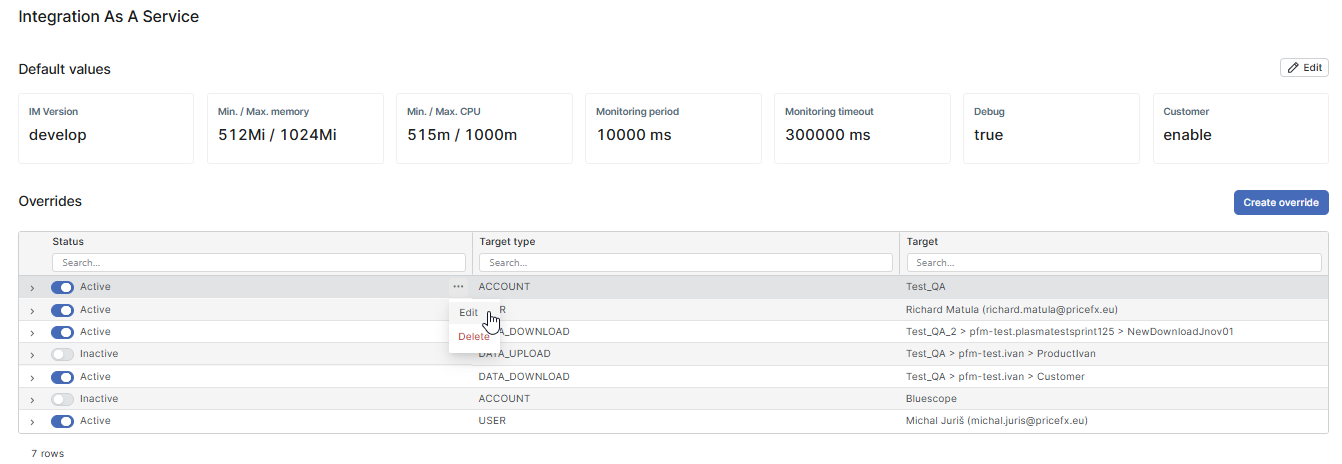
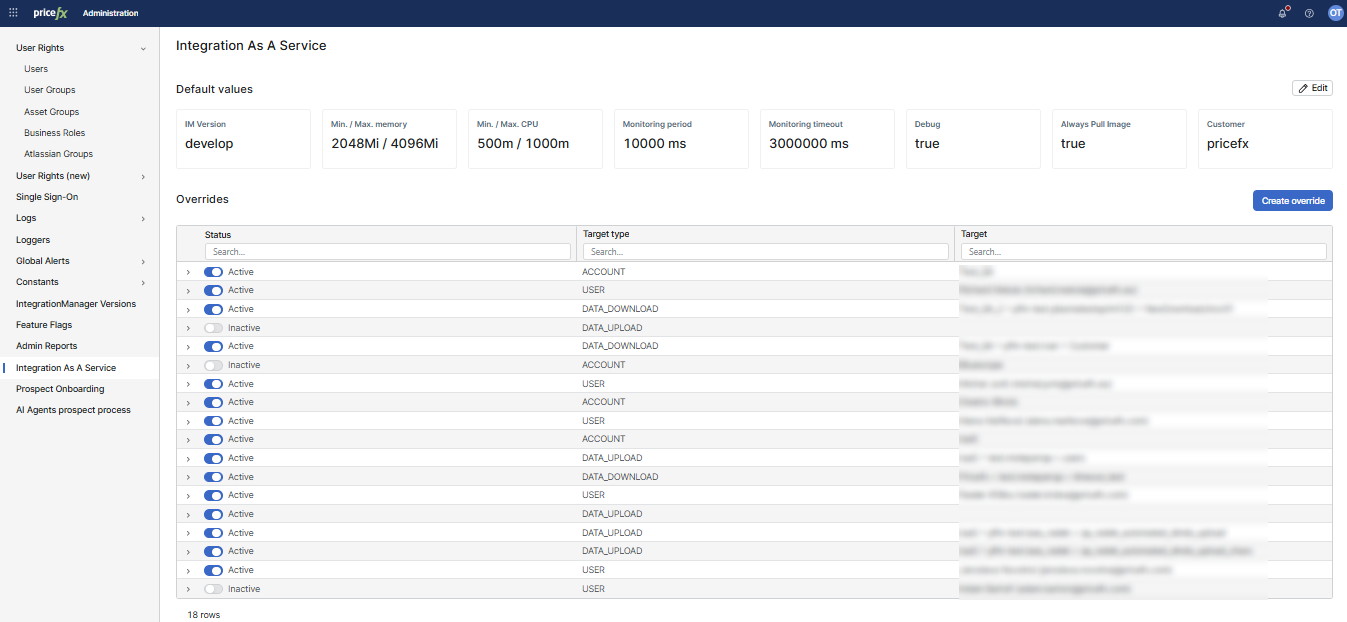
Integration As a Service (IaaS) allows administrators to configure integration parameters from the PlatformManager interface. Contains default values that can be overridden by specified overrides.
Prerequisites
The use-iaas feature flag enabled.
Default Values
Administrators can define default values that are used during the data upload or data download request. The default values can be overridden (see the Overrides section below).
-
IM Version: The IntegrationManager (IM) runtime version.
-
Memory Settings: Minimum and maximum memory allocation.
-
CPU Settings: Minimum and maximum CPU allocation.
-
Monitoring Settings:
-
Monitoring period: The interval at which monitoring occurs.
-
Monitoring timeout: Timeout period for monitoring.
-
-
Debugging: Toggle debug mode (e.g., true or false).
-
Heap Dump on OOM: When a run fails with an OutOfMemoryError, the worker writes a heap dump. Applies to data uploads, data downloads and file previews. Off by default. In an override, the option is called Heap Dump on OutOfMemoryError.
-
A heap dump contains customer data.
-
Pricefx keeps a heap dump for 7 days. The failure details of the run say where the dump appears.
-
The option has an effect only on clusters where Pricefx enabled heap dumps. On other clusters, it does nothing.
-
-
Asynchronous Dataload: Applies to data uploads only. When on, the run submits the data load asynchronously and waits until the Load Data File job on the partition finishes. Off by default, so the load is synchronous.
-
Asynchronous Dataload Timeout: How long a run waits for the Load Data File job to finish. Default 3,600,000 ms (1 hour), from 1,000 ms to 36,000,000 ms (10 hours). Applies only when Asynchronous Dataload is on.
-
Asynchronous Dataload Poll Interval: The pause between two checks of the job status. Default 5,000 ms (5 seconds), from 1,000 ms to 60,000 ms (1 minute). Applies only when Asynchronous Dataload is on.
-
Customer: The name of the customer. Serves as a tag.
Overrides
Overrides allow administrators to customize specific settings based on target types, such as workload type (data upload/download), account, or user:
-
Status: Indicates if the override is active or inactive.
-
Target Type: Specifies the category to which the override applies (ACCOUNT, USER, DATA_DOWNLOAD, DATA_UPLOAD).
-
Target: Defines the specific account, user, data upload, or data download.
The processing order of values is:
-
Default values
-
Account override
-
Data upload/download override
-
User override
Overrides can be edited or deleted via the three-dot menu.