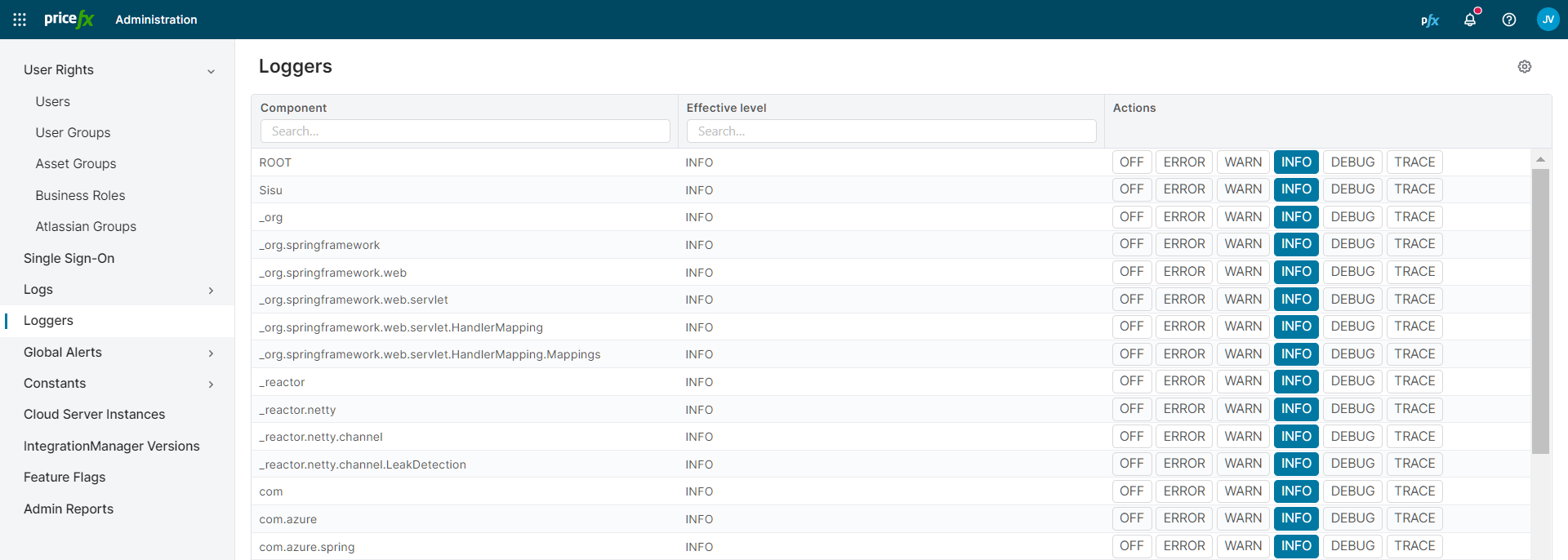
This section shows the loggers settings and allows you to change the log level for each class.
This section is visible only with the global permission Loggers - edit or Permissions power user.
Each row shows a Component and its Effective level. To change the level of a component, click OFF, ERROR, WARN, INFO or DEBUG in its row.
When you open Administration with Loggers - edit as your only Administration permission, PlatformManager opens the Loggers section.