
Experimental Feature
Available since Pricefx Studio 15.3.3
What does Studio handle:
-
Checks that the Cline plugin is installed
-
Monitor changes in
~/.cline/data/settings/cline_mcp_settings.json -
Allow to add or remove MCP servers from the above file
-
After adding an MCP for a partition (private MCP), checks the existence and correct setup
-
Allows to enable/disable individual MCPs
What Studio does not do:
-
mcp-remote installation
-
npx installation
-
check that the partition version supports MCP server
Tutorial:
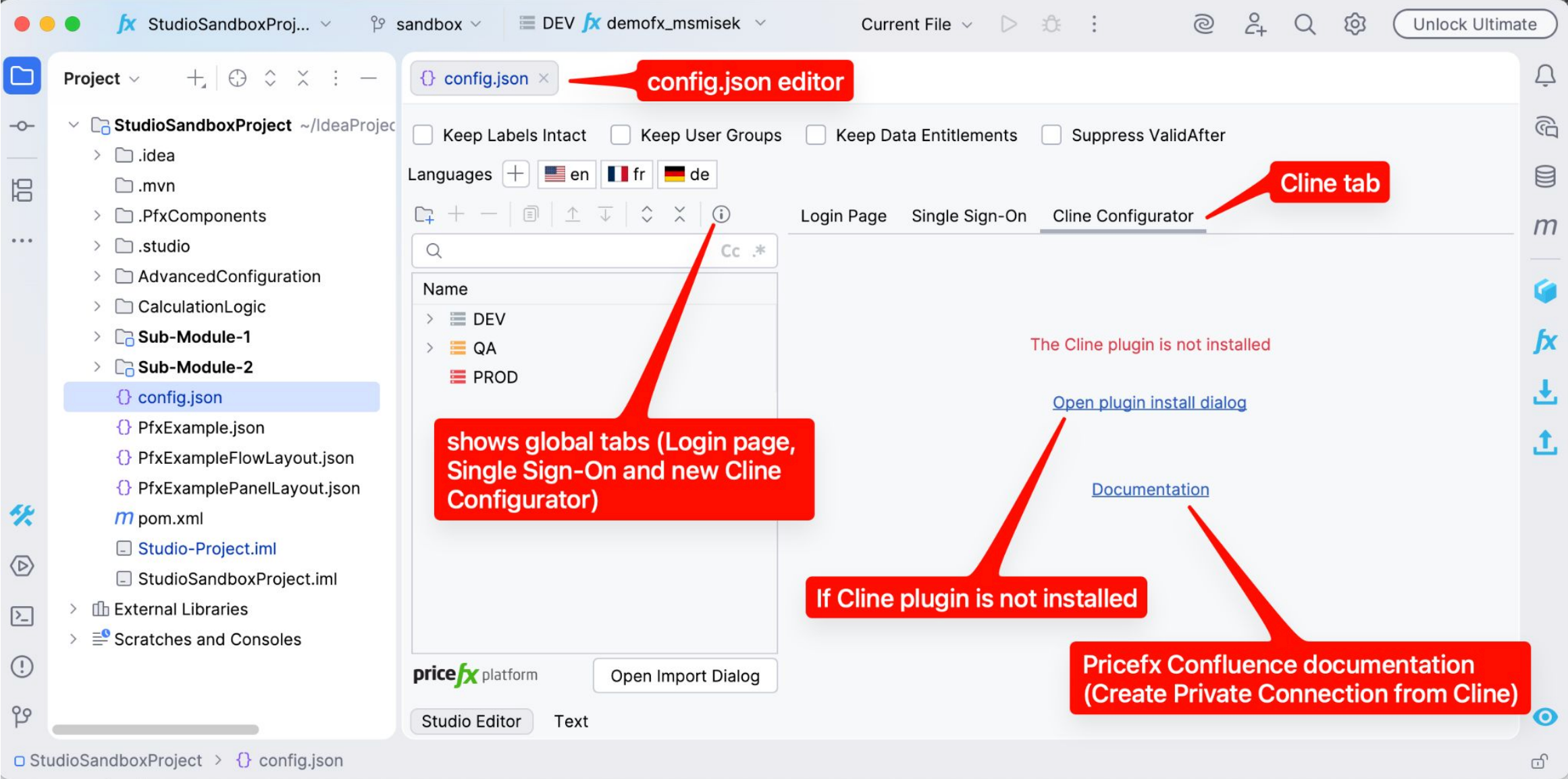
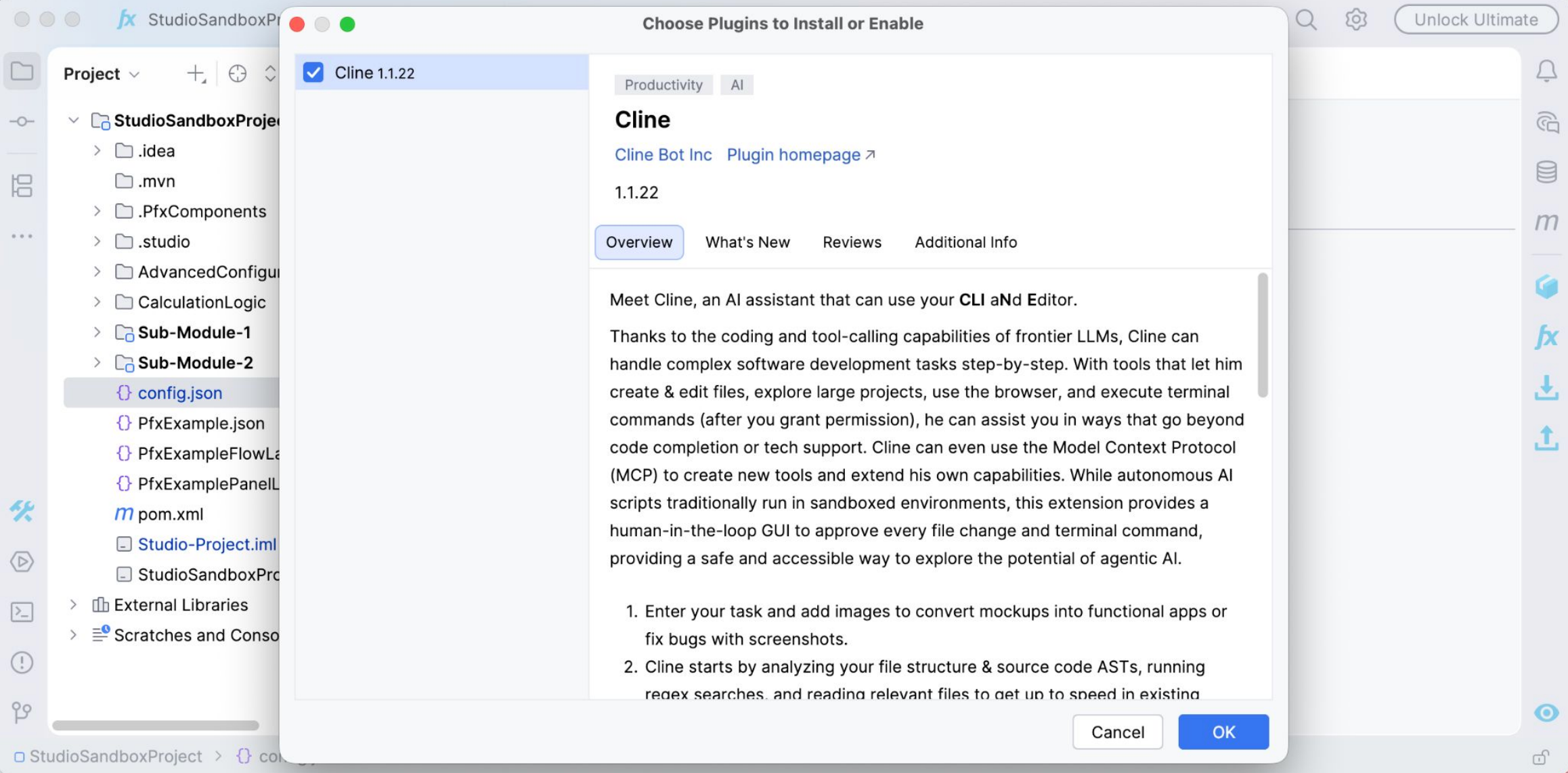
After the Cline plugin is installed in the IDE, which does not require an IDE
restart, Cline should create the file ~/.cline/data/settings/cline_mcp_settings.json,
which Studio also monitors. Once it's created, the Cline configurator tab updates.
If the file already existed from before, you just need to switch to a different tab in
the config.json editor and back.
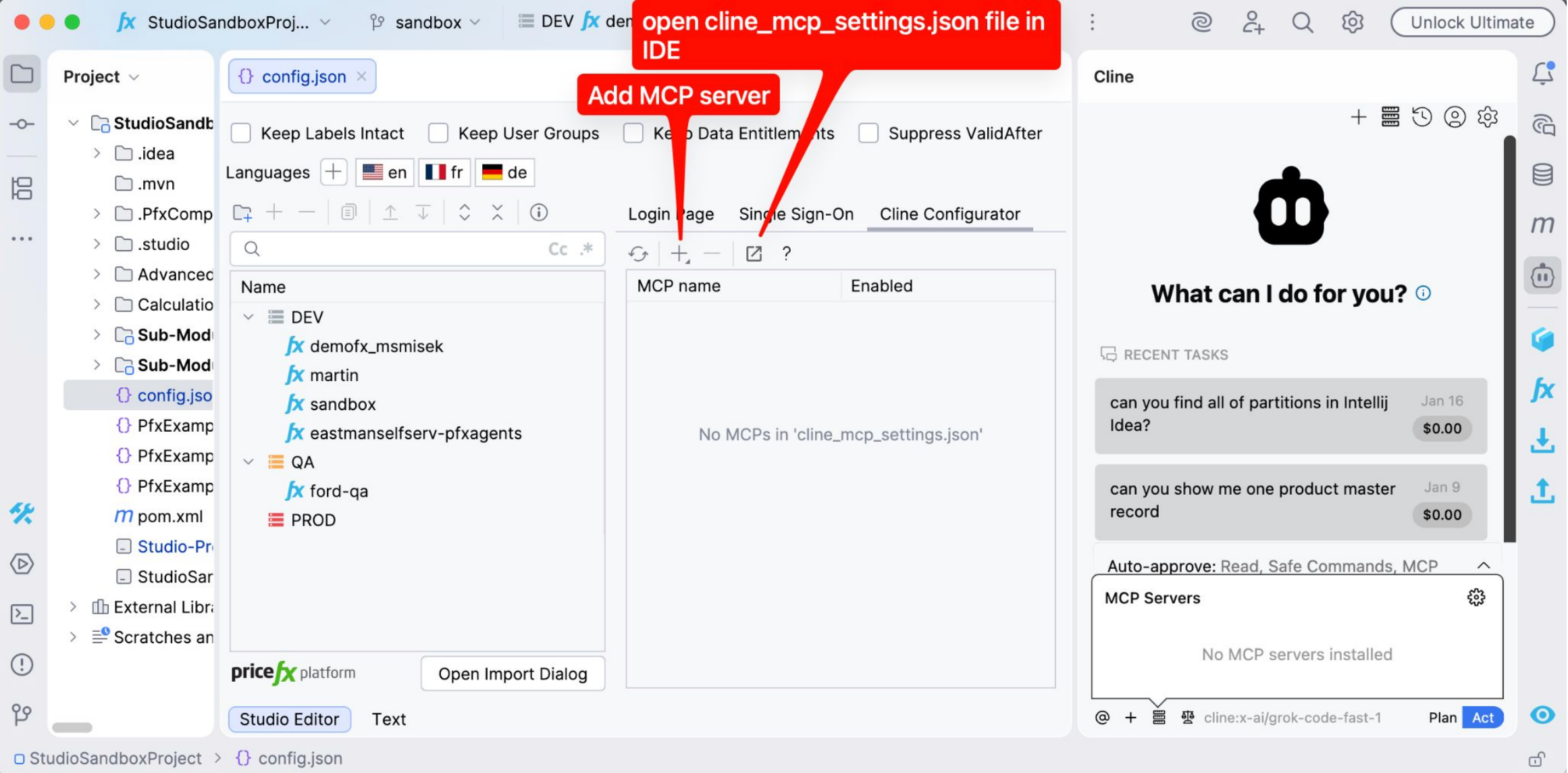
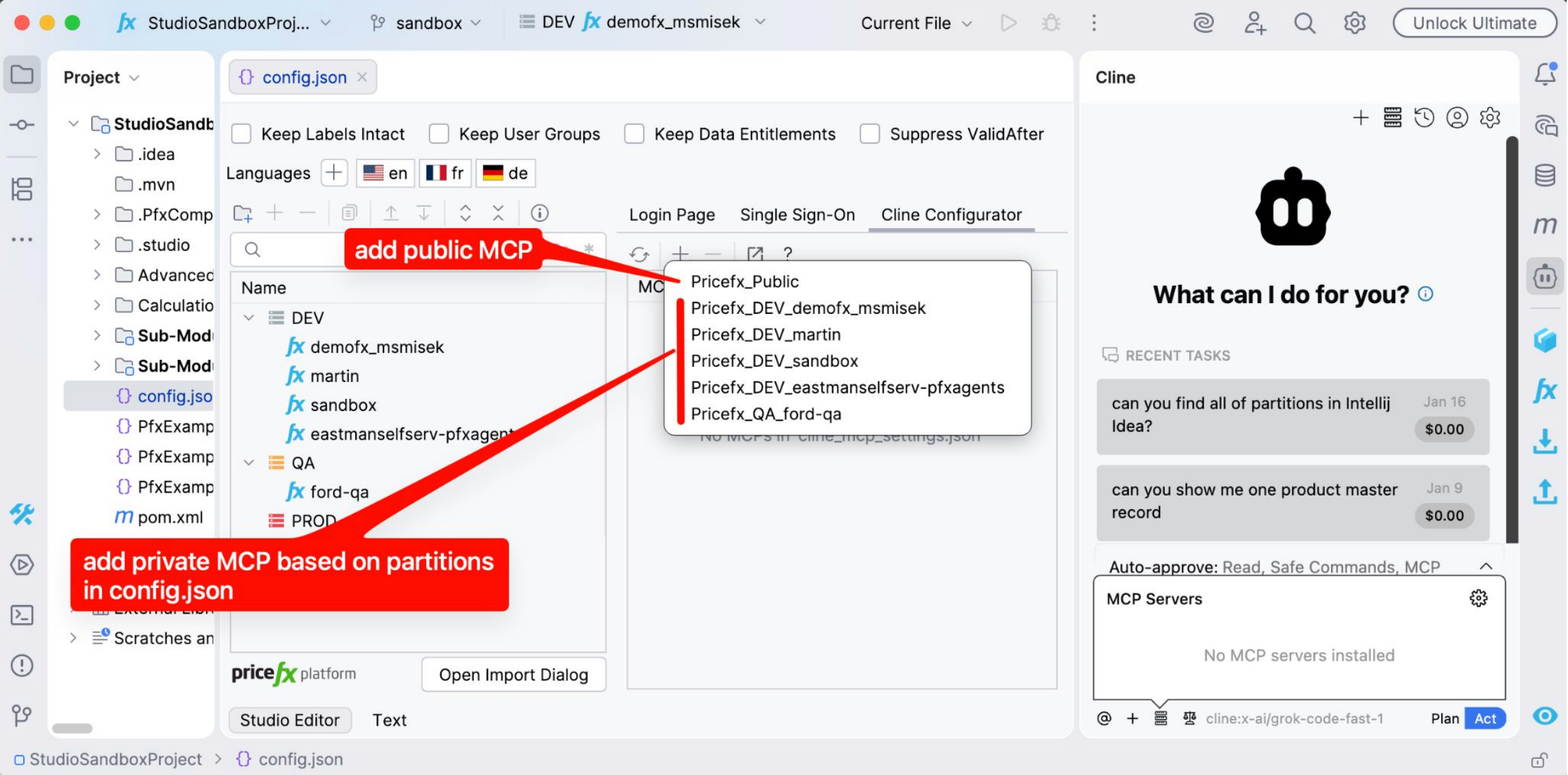
If an MCP server based on a partition is added, the Advanced configuration is automatically
checked after adding, and if needed, an automatic update is proposed for proper setup.
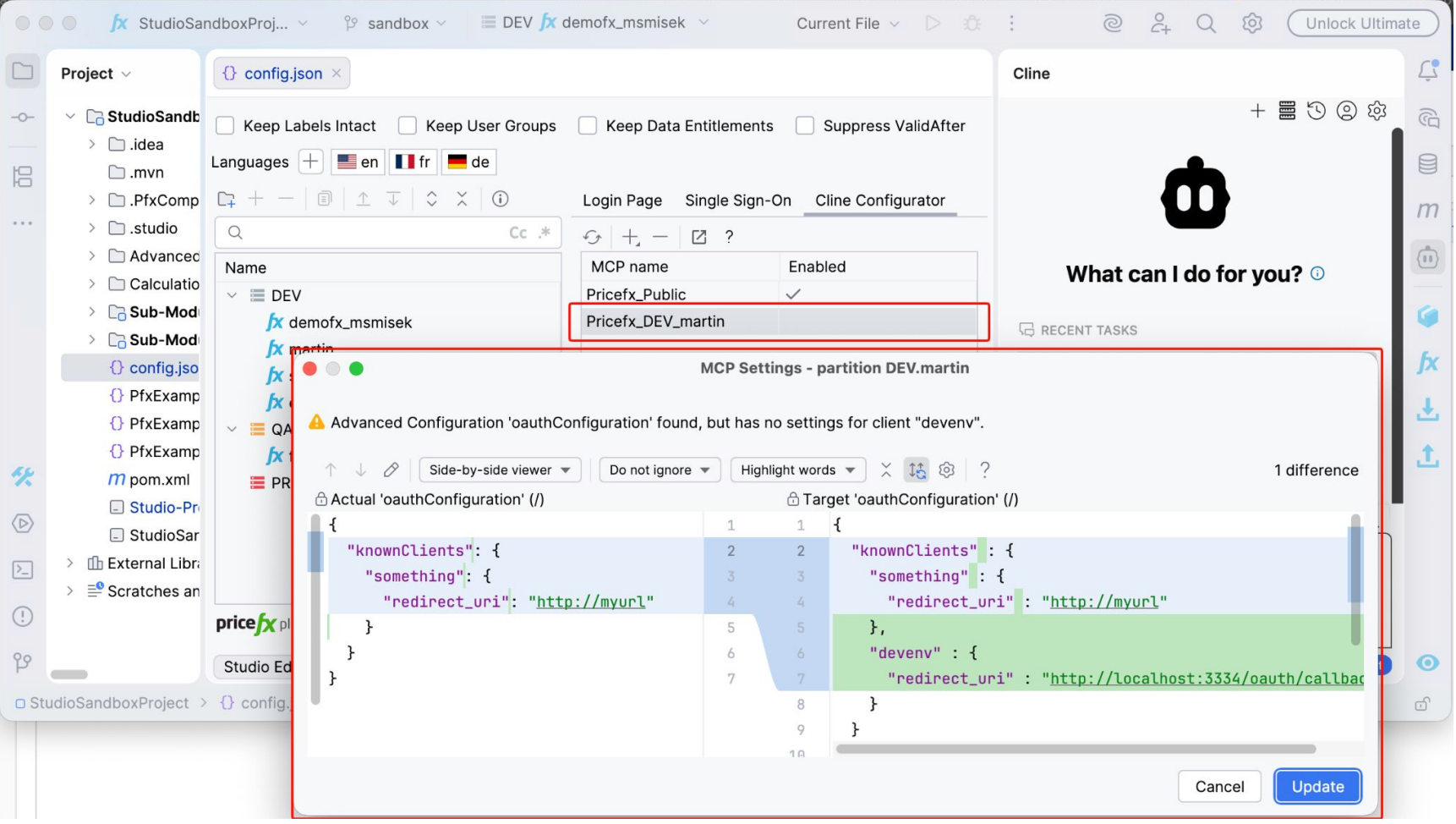
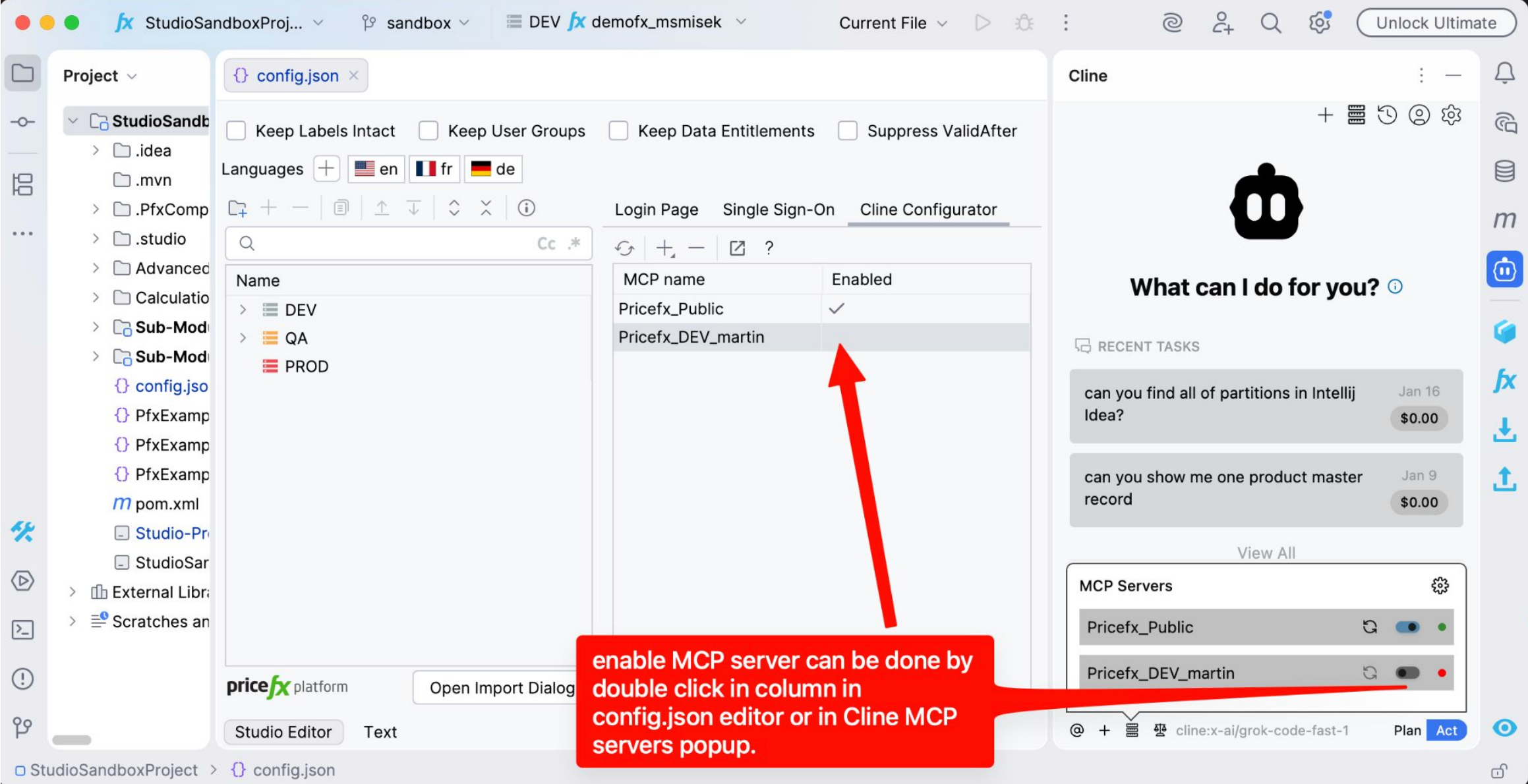
A private MCP server is automatically added as enabled=false. This is because
Cline monitors the cline_mcp_settings.json file and reacts immediately after
adding, attempting to connect with the MCP server. Sometimes quite
aggressively, which can lead to automatic browser opening (outside the IDE)
and user confusion if they were adding multiple private MCP servers. Therefore,
Studio adds them as enabled=false (attribute disabled=true in json file) by
default.
See also: Pricefx MCP Server, Create Private Connection from Cline