
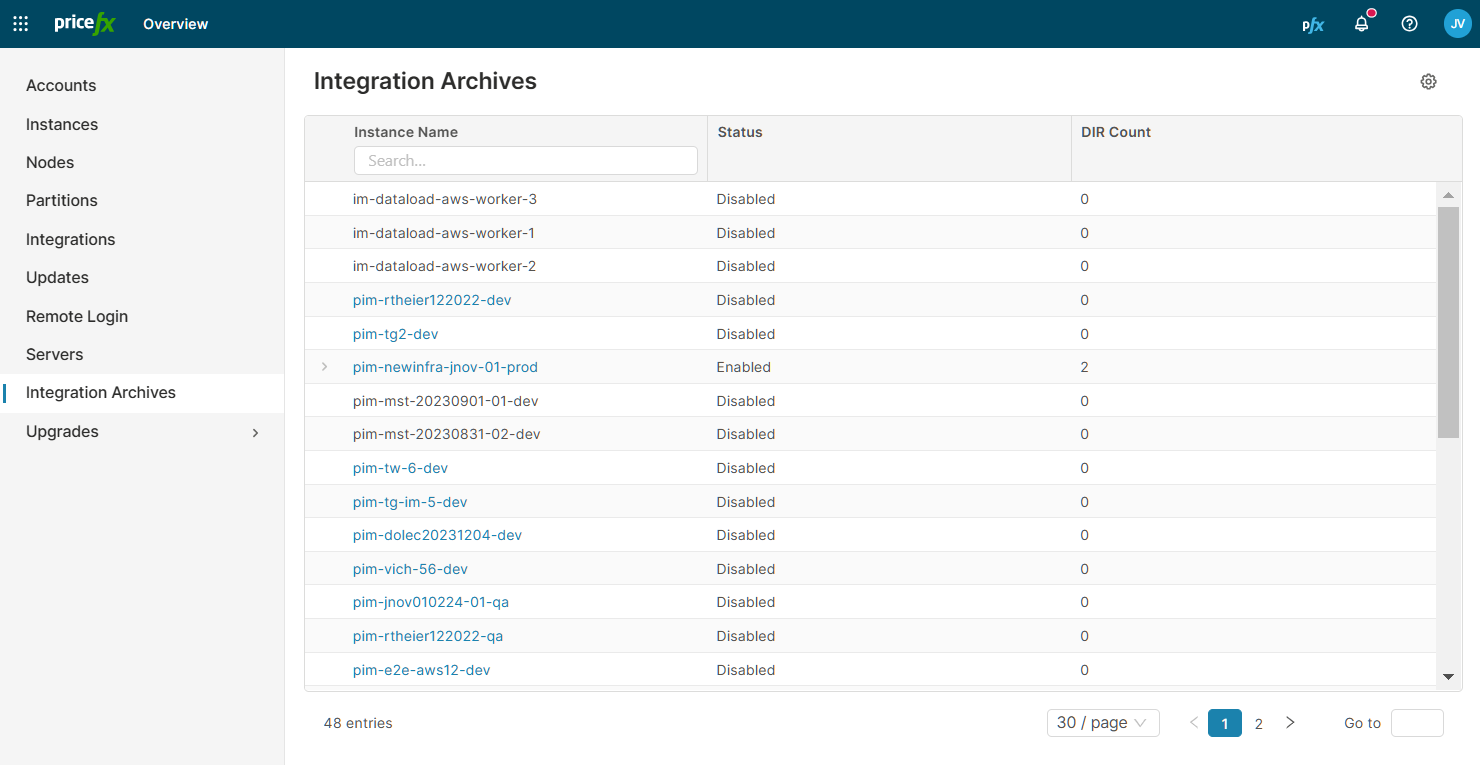
Shows the file retention configuration of every IntegrationManager instance. You can change the configuration of an instance here.
This section is visible only with the global permission Integration Archives - edit.
The list has the columns Instance Name, Status and DIR Count. DIR Count is the number of directories with a file retention rule. Expand a row to see the directories.
Change the File Retention of an Instance
-
In the row menu of the instance, click Configure.
-
In the File Retention drawer, switch File Retention on or off.
-
Enter Keep Archives (in days).
-
For each directory, select the Action, enter the Directory and set the Max File Age.
-
To add a directory, click + Add Directory.
-
Click Save.
When you switch File Retention on, PlatformManager enters 30 days in an empty Keep Archives (in days) field. If no directory exists, it adds the root directory /. A new directory row starts with the action Archive and a Max File Age of 14 days.
With File Retention on, at least one directory is required.
For what each field does, see Settings > File Retention.
Expected Result
The File Retention tab in the instance Settings shows the new rules.