
This section describes how to enable SSO in SAP C4C.
Prerequisites:
-
Pricefx partitions must be connected to the same Identity Provider as SAP C4C instances.
-
Users who want to use Pricefx C4C mashups must exist in SAP C4C, Identity Provider and Pricefx.
-
Customer needs to provide the Identity Provider information (certificate, Idp URL) for each environment to Pricefx and Pricefx will connect each partition to the right Identity Provider.
|
Steps: |
|
|---|---|
|
1.Log in to SAP C4C with required admin rights. |
|
|
2. Switch to HTML5. |

|
|
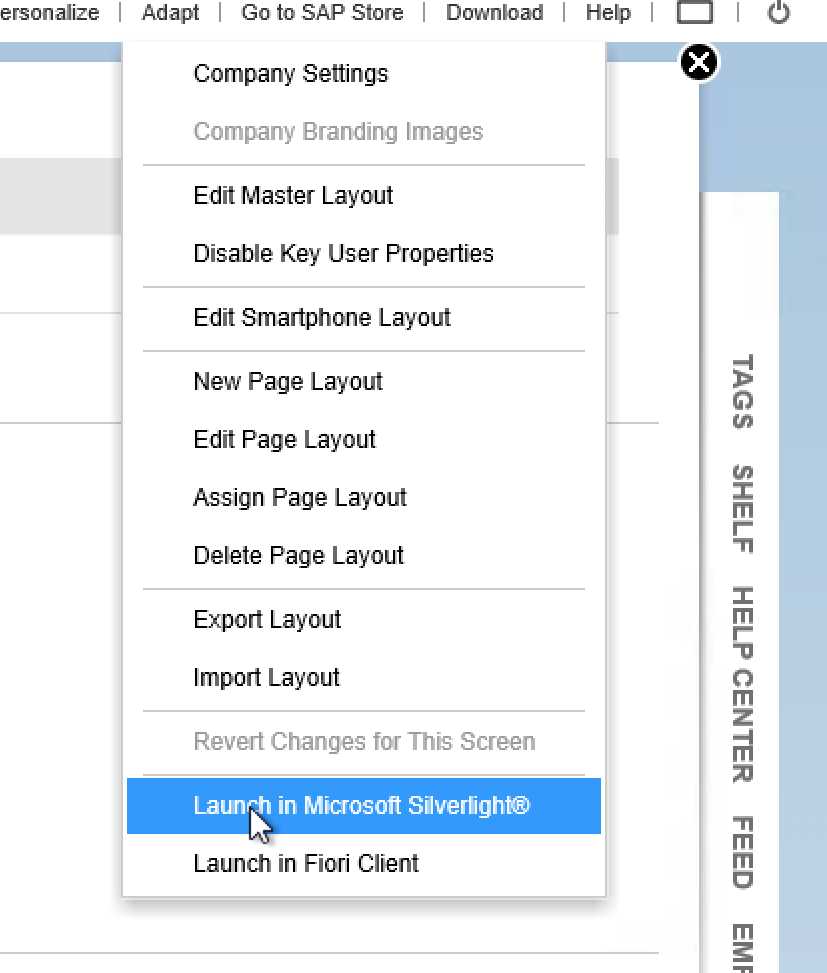
3. Switch to the Microsoft Silverlight version. |
|
|
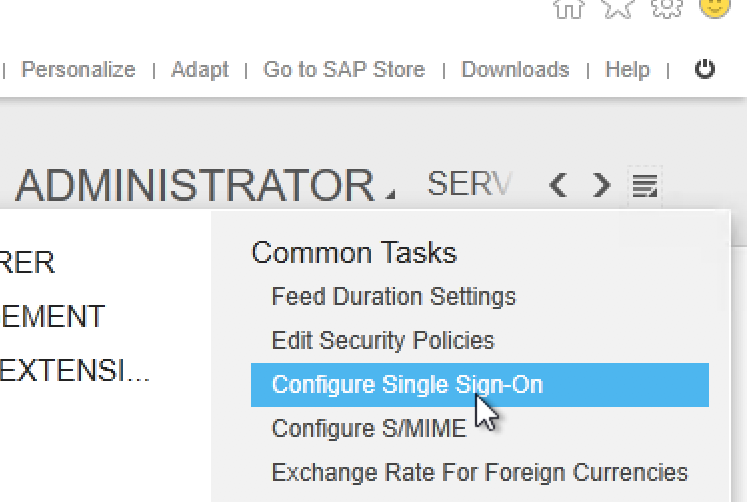
4. Go to Administrator > Configure Single Sign On. |
|
|
5. Follow SAP Documentation or the steps bellow. |
https://www.sap.com/docs/download/2016/11/bc9a8a4d-957c-0010-82c7-eda71af511fa.pdf |
|
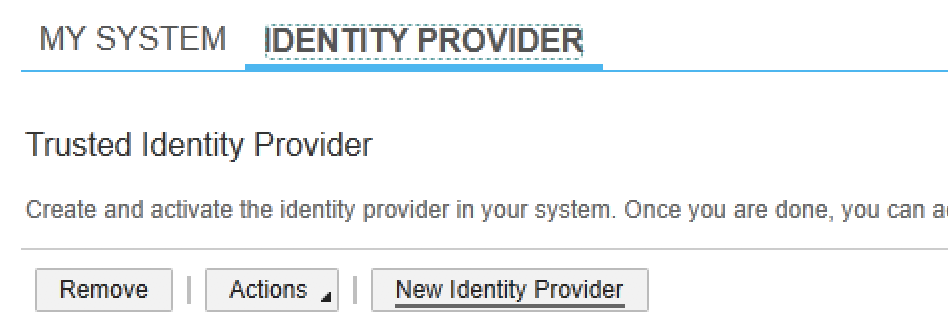
6. Click New Identity Provider and upload the Identity Provider file which you received from the Identity Provider (Okta, MS AD). |
|
|
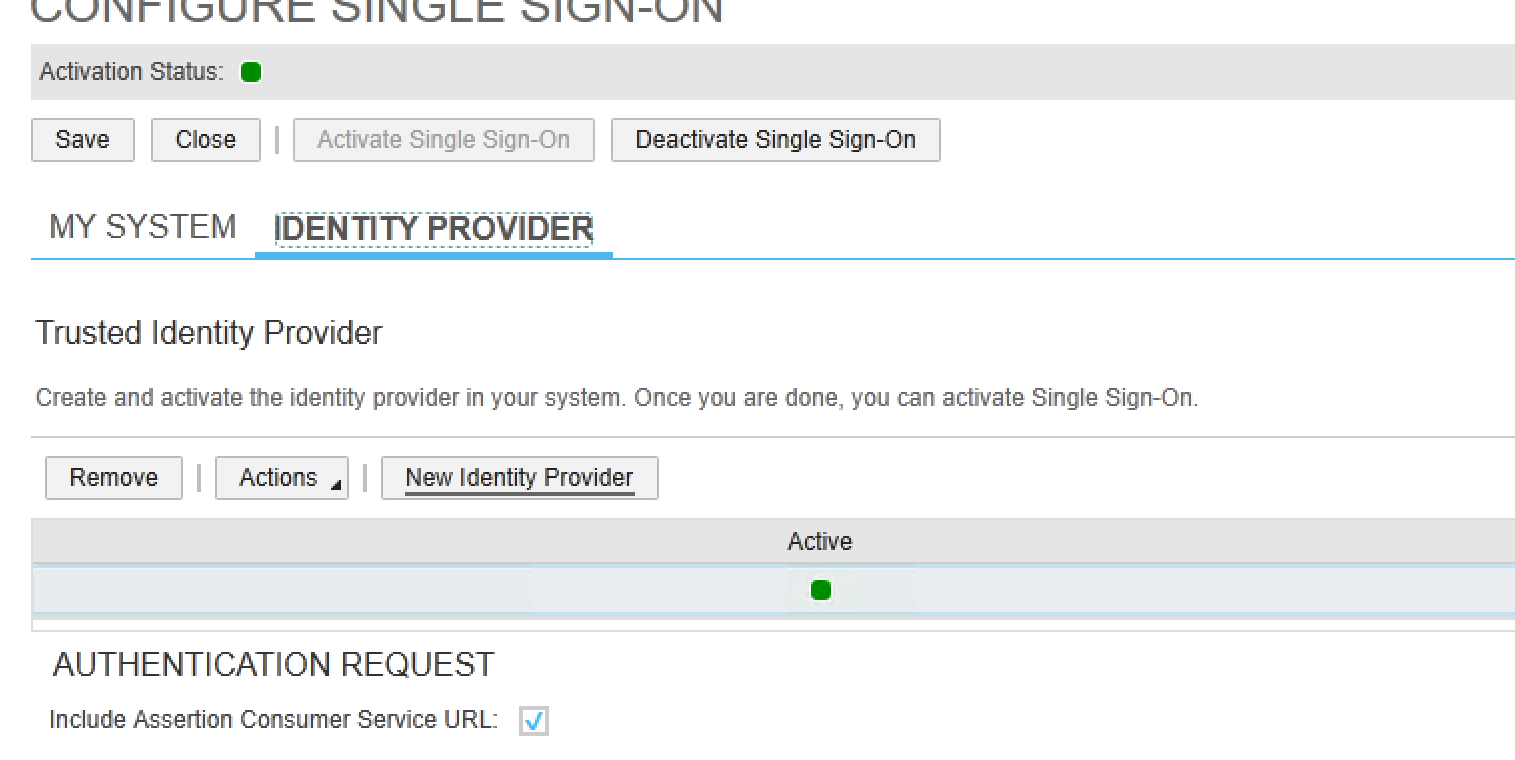
7. Click Activate Single Sign On. |
|