Steps:
-
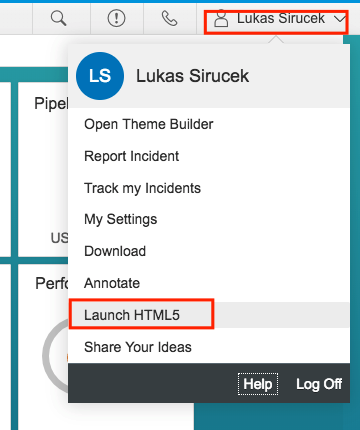
Log in and select Launch HTML5.
-
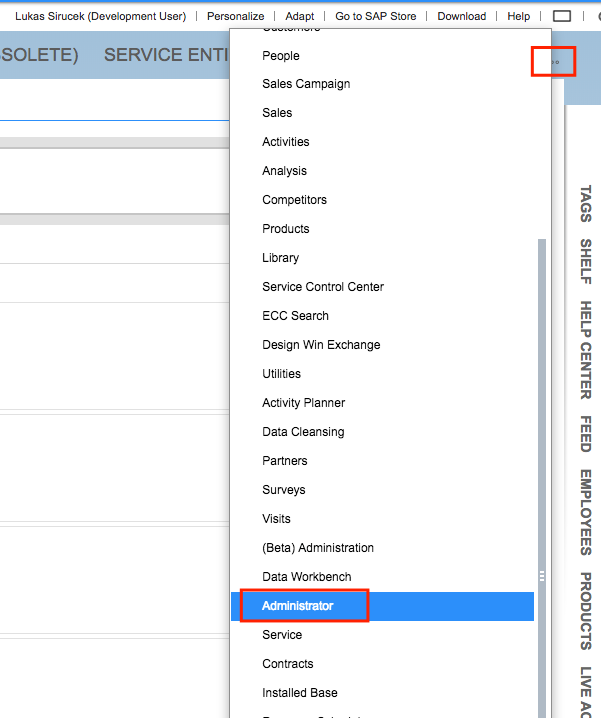
Open Administrator.
-
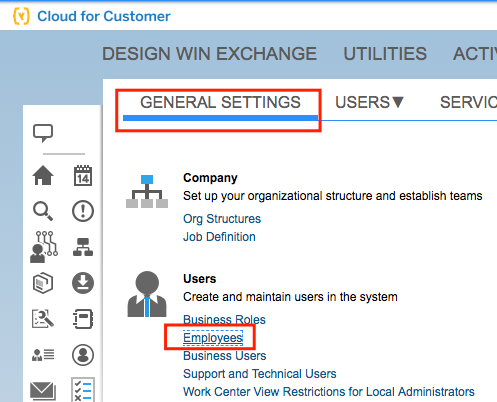
Go to General Settings > Employees.
-
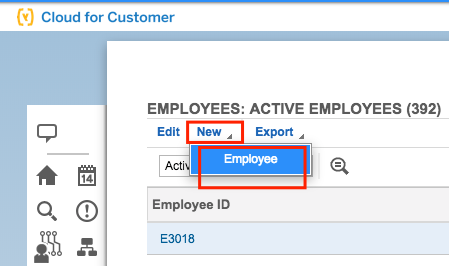
Click New Employee.
-
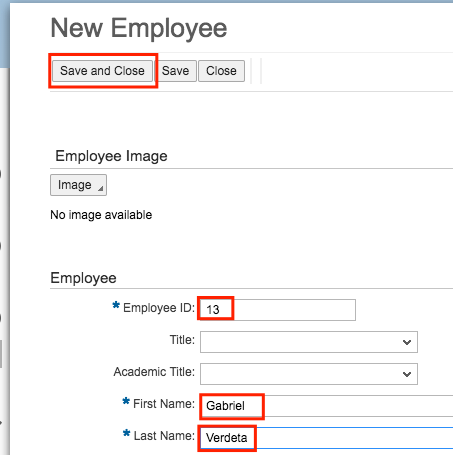
Fill in the employee details and save it.
-
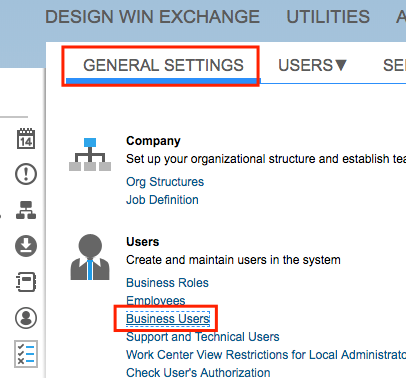
Go to General Settings > Business Users.
-
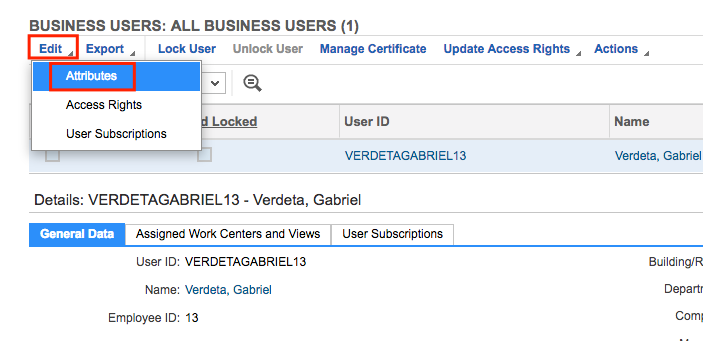
Select you new user and click Edit Attributes.
-
Make sure User ID matches the SSO username.
Click Save.
Click Edit Access Rights.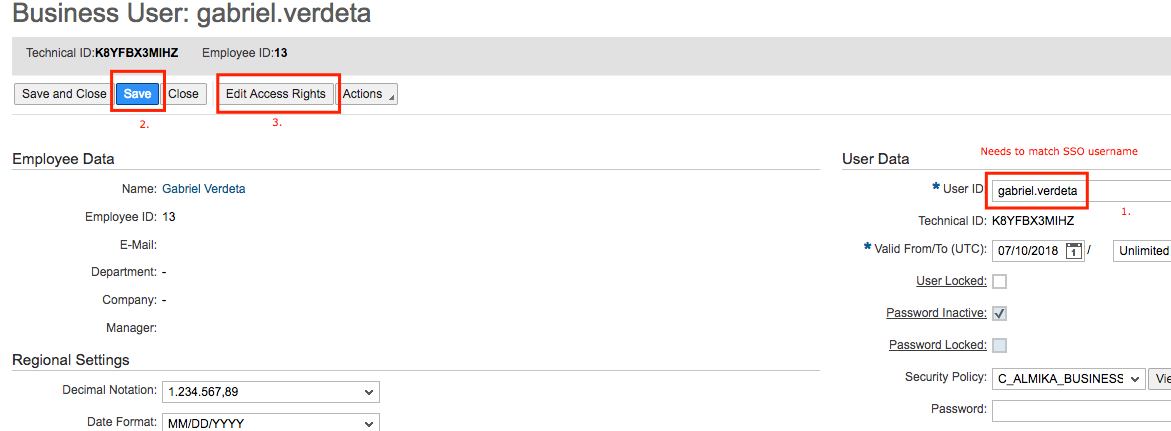
-
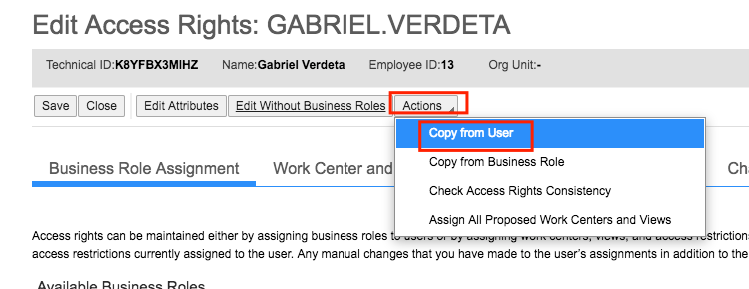
Select the Copy from User action.