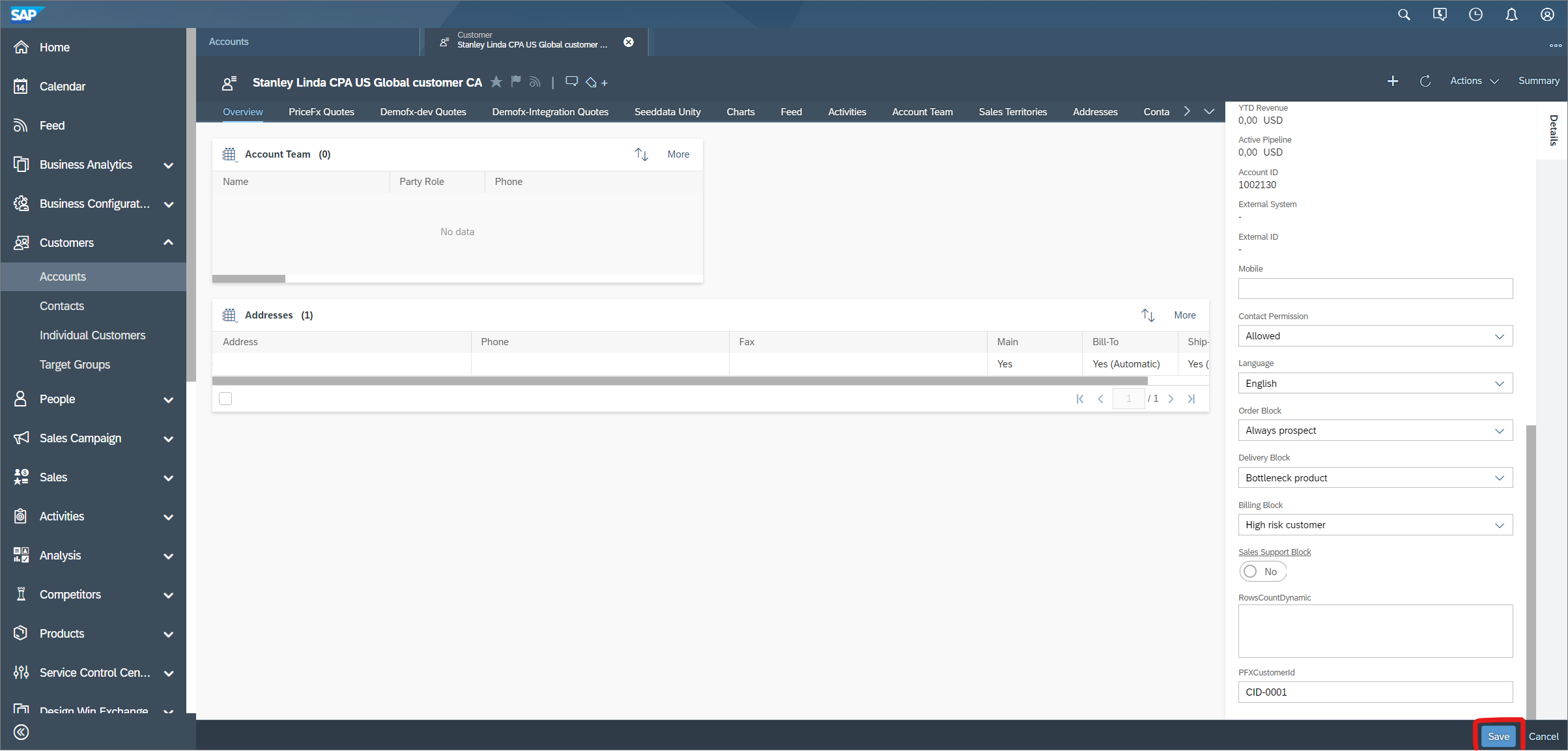
In order to create quotes and opportunities from a particular Account, there has to be Customer ID from the Pricefx partition stored in the detail of the Account in C4C.
In this example, we need to store Stanley Linda account “CID-0001” ID in the demofx-integration partition. This is a manual step for demonstration purposes, in real projects it would be integrated and synced automatically.
Steps:
-
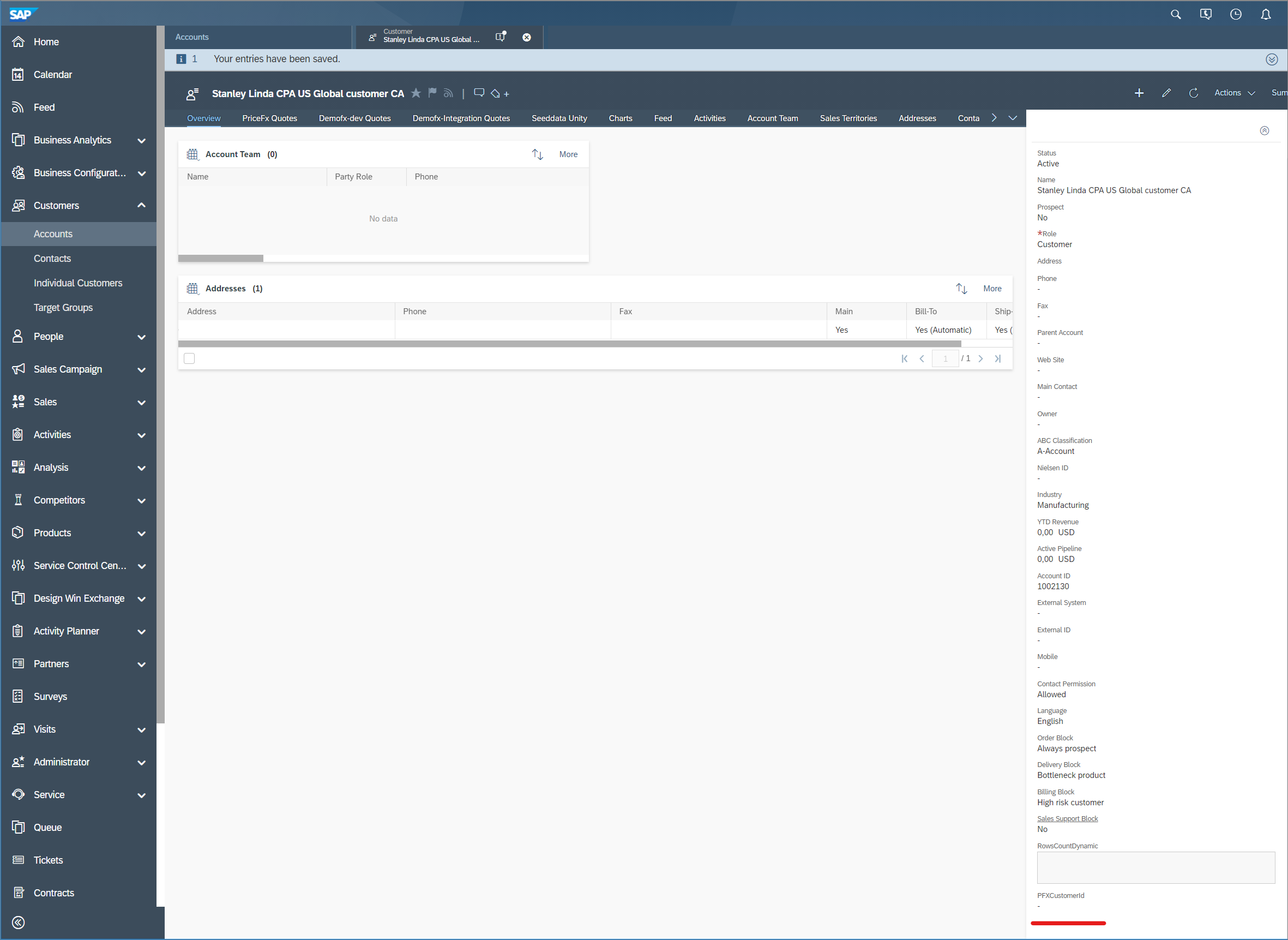
Navigate to the Account you want to pair with Pricefx ID.
-
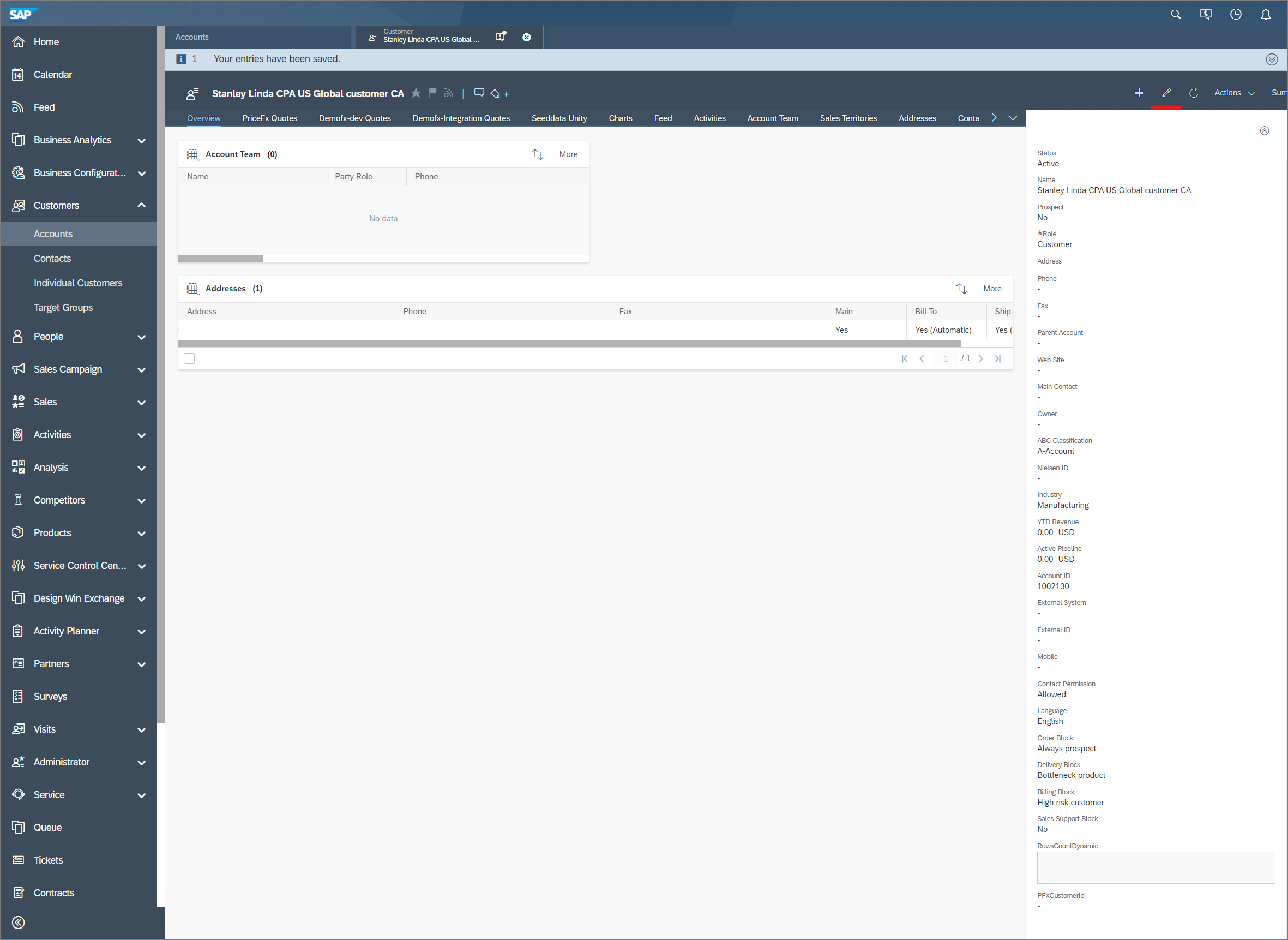
Click the edit icon in the top right corner.
-
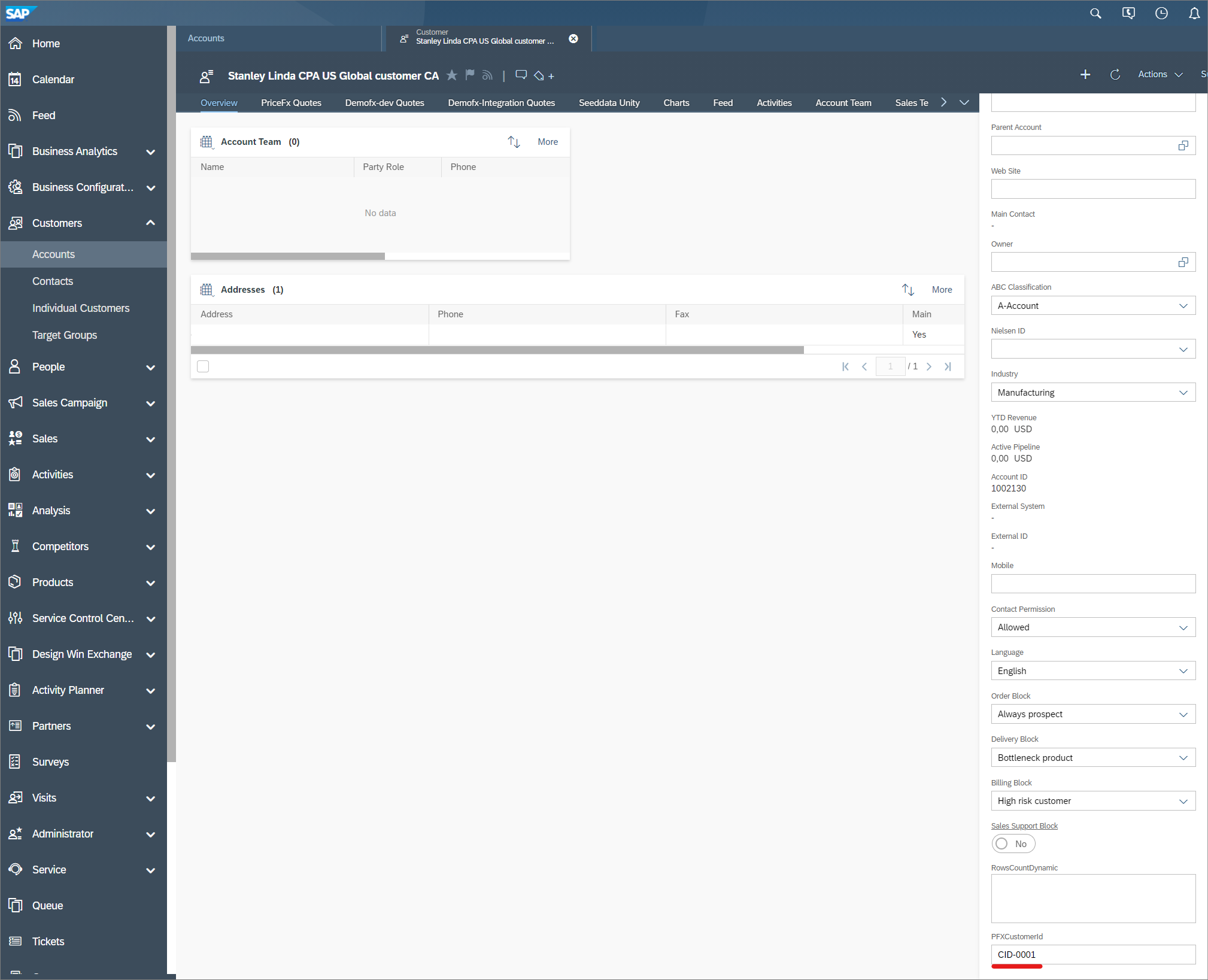
Enter Customer Id from the demofx-integration partition.
-
Save changes.