
|
|
|
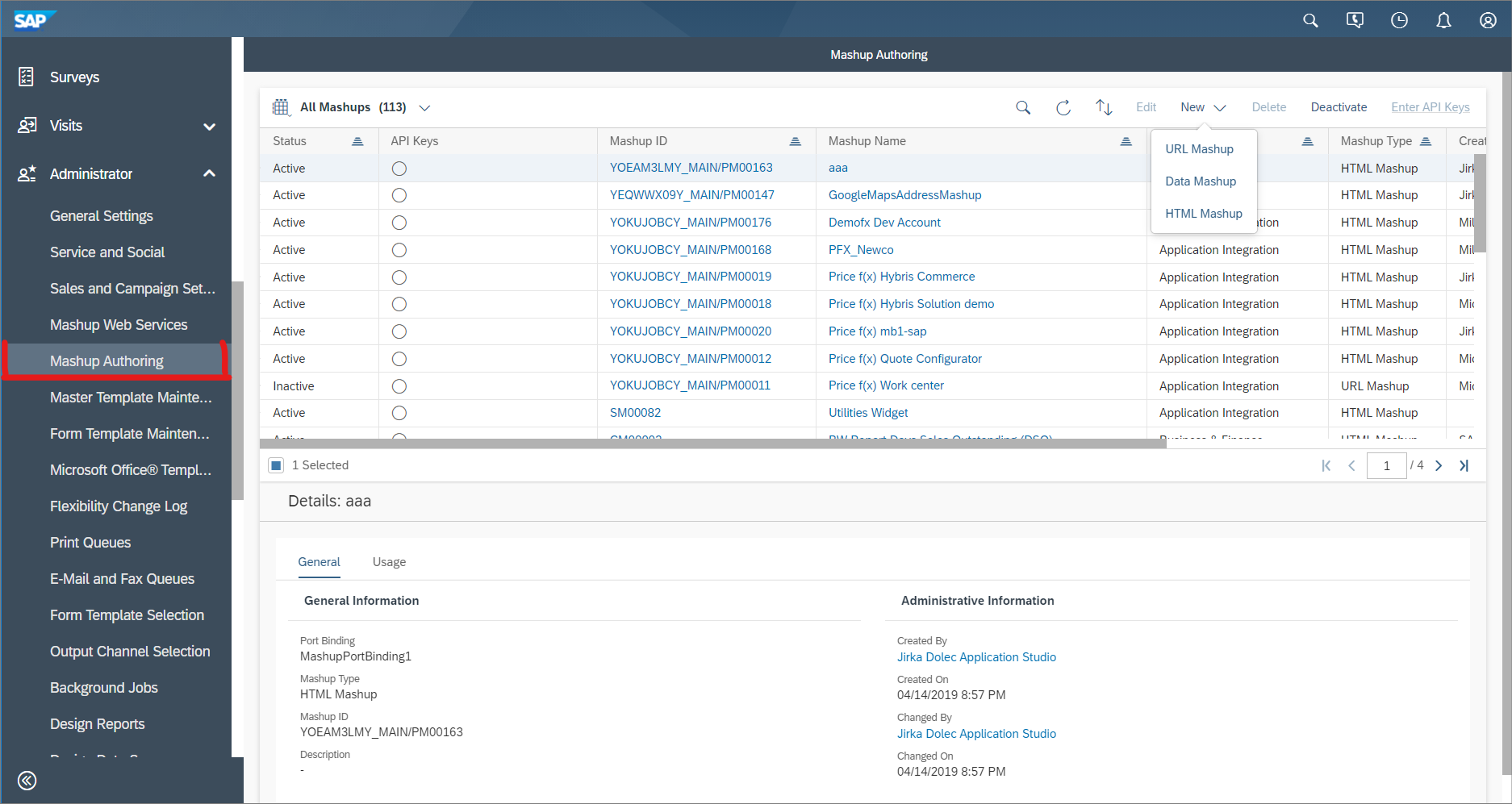
2. Go to Mashup Authoring. |
|
|
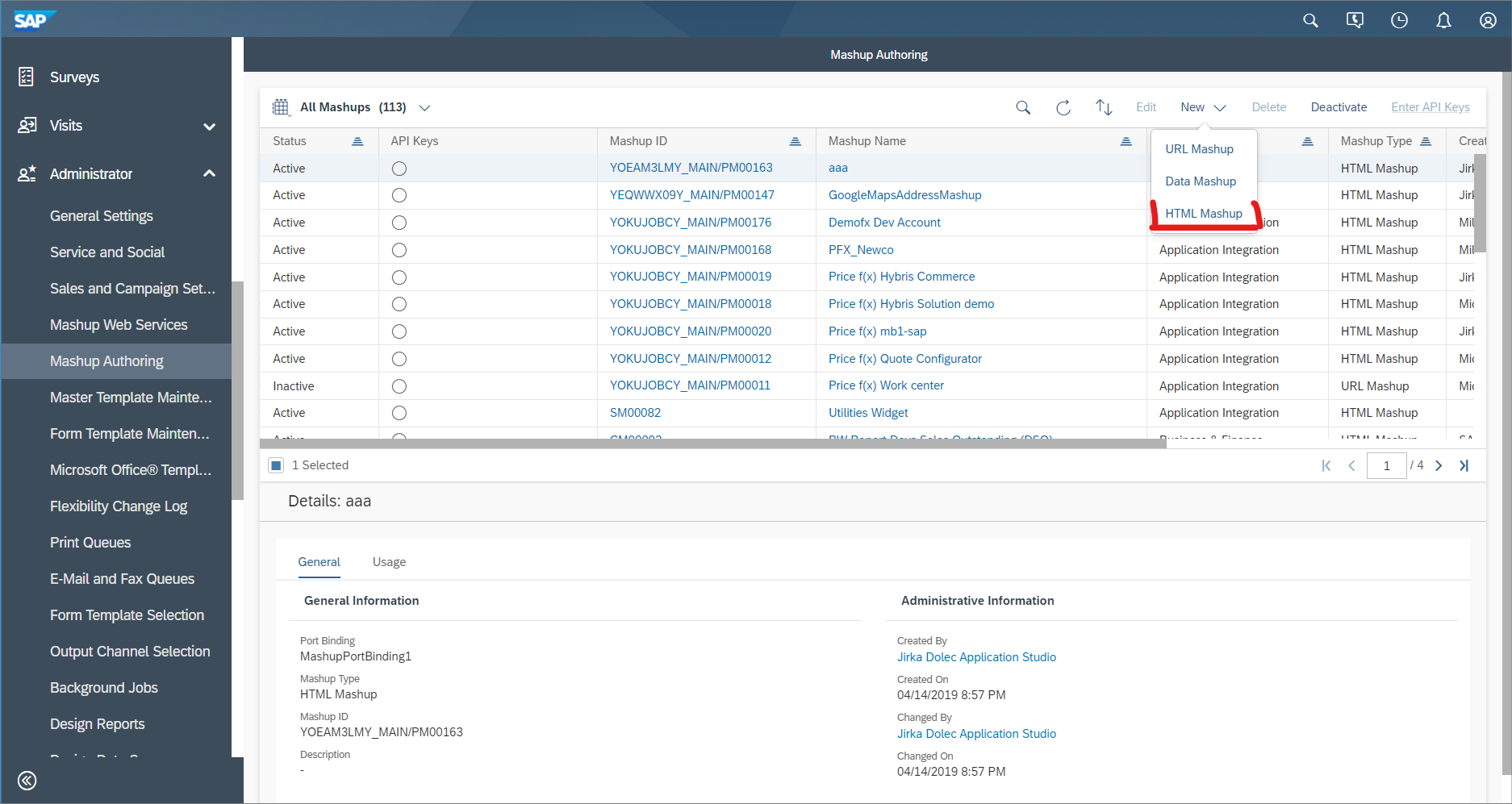
3. Create HTML Mashup. Depending on your user rights, you might need to use SAP Cloud Applications Studio.
This error: 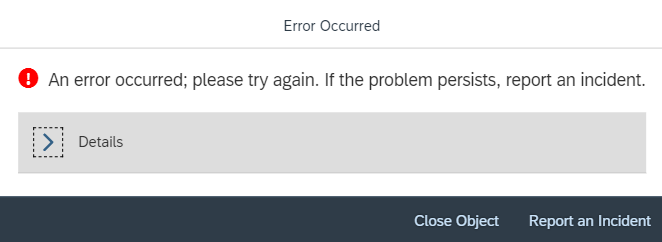
might indicate missing permissions; Studio or a different account might be needed. |
|
|
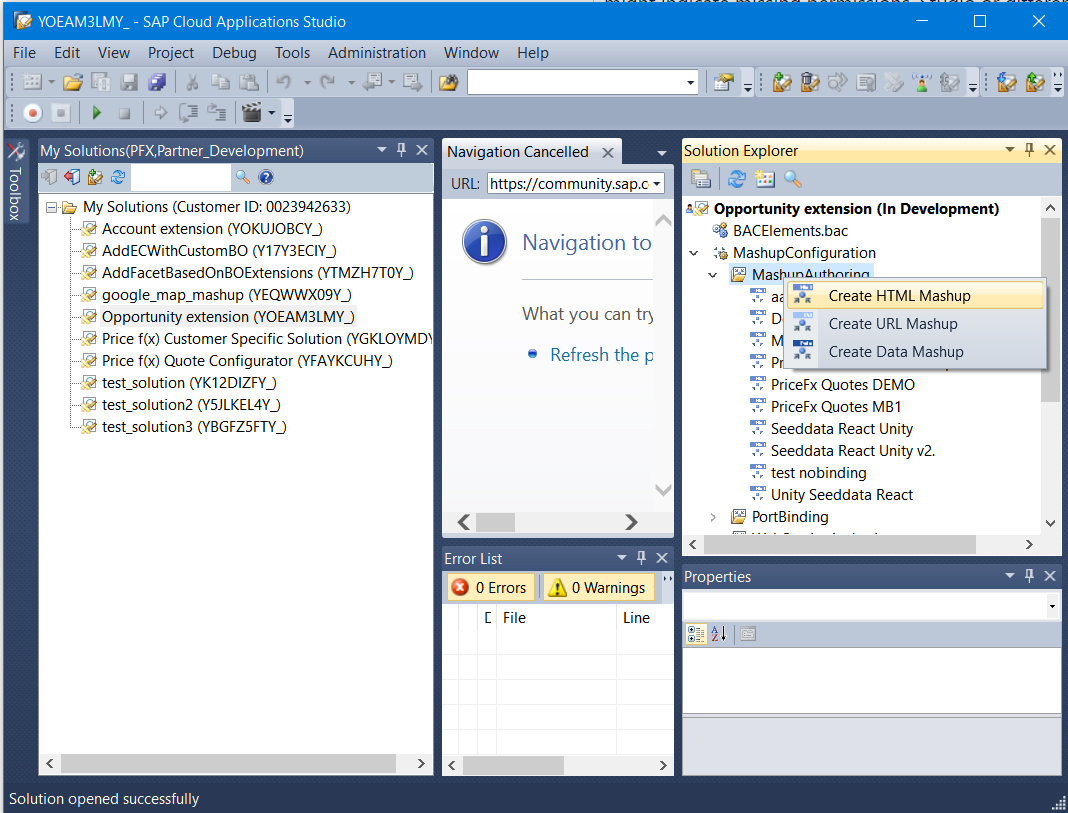
If that is the case, use SAP Cloud Application Studio > right click as shown in the screenshot > create HTML Mashup. |
|