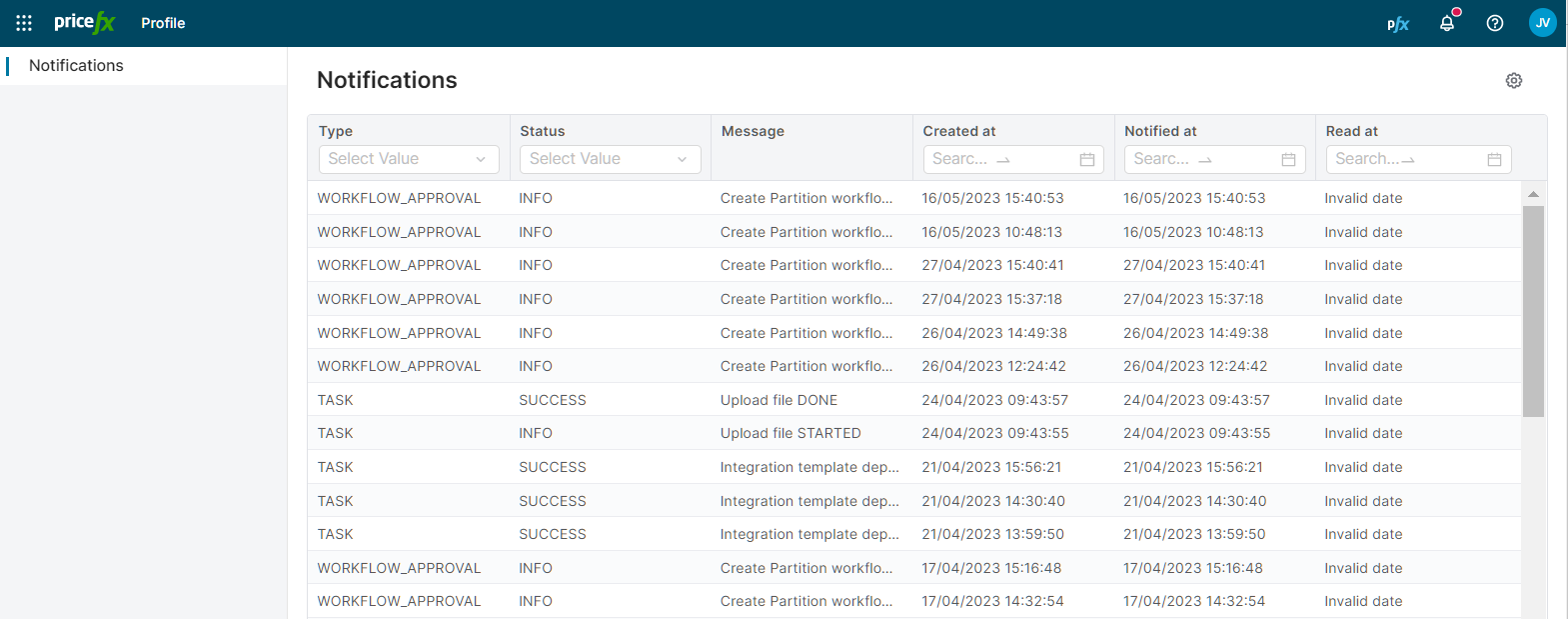
Notifications inform you about tasks you have triggered or are pending your approval. These notifications are represented by the bell icon in the top right corner. If there is a red dot next to the icon, you have new messages to read.
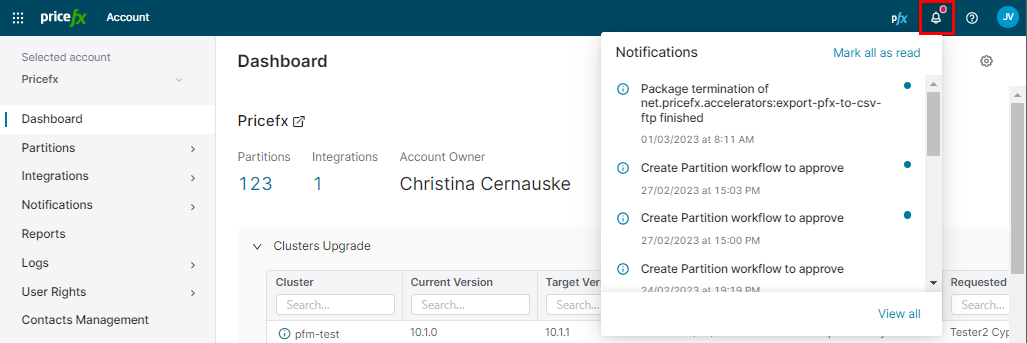
Available actions:
-
Click a particular notification and view the details of a task.
In case of failed deployments, clicking the notification will take you to Deployments Logs (for Packages) or to the Failed Tasks list (for Integration Templates). -
Mark all notifications as read.
-
Click View all to open a list of all notifications. Using filters in the table header you can search for a specific notification.