
You can modify the configuration of a Live Price Grid, which is created from the Price Setting Type, even after it has been created.
-
Go to Price Settings > Live Price Grids.
-
Select the

-
Click the Edit button located in the context menu at the bottom of the screen.

-
You will be presented with the same wizard that was used when creating the Price Setting Type for LPG, along with the appropriate configuration relevant to the Price Setting Type used during the LPG creation process.
Alternatively you can:
-
Go to Price Settings > Live Price Grids.
-
Click the label of the specific LPG you whish to edit.
-
On the LPG summary screen, click the Edit button.
-
You will be presented with the same wizard that was used when creating the Price Setting Type for LPG, along with the appropriate configuration relevant to the Price Setting Type used during the LPG creation process.
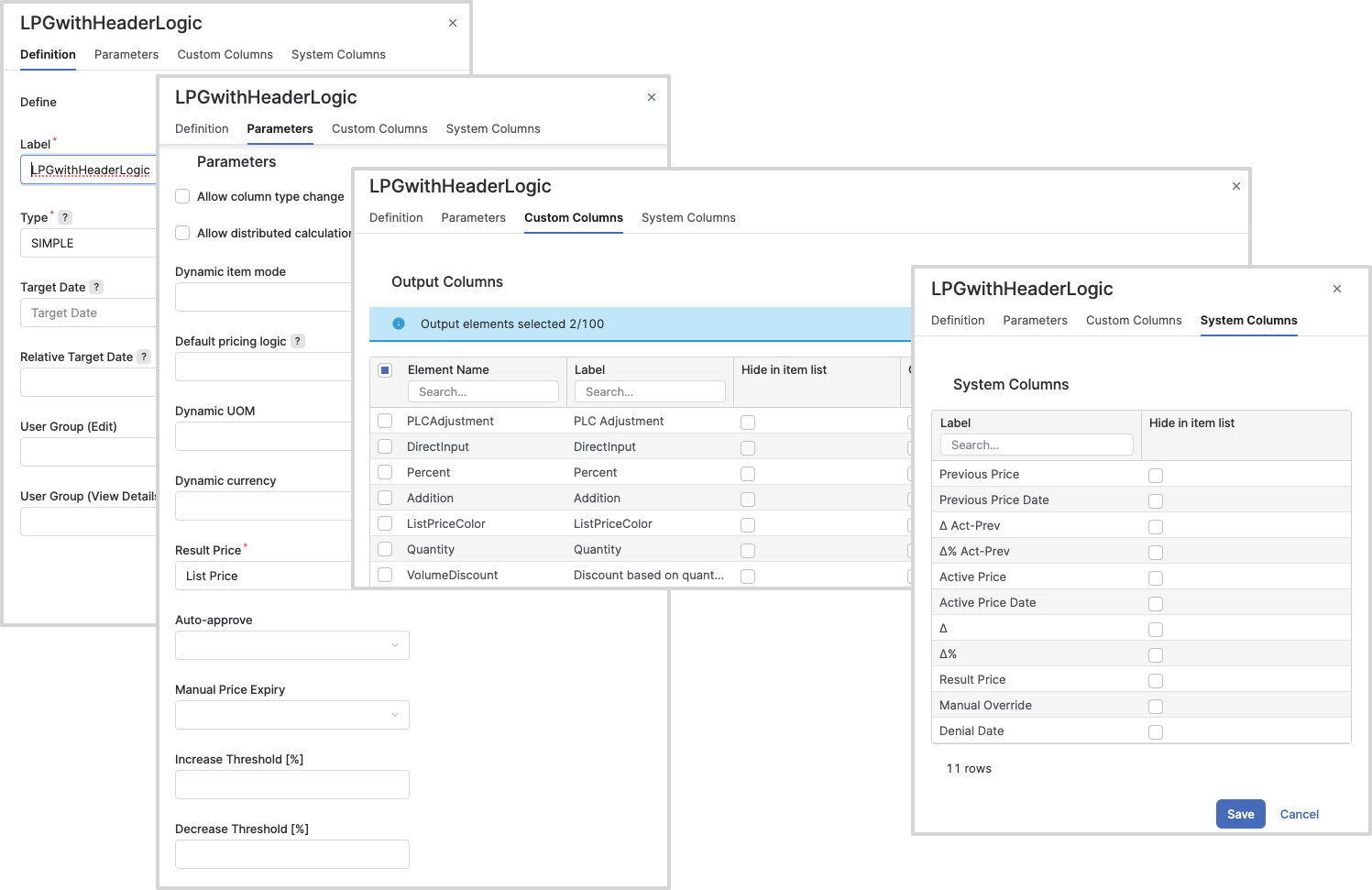
For more information see: