
You can decide which of the available columns (fields) you want to have in the table.
-
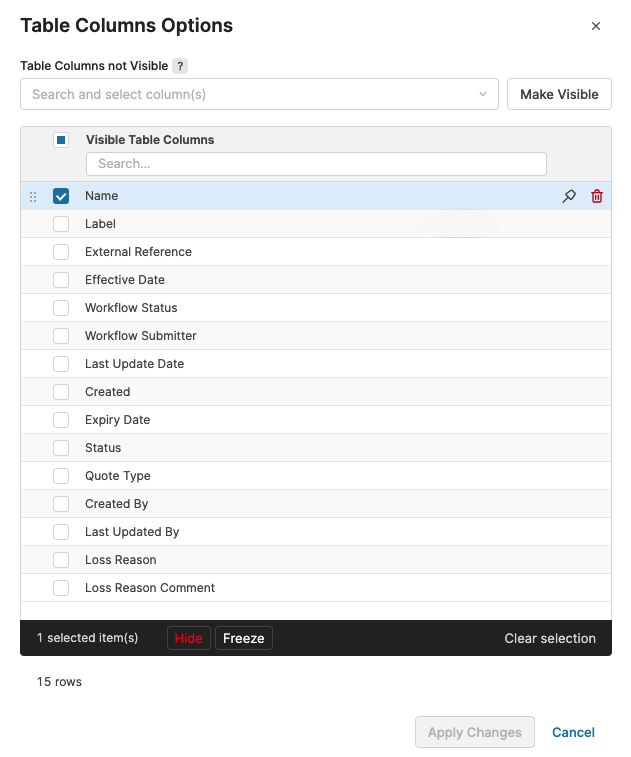
Click the Show Table Settings icon and select Table Column Options.
-
In the dialog you can:
-
Remove columns by selecting them and clicking the Hide icon or button.
-
Add columns by selecting them from the Table Columns not Visible drop-down list and clicking the Make Visible button.
-
Change the order of columns by dragging and dropping.
-
Freeze or unfreeze columns.
-
-
Click Apply Changes to save your edits.
The order of columns can also be changed directly in the table by dragging & dropping. Freezing and unfreezing can be done also in the column menu.