
|
Aim of this article |
Explains how to create a connect to an IntegrationManager instance ("manual IM") from PlatformManager. |
|---|---|
|
Related sections |
|
|
Required permissions |
Integration - Allow create/delete |
Steps:
-
Go to Account > Integrations.
-
Click the New IntegrationManager button at top right.
-
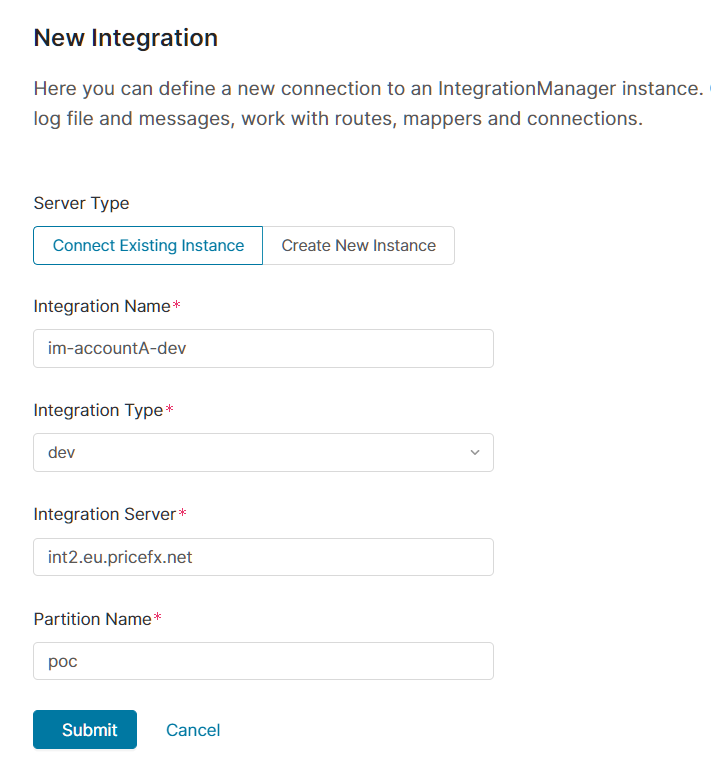
As Server Type select Connect Existing Instance.
-
Fill in:
-
Integration Name – It follows this pattern: im-<account>-<environment>.
-
Integration Type – Options are: dev, qa, prod, sim, test, uat, poc.
-
Integration Server – Enter a name.
-
Partition Name – Enter a name.
-
Manual IntegrationManager instances cannot by started, stopped, or restarted within the PlatformManager user interface.