
It is necessary after you have defined the Model you want to use as the source of aggregated data, to also define the model name in the Advanced Configuration Options.
-
Go to Configuration > Advanced Configuration Options.
-
Search for
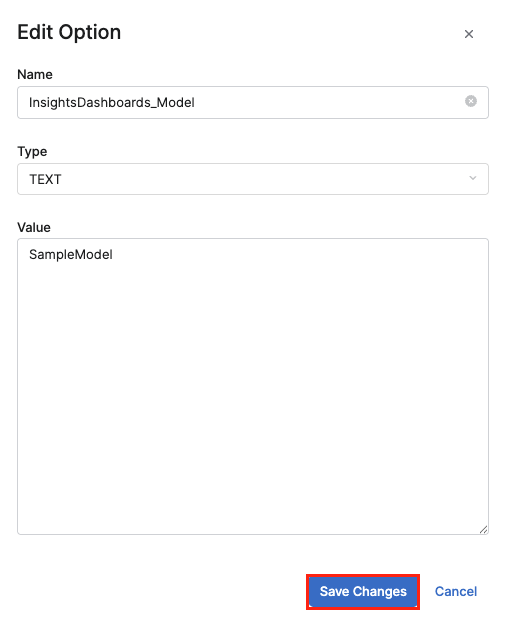
InsightsDashboards_Modelin the Name field. -
In the Edit Option menu:
-
Enter the name of the model into the Value field.
-
Click Save Changes.
-
The Model must be in the Ready status within the Model Status. If it is not, the data in the Dashboards will be inaccessible and will result in an error.
Model Selection Logic
-
If no configured model is specified, the latest model from the approved model list will be selected. The order is determined by the Created attribute.
-
If no approved model exists, the latest model from the model list will be selected, ordered by the Created attribute.