
-
Go to PlatformManager.
-
Log in.
-
Go to Marketplace.
-
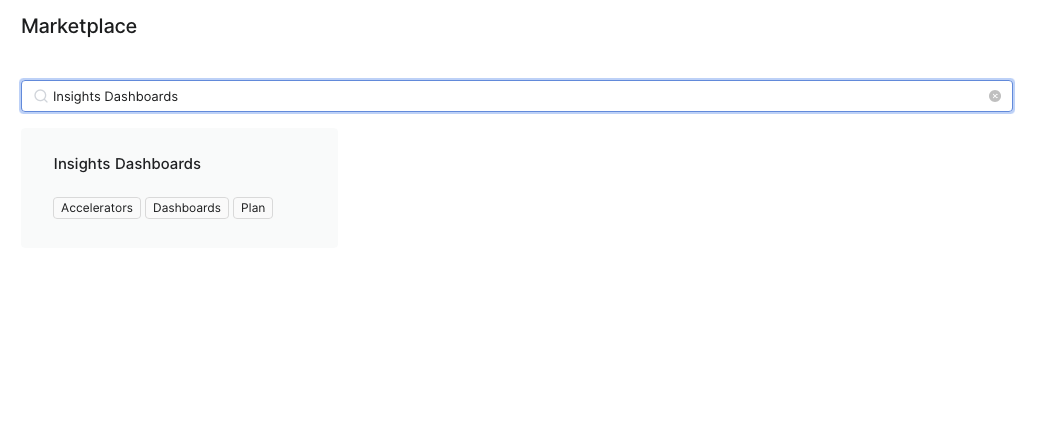
Search for the Insights Dashboards package.
-
Click the Insights Dashboards package tile.
-
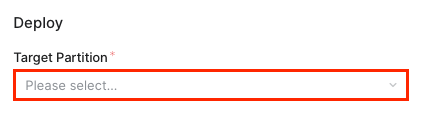
Select the Target Partition.
-
Select the Accelerator version.
-
Click Deploy.
For detailed description of all deployment options, see PlatformManager documentation.