-
Go to Administration.
-
Go to Dashboards.
-
Select the Dashboard where you want to create a localized Label.
-
Click Configure.
-
In the Configure Dashboard screen:
-
Click the

-
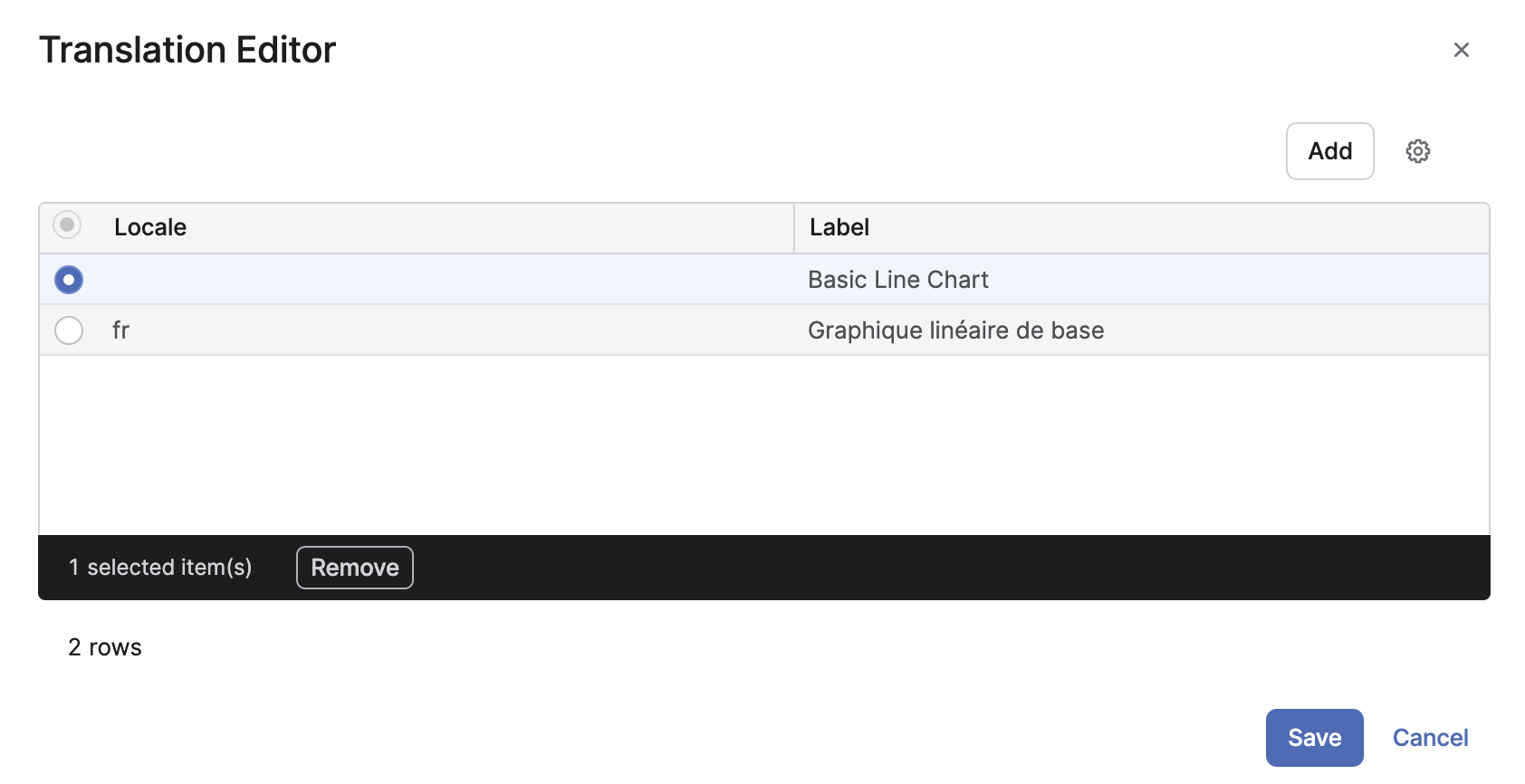
In the Translation Editor screen:
-
Click Add.
-
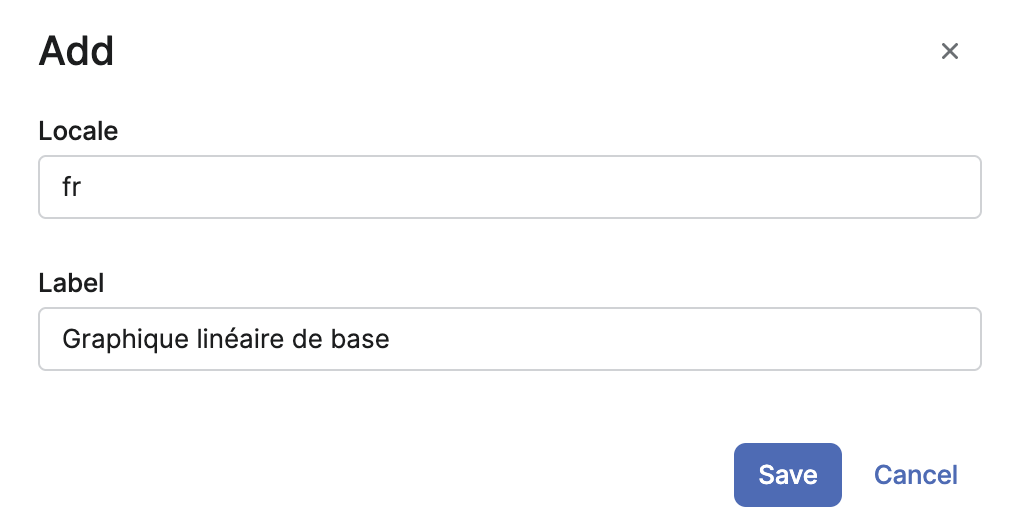
In the Add screen:
-
Enter Locale definition.
-
Enter localized Label.
-
Click Save.
-
-
-
-
Click Save.
-
-
-
Click Save.
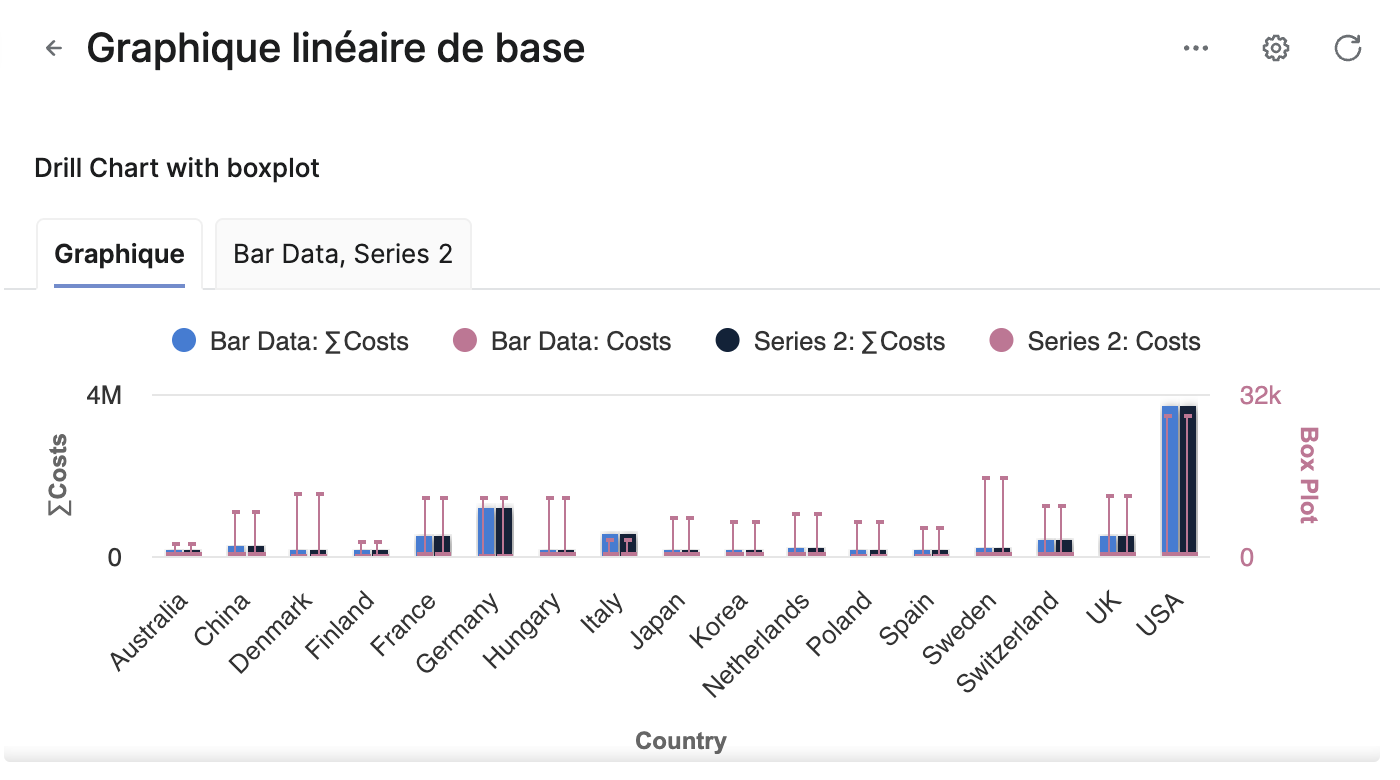
When you switch to the target Locale, the Dashboard Label will be displayed in its localized form.