This page explains how to register the Pricefx MCP Server in your Pricefx partition and add it as a custom MCP server in ChatGPT to create a private connection to the partition.
Prerequisites
You need permission to manage Advanced Configuration Options in the target Pricefx partition.
MCP Server Registration
To use OAuth, MCP server must be registered in the target Pricefx partition. This configuration is defined through the oauthConfiguration Advanced Configuration Option.
-
Log in to your Pricefx partition.
-
Go to Administration > Configuration > System Configuration > Advanced Configuration Options.
-
Click Add.
-
In the Add Option menu:
-
Enter
oauthConfigurationinto Name. -
Enter the following JSON code into Value.
JSON{ "knownClients": { "pricefx-mcp-server": { "redirect_uri": "https://mcp.pricefx.com/<instance>/<partition>/auth/callback" } } }Example:
https://mcp.pricefx.com/mint-stable.pricefx.com/copilot-discretefx/auth/callback
-
-
Click Add.
Create Connection
-
Open ChatGPT in your browser.
-
Go to Plugins.
-
Click Add > Add custom MCP server.
-
In the Add custom MCP server menu:
-
Enter the Name.
-
Enter a Description (optional).
-
Enter
https://<mcp domain URL>/mcp/<instance base URL>/<partition>into the Connection.
https://mcp.pricefx.com) -
Select OAuth in Authentication.
-
In the Custom MCP servers introduce risk section:
-
Select I understand and want to continue.
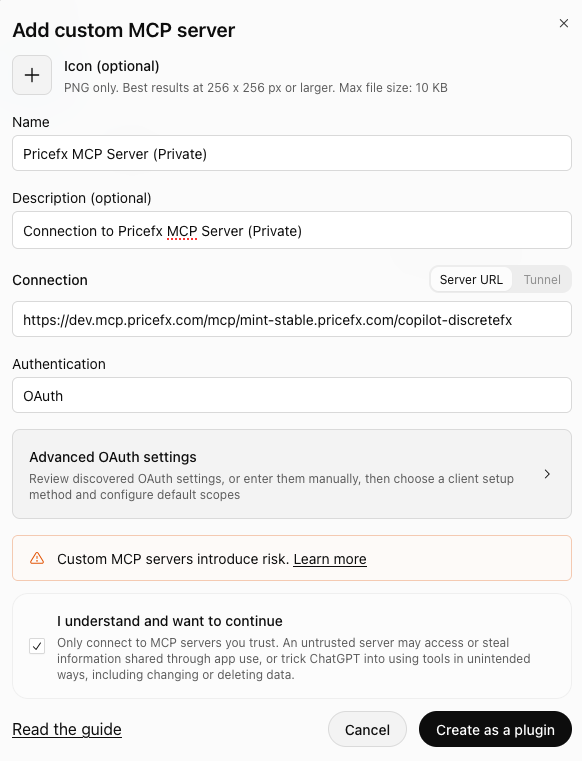
Add custom MCP server dialog with the name, connection URL, and OAuth authentication filled in and the risk acknowledgment selected.
-
-
Click Create as a plugin.
-
-
In the Connection consent dialog, click Continue.
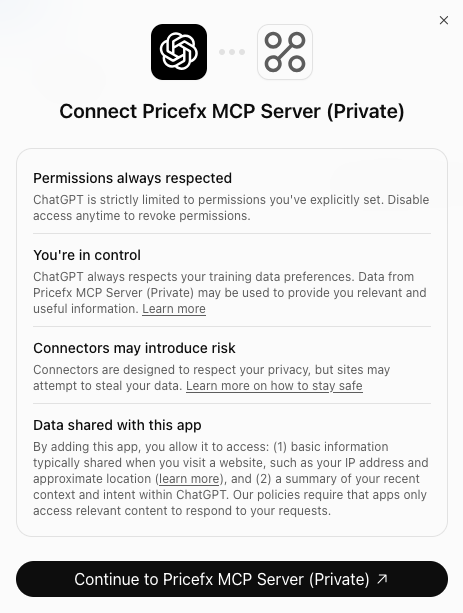
Connect dialog in ChatGPT with permission and data-sharing notices and the Continue button. -
In the Allow Access security dialog, click Allow access.
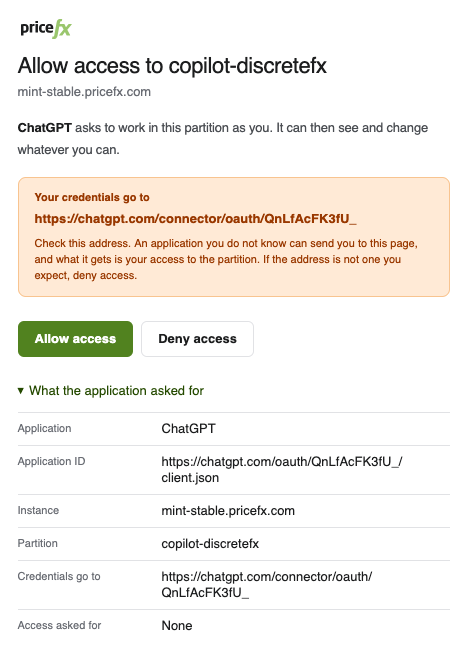
Allow access dialog asking to grant ChatGPT access to the partition, with the Allow access and Deny access buttons. -
You are redirected to Pricefx login page:
-
Enter your Pricefx credentials for the target cluster and partition.
-
Click Log in.
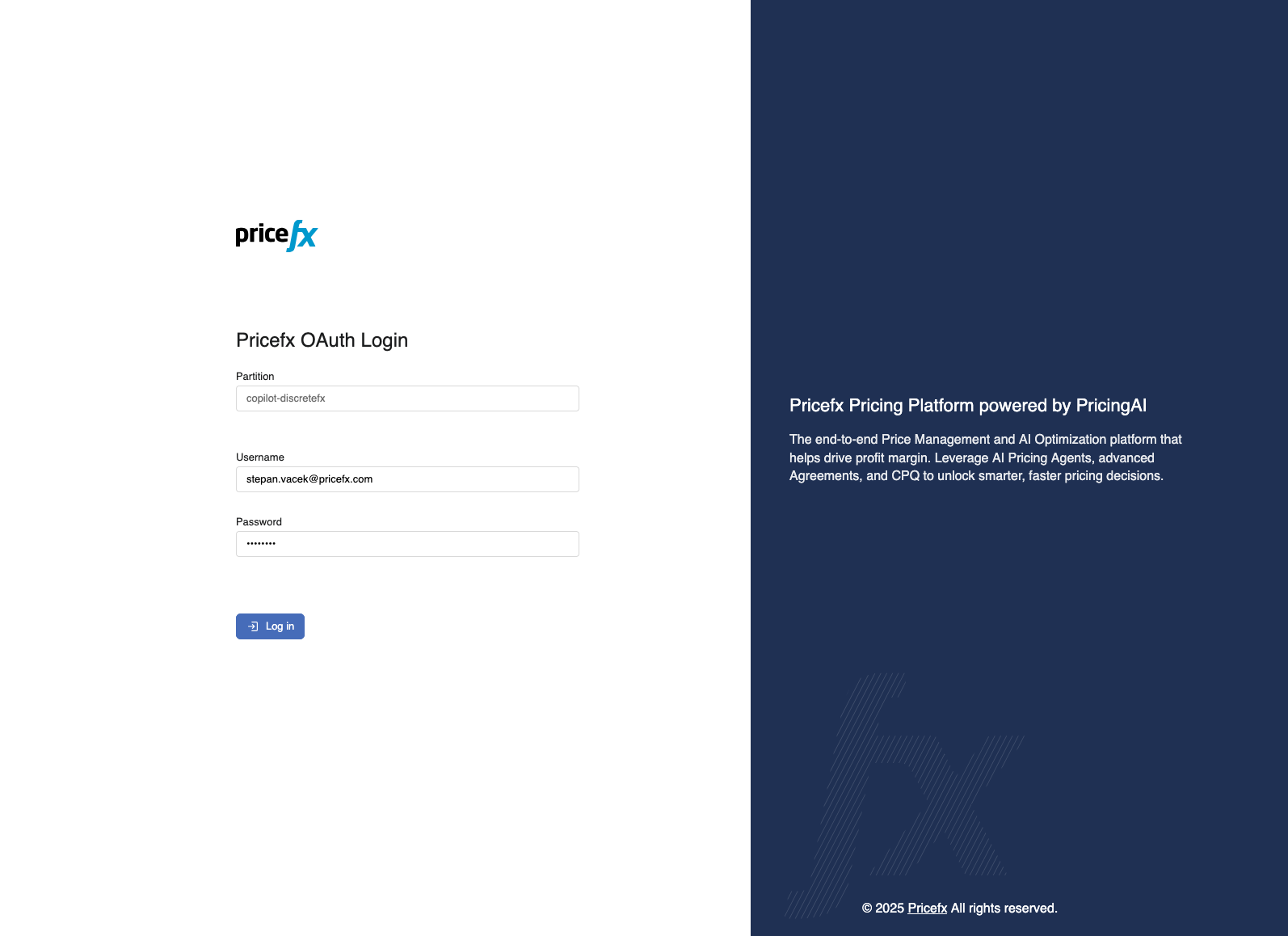
Pricefx OAuth Login page with the Partition, Username, and Password fields and the Log in button.
-
-
On the authorization page, review the requested permissions for the client application.
-
Click Grant Access.
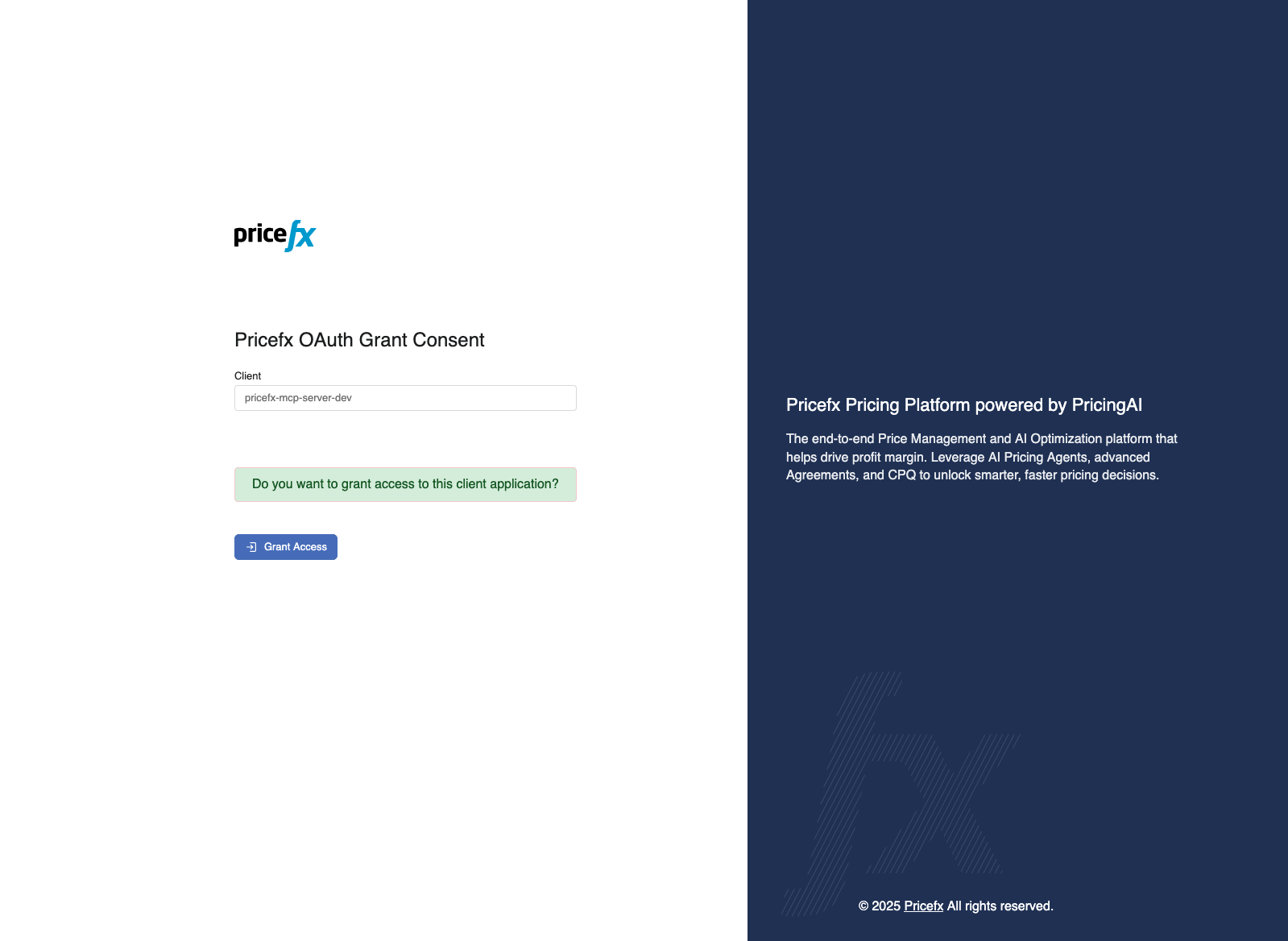
Pricefx OAuth Grant Consent page showing the client application name and the Grant Access button.
-
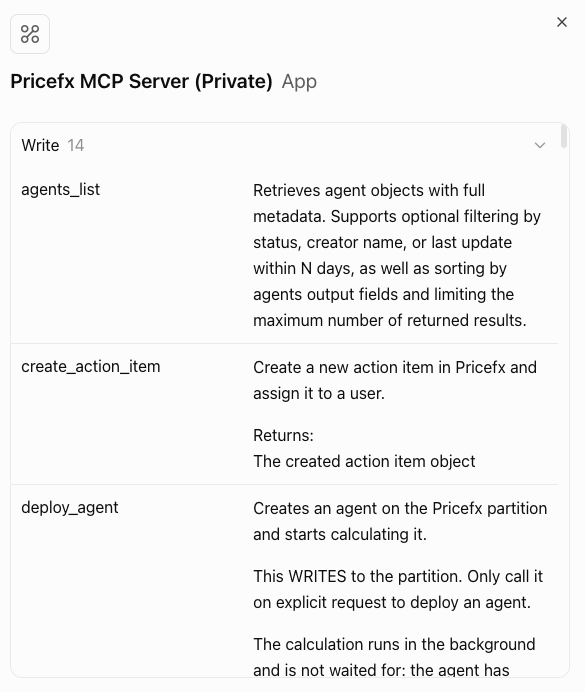
You are redirected back to ChatGPT. The Pricefx plugin opens and lists the available Pricefx tools with their descriptions.