-
Create OAuth2 Security Material in SAP Cloud Integration.

To create the OAuth2 Security Material, the following values are required: Pricefx key, username, password, and partition name.
Client ID - Pricefx Key Client Secret- Base64 encoded string of{partition}/{username}:{password} token URL : https://{host}/pricefx/{partition}/token -
Set exchange properties – access-token in the content modifier. The global variable is set by another separate integration flow which maintains the token store. See Sample Integration Flows and Mappings | Refresh Pricefx OAuth Token.

-
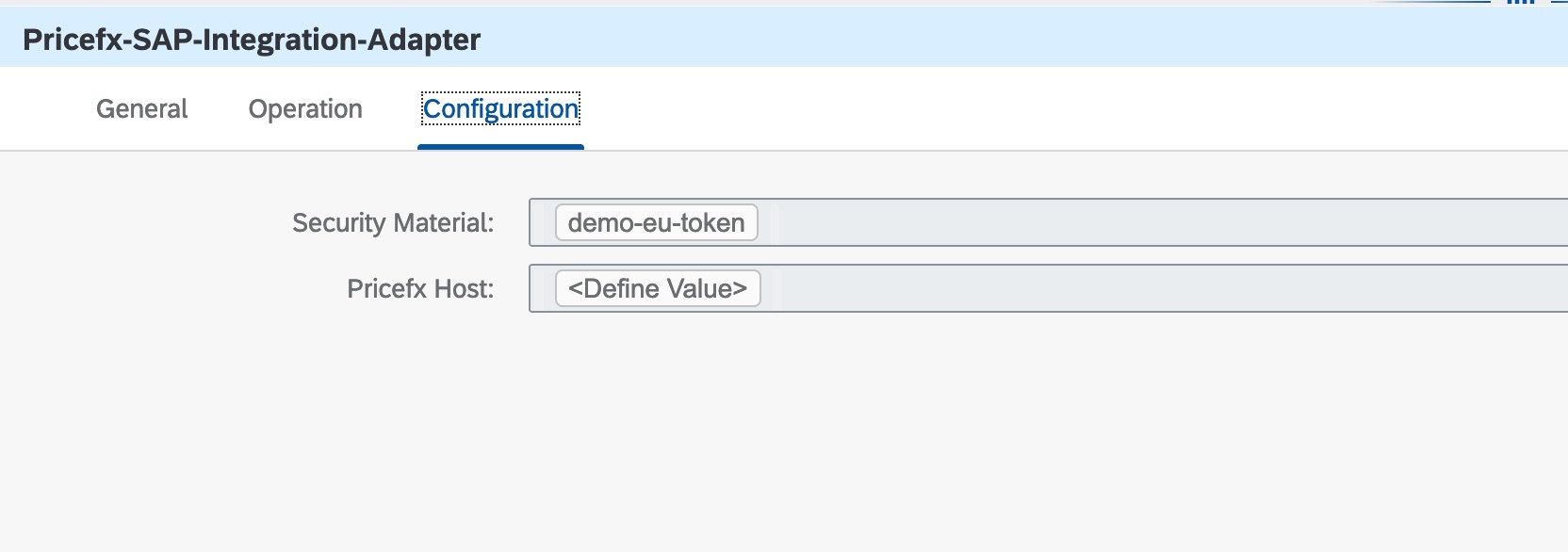
Configure the security material in the adapter.