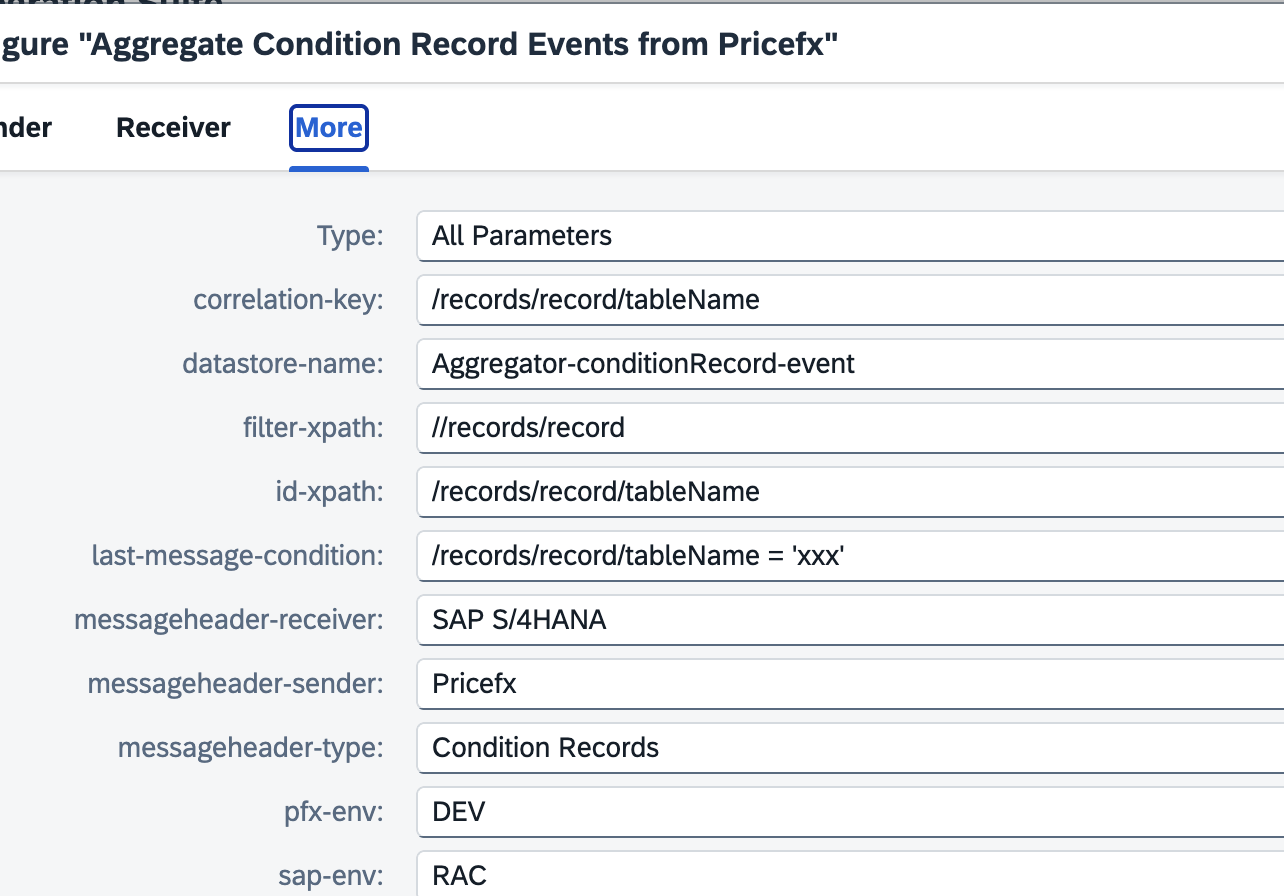
There can be scenarios that multiple SAP or Pricefx environments exist in one SAP Integration Suite environment. To use the same set of integration flows for multiple environment, you should ensure table structures, metadata and any custom API are identical in each of the environment. The only difference should be just the connection properties such as Host name, credentials, token names. The integration flows get the PFX environment and SAP environment from the header of the calling processes, and retrieve the connection properties from value mappings.
Other Utilities | Get AIR key from Pricefx and SAP Connection Properties
The sample value mappings are in “Sample Artifacts for SAP S/4HANA Integration with Pricefx” package. You should update the values accordingly.
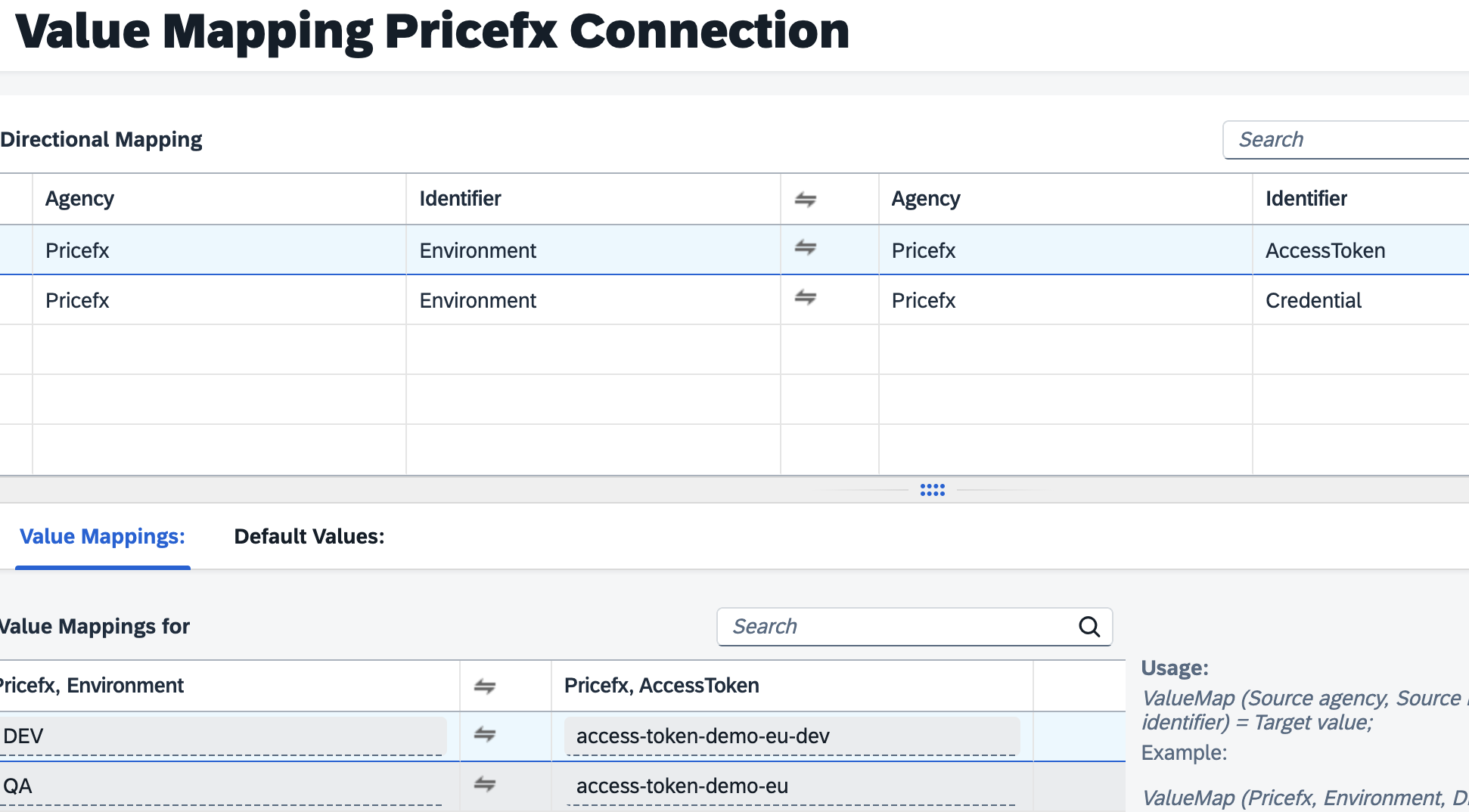
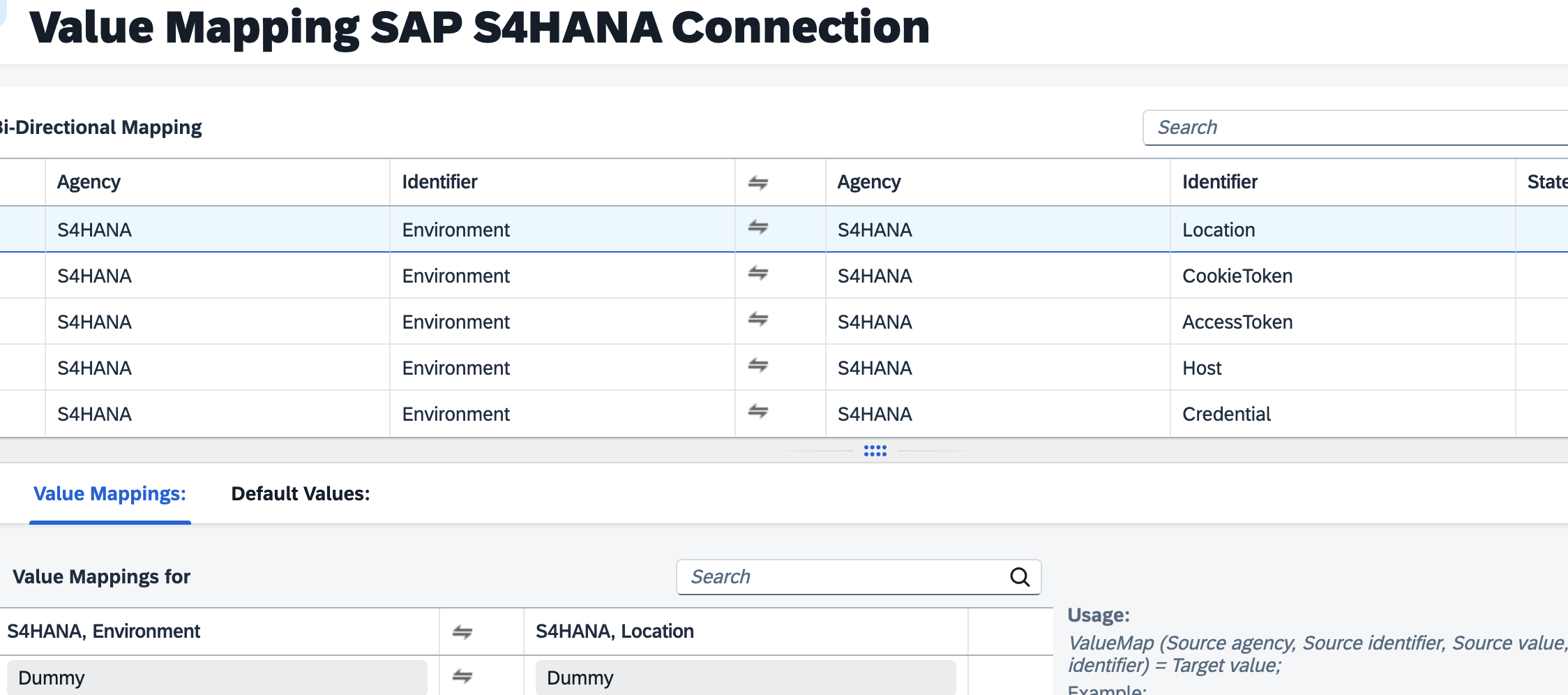
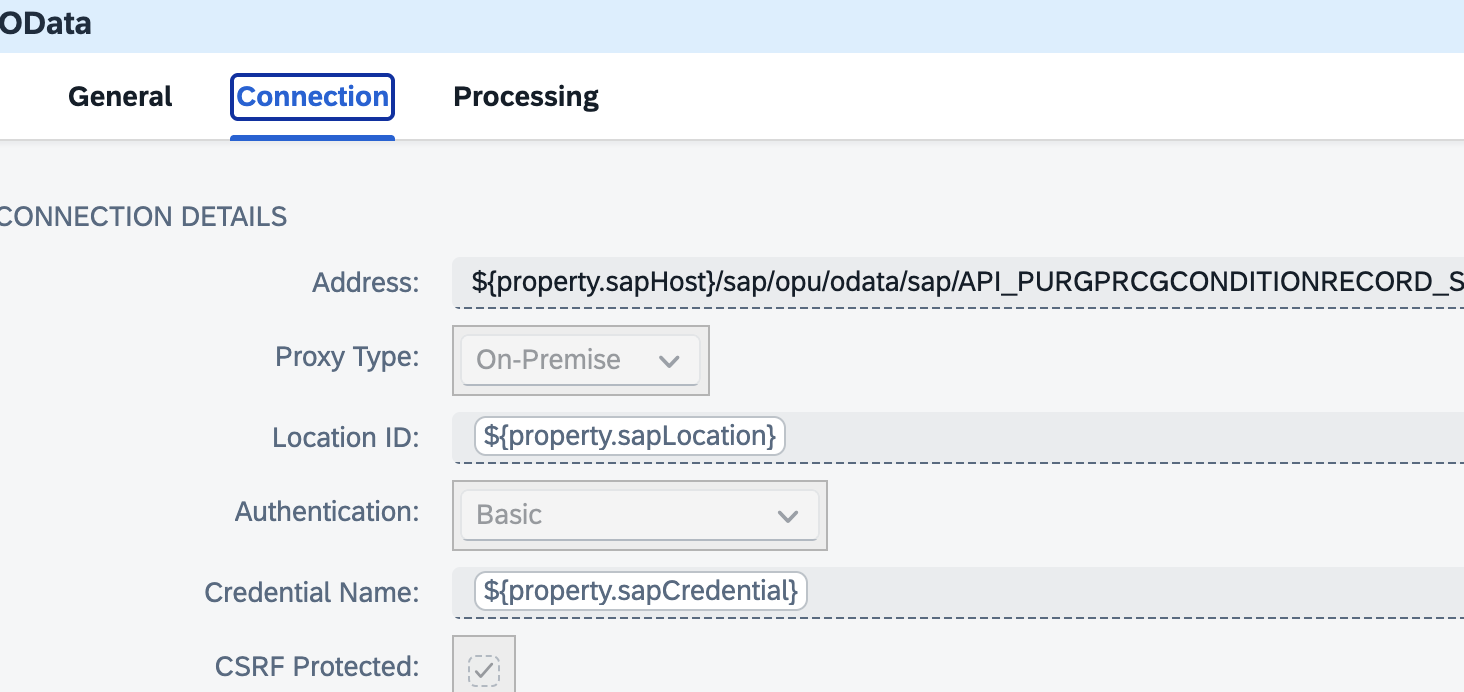
Dynamic properties are used to access OData and Pricefx.
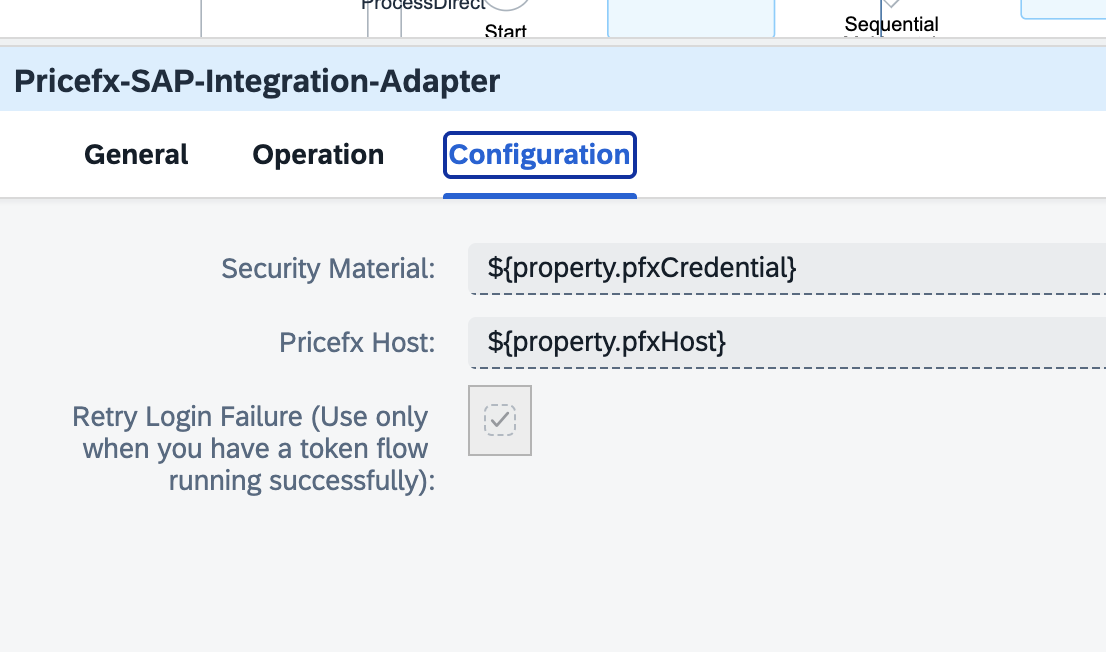
Some integration flows must be duplicated for each environment, such as:
-
Event Mesh Listener processes
-
RabbitMQ Listener processes
-
In each integration package, locate the first integration flow triggered by the listener if any. In the sample integration flows, very often they are the JMS consumer or the aggregator. If you will see pfx-env or/and sap-env in the configuration, that means this integration flow is required for each environment.
|
Integration Scenario |
First Integration Flow Triggered |
|---|---|
|
Product |
Consume Product updates from SAP S4HANA from JMS |
|
Product hierachy |
Aggregate Product Hierarchy reload events from Pricefx |
|
Product Polling |
Aggregate Product Polling events from Pricefx |
|
Transaction |
Aggregate Billing Document Polling events from Pricefx |
|
Customer |
Consume Customer updates from SAP S4HANA from JMS |
|
Customer hierarchy |
Aggregate Customer Hierarchy reload events from Pricefx |
|
Customer Polling |
Aggregate Customer Polling events from Pricefx |
|
Condition Record |
Aggregate Condition Record Events from Pricefx |
|
Exchange Rate |
Consume Exchange Rates updates from SAP S4HANA from JMS |