When you want to create a Data Upload operation for Pricefx PriceAnalyzer, insert a Connector Shape and follow all the steps described in Create an Operation.

In Step 2, the setup should look like this:
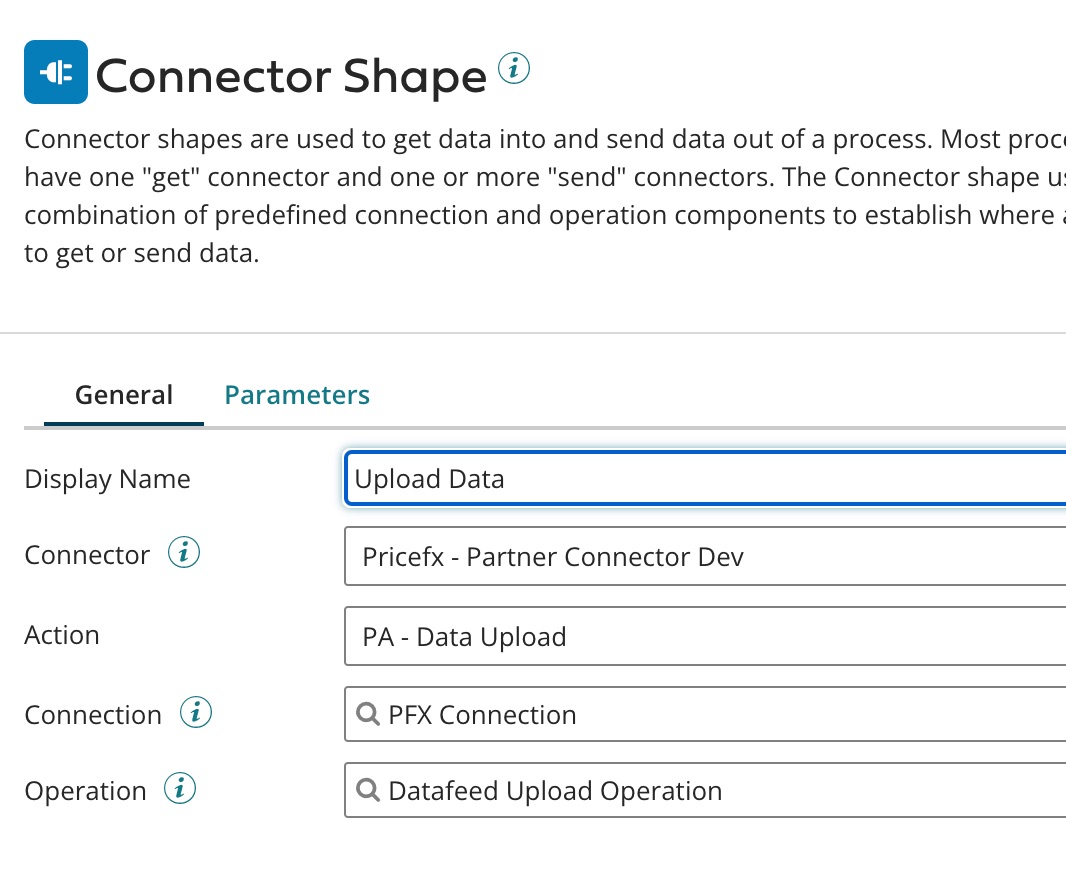
The last field 'Operation' (which relates to Step 7 in the common flow) has the following options.
Select the object type:
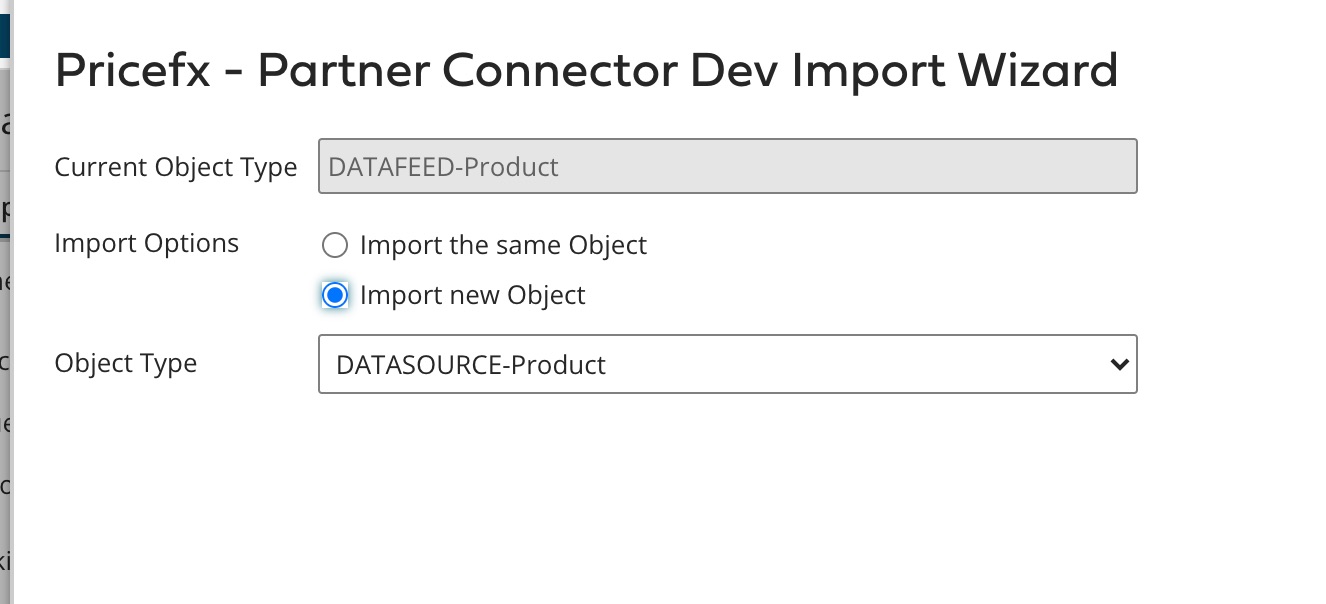
Click 'Import' to generate the response schema. Metadata fields imported to the interface are "readonly"; they are just for reference.
The field shows the last data update time of the selected table.
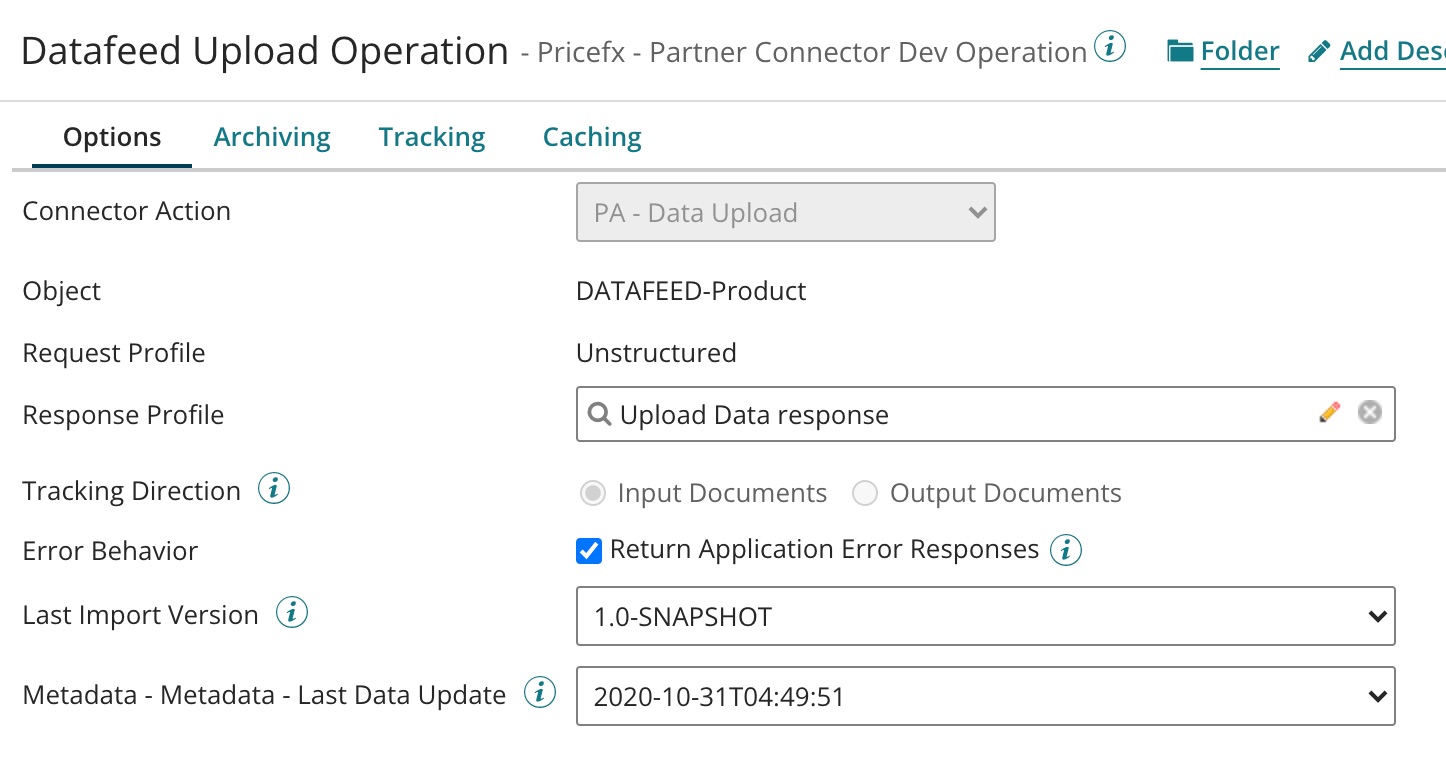
Upload Data Request
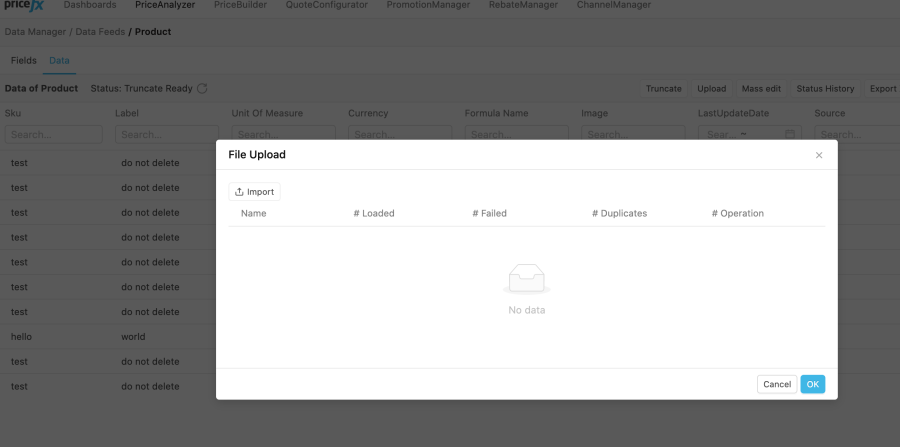
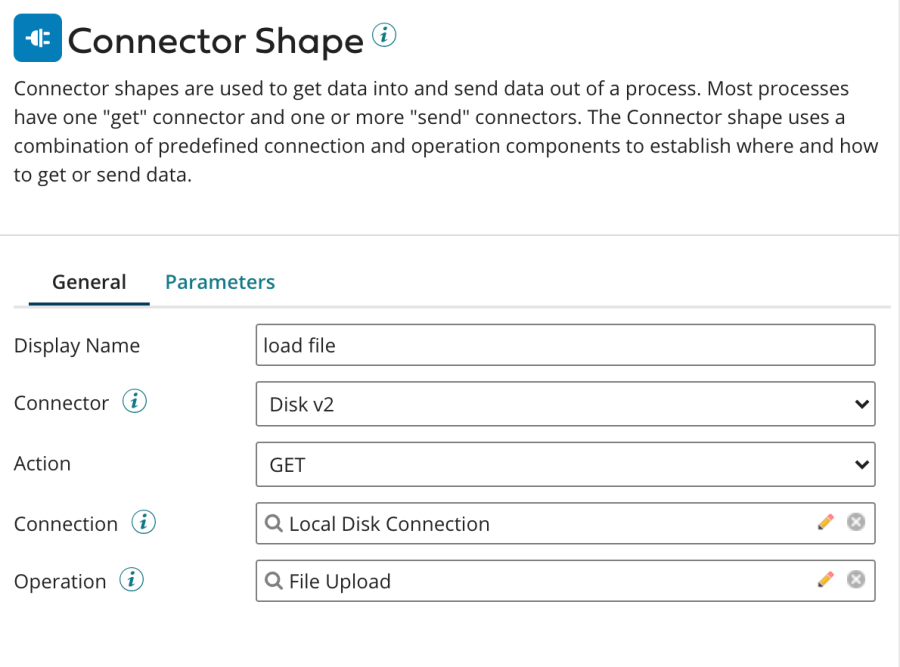
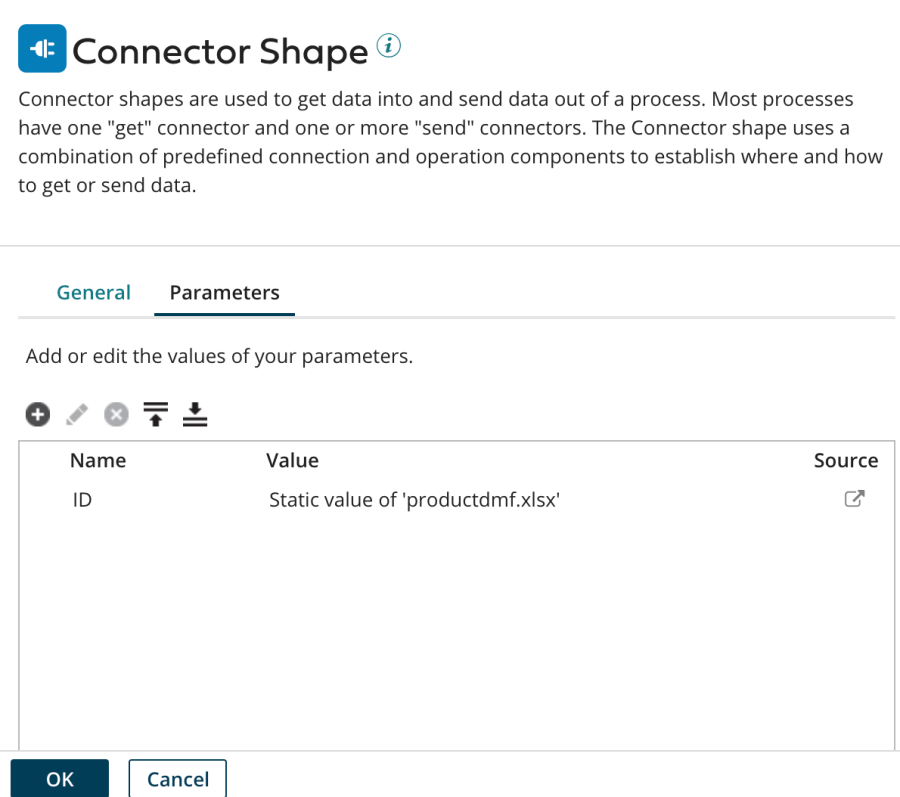
The request must be an XLSX file and the maximum size is 1 MB. The file can be provided to the connector by the Disk connector.
Refer to the Pricefx documentation on how to create a data upload file. This file can be uploaded from Pricefx UI as well.