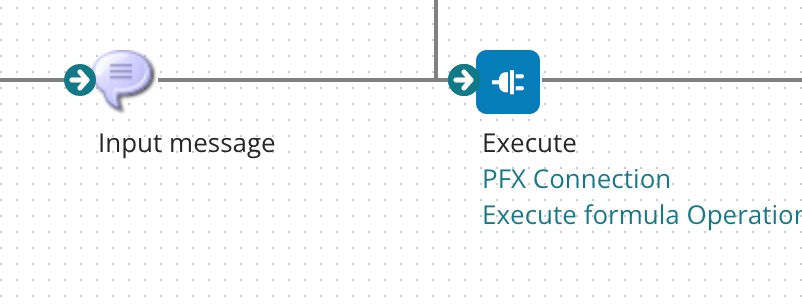
When you want to create an Execute Formula operation for Pricefx calculation logic, insert a Connector Shape and follow all the steps described in Create an Operation.
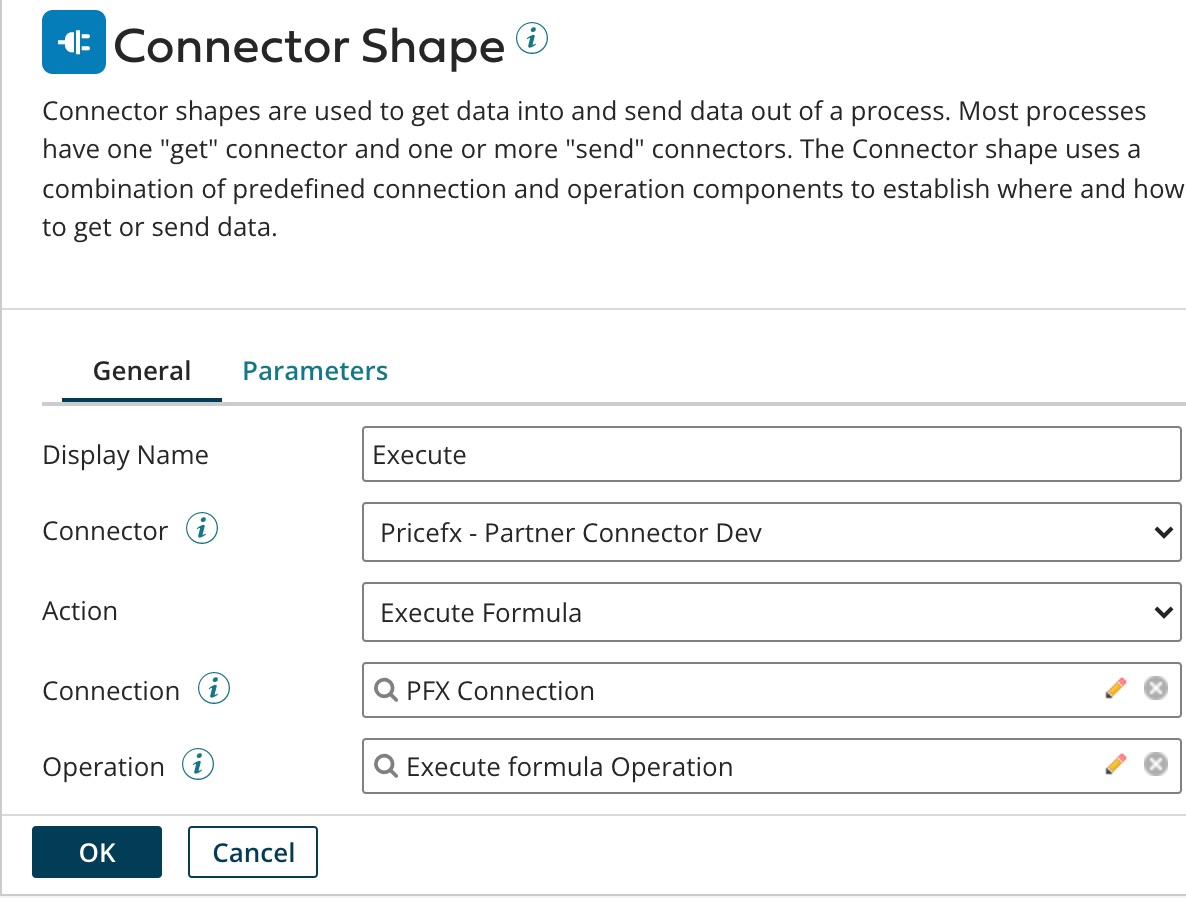
In Step 2, the setup should look like this:
The last field 'Operation' (which relates to Step 7 in the common flow) has the following options:
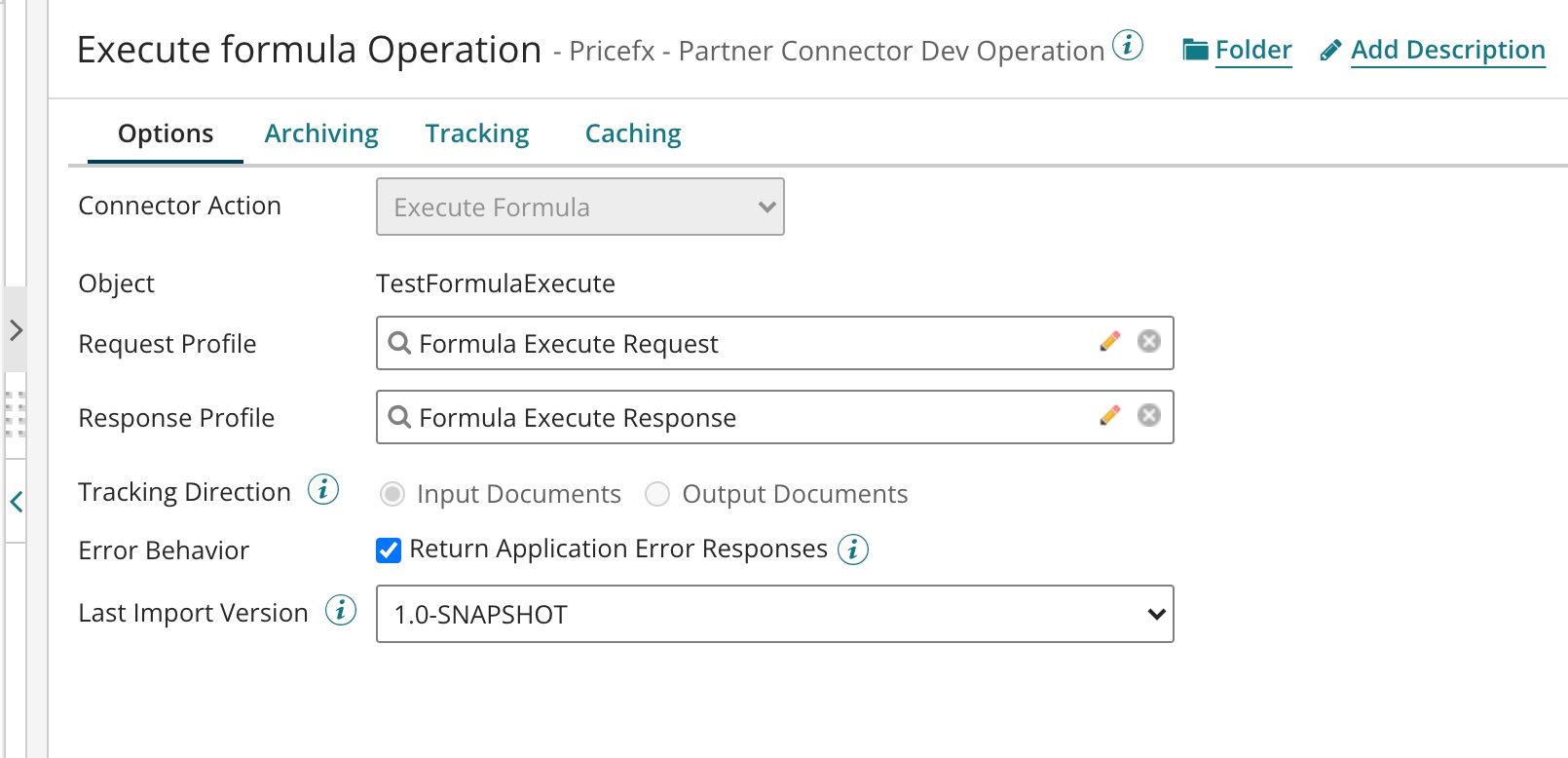
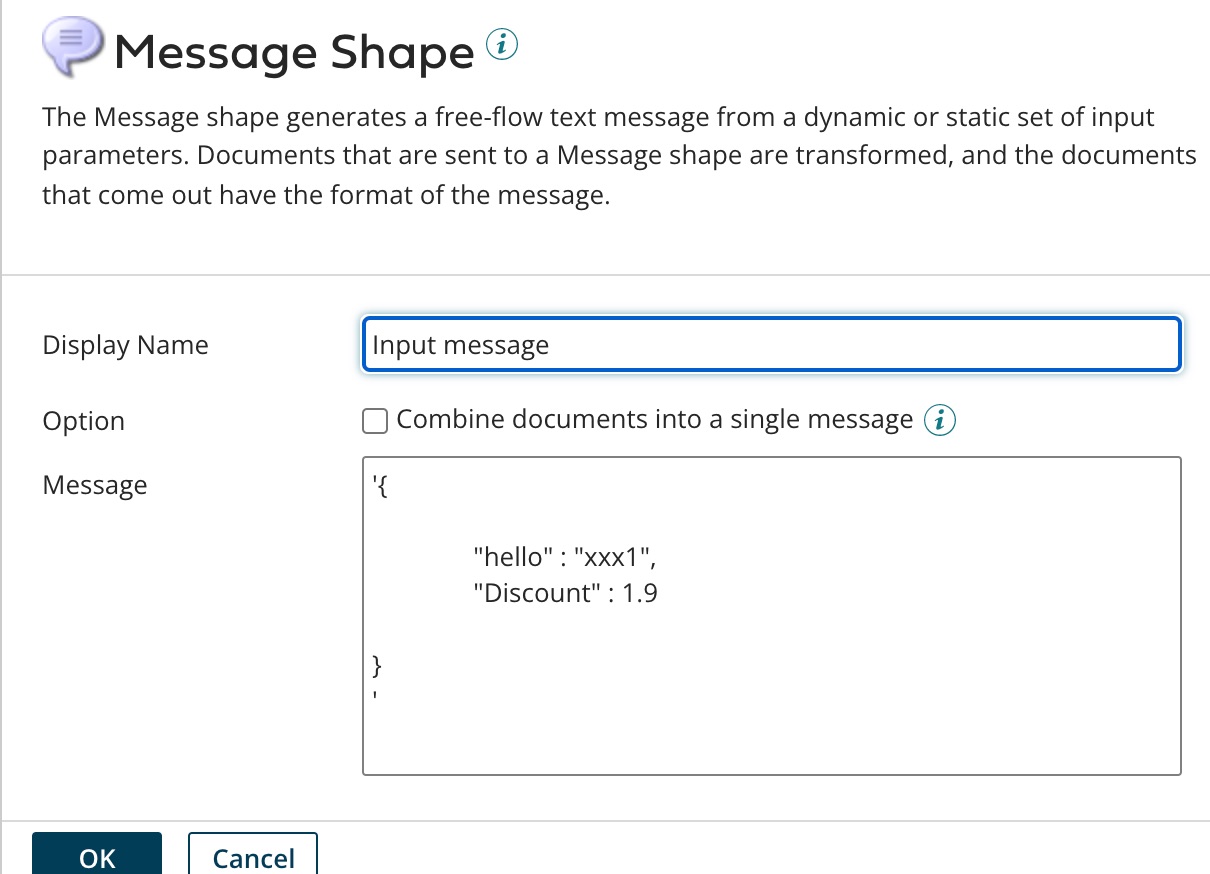
Request Message
Here you build an Execute Formula request message by Message (raw JSON) shape. It is a JSON message with the parameters of the calculation logic to be executed.
Maximum JSON file size accepted = 1MB.
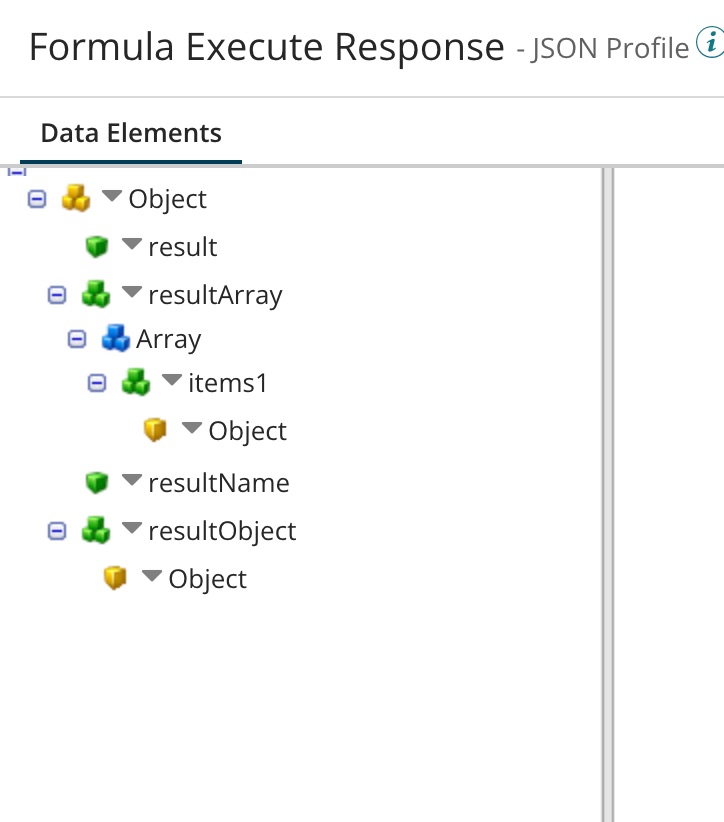
Response Message
The response message contains the name and value of the output parameters of the calculation logic.