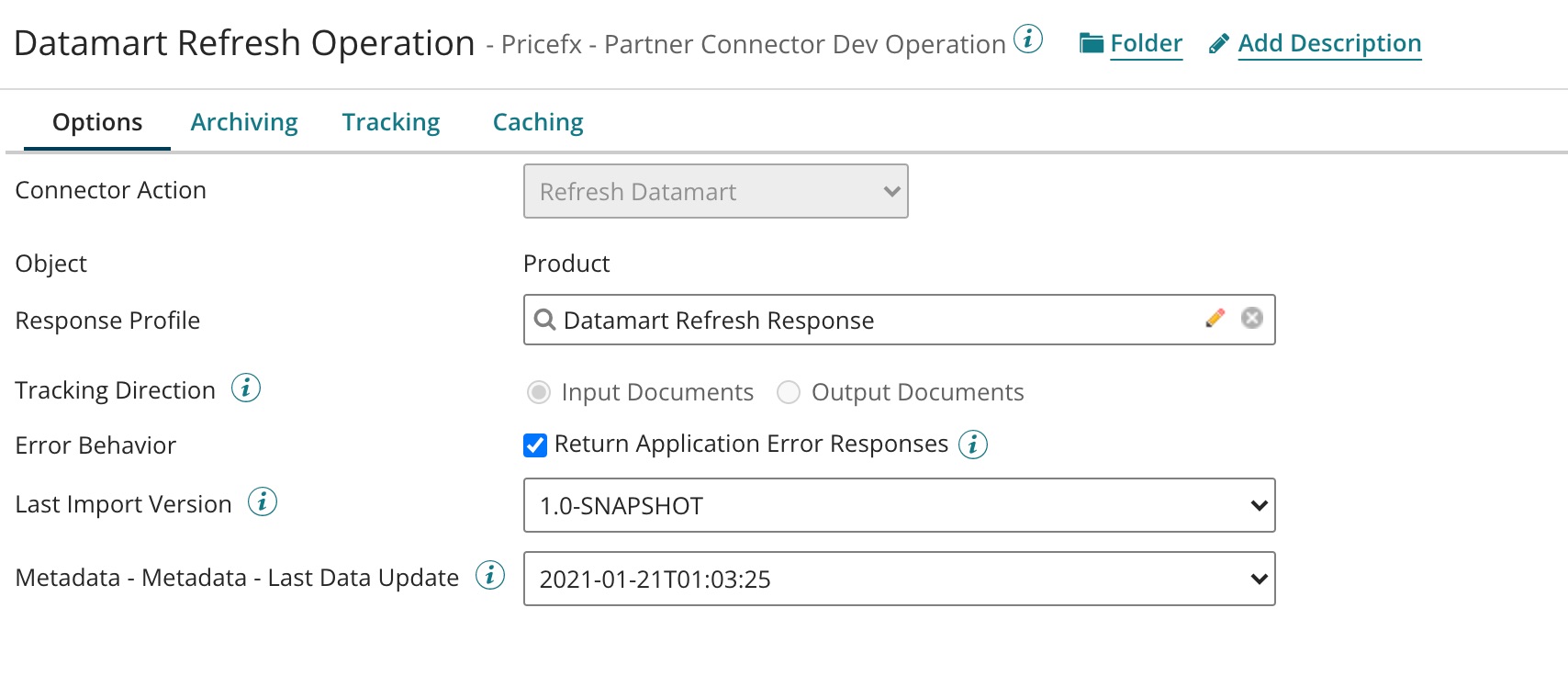
When you want to create a Datamart Refresh for Pricefx PriceAnalyzer, insert a Connector Shape and follow all the steps described in Create an Operation.
The Set Properties shape is optional. It is required if you would like to refresh Datamart incrementally from a certain timestamp (format YYYY-MM-DDTHH:mm:ss).
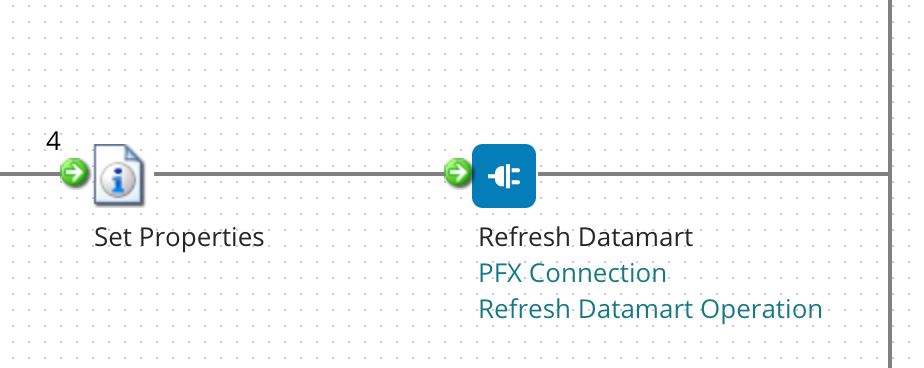
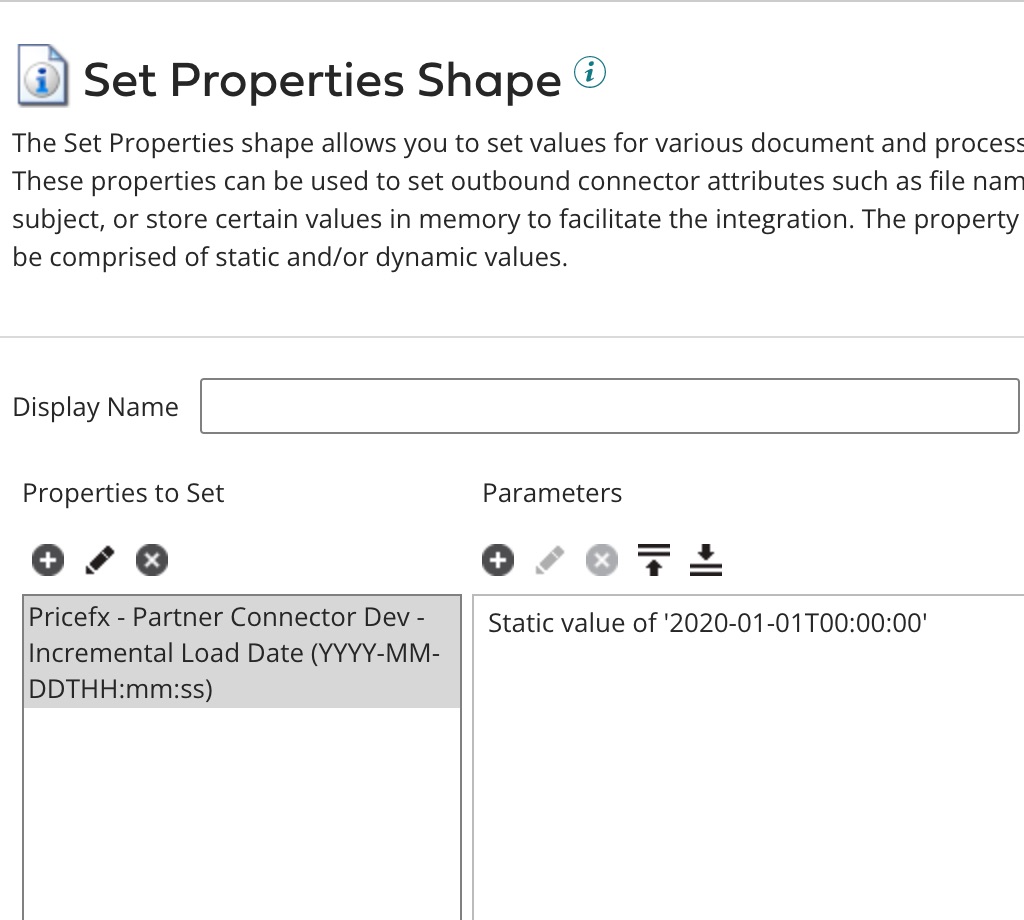
In Step 2, the setup should look like this:
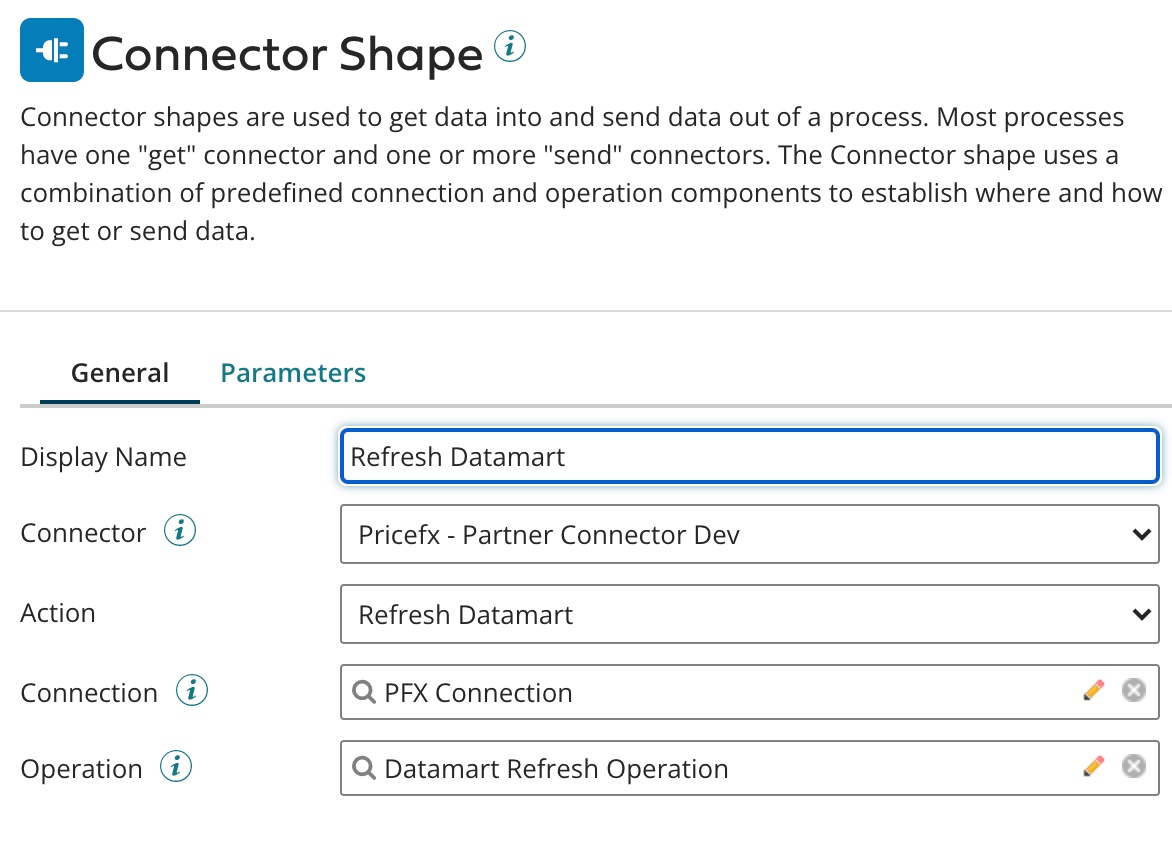
The last field 'Operation' (which relates to Step 7 in the common flow) has the following options.
From the list, select the Datamart to be refreshed.
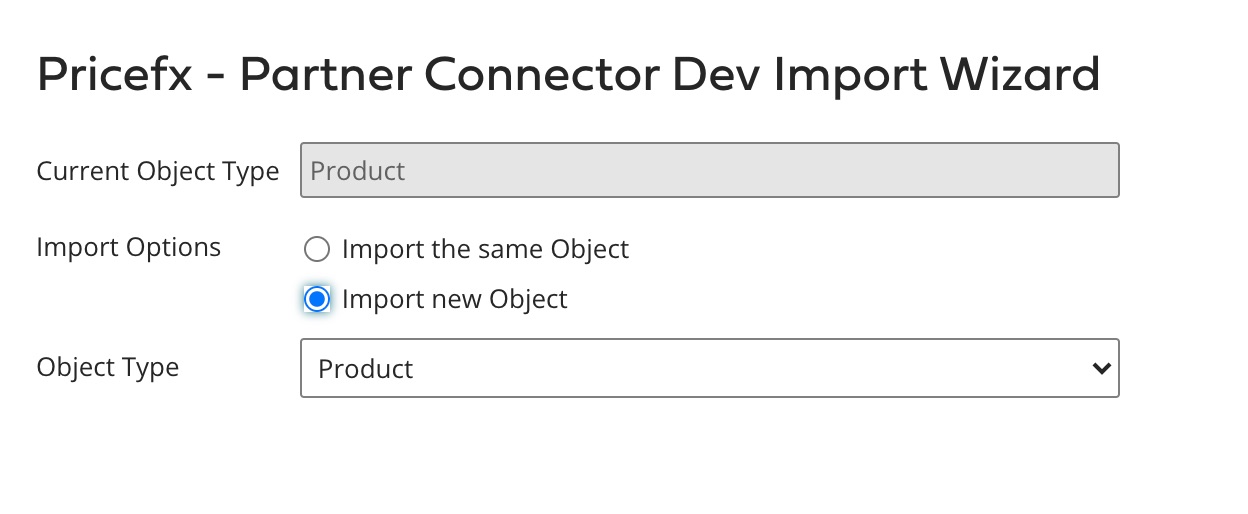
Click 'Import' to generate the operation input screen.
The field shows the last run time of the refresh.