
When you want to create an Internal Copy operation for Pricefx Data, insert a Connector Shape and follow all the steps described in Create an Operation.
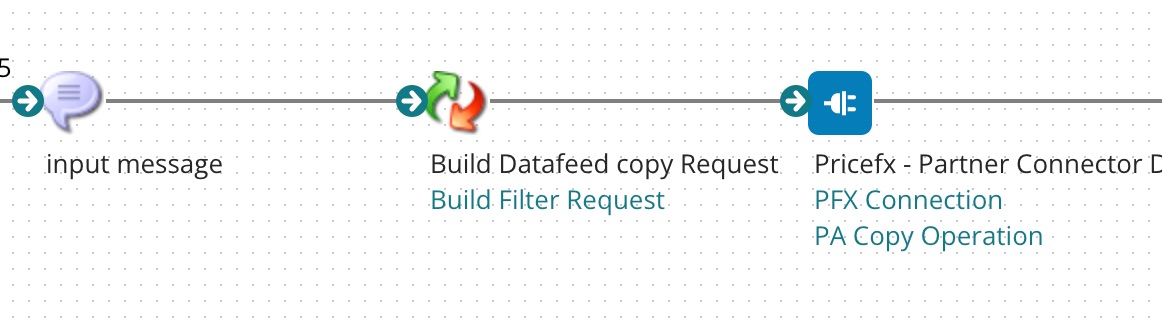
In Step 2, the setup should look like this:
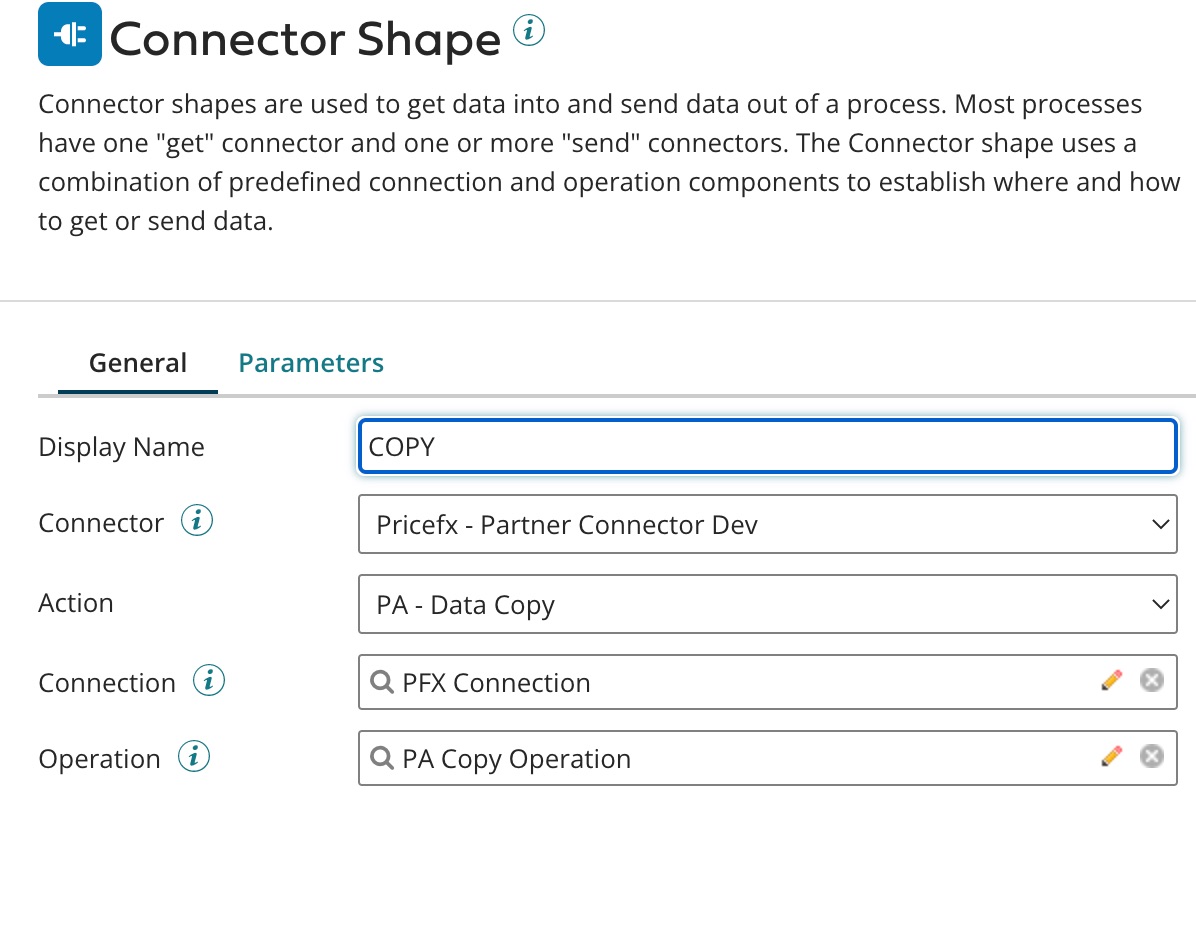
The last field 'Operation' (which relates to Step 7 in the common flow) has the following options:
-
From the list, select the target data feed to be flushed.
The naming convention here is "Target Type – Target Name – Data Load Job Label".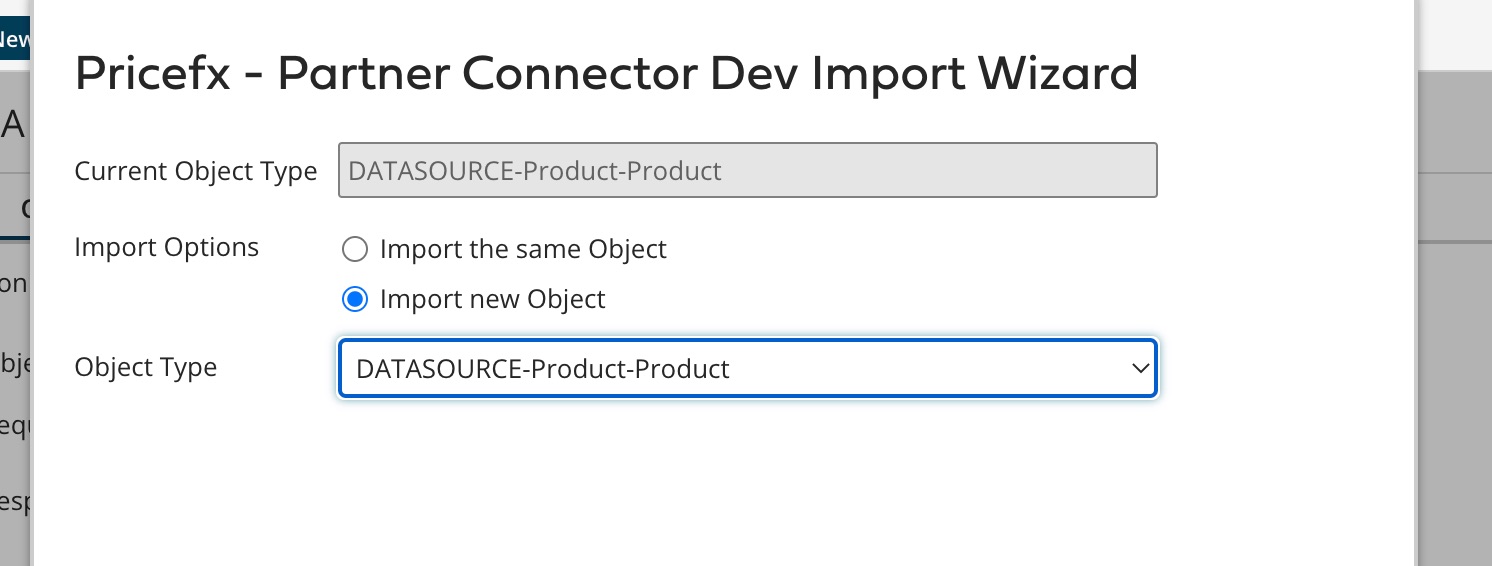
-
Click 'Import' to generate the operation input screen.
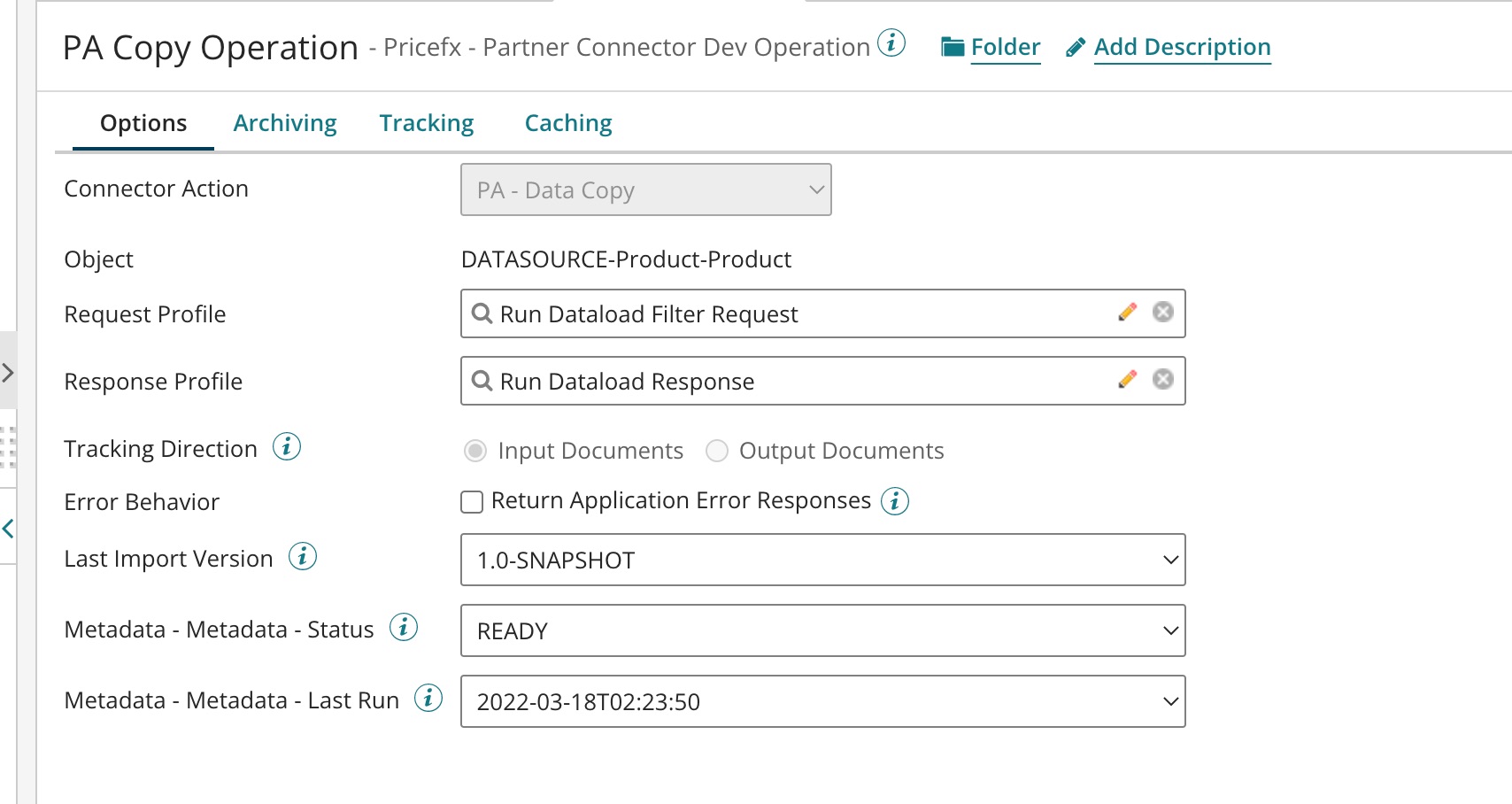
The fields show the current status and last run time of the Data Load.
Target Filter Request Schema
A target filter can be added to the request message to determine the records to be copied.
The filter is very similar to the standard fetch request.
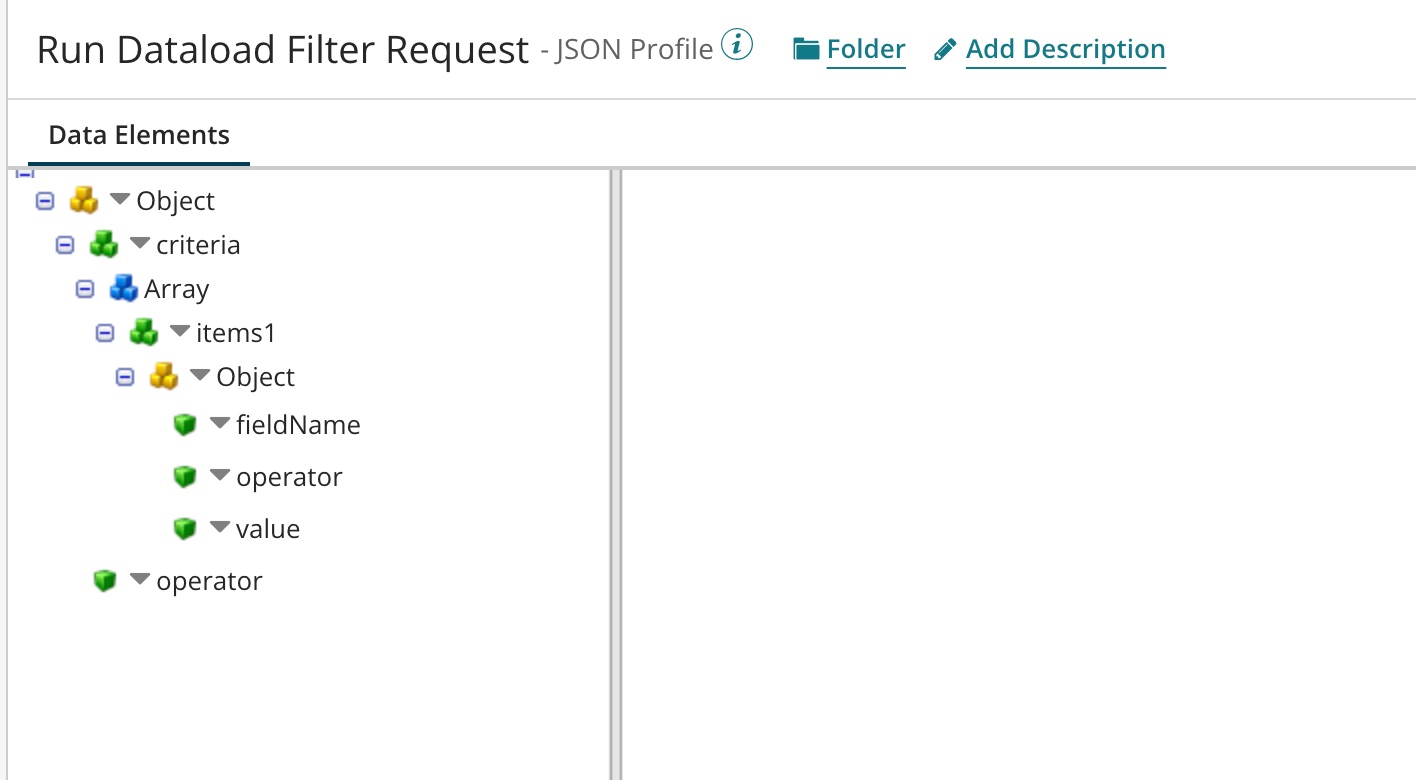
The message can be built from a map or from a raw Message shape.
Standard Action Response Schema
See Standard Action Response Schema for PA Operations.