The Definition step specifies the input dataset and business context for a Pricefx Agent, including the source data, key dimensions, measures, and filters that determine which records the agent will analyze and later summarize in subsequent steps.
Series
Holds configuration of one or more data series that the Agent will analyze.
-
Data Label – Sets a label (name) of the data series (data set). Data label can be freely customized and renamed according to your preferences.
-
Data Source – Selected Transaction Datamart. For more information see Required Customer Data.
-
Currency – Defines which currency the money data will be converted into.
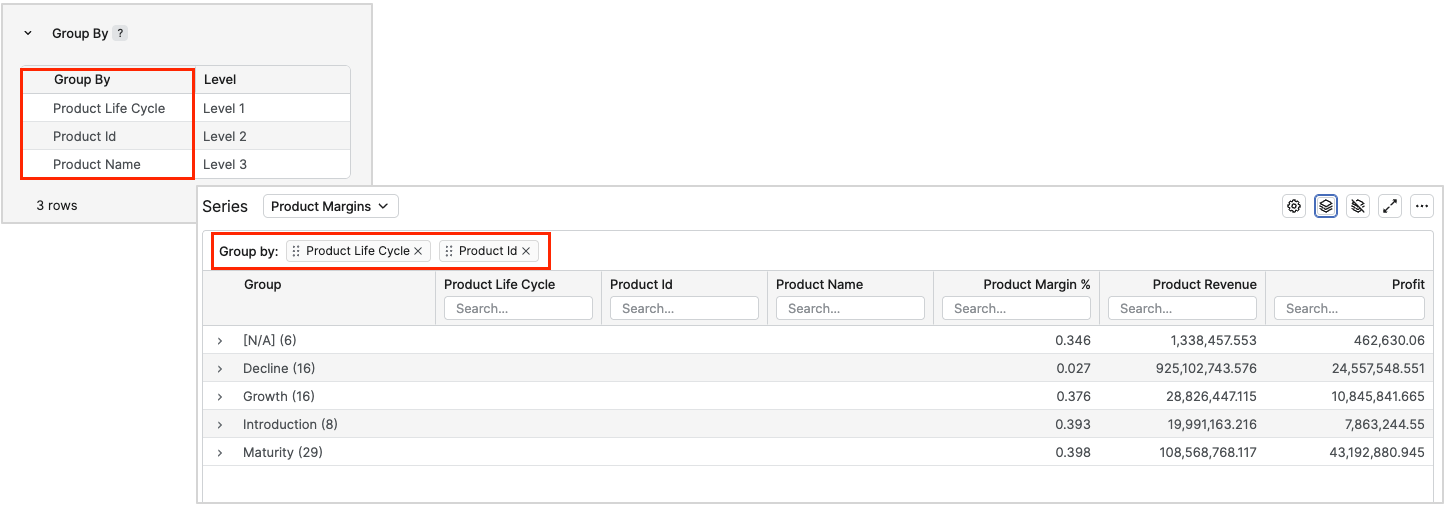
Group By
Lists the dimensions used to aggregate data (for example, customer, product, segment). Levels also determine how Actions are grouped and displayed. Level indicates the position of a grouping field in the hierarchy.
Measures
Defines calculated metrics (for example, revenue, margin %, discount %) that will later be used in Detection Rules and Impact Calculation.
-
Measure – The underlying field or expression (for example, Invoice Price, Gross Margin) from the data source used to compute the metric.
-
Label – Business‑friendly name of the measure as shown in previews, rules, and dashboards (for example, Current Revenue, Current Margin %).
-
Aggregation – Specifies how the measure is aggregated over the grouped records (sum, average, or a custom formula).
Aggregation filters have a limitation, they only support measures using standard aggregations. Measures based on advanced or window expressions are not supported. For more information see List of Not Supported Expressions (Agents).
To keep Agents responsive and set realistic expectations for performance, use the following guideline.
-
Using up to 10 measures in a dataset is usually fine and performs well for typical Agent use cases.
Dimension Filters
Allows you to restrict the dataset by specific dimension values (such as selected products or customers) before calculations are performed.
-
Products – Limits data to chosen products or product attributes, so only matching transactions are included in the series.
-
Customers – Limits data to chosen customers or customer attributes, restricting the series to those entities.
Generic Filter
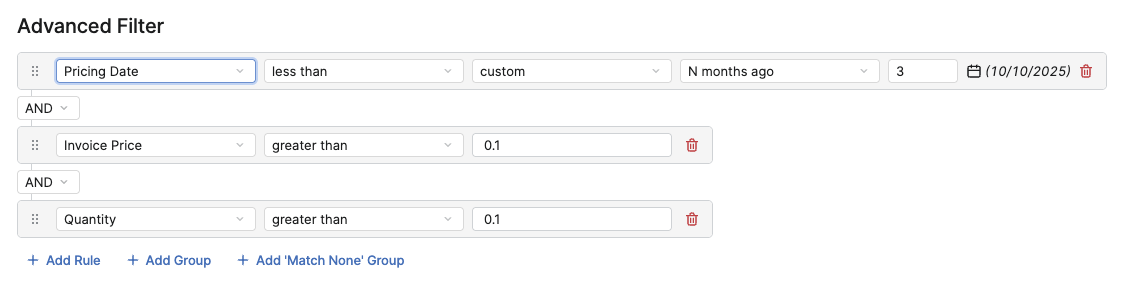
Defines expression‑based filters (for example, valid transactions and time windows) applied directly to the raw data in the series. Allows you to create an advanced filter combining individual rules with groups of rules as clauses and subclauses.
-
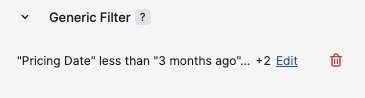
Generic Filter summary – Shows the current generic filter expression
Aggregation Filter
Lets you filter after aggregation, for example excluding groups whose aggregated revenue or volume is below a threshold.
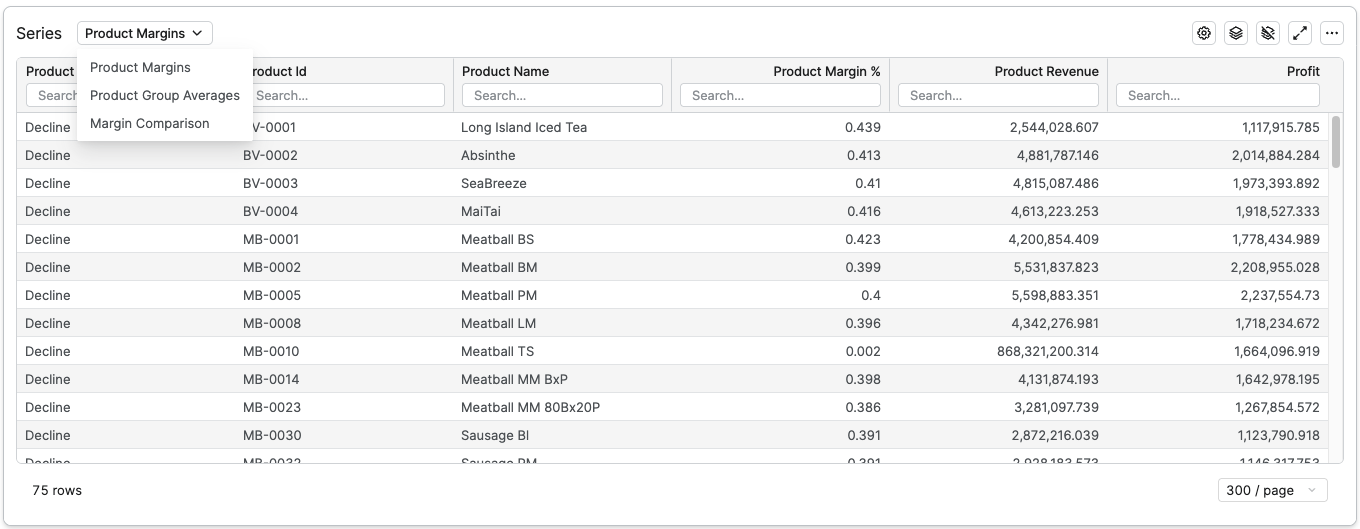
Series Data Tables
Preview table showing aggregated results for the currently selected series so you can validate the configured data scope, groupings, measures, and filters before proceeding to Detection Rules.
-
Series selector (drop‑down) – Control for switching between preview tables of different series without leaving the Definition step.