The Summary step provides a consolidated view of the Agent’s configuration and outcomes, allowing you to verify all parameters defined in previous steps and confirm that the setup matches your business objective.
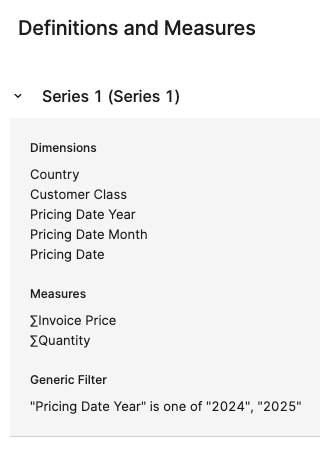
Definitions and Measures
Definitions and Measures provides an expandable, read‑only overview of the data series structure used by the agent. Showing, for each series, the dimensions, measures, and filters that define the dataset the agent analyzed.
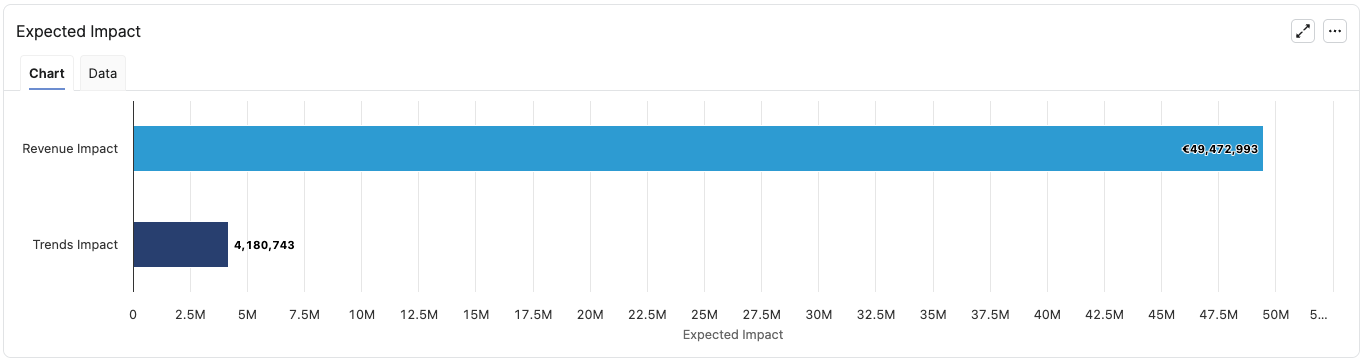
Expected Impact
Expected Impact shows a horizontal bar chart (with a Data tab) that aggregates the agent’s impact calculations across its created actions, giving a quick view of the total expected business impact by impact type for the latest results of the agent.
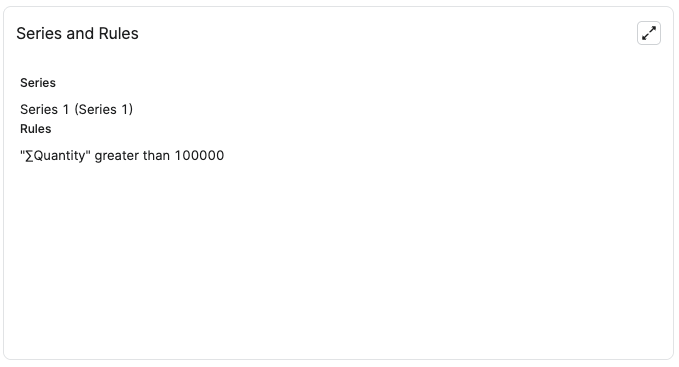
Series and Rules
Series and Rules lists the data series used for detection and the corresponding detection rule conditions.
Created Actions
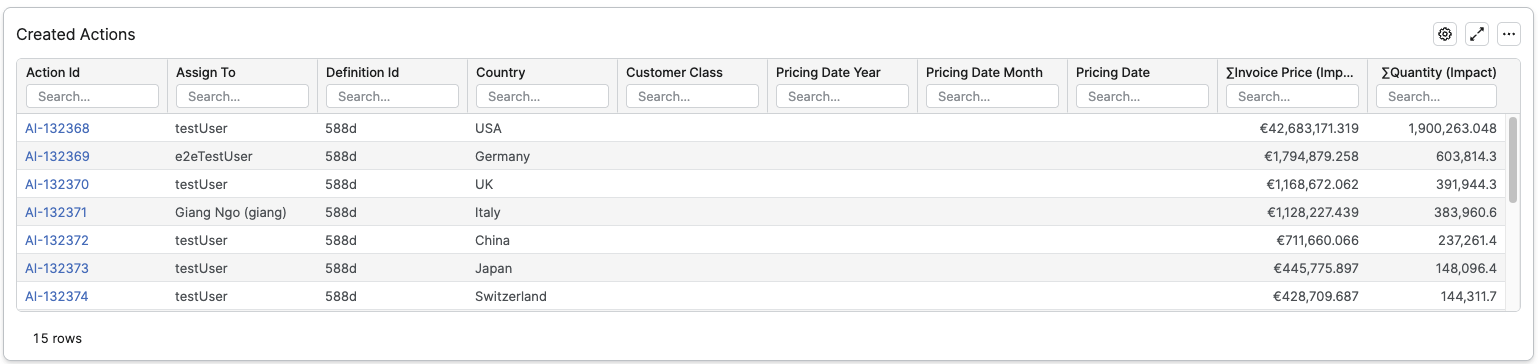
Created Actions is a filterable table that lists all actions created by the agent.
Not Created Actions
Not Created Actions shows a summary of actions that would have been created by the agent, but were not actually created because of configuration limits (For example the Keep Top Actions limit and the overall system limit on actions per run.)

-
Run Id – ID of the agent run.
-
Run At – Date and time when the run was executed.
-
Actions Created – Number of actions that were actually created in the run.
-
Not Created Actions – Number of actions that were not created due to configured limits.
-
Not Created Detected Items – Number of underlying detected items associated with not created actions.
-
Revenue Impact – Estimated revenue impact of the not created actions.
-
Profit Impact – Estimated profit impact.
-
Trends Impact – Impact on trend‑related KPIs.
-
Cost Impact – Impact on costs.
-
Target Impact – Impact relative to targets.
-
Benchmark Impact – Impact relative to benchmarks.
-
Other Impact – Any other relevant impact measure.
Action Definitions
Action Definitions is a read‑only table that lists the configured action templates for the agent.

-
Definition Id – ID of the action definition used by the system and in related tables.
-
Summary – Short title of the action that users see in their action list and notifications, describing what needs to be done.
-
Description – Longer text explaining the context and what the assignee should do when this action is created.
-
Due Date – Relative or fixed due‑date rule that determines the target completion date for actions created from this definition.
-
Dashboard – Dashboard that will be embedded in the Action detail to provide supporting analytics for the assignee.
-
Assign to – Fallback assignee (single user) who receives the action if no dimension‑based assignment applies or no matching user is found.
Assign to per Dimension – Indicates whether a mapping is set up to assign actions dynamically based on a dimension value from the agent’s Definition step.
-
Action Plan – Name of the Action Plan that groups actions of the same nature, helping organize and track related actions created by the agent.
-
Action Group – Name of the Action Group within the selected Action Plan that further clusters actions under a specific theme or workflow.
Data with Detection Rules Applied
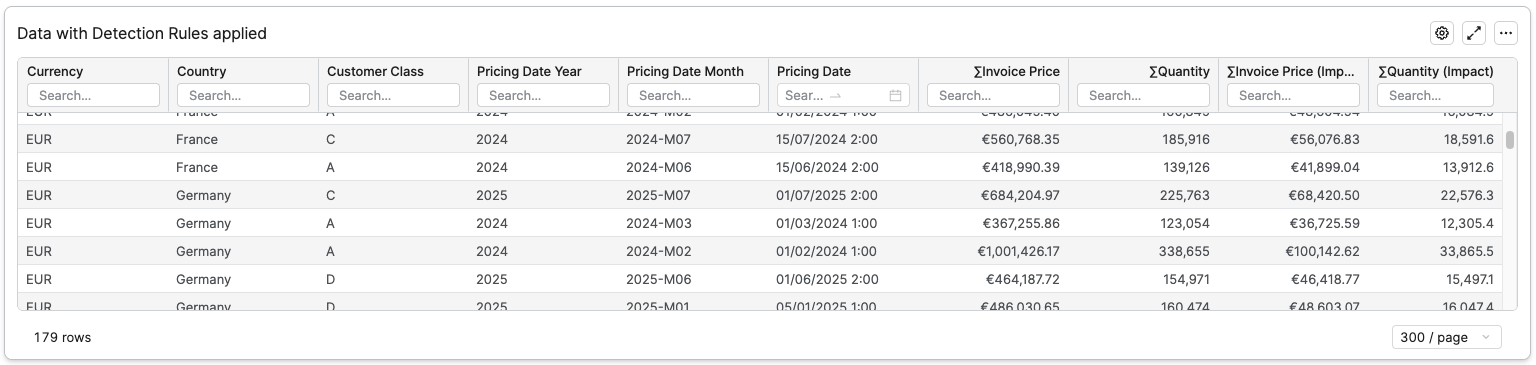
Data with Detection Rules applied is a filterable table that lists all detected items from the agent’s data set that satisfy the configured detection rules.
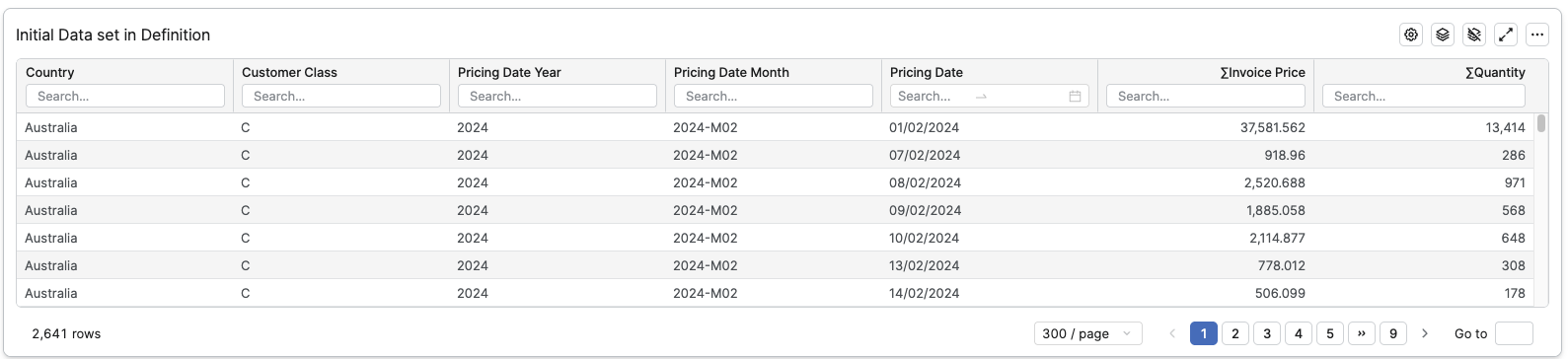
Initial Data set in Definition
Initial Data set in Definition is a paged, filterable table that shows the full dataset from the Definition step.