
Tools
You need to have the following tools installed in order to use Cypress:
a) An IDE tool
Link: https://code.visualstudio.com/
-
tool for viewing and updating code of the tests
-
you can use also another editor on environment which allows you to display and edit the project (e.c. IntellIJ Idea)
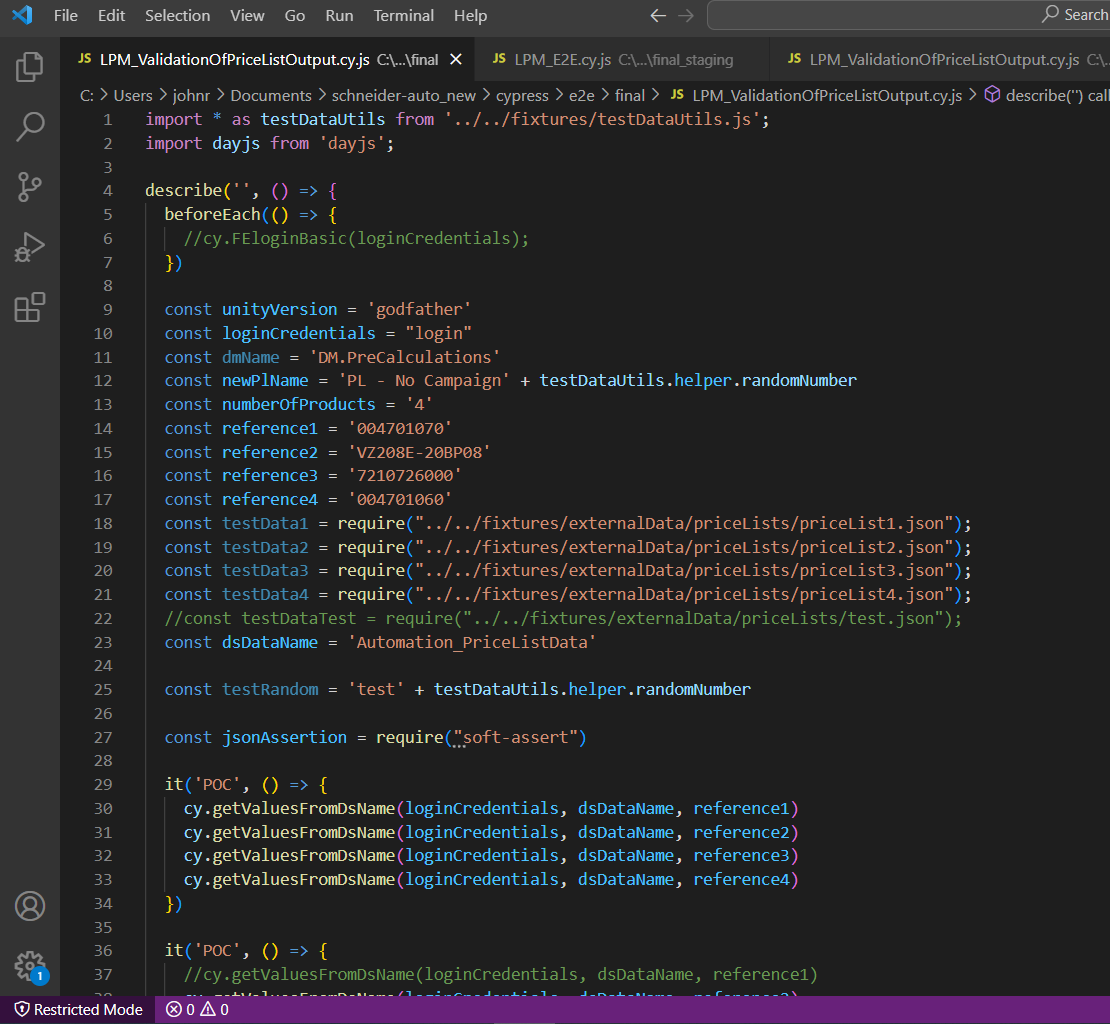
Visual Studio Code
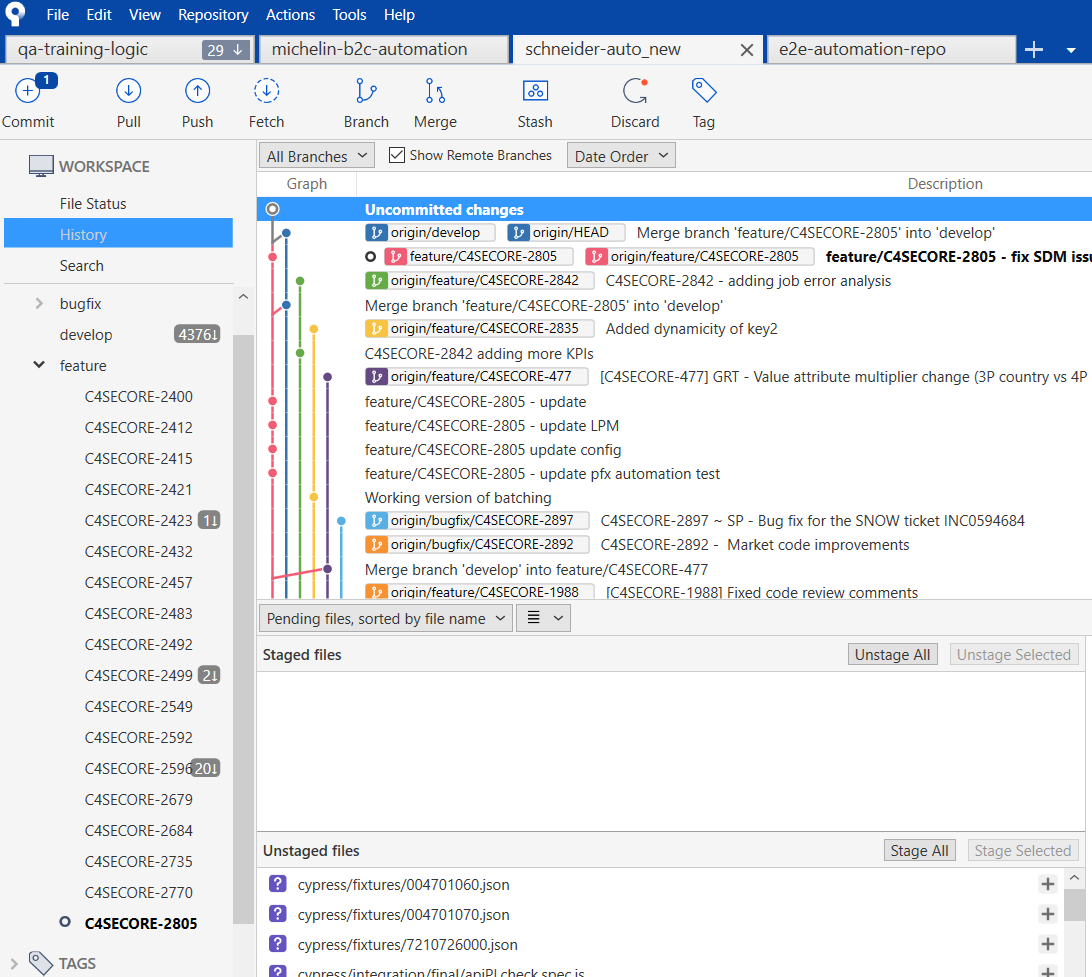
b) Git
Link: https://git-scm.com/downloads
-
for version control of the code
-
could be used directly in Visual Studio Code, in command line or tool like a Sourcetree
-
git basics for developersGit Basics
-
knowledge needed for test automation:
-
clone, fetch, pull, stage, commit, push
-
create, merge branch
-
c) Node.js
Link: https://nodejs.org/en/
-
when you download cypress only as a installation file, it will work without node.js, but for clear functionality you need to have node.js installed
-
You can check your actual version of node.js by command “node -v” in the command line

d) Package manager
-
it is for installing and running plugins and dependencies for cypress tests (and cypress as well)
-
on your computer needs to be installed one of the package managers (Npm or Yarn)
-
npm is installed directly with Node.js
-
locally you can choose, but on the server side it is used Yarn
Link: yarn install: https://classic.yarnpkg.com/en/docs/install/
-
install Yarn in your command line:
npm install --global yarn
Info: