
Date & Time

The date and time inputs provide a simple way for end users to pick values from a fixed set.

Date

To create an input for selecting a time, use the date input.
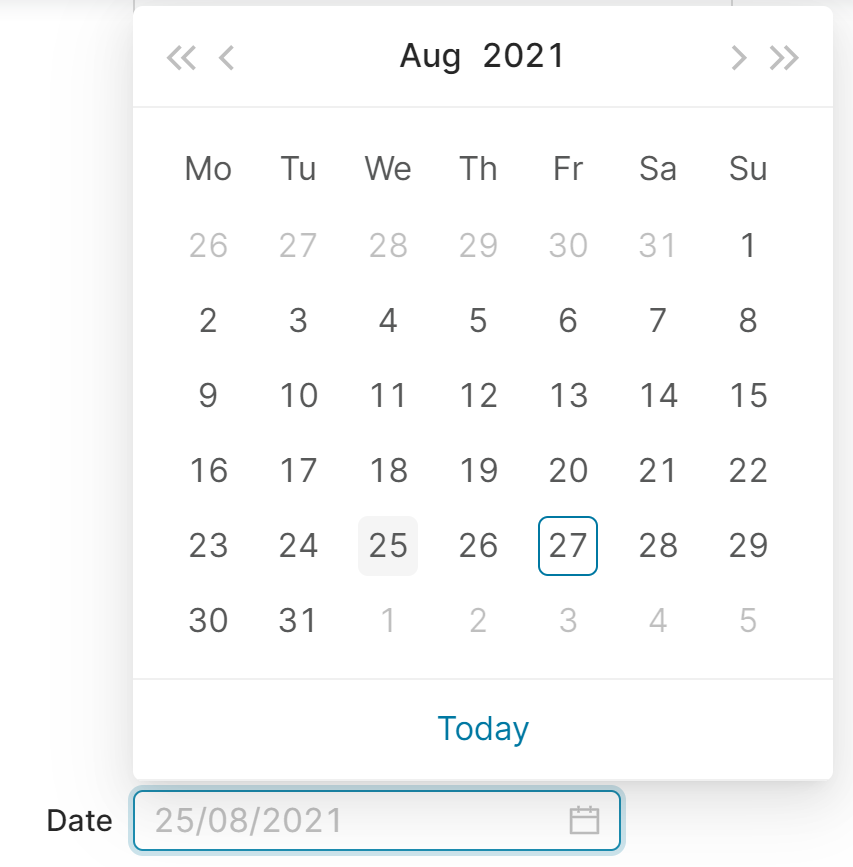
date
Figure 1. An input for picking a date, rendered in the web browser.
Forms
Groovy
def formFieldSet = api.createConfiguratorEntry()

formFieldSet.inputs = [
    api.inputBuilderFactory()
        .createDateUserEntry('date')
        .buildContextParameter()
]

return formFieldSet
In input generation mode (input generation mode)
Groovy
api.inputBuilderFactory()
        .createDateUserEntry('date')
        .getInput()
In header Logics
Groovy
processor.addOrUpdateInput(                 //❶
        'ROOT',
        api.inputBuilderFactory()
                .createDateUserEntry('date')
                .buildMap()
)

❶ the processor can be one of the quoteProcessor, cProcessor, etc., which references subclasses of the CalculableLineItemCollectionBuilder

Reading input value in a line item logic

Groovy
final datePattern = 'yyyy-MM-dd'
def date = api.parseDateWithPattern(datePattern, input.date)

Time

To create an input for selecting a time, use the time input.
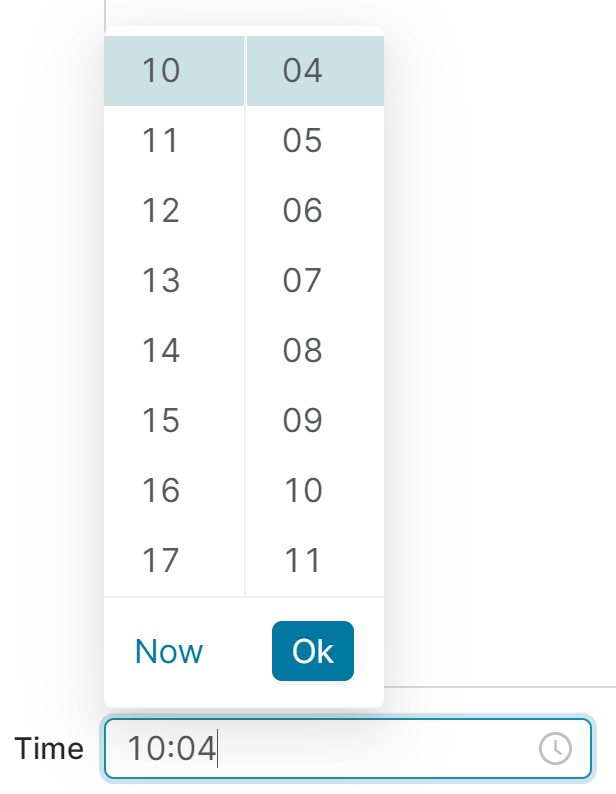
time
Figure 2. An input for picking a time, rendered in the web browser.
Forms
Groovy
def formFieldSet = api.createConfiguratorEntry()

formFieldSet.inputs = [
    api.inputBuilderFactory()
        .createTimeUserEntry('time')
        .buildContextParameter()
]

return formFieldSet
In input generation mode (input generation mode)
Groovy
api.inputBuilderFactory()
        .createTimeUserEntry('time', )
        .getInput()
In header Logics
Groovy
processor.addOrUpdateInput(                 //❶
        'ROOT',
        api.inputBuilderFactory()
                .createTimeUserEntry('time')
                .buildMap()
)

❶ the processor can be one of the quoteProcessor, cProcessor, etc., which references subclasses of the CalculableLineItemCollectionBuilder

Reading input value in a line item logic

Groovy
def matcher = input.time =~ /(?<hour>[0-9]{2}):(?<minute>[0-9]{2})/
matcher.matches() // ❶
def hour = matcher.group('hour') as Integer
def minute = matcher.group('minute') as Integer

❶ You need to test if the pattern matches before you can extract groups by name.

Date Time

To create an input for selecting a combination of date and time, use the date-time input:
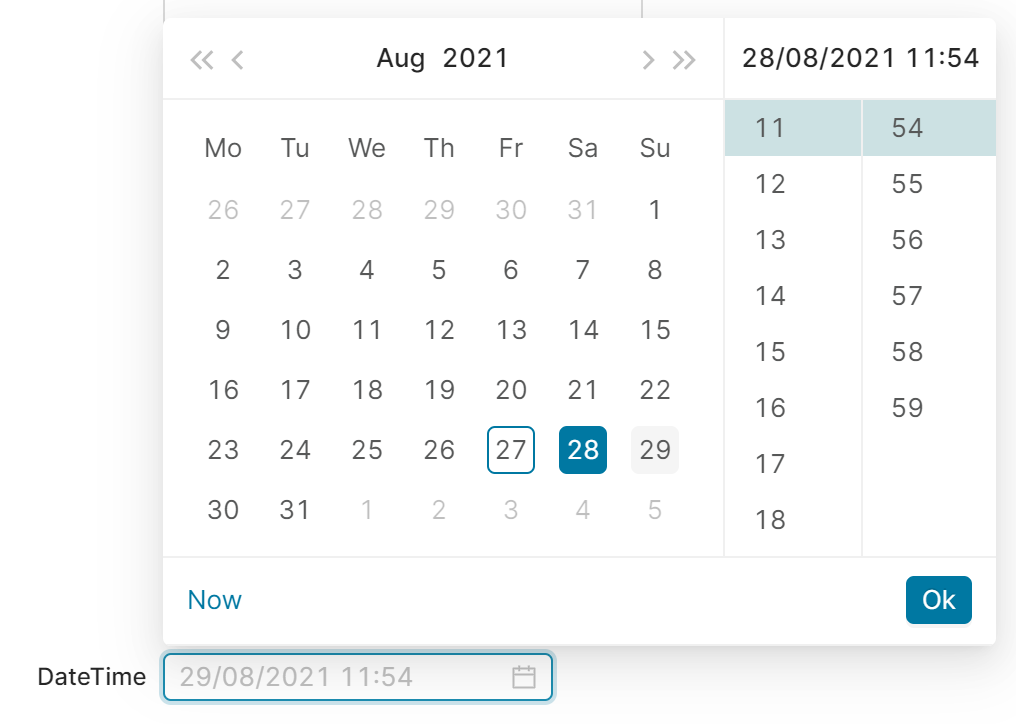
date time
Figure 3. An input for picking a date-time, rendered in the web browser.
Forms
Groovy
def formFieldSet = api.createConfiguratorEntry()

formFieldSet.inputs = [
    api.inputBuilderFactory()
        .createDateTimeUserEntry('dateTime')
        .buildContextParameter()
]

return formFieldSet
In input generation mode (input generation mode)
Groovy
api.inputBuilderFactory()
        .createDateTimeUserEntry('dateTime', , )
        .getInput()
In header Logics
Groovy
processor.addOrUpdateInput(                 //❶
        'ROOT',
        api.inputBuilderFactory()
                .createDateTimeUserEntry('dateTime')
                .buildMap()
)

❶ the processor can be one of the quoteProcessor, cProcessor, etc., which references subclasses of the CalculableLineItemCollectionBuilder

Reading input value in a line item logic

Groovy
final dateTimePattern =  "yyyy-MM-dd'T'HH:mm:ss.SSS'Z'"
def dateTime = api.parseDateTime(dateTimePattern, input.dateTime)

Date Range

To create an input for selecting a time period, use the date range input. You can select from the following period types:

  • DAY (default)

  • MONTH – A range from the first day of the selected month to the last day of the selected month.

  • QUARTER – A range from the first day of the selected quarter to the last day of the selected quarter.

  • YEAR – A range from the first day of the selected year to the last day of the selected year.
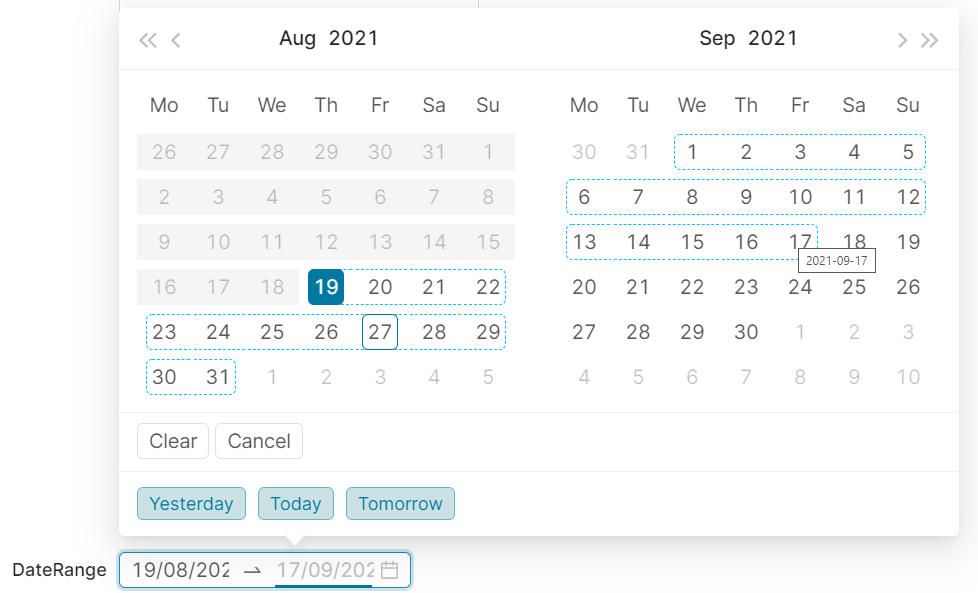
date range
Figure 4. An input for picking a date range, rendered in the web browser.
Forms
Groovy
def formFieldSet = api.createConfiguratorEntry()

formFieldSet.inputs = [
    api.inputBuilderFactory()
        .createDateRangeUserEntry('dateRange')
        .setLabel("Select start and end month")
        .setPickerFormat(Period.MONTH)
        .buildContextParameter()
]

return formFieldSet
In input generation mode (input generation mode)
Groovy
api.inputBuilderFactory()
        .createDateRangeUserEntry('dateRange', , , )
        .getInput()
In header Logics
Groovy
processor.addOrUpdateInput(                 //❶
        'ROOT',
        api.inputBuilderFactory()
                .createDateRangeUserEntry('dateRange')
                .buildMap()
)

❶ the processor can be one of the quoteProcessor, cProcessor, etc., which references subclasses of the CalculableLineItemCollectionBuilder

Reading input value in a line-item logic

Groovy
final datePattern = 'yyyy-MM-dd'
def dateFrom = api.parseDateWithPattern(datePattern, input.dateRange[0])
def dateTo = api.parseDateWithPattern(datePattern, input.dateRange[1])

Minimum and Maximum Values

You can restrict the input from the user by setting minimum and maximum dates.

As of version 7.3, the functionality for setting the minimum and maximum values has not been implemented in the frontend application. However, you can still set these properties in a Groovy logic.

Groovy
String dateFormat = "yyyy-MM-dd"
Date minDate = api.parseDateWithPattern(dateFormat, "2021-01-15")
Date maxDate = api.parseDateWithPattern(dateFormat, "2021-01-25")

api.inputBuilderFactory()
    .createDateUserEntry('Date')
    .setMin(minDate)
    .setMax(maxDate)
    .getInput()