Issue
Exceptionally this can happen to customers but more often it happens during development.
When trying to use the IoC container, the Excel Client stops working and it is not possible to find a working revision – older working versions also stop working, for the same reason. There is an error during registering or loading of the addon (PFX EC). This error happens just once, the next time it is a different one – caused by disabled loading. Excel disables the execution or loading of specific addons based on certain heuristics.
Deleting and pulling the repository again does not help. Excel Client will start working well on new repositories in a different disk location.
Solution
-
Open Excel and go to File > Options > Add-ins.
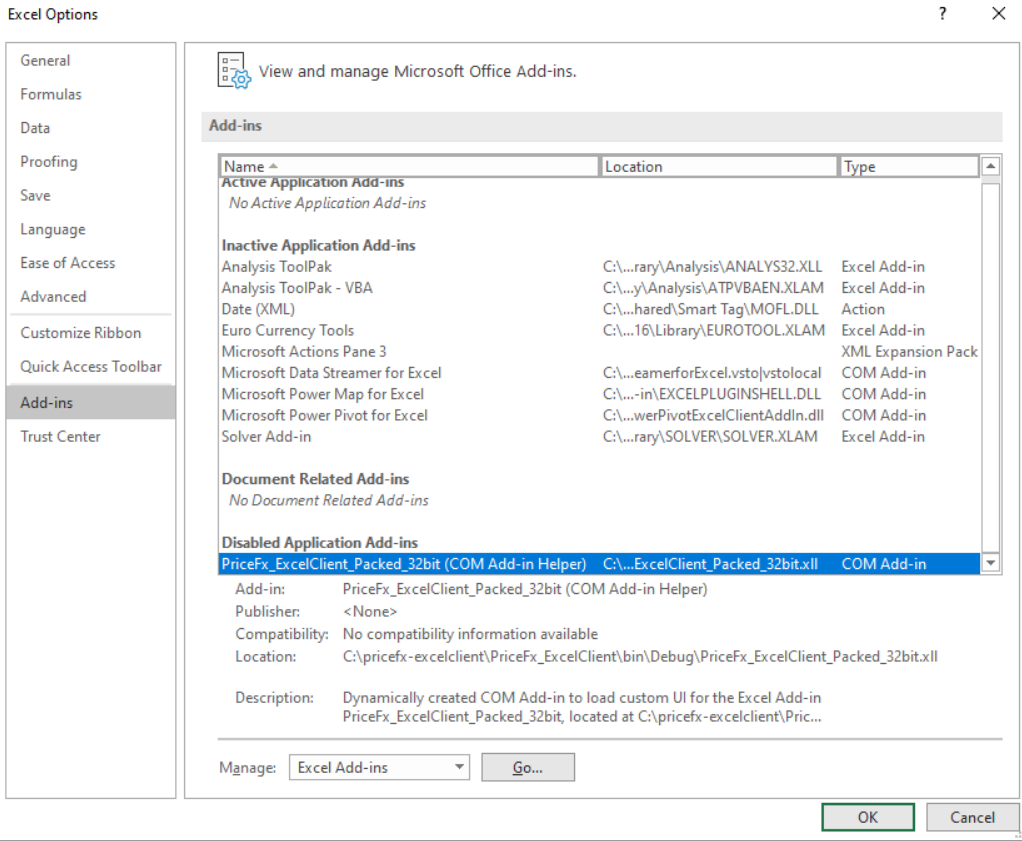
Here you can see the disabled Pricefx ExcelClient COM Add-in.
-
At the bottom of this dialog go to Manage > Disabled Items.
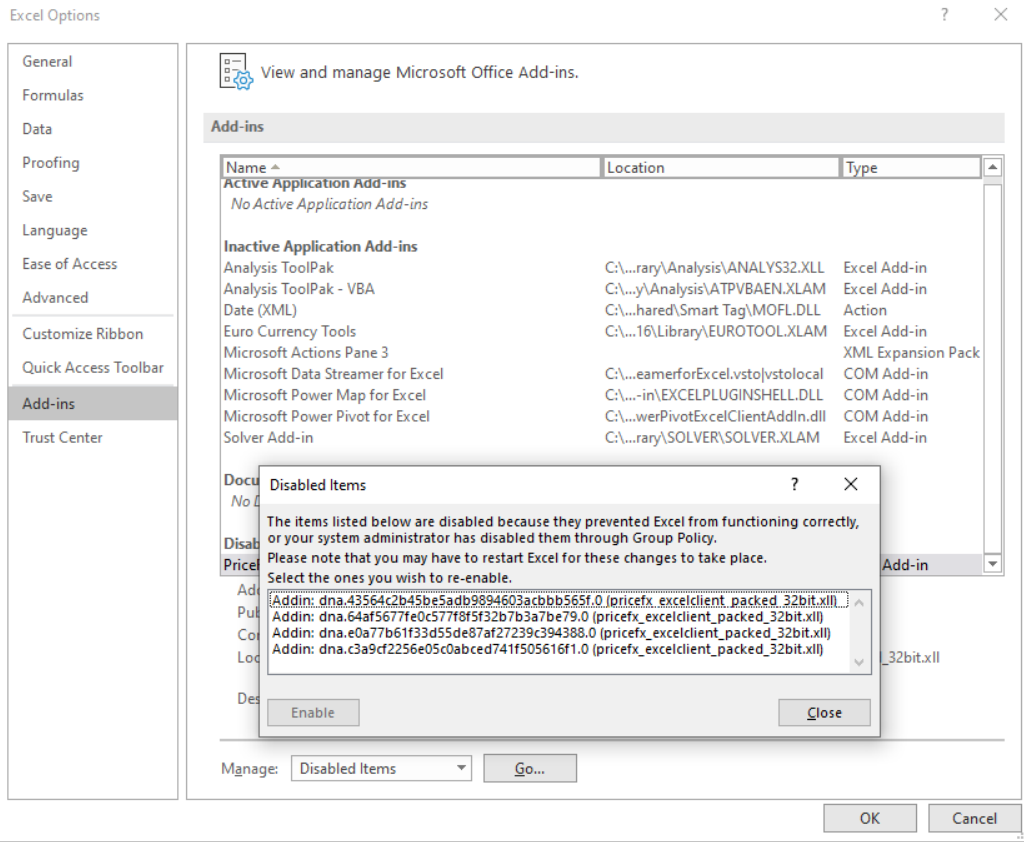
-
Enable Pricefx ExcelClient addon.
Technical Details
Excel will show you:
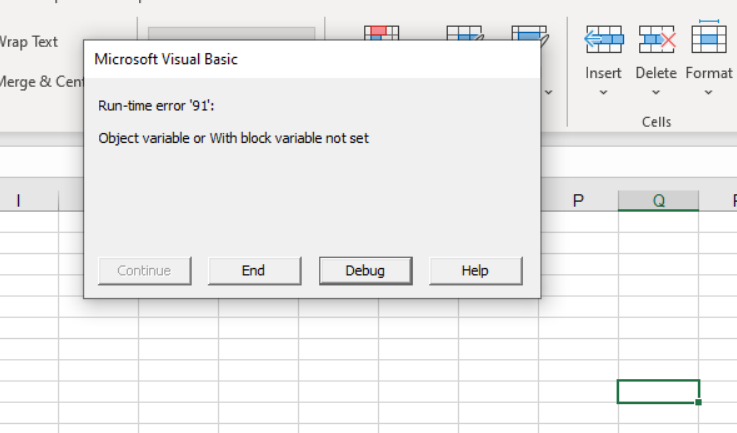
When you click the Debug button:
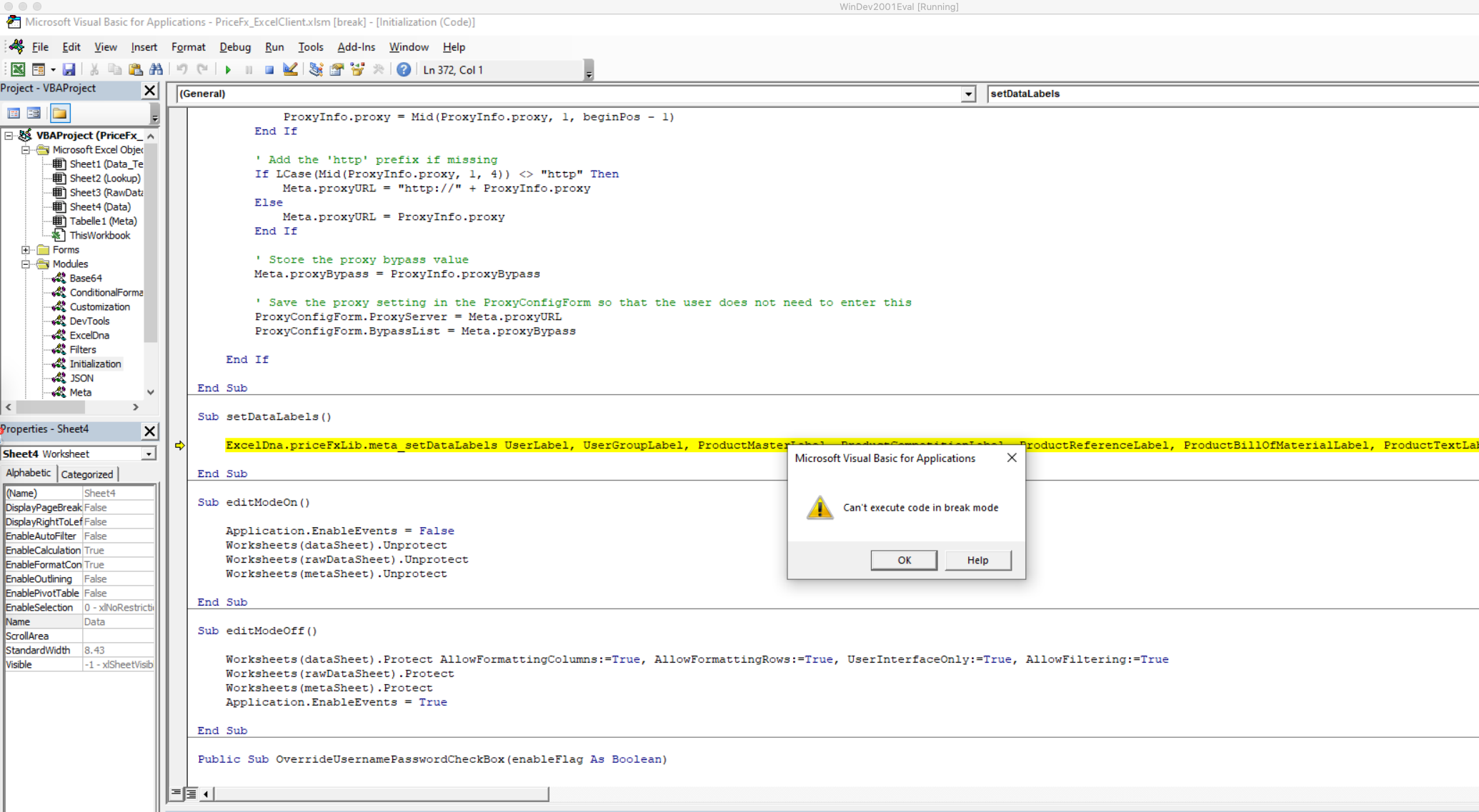
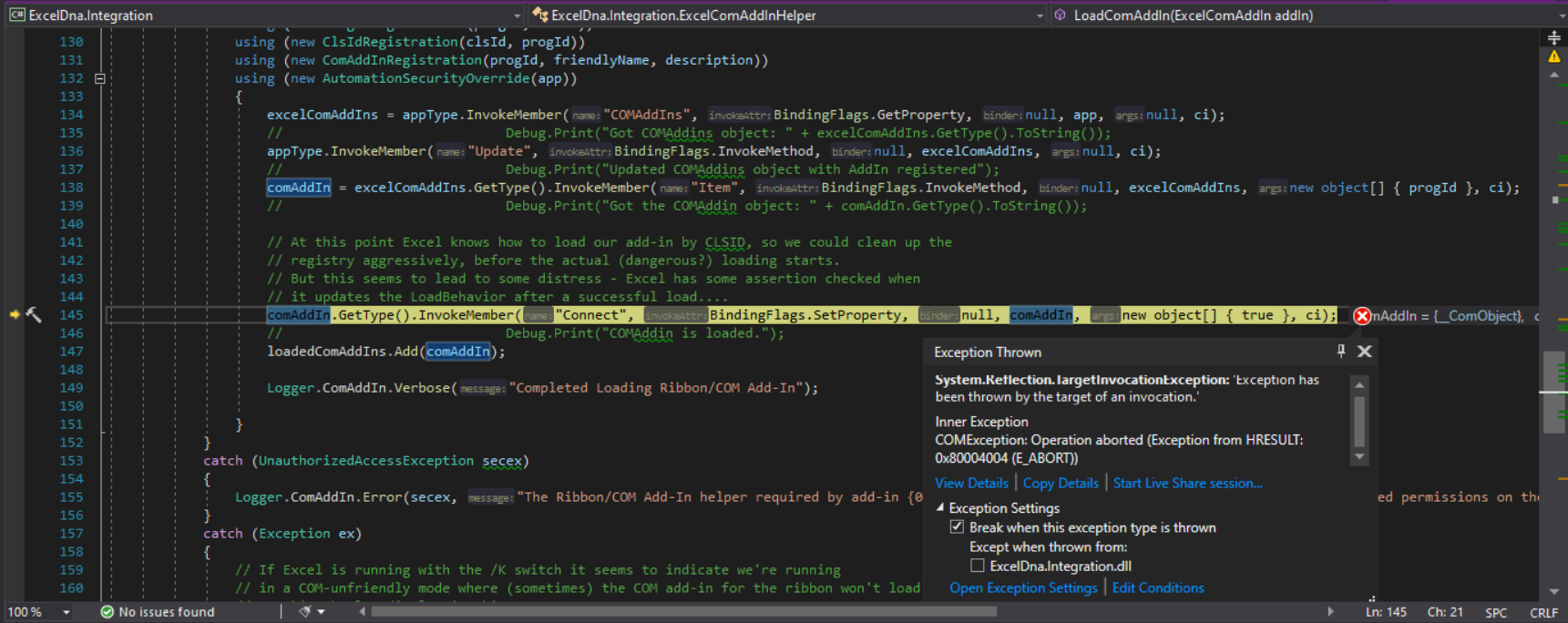
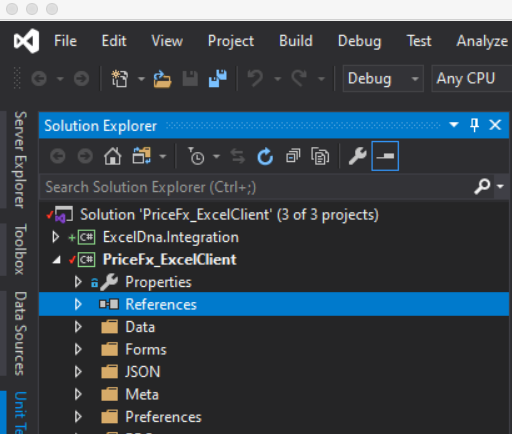
In Visual Studio, you cannot see any exception, even if you enable stop on all exceptions. But you can include ExcelDna.Integration project to your solution and run it again. Then you can see the following error while invoking a COM object. Here is ExcelDna part of the solution:
COMException: Operation aborted (Exception from HRESULT: 0x80004004 (E_ABORT))