
Before creating an Agent in Pricefx Copilot, you can review and refine the generated Agent Plan in Canvas so it better matches your business objective before deployment. This can include adjusting the selected Datamart, measures, scope and filters, time windows, and detection thresholds so the Agent monitors the right cases from the start.
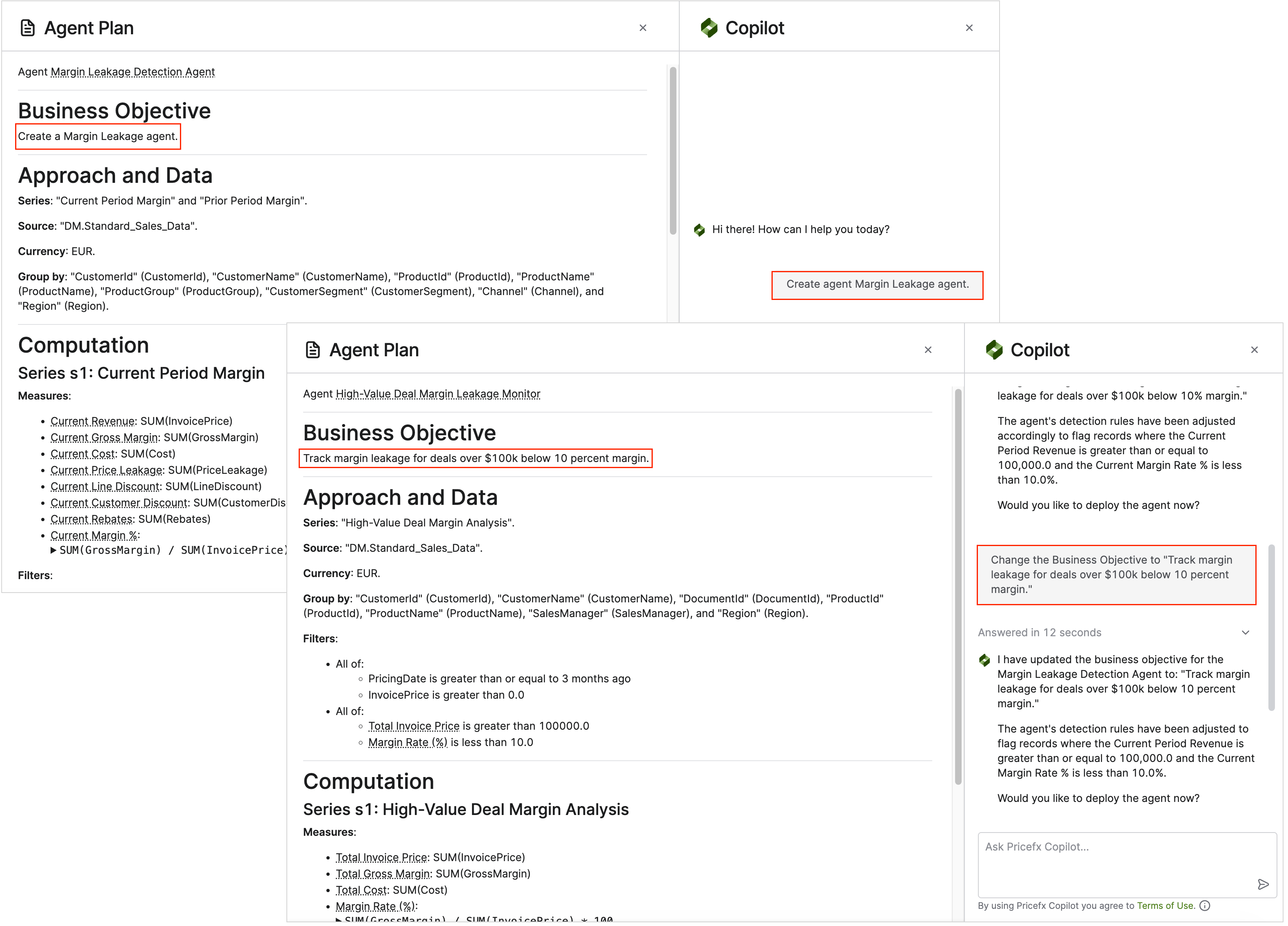
Refine Business Objective
Refining the business objective helps you make the Agent’s purpose more specific before creation, so the generated plan better reflects what should be monitored, compared, and flagged. A clearer objective can narrow the scope, highlight the right metrics and thresholds, and reduce noisy or incomplete results in the initial Agent draft.
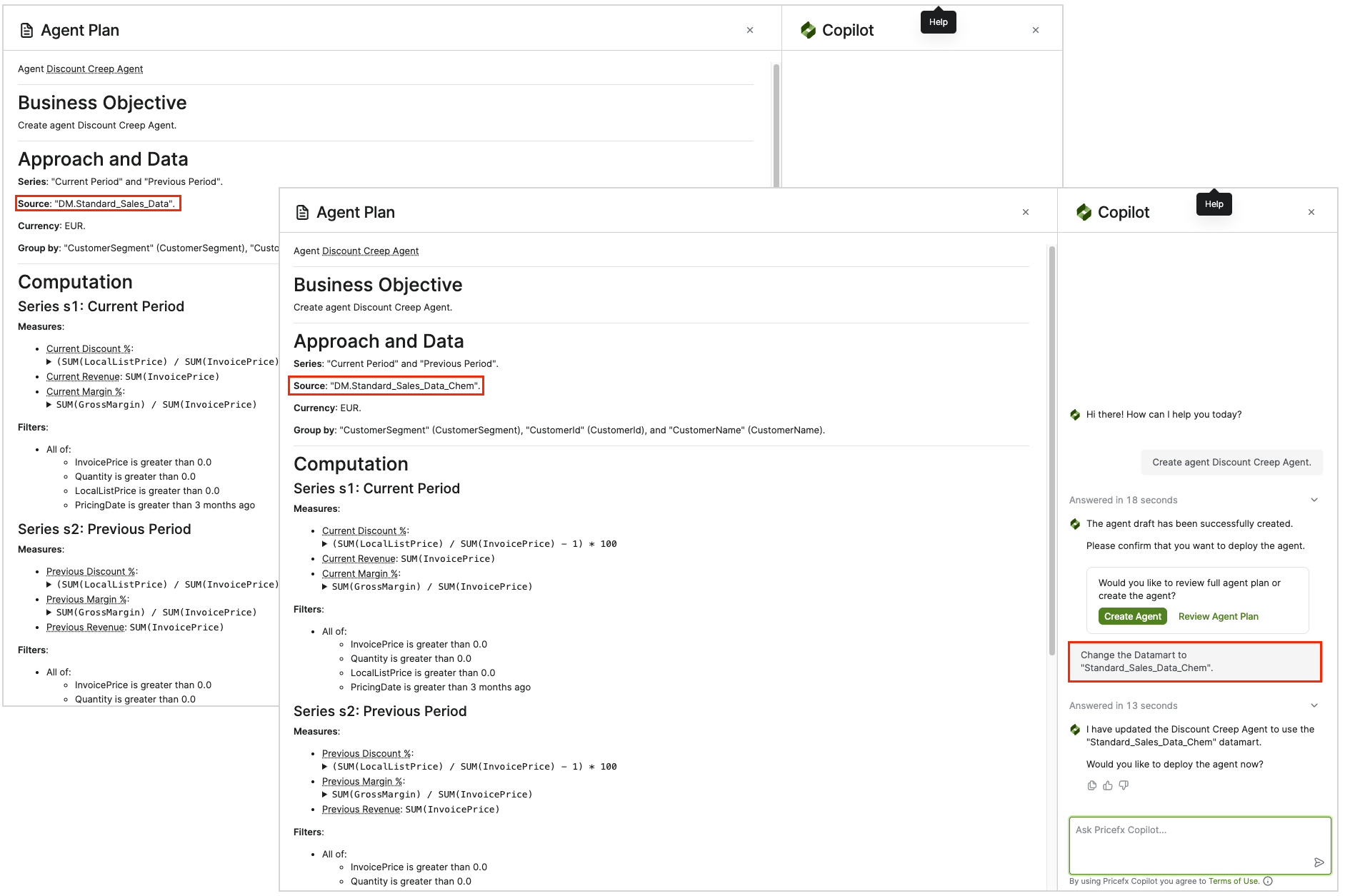
Change Selected Datamart(s)
Changing the selected Datamart or Datamarts lets you align the Agent Plan with the data sources that best match the business objective before the Agent is created. Using the right Datamart(s) helps the generated Agent use the correct series, measures, and analysis context from the start, especially when the use case requires more than one data source.
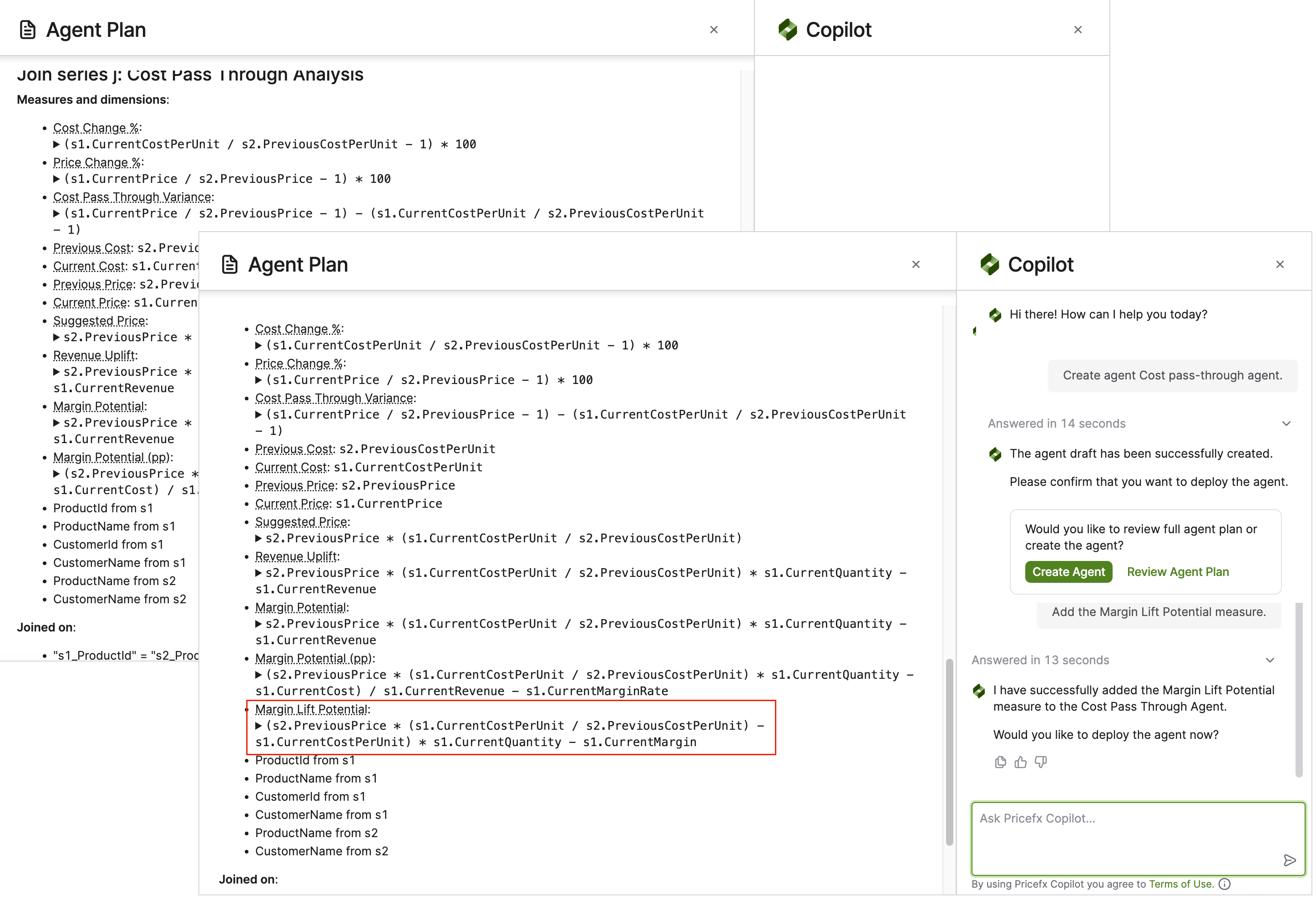
Add or Adjust Measures
Adding or adjusting measures helps the Agent Plan capture the calculations that are most relevant for the business objective, such as margin %, margin gap, revenue uplift, or pass-through ratio. Defining the right measures early improves how the Agent evaluates detected cases, applies thresholds, and estimates business impact in the initial draft.
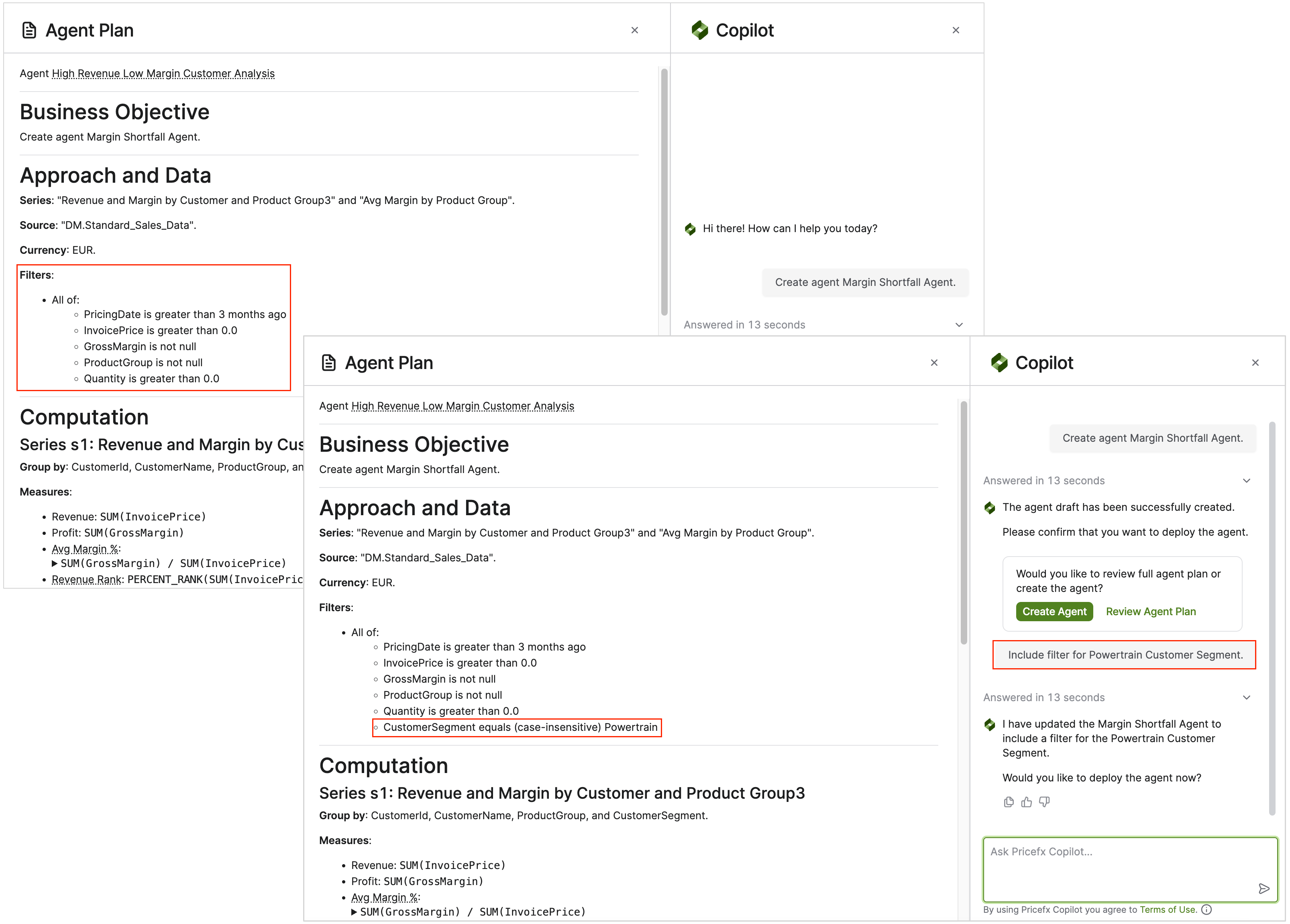
Change Scope / Filters
Changing the scope and filters helps you narrow or expand the set of records the Agent analyzes so the generated plan focuses on the most relevant business cases. You can refine the data scope by limiting specific products or customers, adjusting time windows, or filtering out low-value aggregated groups before the Agent applies detection rules and creates actions.
Adding Detection Rules
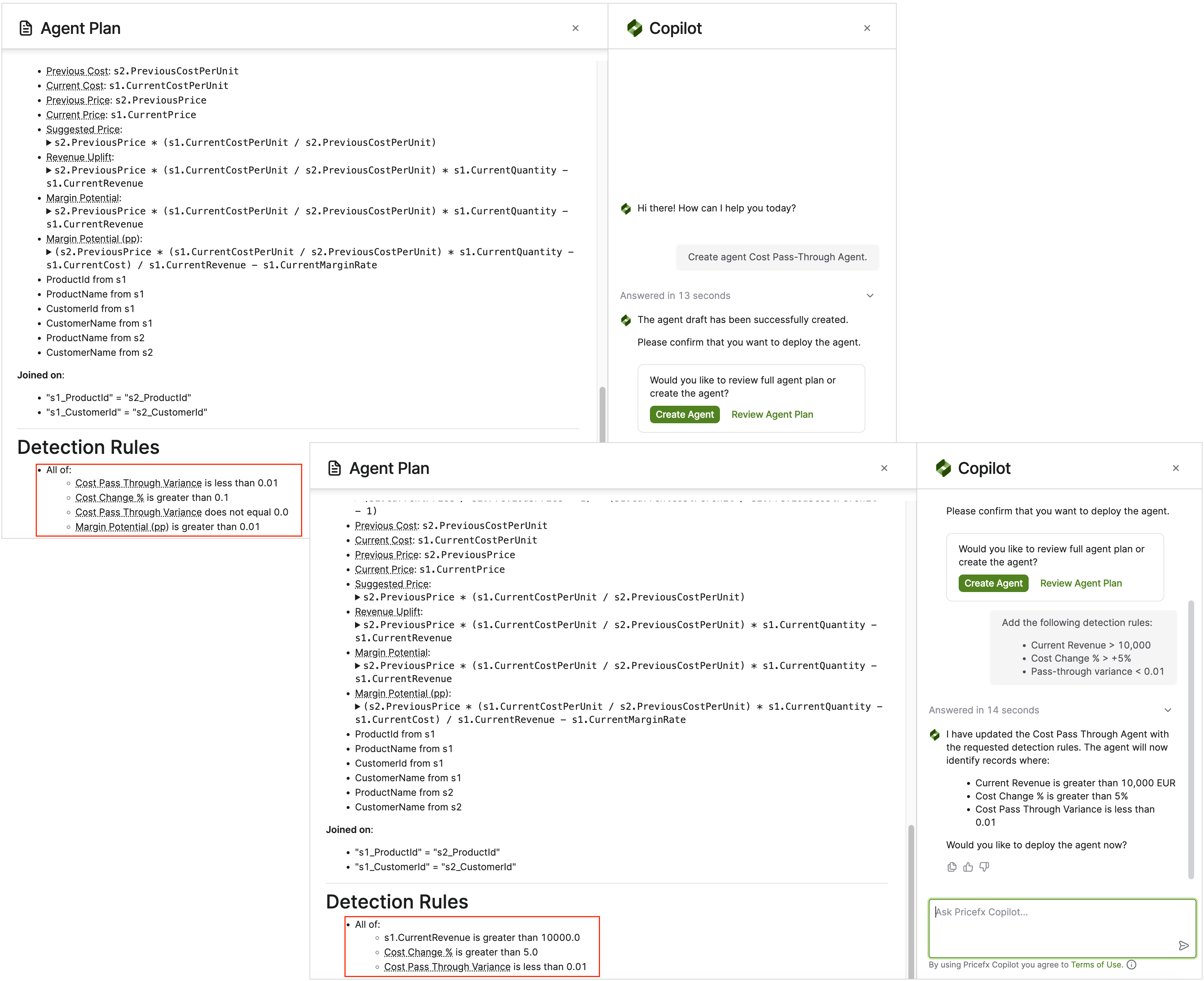
Adding detection rules helps you define the exact business conditions the Agent should use to decide which records are treated as detected insights and passed on for action creation. By refining the rule logic on the selected series, you can focus the Agent on cases that truly match your business criteria and validate the expected results before deployment by previewing the matching rows.
This feature is available starting from version 17.0 - Paloma.