
The Action Review Dashboard provides a concise view of a single Action’s status, ownership, Due Date, and Expected Impact, ensuring fast triage and informed decision‑making. As of the Agents 1.7, the Action Review Dashboard is compatible with the Pricefx Copilot. Copilot is able to surface and interpret dashboard context through natural language interactions.
Set Up Filters
|
Input |
Options |
Description |
|---|---|---|
|
Select Action |
|
Filter that allows you to specify particular Action. By default, the filter is empty. |
|
Detected Date |
|
Allows you to set up a date range for the Action's Detected Date (Start Date > End Date). |
Data
Data for all the portlets is read from the Action Items with input filters applied.
Analyze Results
The dashboard provides the following summaries.
Summary
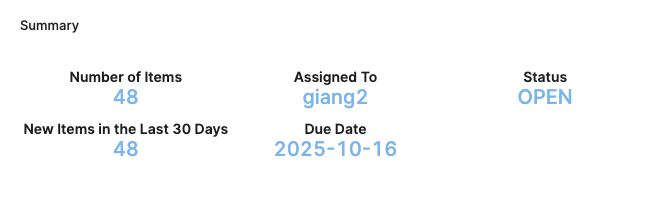
The Summary portlet presents a concise snapshot of the selected Action Item, allowing users to assess workload, ownership, timeliness, and recent activity.
-
Number of Items – Displays the total count of detected items for the selected action. The Items For Selected Action portlet displays the concrete items.
-
Assigned To – Shows the assignee’s name in the following format (First Name Last Name). If the name values are not available, the Login Name is displayed.
-
Status – Indicates the current status of the selected Action Item. For more information see Action Status.
-
New Items in the Last 30 Days – Counts items in the Detected Insight identified within the past 30 days, highlighting recent activity.
-
Due Date – Presents the Action’s Due Date as defined on the Action Item, supporting timely follow‑up.
Total Expected Impact
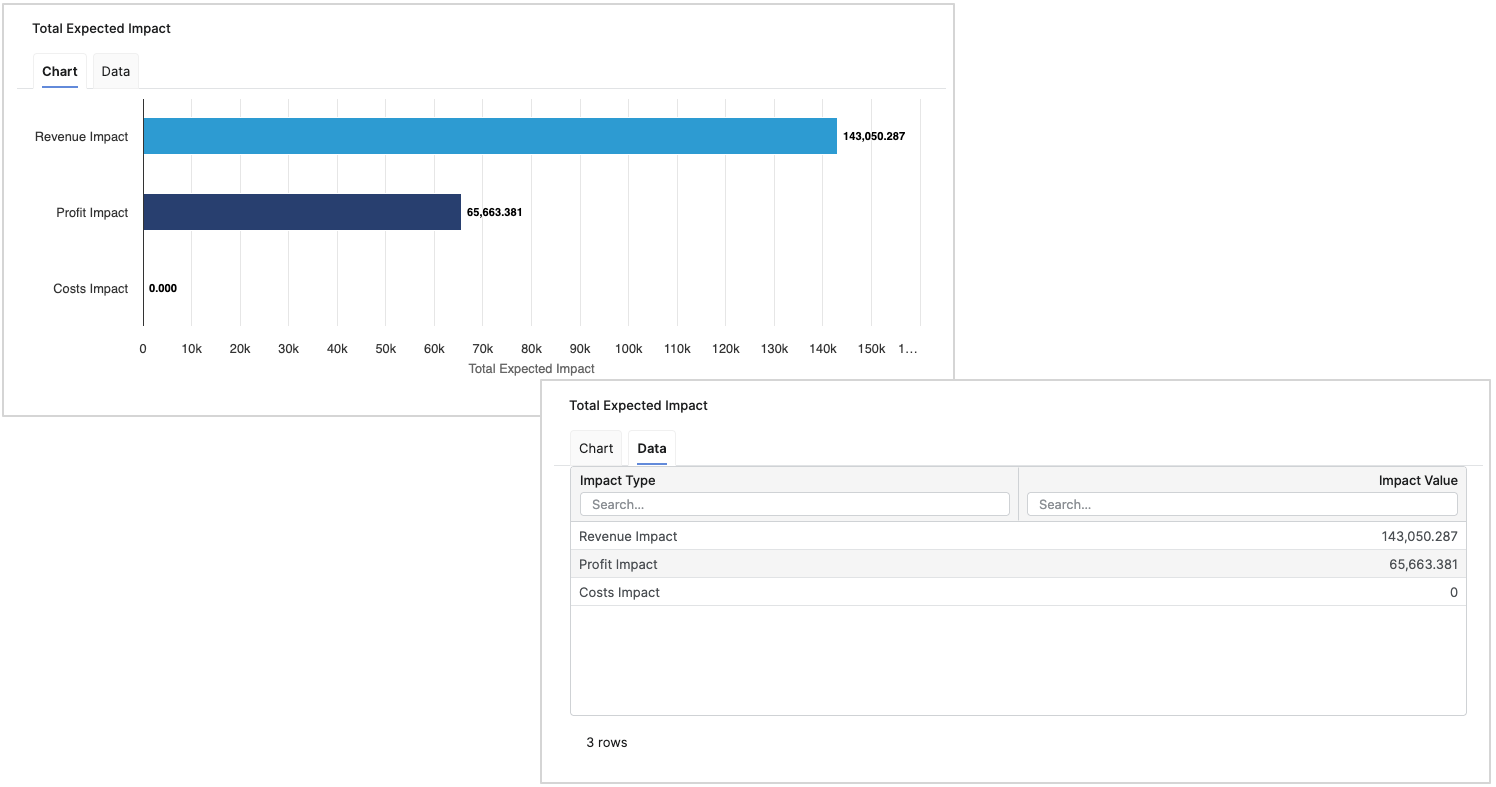
The Total Expected Impact portlet provides a concise, decision‑oriented view of the Expected Impact associated with the selected Action Item, supporting fast triage and prioritization.
-
Chart – A horizontal bar chart where each bar represents an impact present on the Action Item (only non‑empty attribute extension values are included).
-
Data Tab – A structured table listing the Impact Name alongside its Impact Value for transparent validation and reporting.
Action Description
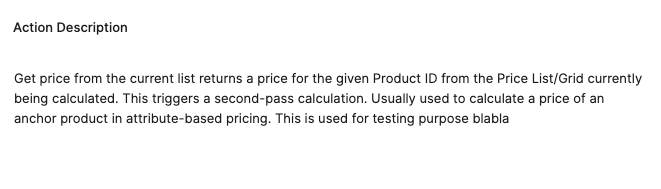
The Action Description portlet provides concise contextual notes to help users quickly understand the selected Action Item and proceed with informed follow‑up.
-
Preserving basic text formatting configured on the Action Item.
-
If no text is available, the portlet displays No Description set to indicate the absence of content.
-
Always reflects the currently selected Action Item.
Items For Selected Action
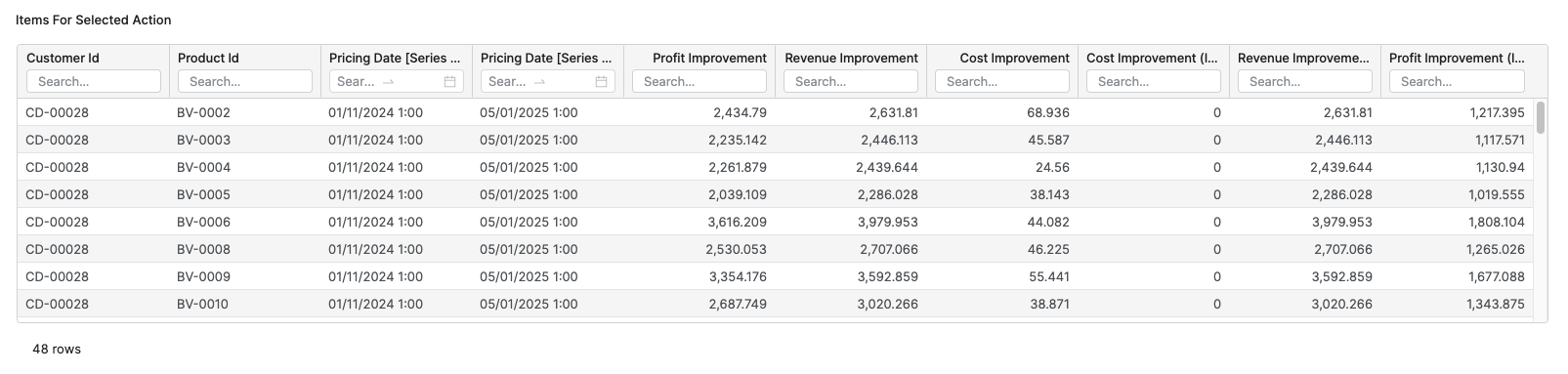
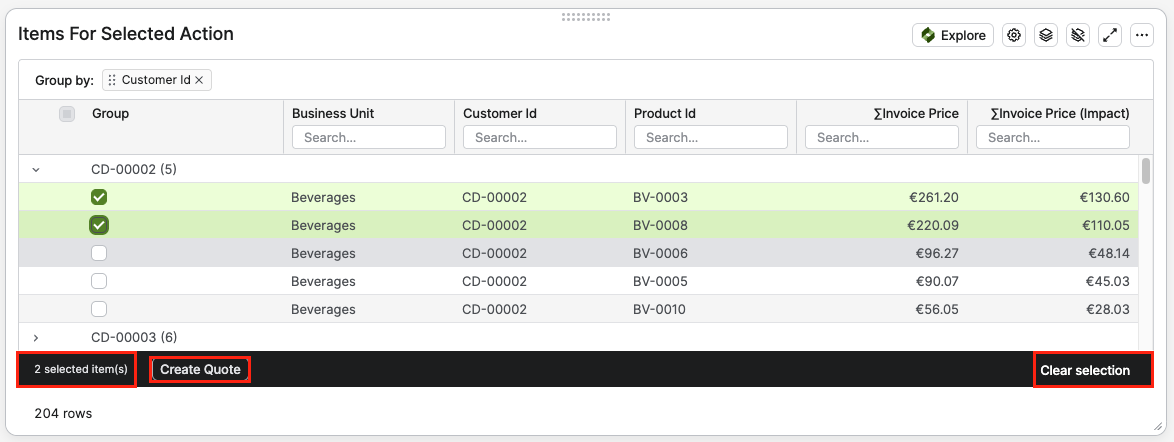
The Items For Selected Action portlet provides a detailed, filterable view of the concrete items associated with the selected Action Item, helping users validate results and plan follow‑up activities.
-
Table View – Each row represents a detected item for the selected Action. The columns reflect the Action’s dimensions (e.g., identifiers, dates) and measures, ordered with dimensions first and measures after.
-
Alignment with Dashboard Context – The portlet shows the concrete items counted in the Summary portlet’s Number of Items metric, providing a drill‑through list for verification and analysis.
-
Action Task buttons – When you select one or more rows, an action bar appears at the bottom of the table showing the number of selected item(s) and a button for the configured Action Task, for example Update Price in Live Price Grid or Create Quote. Clicking this button triggers the corresponding Action Task for the selected items, the same way it can be triggered from the Review and Edit tab of the Action item’s Description tab. Use Clear selection to deselect the rows.
Completed Action Tasks
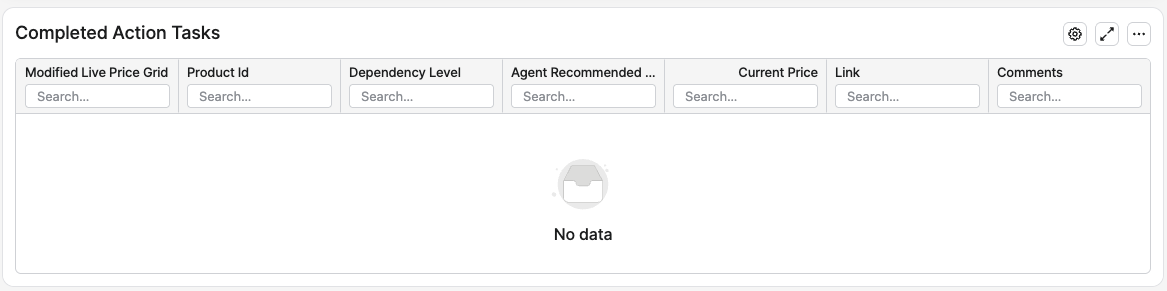
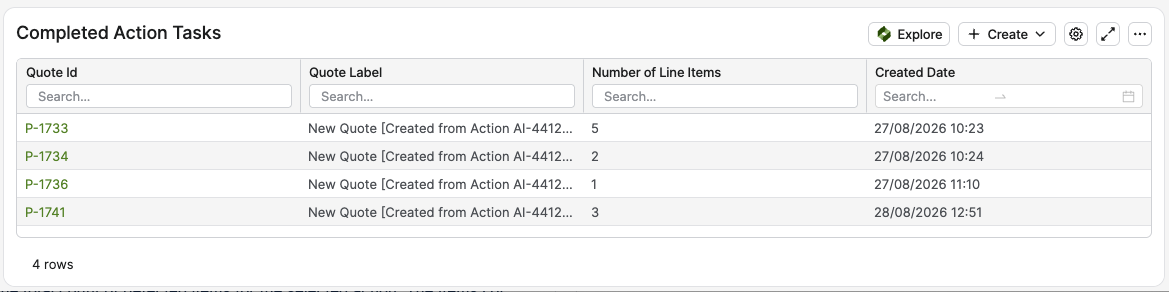
The Completed Action Tasks portlet lists the Action Tasks that have already been executed for the selected Action Item, so that you can verify what follow‑up work has been completed without leaving the dashboard. This portlet mirrors the Completed Action Tasks table available on the Description tab of the Action item, ensuring the same information is available whether you are reviewing an Action from the standalone Agent Action Review dashboard or from the embedded dashboard on the Review and Edit tab. The columns displayed depend on the type of Action Task that was completed.
|
Action Task |
Columns |
|---|---|
|
Update Price in Live Price Grid |
|
|
Create Quote |
|
If no Action Task has been completed for the selected Action Item, the portlet displays no rows.
Copilot Compatibility
Starting with the Agents 1.7, the Action Review Dashboard is compatible with the Pricefx Copilot. Copilot is able to reach the context it needs to interpret and surface dashboard data through natural language interactions. To use the dashboard with Copilot, ensure you are running the Agents 1.7 or later and a compatible version of the Pricefx Copilot. No additional configuration of the dashboard itself is required beyond the standard deployment.