In a price list context, a product price is usually calculated by getting cost and margin from Product Extensions (PX) and Price Parameters (PP). This library helps get data from PX and PP by matching columns or labels of a product and the source (PP, PX).
Usage
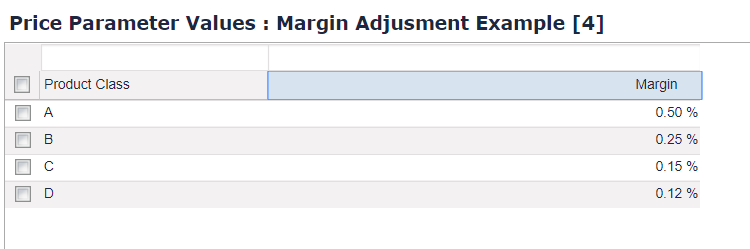
There is a PP named 'MarginAdj' with a key "key1" (label: Product Class).
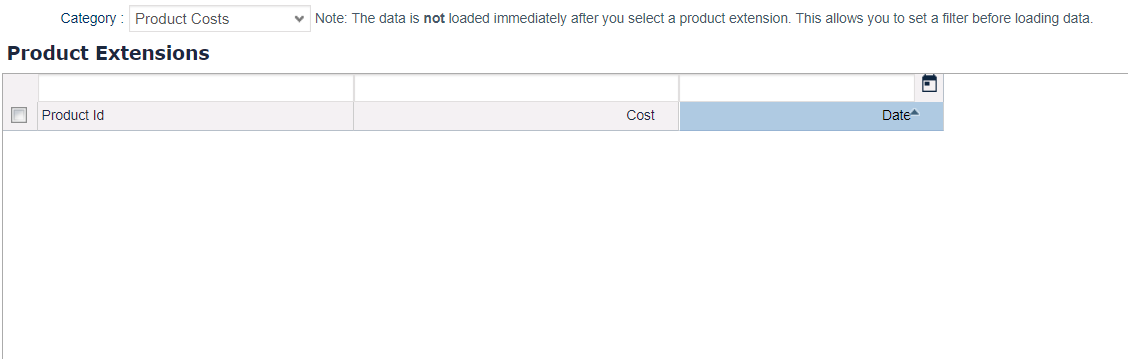
There is a PX named "Product_Costs" with a key is "sku" (label: Product Id).
We can use this library to get the value from PP or PX:
def cost = libs.PriceListManagement.Cost.fromPX("Product_Costs" /** Name of PX */,"Date" /** target date column*/,"sku","key1" /** array of mapping keys*/) //sku column is mapped as default in PX
        ?.select("Cost")
        ?.getValue()//If we select multiple costs, getValue will sum all together
def margin  = libs.PriceListManagement.Margin.fromPP("MarginAdj" /** Name of PP */,null /** target date */,"Product Group" /** array of keys */)
		?.select("Margin")
		?.getValue() //If we select multiple costs, getValue will sum all together
Mapping Configurations
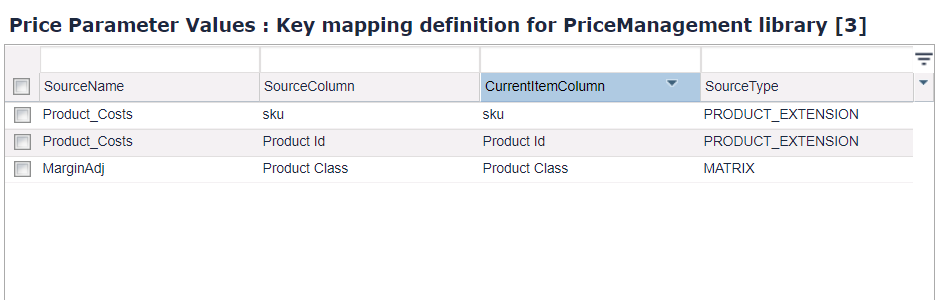
We have a dedicated Price Parameter named 'PriceManagementKeyMapping' which contains mapping configurations for the current product and PP/PX (which can be configured by the configuration wizard).
Mapping Builder
libs.PriceListManagement.Margin.fromPP and libs.PriceListManagement.Cost.fromPX work based on defined mapping configurations. If you do not have configurations in the 'PriceManagementKeyMapping' price parameter, you need to set it manually by using the mapping builder.
def cost = libs.PriceListManagement.Cost.fromPXBuilder("Product_Costs","Date")
				?.on("Product Id"/**Column or label on PX*/,"sku"/** column or label on product*/)
				?.then()
				?.select("Cost")
				?.getValue()
def margin  = libs.PriceListManagement.Margin.fromPPBuilder("MarginAdj","Date"/** Target Date , can be null*/)
					?.on("Product Group","Product Group")
					?.then()
					?.select("Margin")
					?.getValue()
If columns or labels in the product and source table are the same, you can specify the 'onColumnMatching()' or 'onColumnLabelMatching()' option and the library will select all matching columns to filter.
You can use the column name or label in matching; to support that, the library loads the metadata of the product and source tables (PP, PX). You can overwrite these meta settings.
def cost = libs.PriceListManagement.Cost.fromPXBuilder("Product_Costs","Date")
				?.columnLabel([sku:"Product Id",attribute1:"Cost"]) //column settings on Product_Costs
				?.productColumnLabel([sku:"Product Id"]) // column settings on Product master
				?.on("Product Id","sku")
				?.then()
				?.select("Cost")
				?.getValue()
Mapping Configurations Wizard
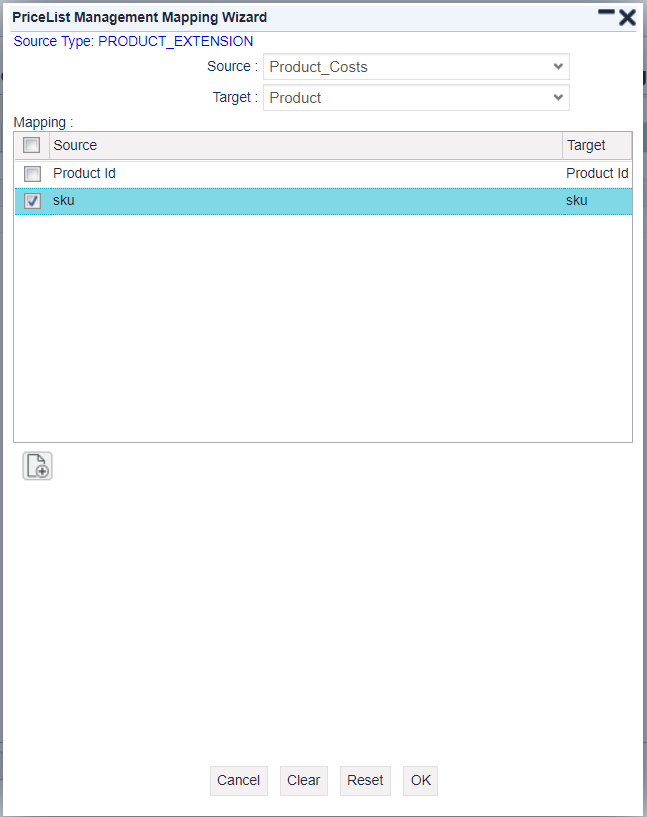
The wizard helps users populate the mapping configuration to the 'PriceManagementKeyMapping' price parameter table.