This package allows you to map standard fields to review the Sales data.
-
Navigate to Marketplace in the PlatformManager.
-
Locate the Sales Insights - Transaction Mapping Only package.
-
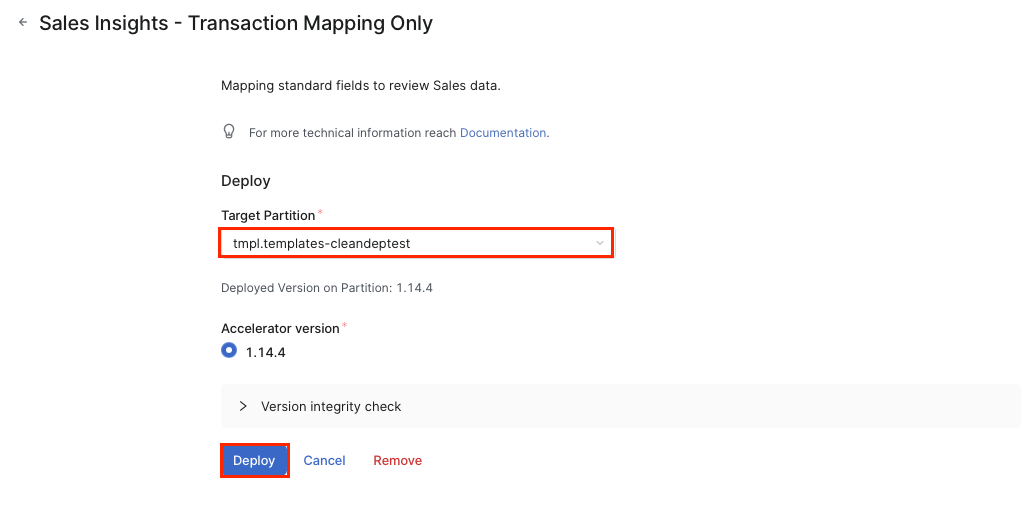
Click the accelerator package tile, select the partition where you want to deploy the package and confirm the deployment dialog to start.
-
In the Accelerator Deploy dialog click Continue.
-
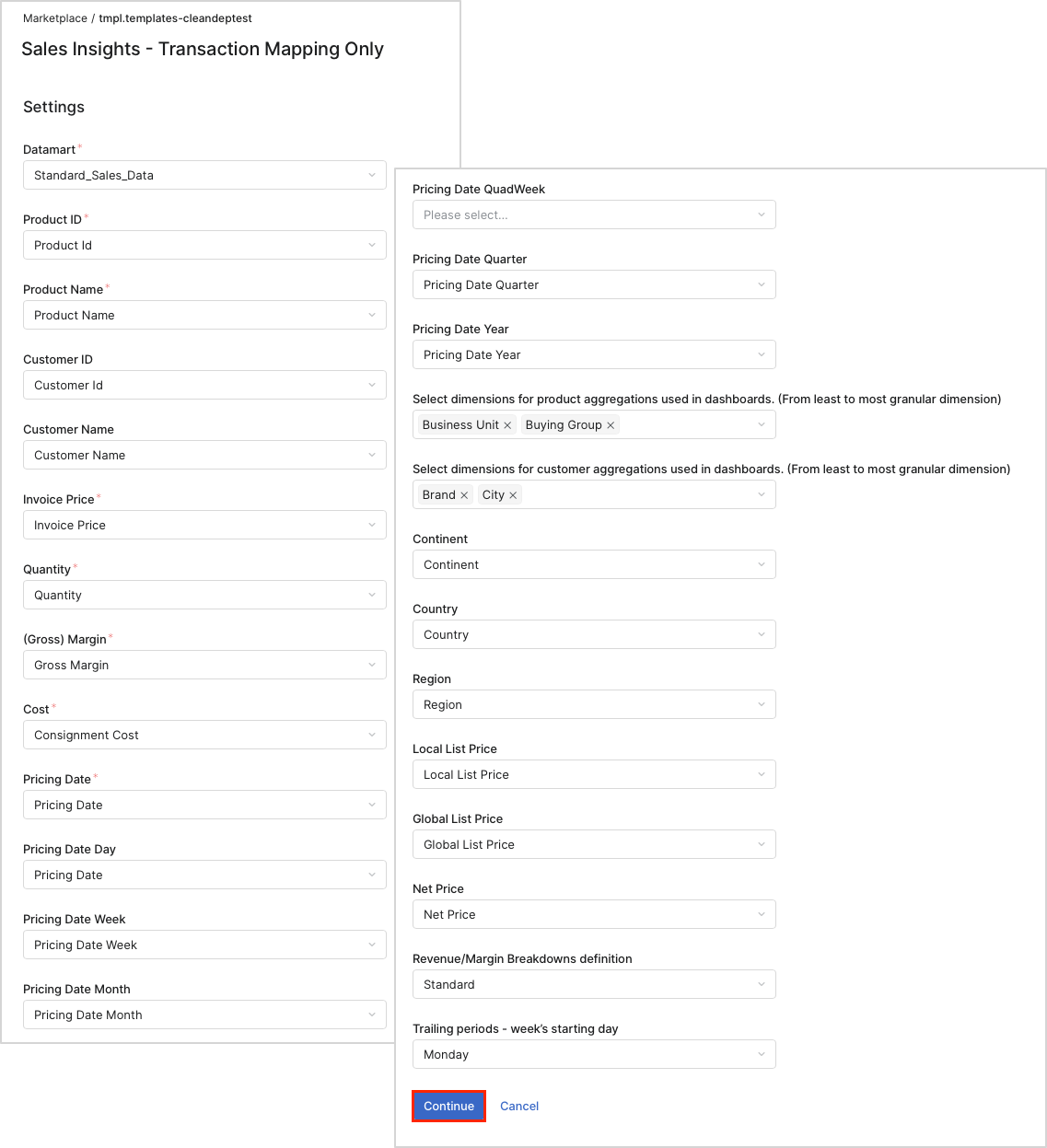
On the Settings menu setup the appropriate transactions mapping.
-
Click Continue.
-
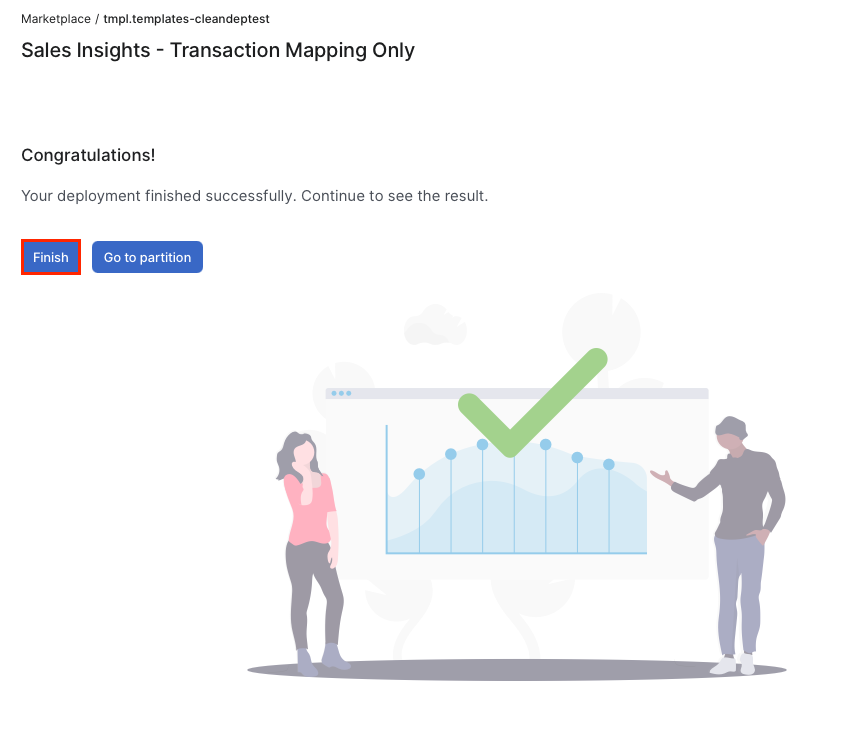
On the final screen click Finish.