
This package allows you to upload Customer Master data to an empty partition. It is a prerequisite to have supporting data for Product, Customer, and Transaction on the partition prior to deploying the Sales Insights Dashboards package.
-
Navigate to Marketplace in the PlatformManager.
-
Locate the Initial Customer Master Setup package.
-
Click the accelerator package tile, select the partition where you want to deploy the package and confirm the deployment dialog to start.
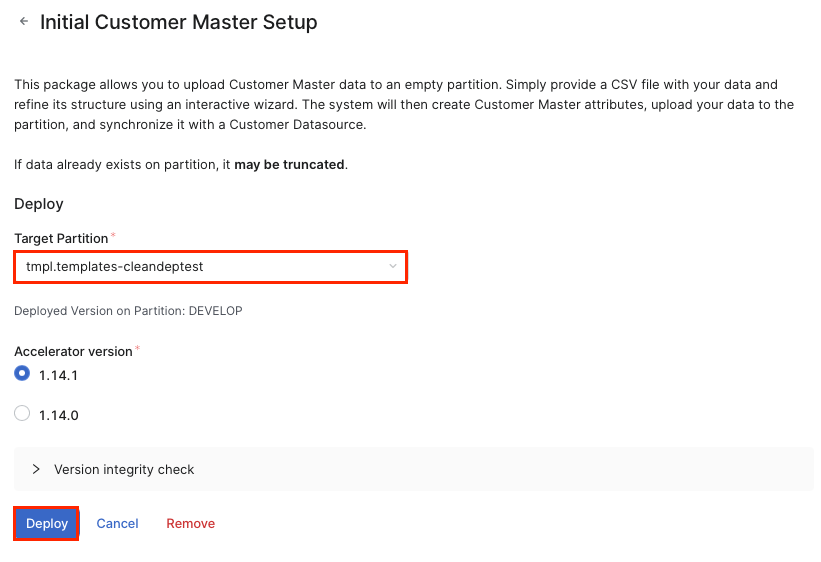
-
In the Accelerator Deploy dialog click Continue.
-
On the Data Upload and Mapping screen upload your Customer-Master data file.
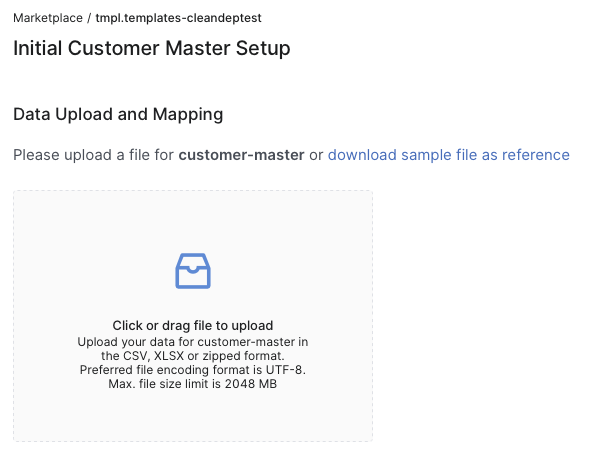
-
On the Data Mapping screen click Continue.
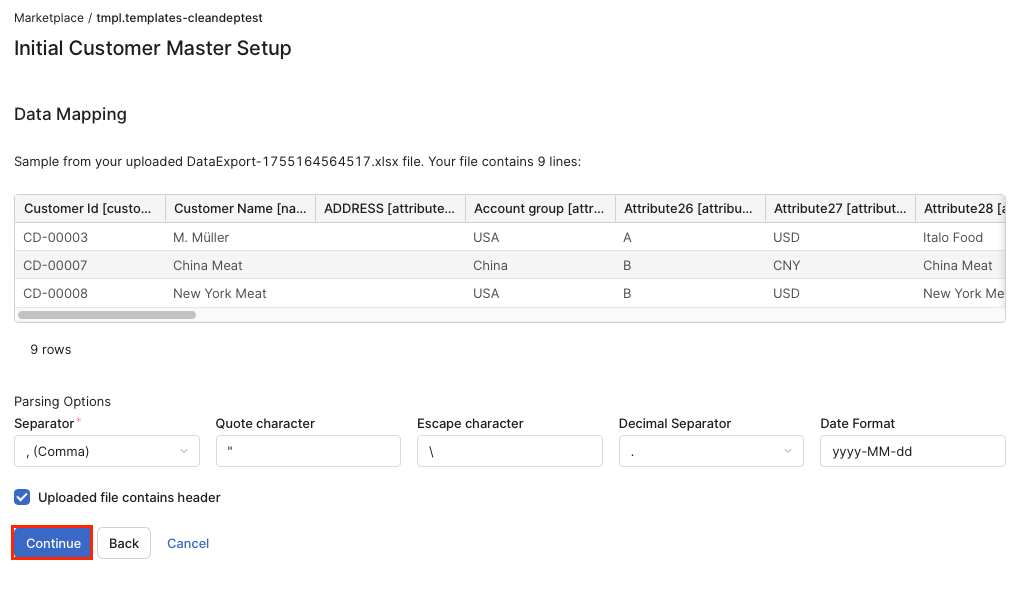
-
On the second Data Mapping screen map the mandatory fields and click Continue.
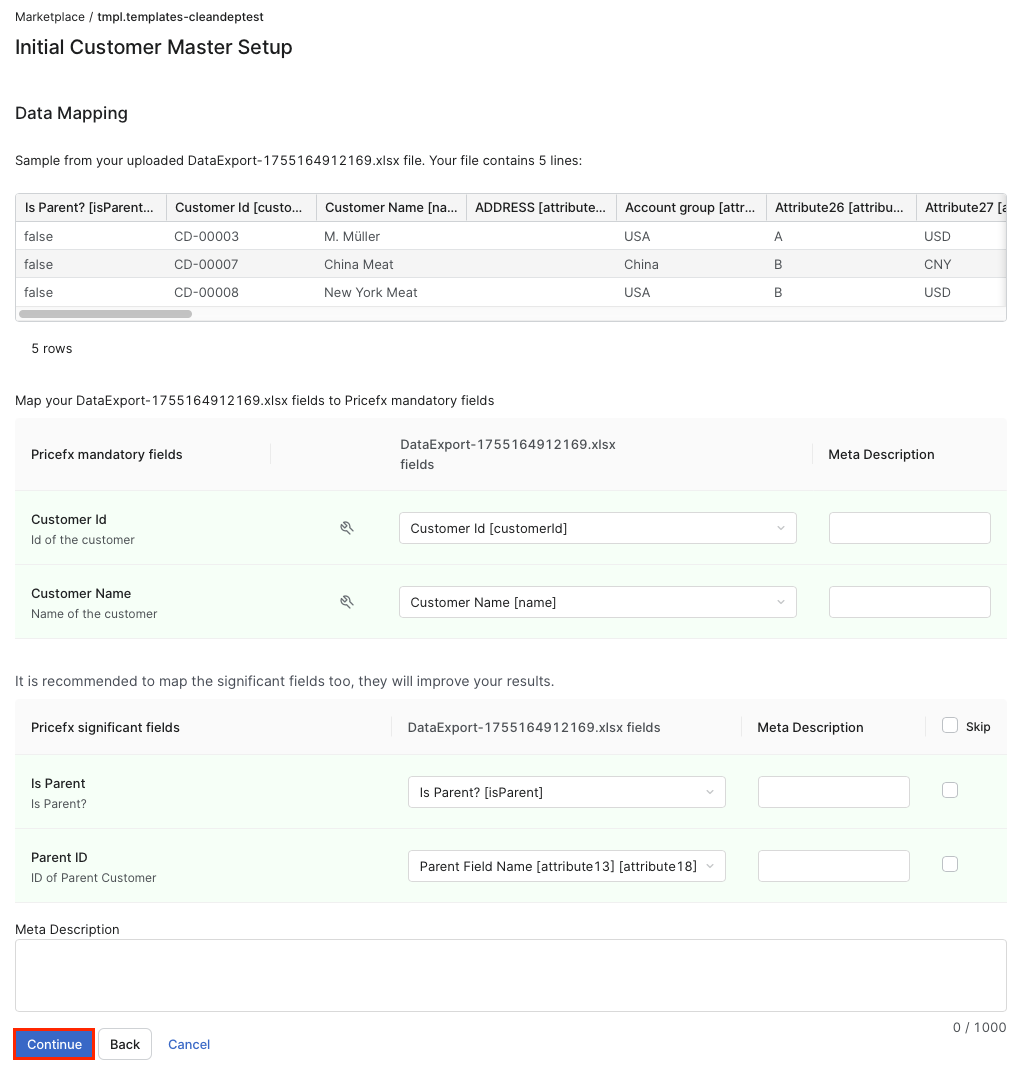
-
On the third Data Mapping screen map the optional fields and click Continue.
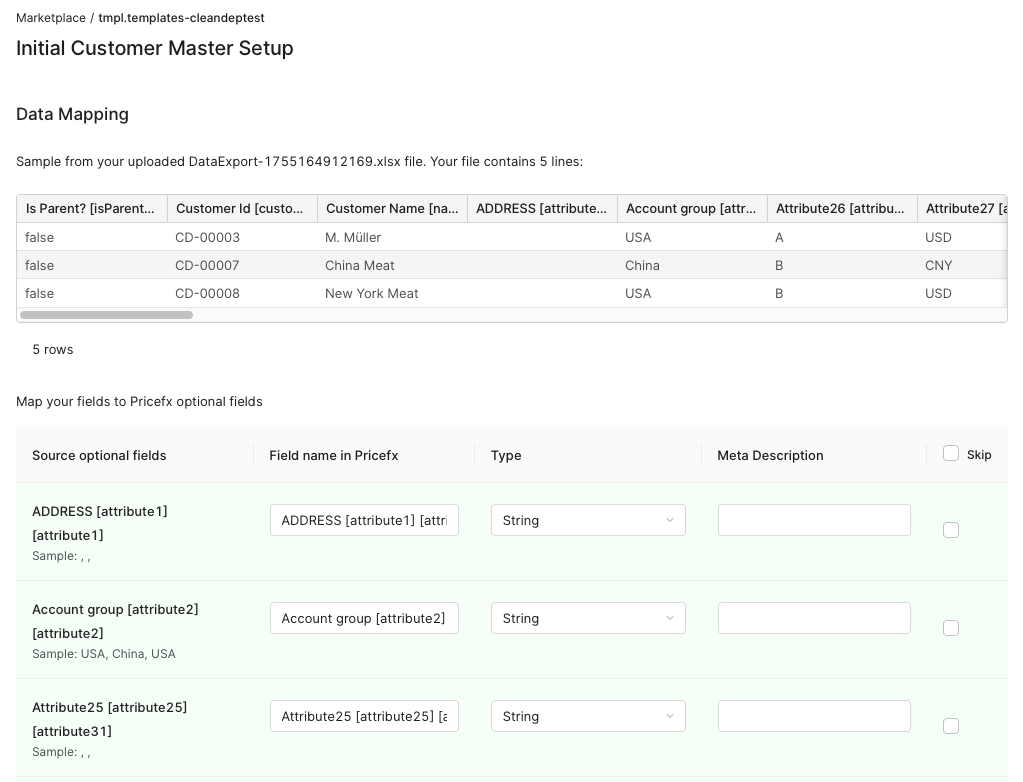
-
On the final screen click Finish.
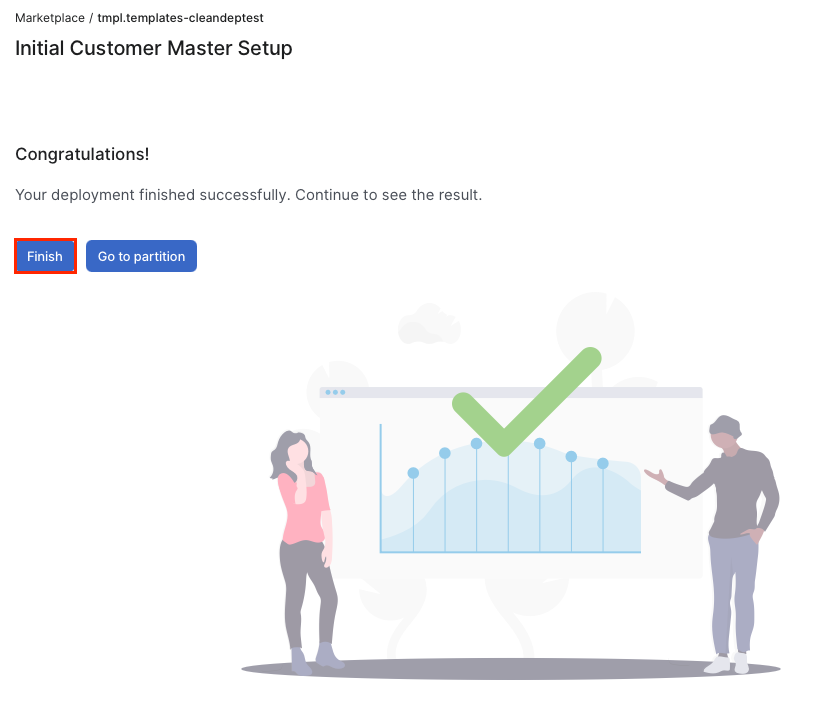
After successful package deployment, the target partition contains the Customers Master Data table populated with imported products. Additionally, the Customer Data Source is created and synchronized with the Customers Master Data table.
The Initial Product Master Setup and Initial Customer Master Setup packages should be deployed prior to the Initial Standard Transaction Data Setup package, so that Product and Customer data can be joined with Transaction Data during the Initial Standard Transaction Data Setup package installation.