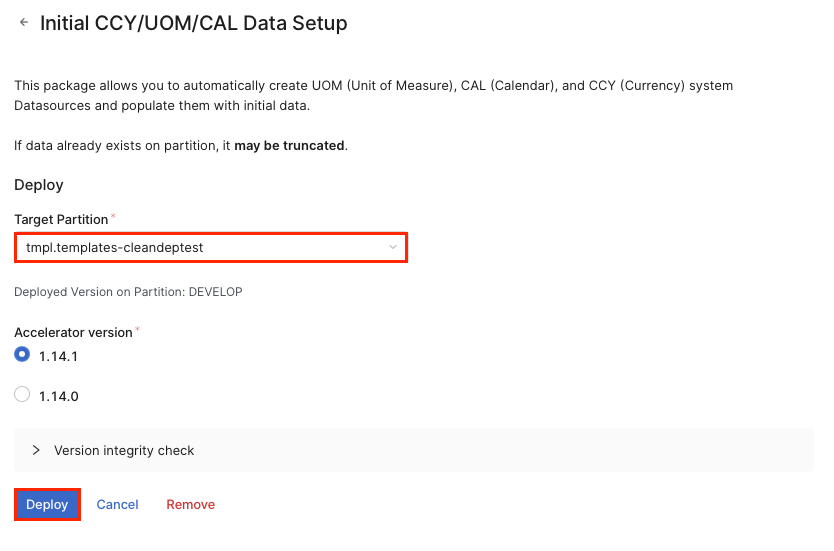
This package allows you to automatically create UOM (Unit of Measure), CAL (Calendar), and CCY (Currency) system Datasources and populate them with initial data.
-
Navigate to Marketplace in the PlatformManager.
-
Locate the Initial CCY/UOM/CAL Data Setup package.
-
Click the accelerator package tile, select the partition where you want to deploy the package and confirm the deployment dialog to start.
-
In the Accelerator Deploy dialog click Continue.
-
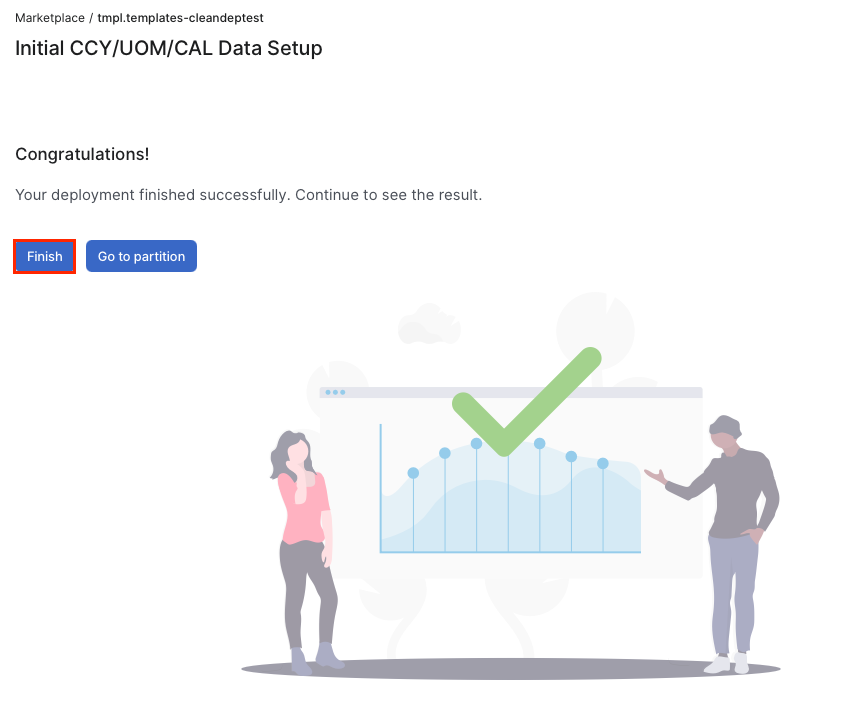
On the final screen click Finish.