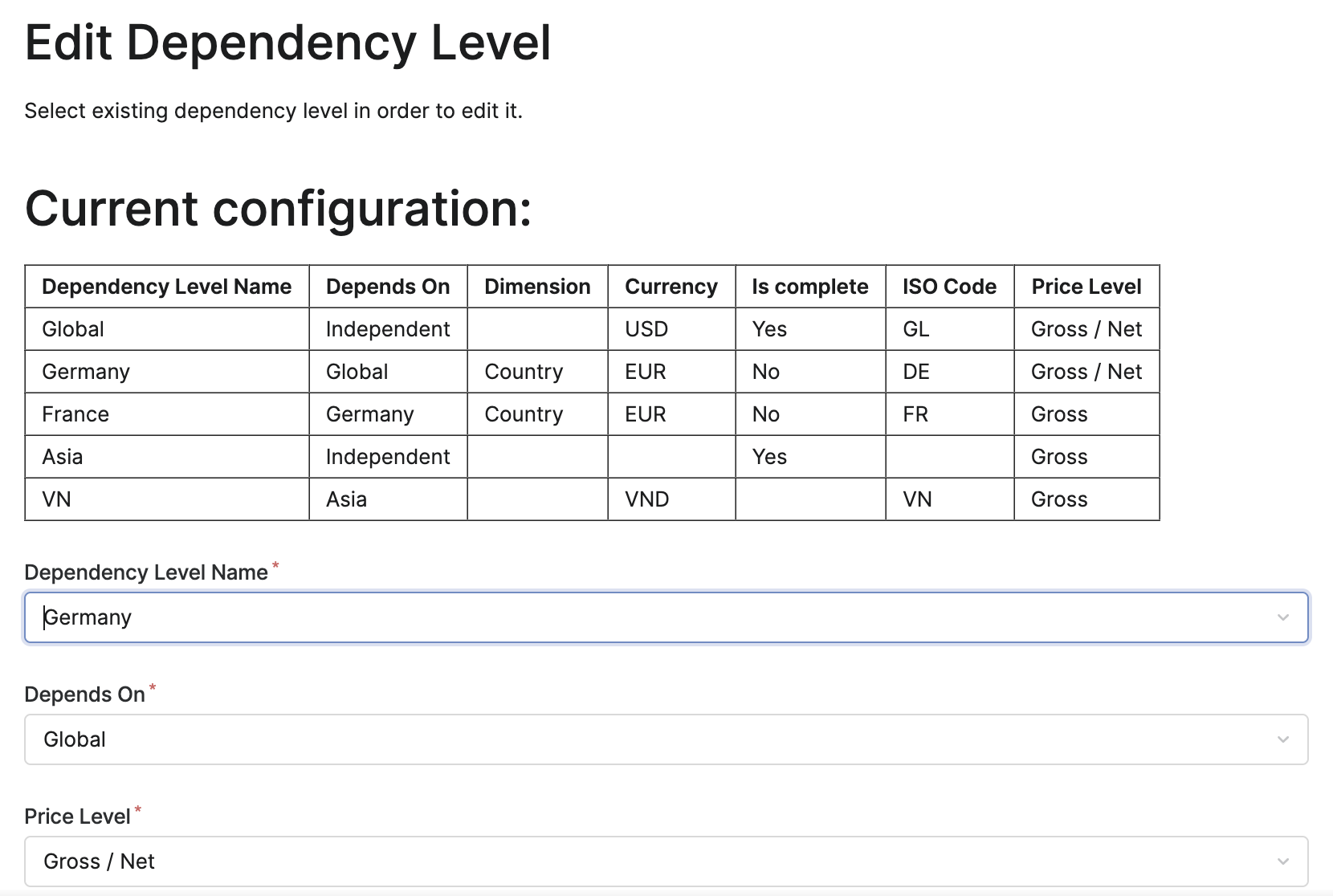
Allows you to add, edit or delete dependency levels.
-
Go to PSP Configuration Wizard, select Core Elements in the drop-down menu and click Configure selected module.
-
Click Configure Dependency Level.
-
Add, edit or delete dependency levels. For explanation of fields see DependencyConfiguration CP.
-
Click Apply.