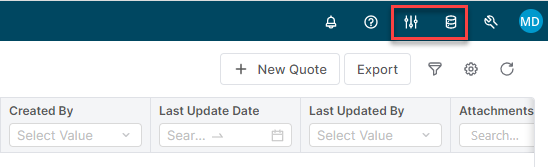
If you have created a blank partition in a prior exercise, you can skip this step
Our goal will be the verification of the partition creation.
-
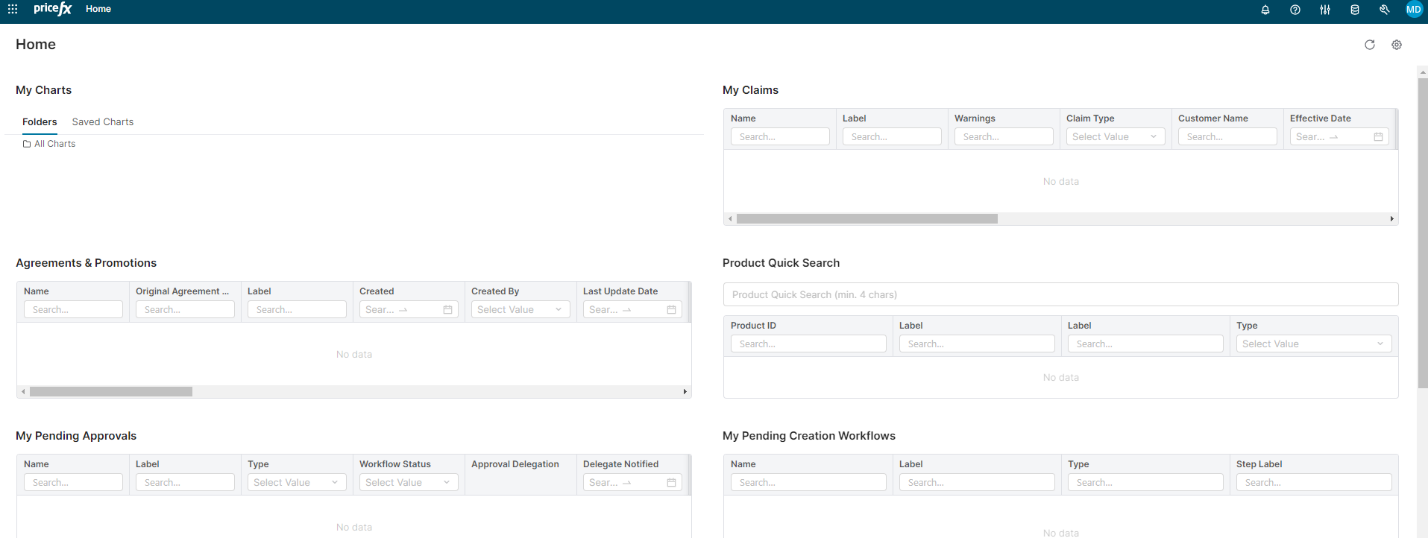
Next, verify the partition by logging in as the admin at https://training.pricefx.eu :
2. Next, we need to setup the role assignments for our Admin user. Go to Administration | Access Admin | User Admin option:
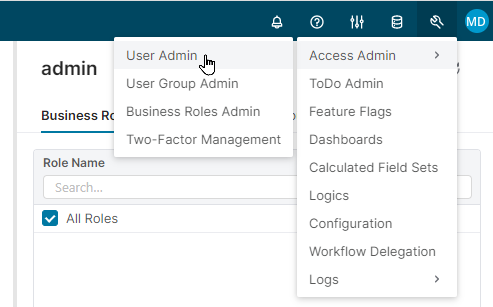
3. Select the admin role and choose the All Roles option:

4. Click Save button.
NOTE: You may need to logout and login back into your partition to see these updates.
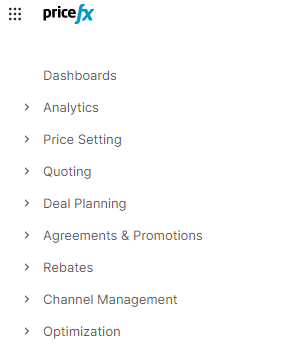
5. With this update, I should now see all modules appearing (left-side navigation:
I should also see that I have access to the master data: