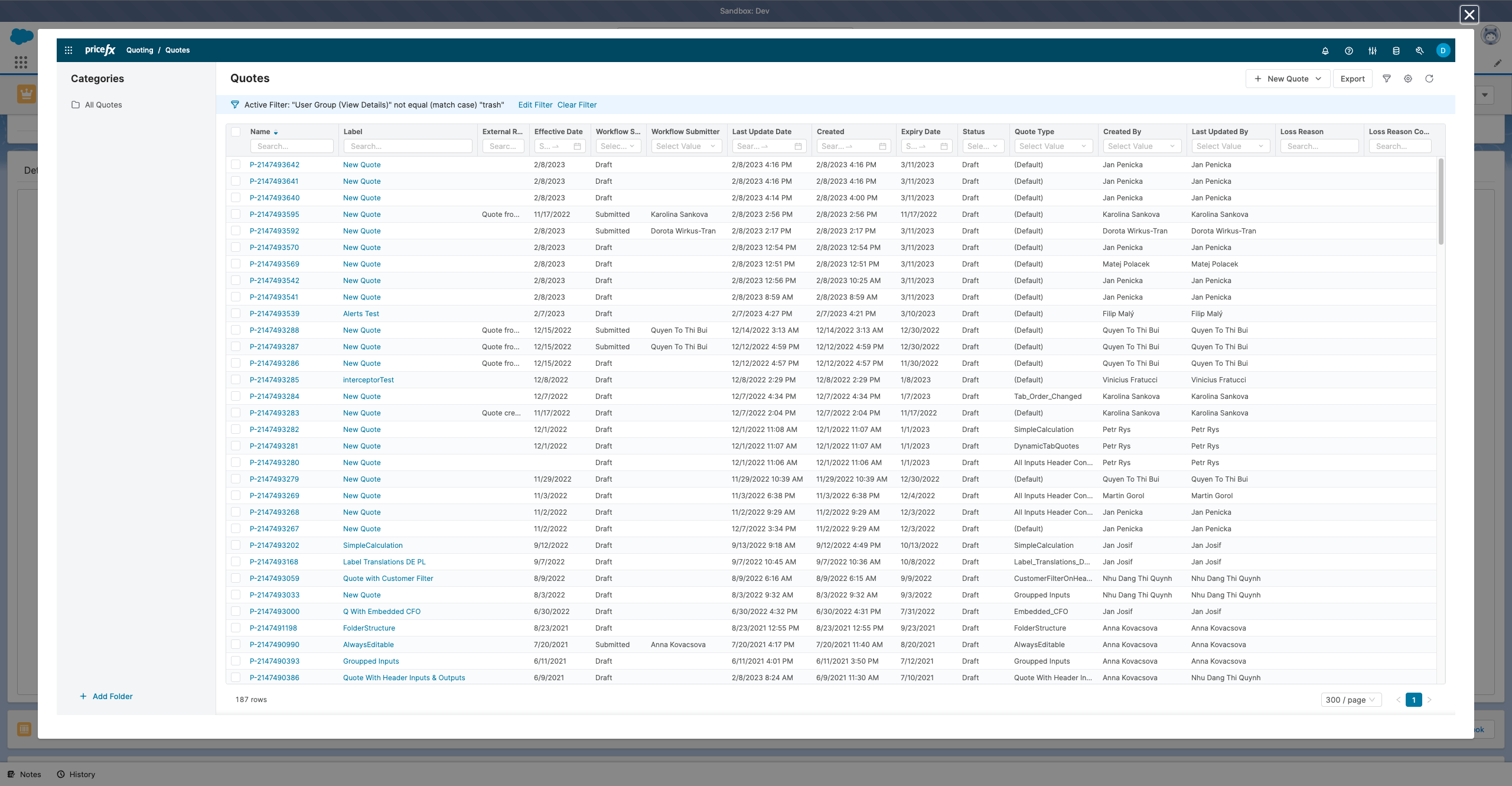
Integrating Pricefx with Salesforce offers a variety of flexible display options to suit different business needs and user preferences. This page outlines the main approaches for presenting Pricefx components within the Salesforce interface, including embedding them between page items, utilizing accordions in the Details tab, creating separate tabs, and leveraging modals with adjustable sizes. Explore the options below to determine the most effective way to display Pricefx in your Salesforce environment.
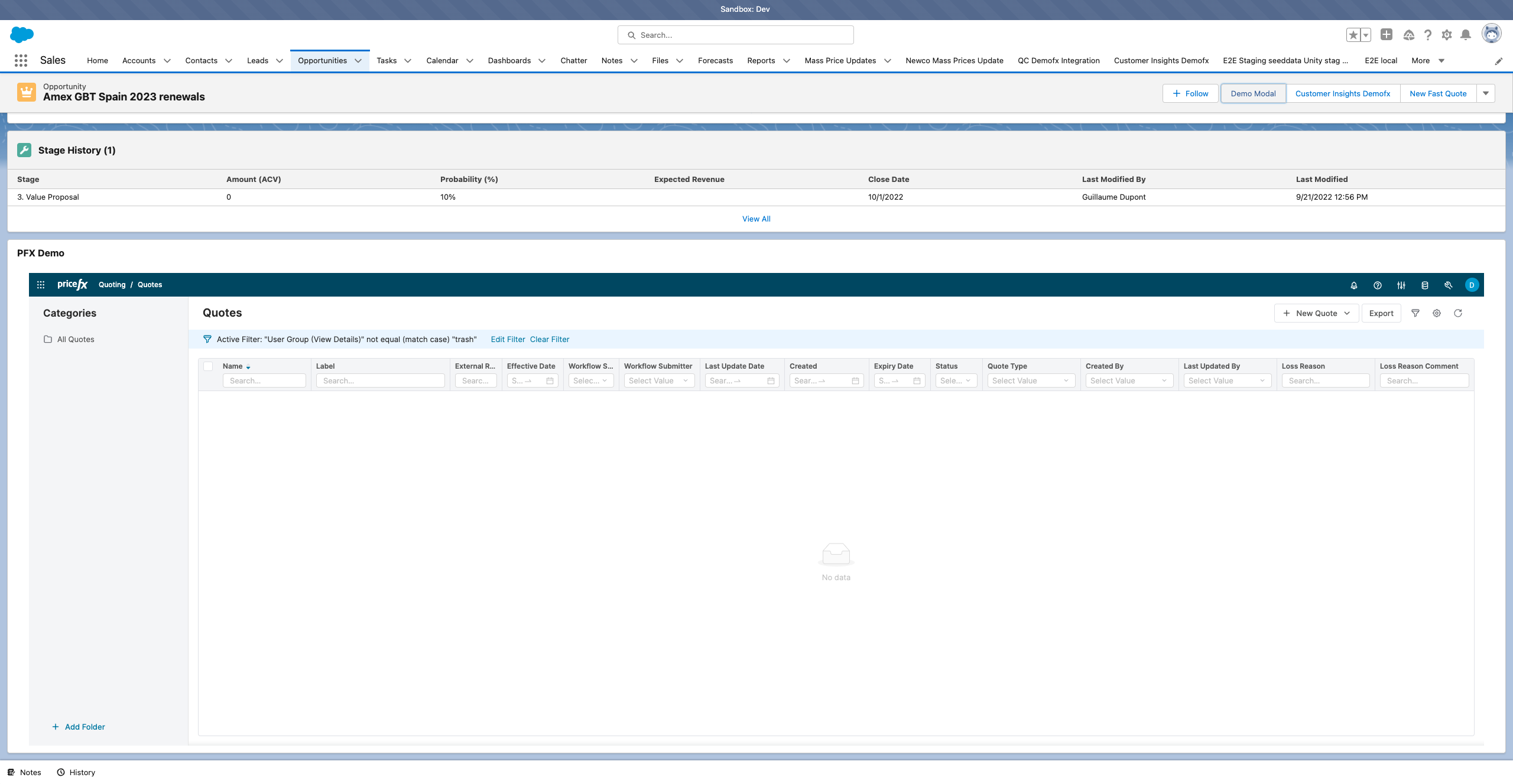
Between page items inside page
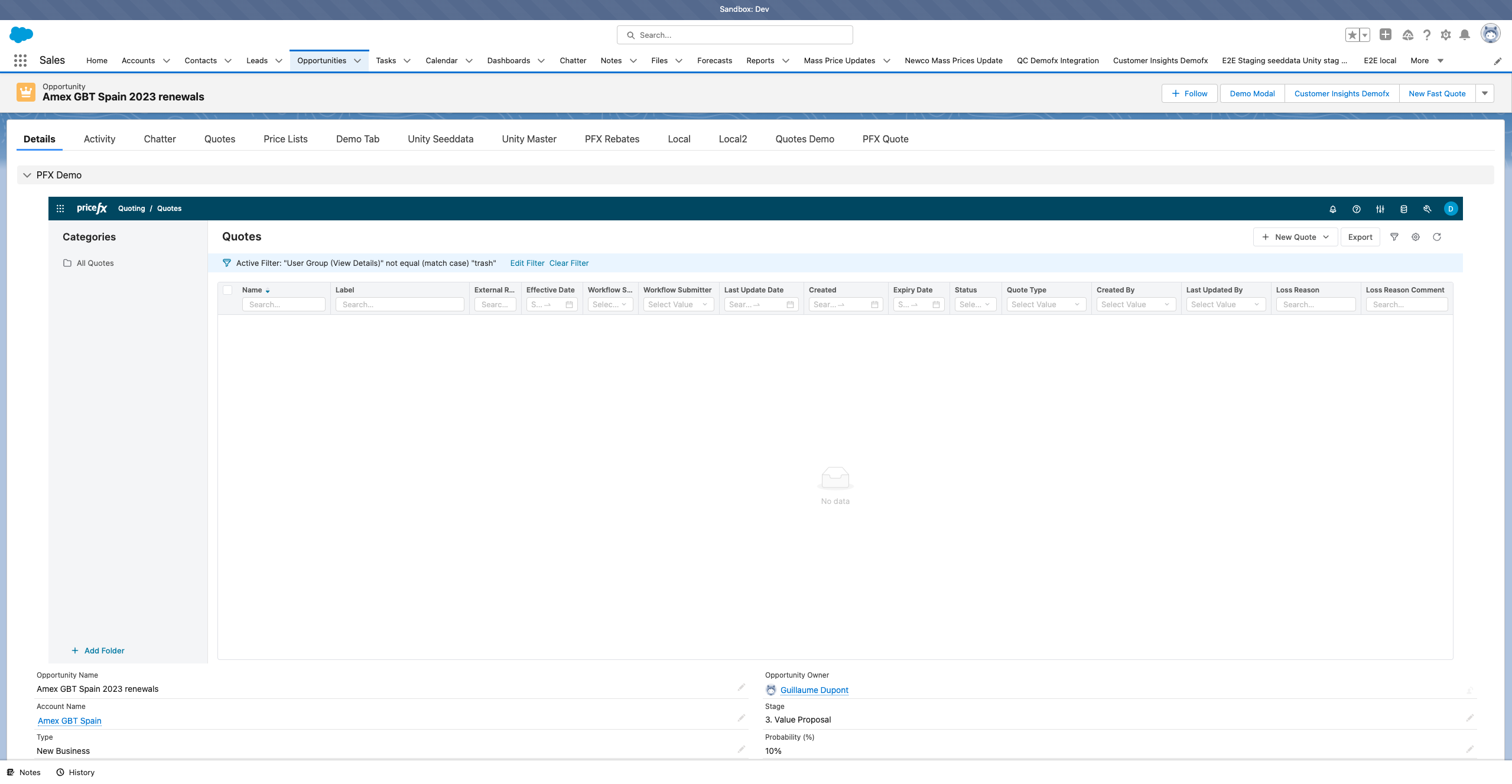
Inside Accordion in the Details Tab
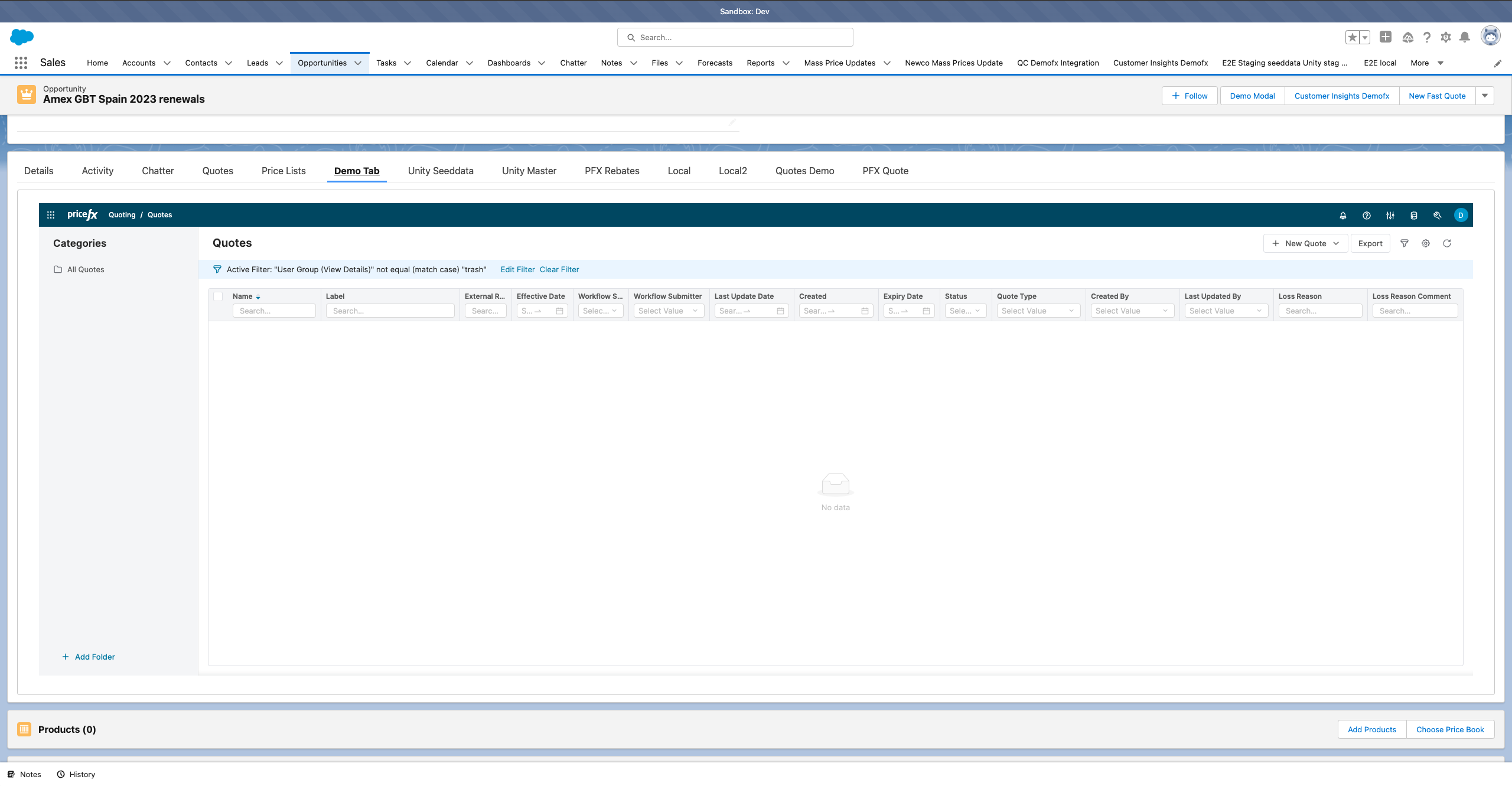
Separate Tab
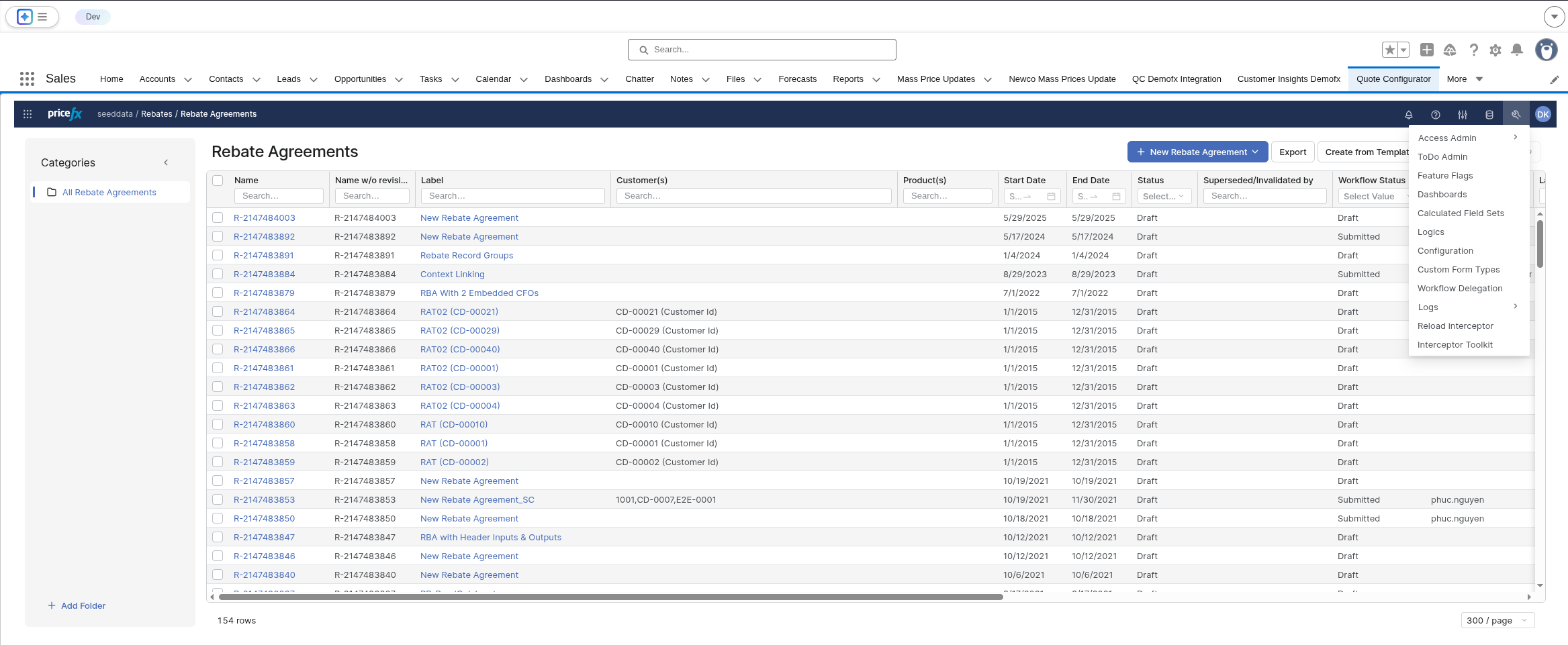
Separate Tab in Page
Modal
Size of the modal can be changed.