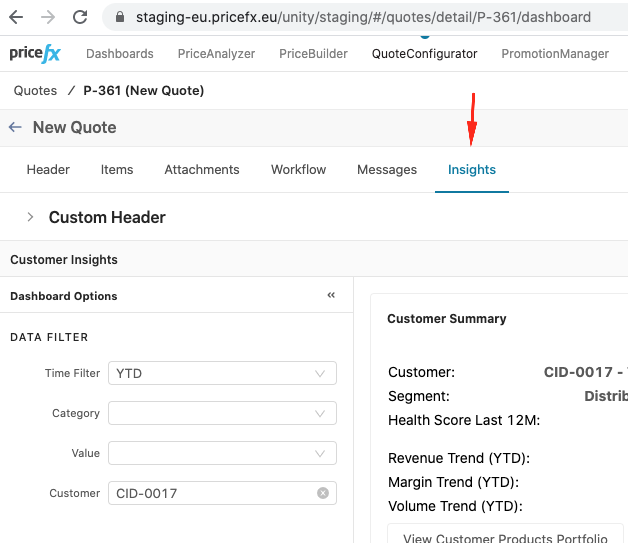
To add a dashboard to Quote detail page, follow these steps:
Create Quote Type JSON configuration:
JSON
{
  "name": "default",
  "tabs": [
    {
      "name": "header",
      "type": "header",
      "translationKey": "sfdc_quotes_tabs_header"
    },
    {
      "name": "items",
      "type": "items",
      "translationKey": "sfdc_quotes_tabs_items"
    },
    {
      "icon": "clipboard-notes",
      "name": "notes",
      "type": "notes",
      "translationKey": "dynamicTab_notes"
    },
    {
      "icon": "file-check-alt",
      "name": "actions",
      "type": "actions",
      "translationKey": "dynamicTab_actions"
    },
    {
      "icon": "folder-open",
      "name": "documents",
      "type": "documents",
      "translationKey": "dynamicTab_documents"
    },
    {
      "name": "attachments",
      "type": "attachments",
      "translationKey": "sfdc_quotes_tabs_attachments"
    },
    {
      "name": "messages",
      "type": "messages",
      "translationKey": "sfdc_entity_tabs_messages"
    },
    {
      "name": "workflow",
      "type": "workflow",
      "translationKey": "sfdc_quotes_tabs_workflow"
    },
    {
      "name": "workflow-history",
      "type": "workflowHistory",
      "translationKey": "sfdc_quotes_tabs_workflowHistory"
    },
    {
      "name": "dashboard",
      "translationKey": "Insights",
      "type": "reactDashboard",
      "typeReference": "DP_CustomerInsights_CustomerDetailView", //dashboard name
      "parameterMapping": {
          "Customer": "customerId"
      }
    }
  ]
}
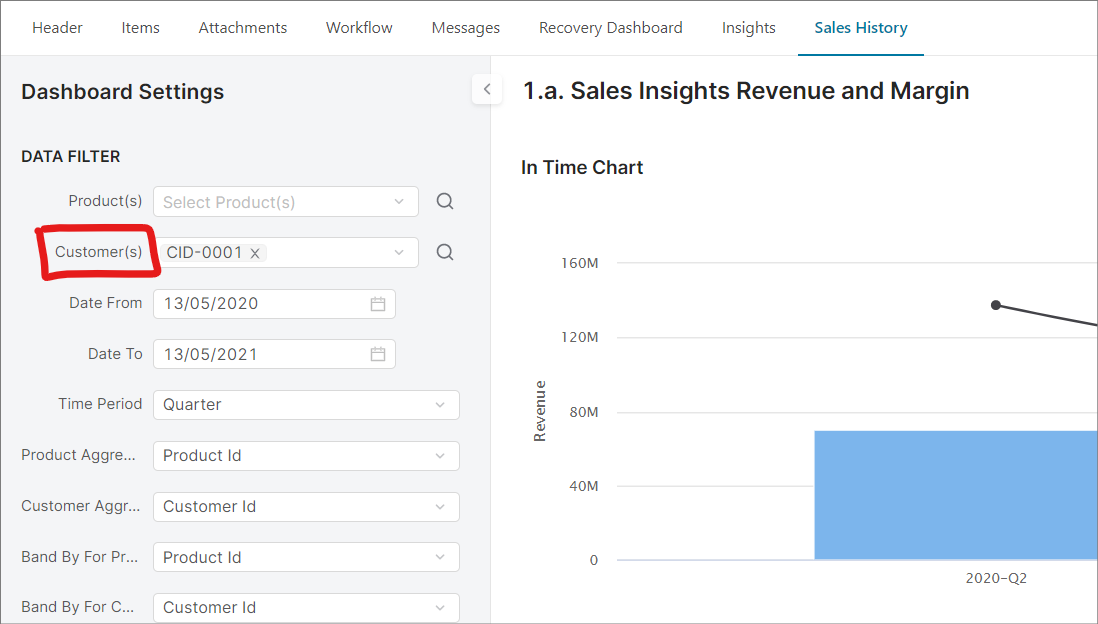
Follow this example of parameterMapping:
            {
                "name": "Sales History",
                "translationKey": "Sales History",
                "type": "dashboard",
                "typeReference": "Revenue_Margin",
                "parameterMapping": {
                    "Customer(s)": "customerId"
                }
            }
where:
|
"Customer(s)" |
: |
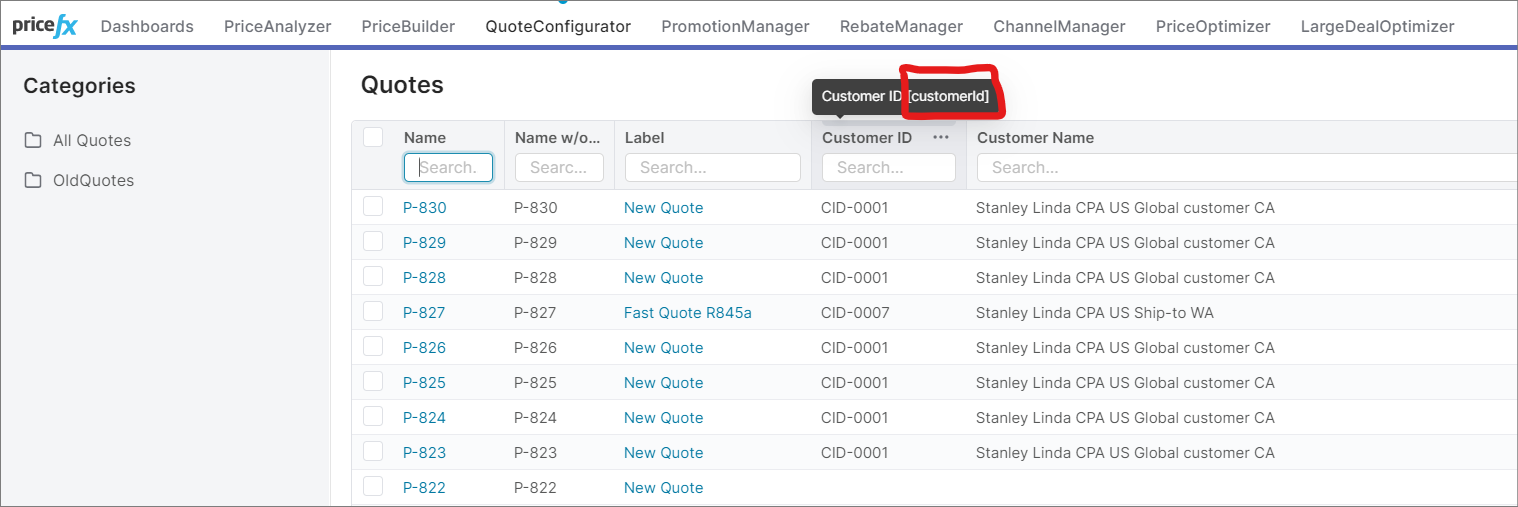
"customerId” |
|
Input name from dashboard |
: |
Column Name from Quotes list |
This is the dashboard Groovy logic to take a mapped parameter:
Groovy
def customer

def dp = api.currentItem()

def customerId= dp?.customerId
//deal plan case

if (customerId){
  customer = customerId
}else if(api?.input('customerId')){
  customer = api.input('customerId')
}else if(api?.input('Customer')){
  customer = api.input('Customer')
}else if(api?.getElement('customerId')){
  customer = api.getElement("customerId")
} else {
   customer = api.getElement("Customer")
}