
Before upgrading the Agents Accelerator, identify any project-specific customizations. This allows you to preserve and reapply them after the upgrade, if necessary.
Prerequisites
Before comparing the project with the standard accelerator delivery:
-
Determine the currently installed version of the Agents Accelerator.
For instructions, see Project Knowledge Readiness.
-
Ensure that your project contains the latest configuration from the target partition, including Advanced Configurations, Company Parameters, and any other configuration objects.
-
Fetch all Agents-related logics and objects into your local project.
-
Create and check out a Git branch based on the branch corresponding to the target partition (typically
master).
Compare Project with Standard Accelerator
-
Open IntelliJ IDEA with the Pricefx Studio plugin.
-
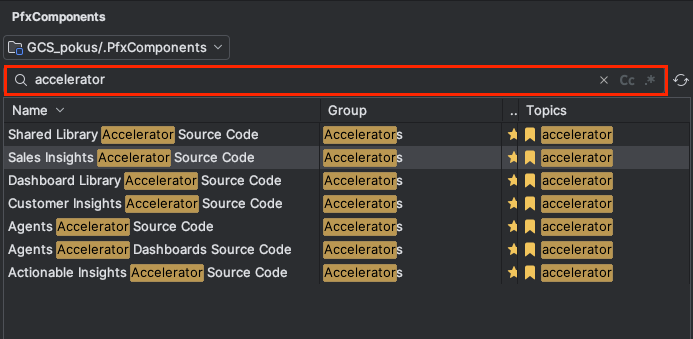
Open the PfxComponents tool window.
-
Search for each installed accelerator by entering accelerator in the search field.
-
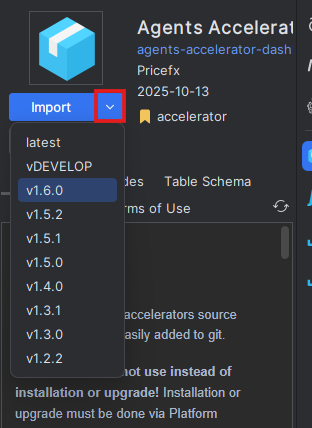
For each installed accelerator, click Import and select the currently installed version.
-
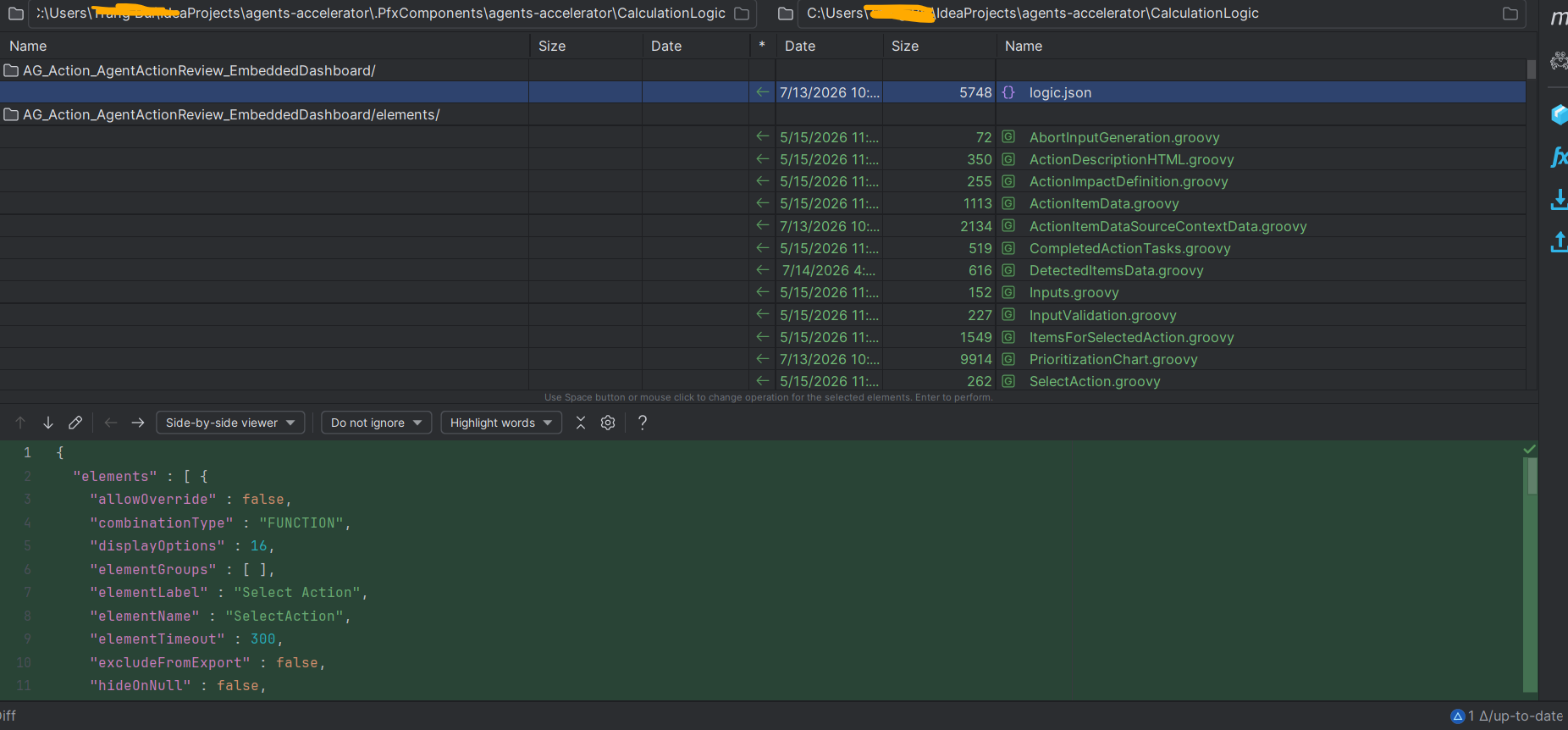
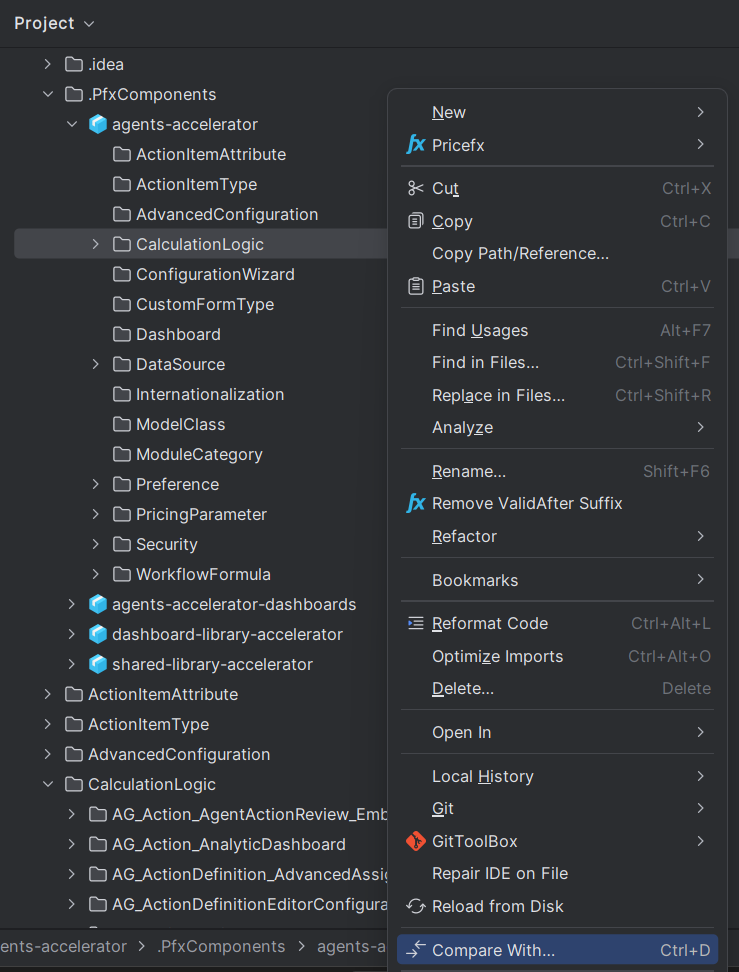
Use IntelliJ IDEA's Compare With... functionality to compare each accelerator component with the corresponding project folder.
For example, compare the CalculationLogic folder in the imported component with the project's CalculationLogic folder.
-
Record any differences that represent project customizations.
Distinguish genuine customizations (for example, modified logic, additional methods, or configuration changes) from cosmetic differences such as formatting changes or JSON property ordering.
Save Customizations
-
Create a dedicated Git branch for the identified customizations (for example,
pfxagents_customizations). -
Commit all customization changes to this branch using a commit message similar to the following:
PFAGENTS-123 Project customizations
Replace the ticket number as appropriate.
This branch serves as the source for reapplying project customizations after the upgrade has been completed successfully.