
There is no notification about custom adapter updates by SAP Integration Suite at the moment. If a new adapter version is available, you will see it in the same link to download the adapter, with an updated timestamp and version number.
-
To update the adapter, select the adapter and click View Metadata.
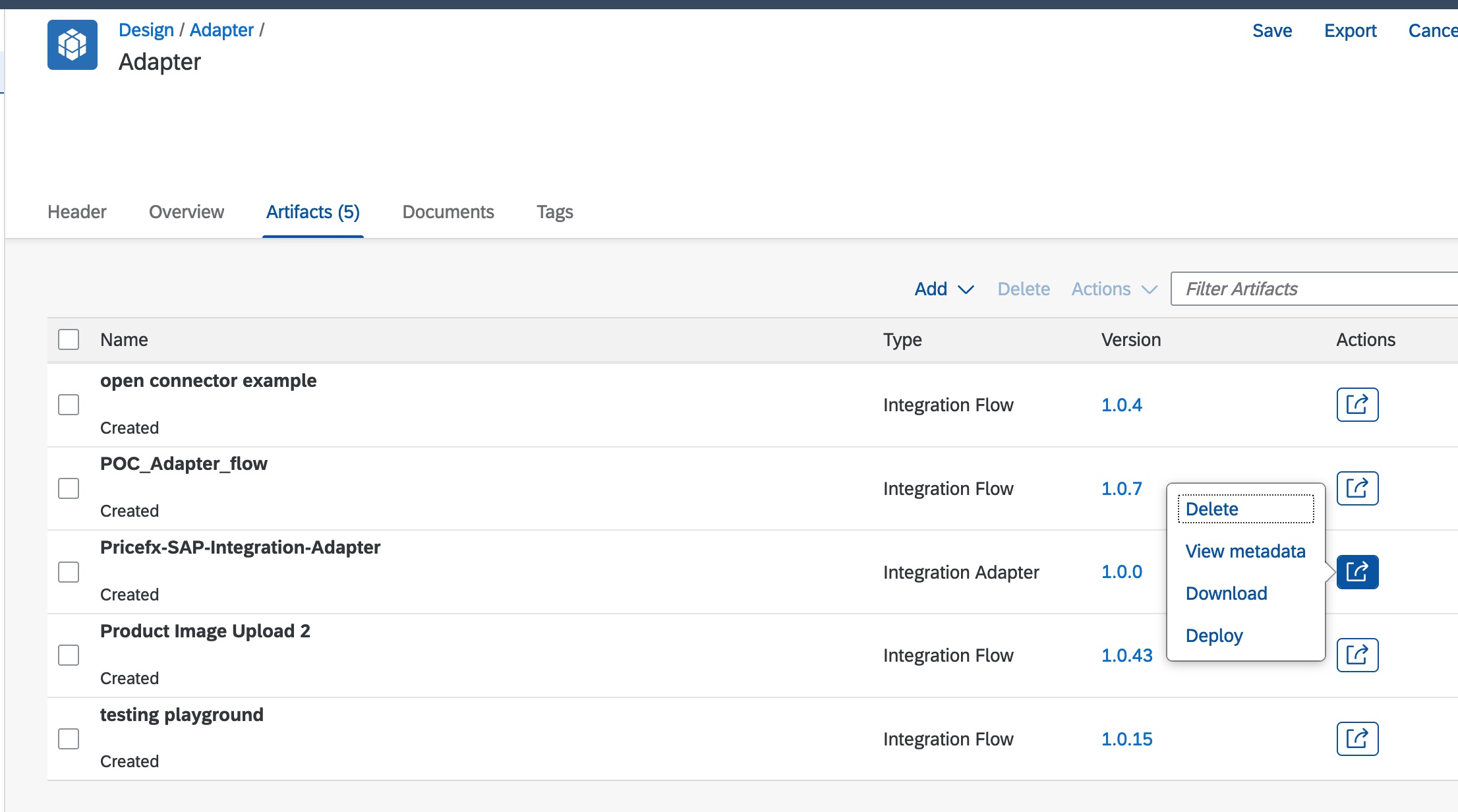
-
Click Edit and upload the updated .esa file.
-
The version number should be updated.
-
Click Deploy.
-
Go to Operations View and select Manage Integration Content. The status will be “Started” when it is successfully deployed and started.