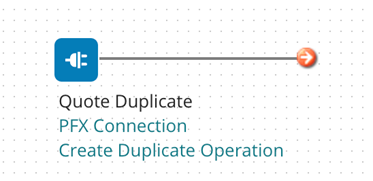
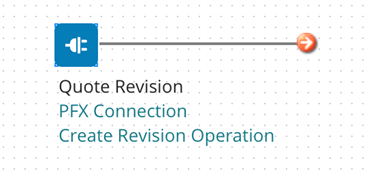
When you want to create a Duplicate/Revise operation for Pricefx Quote, insert a Connector Shape and follow all the steps described in Create an Operation.
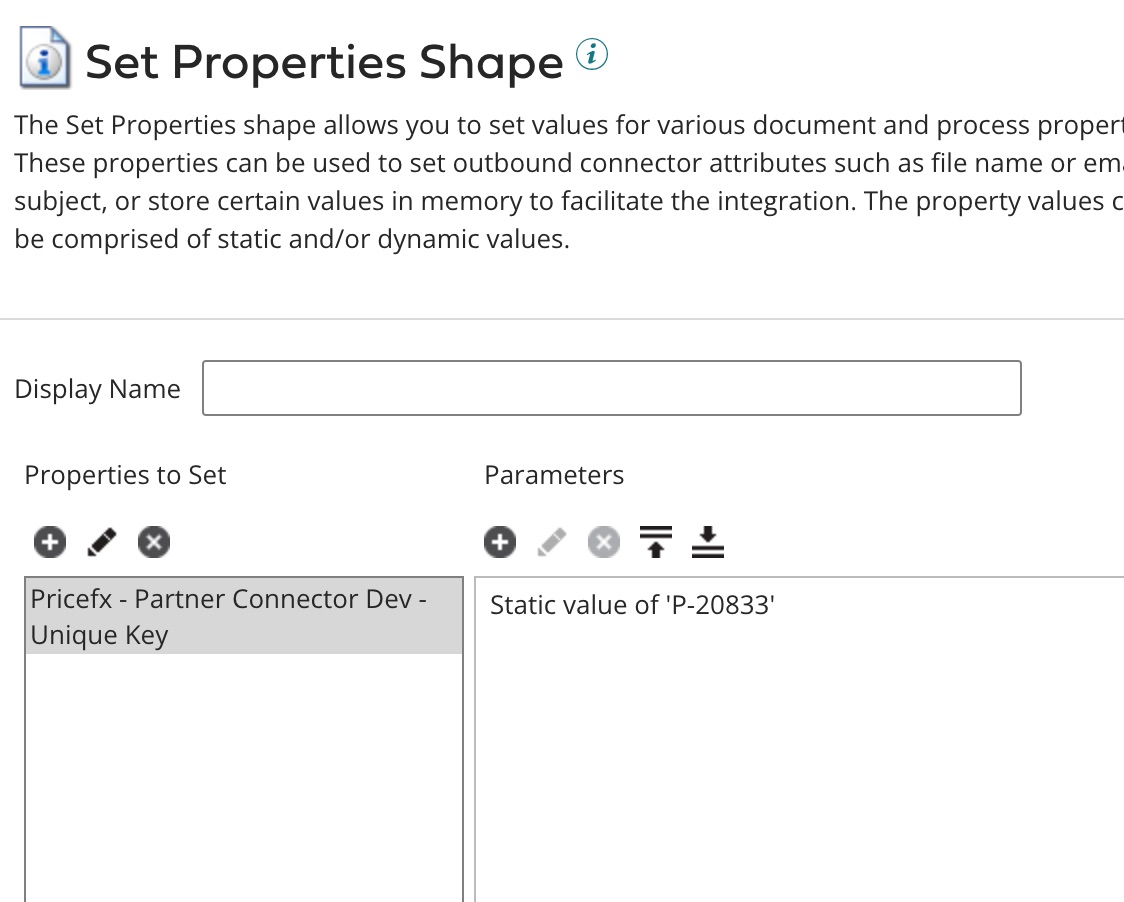
In the Set Properties shape, specify the Name of the quote (uniqueName) that you would like to duplicate or create a revision from.
The connector setup should look like this:
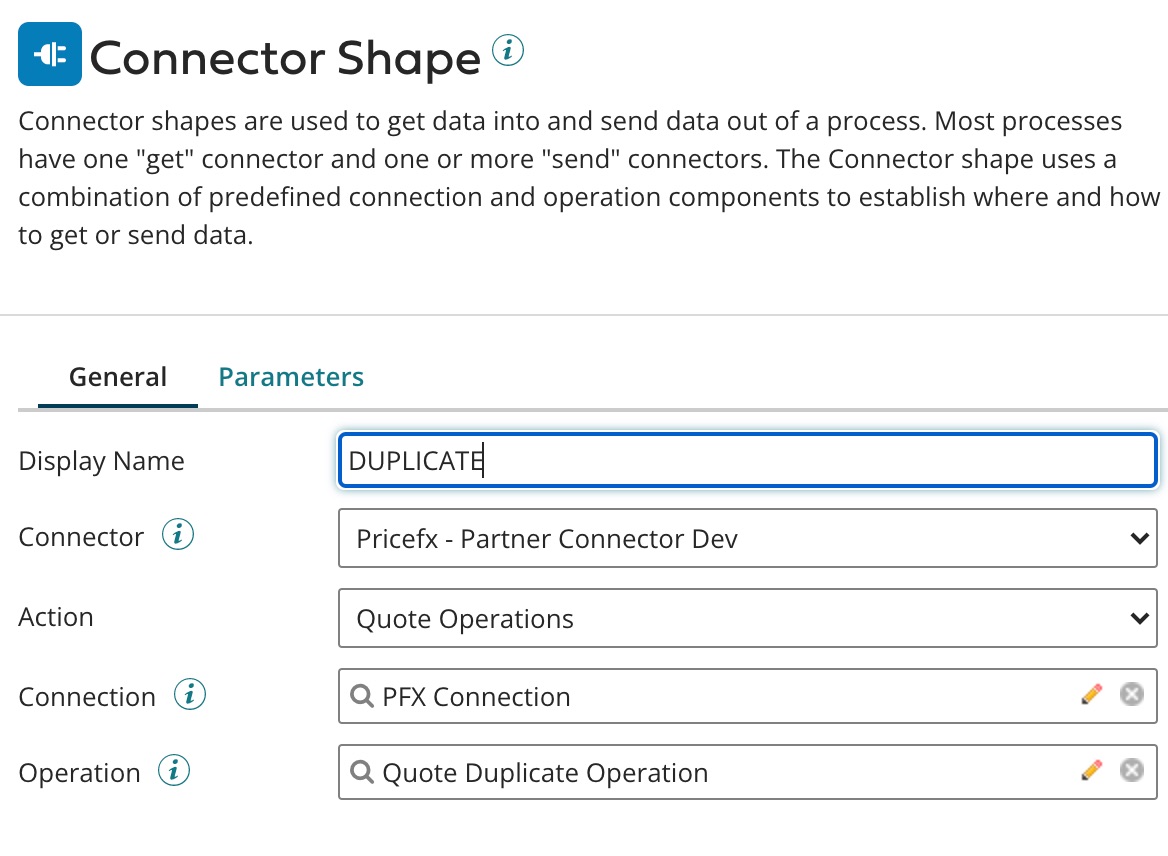
Create an operation by clicking “Import”, then follow the instructions on the screen and select the Operation Type.
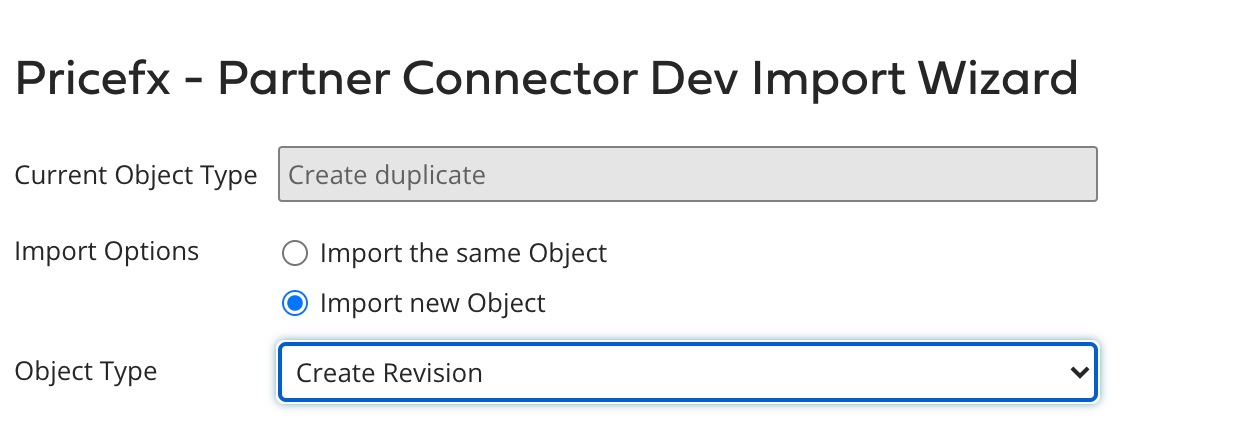
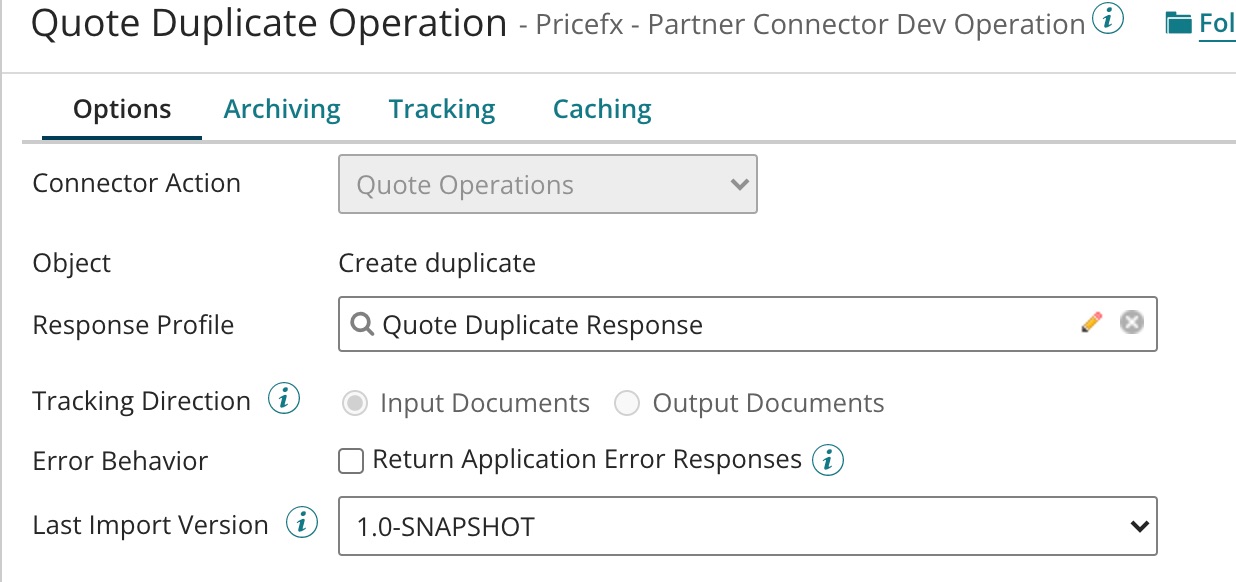
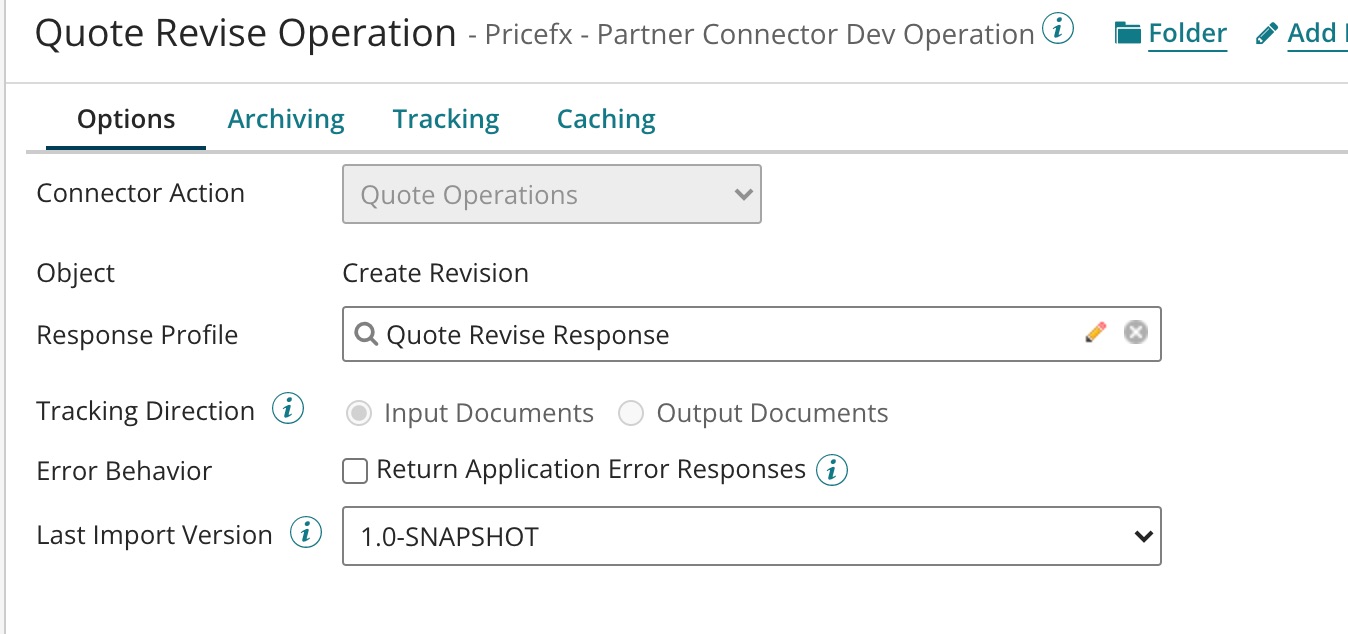
The last field 'Operation' (which relates to Step 7 in the common flow) has the following options where you need to specify the uniqueName of the Quote to be duplicated or revised.
Duplicate operation:
Revise operation:
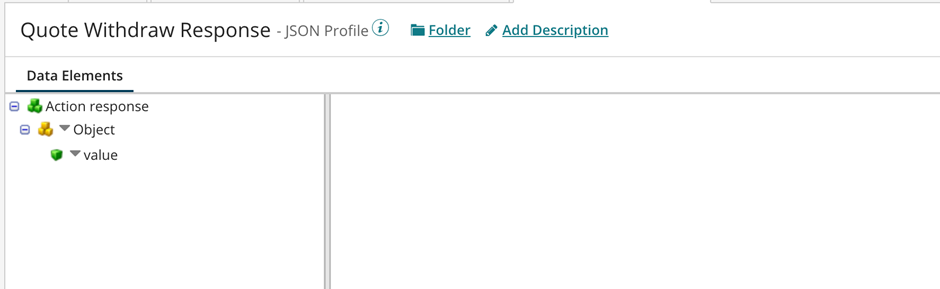
Standard Action Response Schema
It is created automatically by “import” and is the same for both Duplicate and Revise operations.
If a new quote uniqueName is returned, the requested action has been executed successfully.