
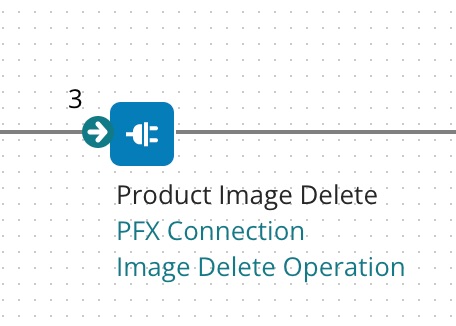
When you want to create a Delete operation for Pricefx Product Image, insert a Connector Shape and follow all the steps described in Create an Operation.
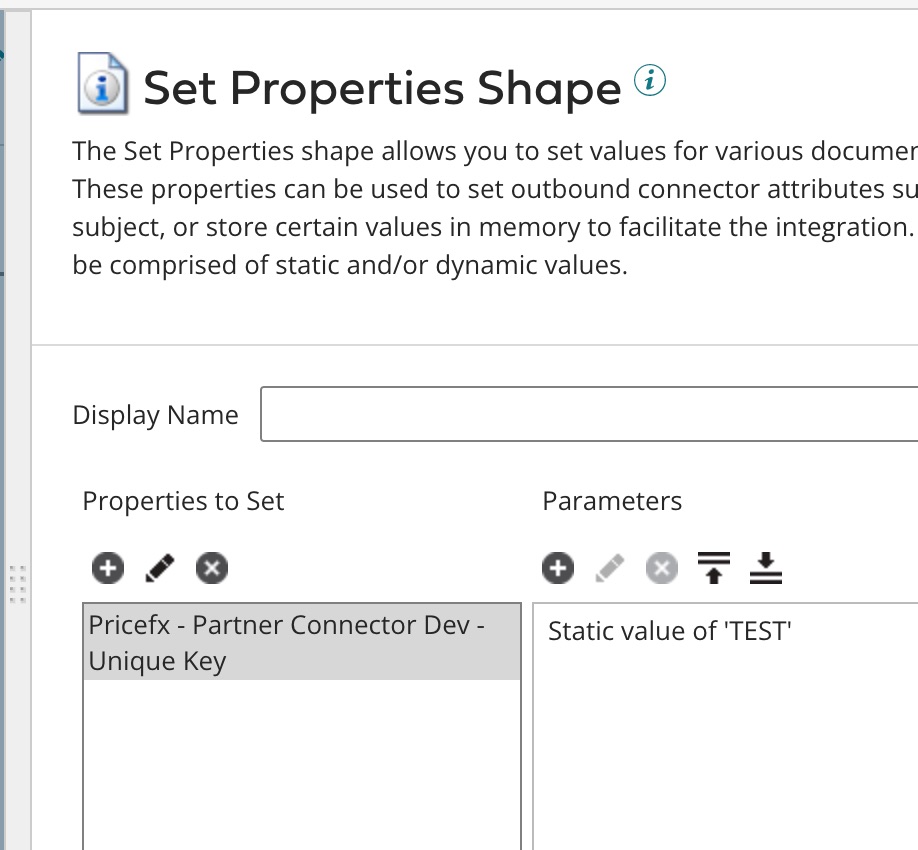
In the Set Properties shape, specify the Product ID (SKU) that you would like to delete the product image from.
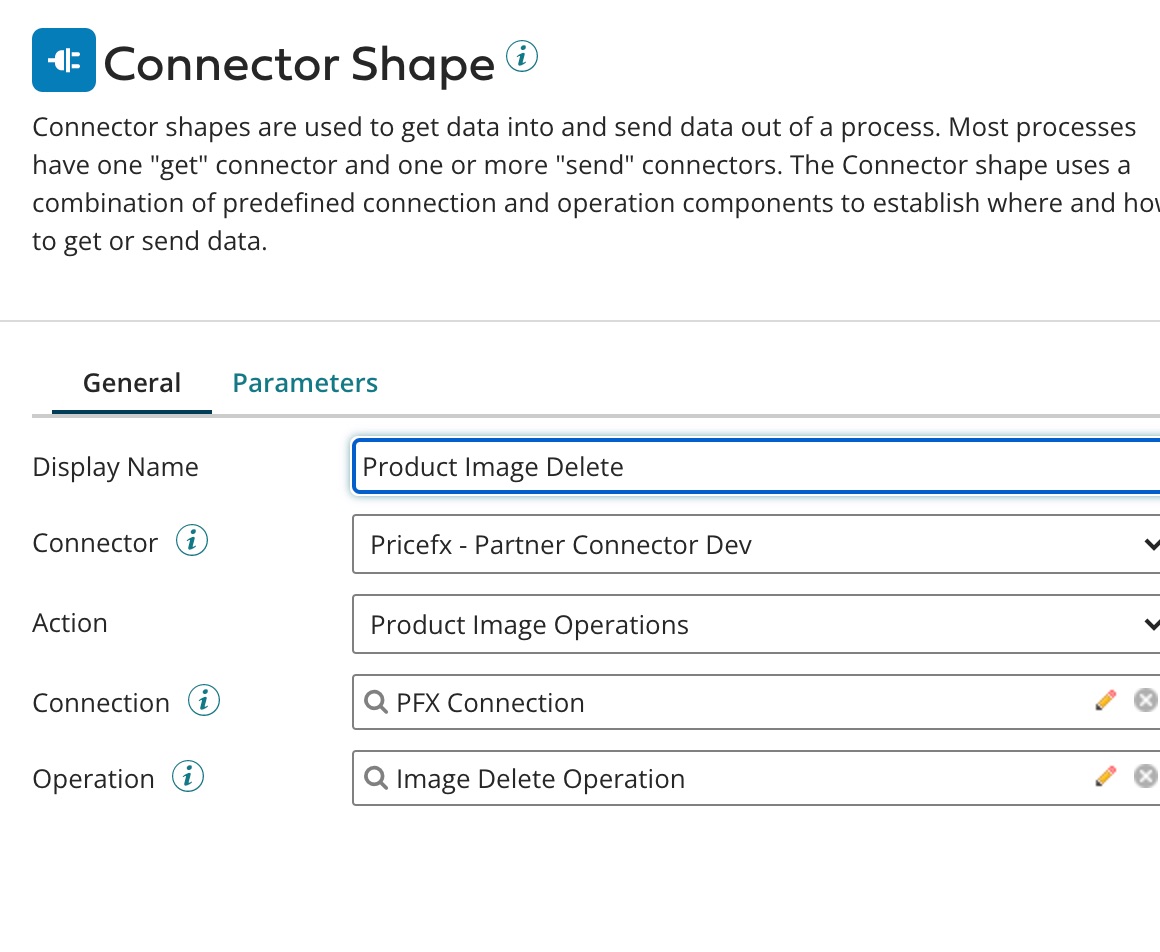
The connector setup should look like this:
The last field 'Operation' (which relates to Step 7 in the common flow) has the following options.
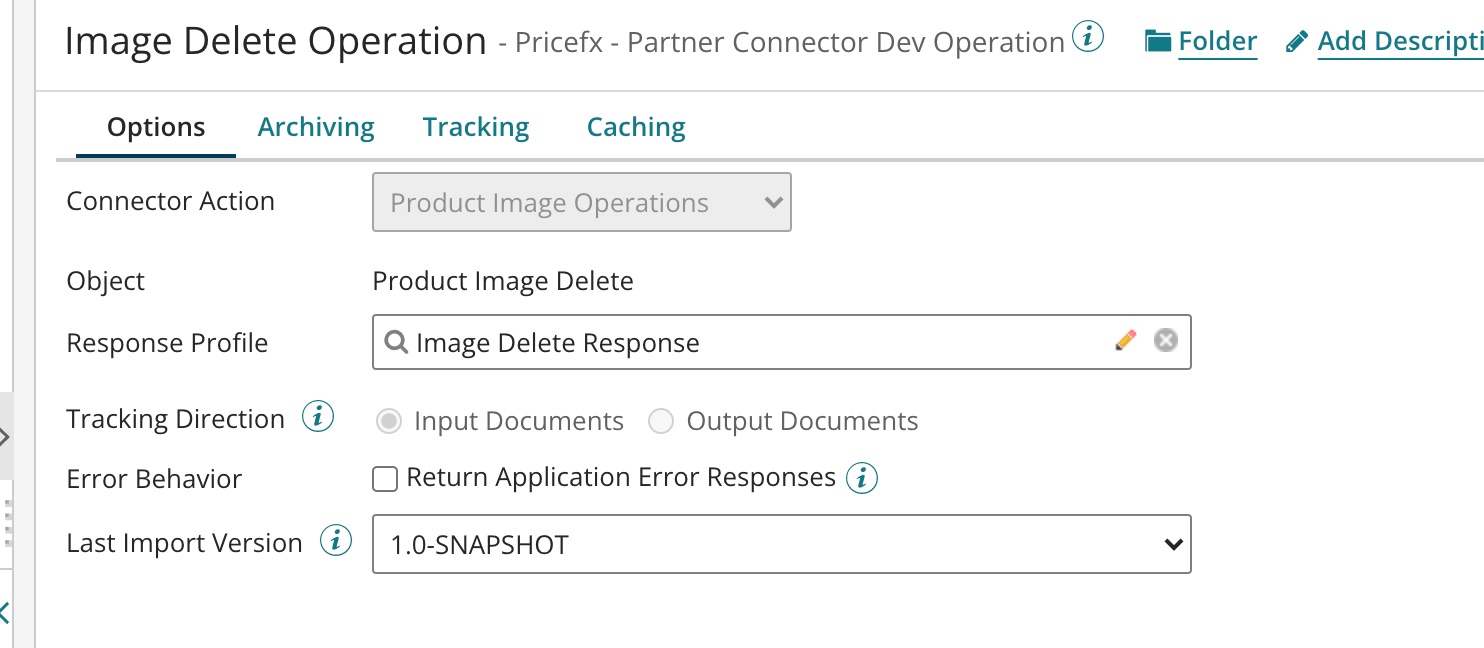
The operation deletes the image of this product SKU.
Standard Action Response Schema
See Standard Action Response Schema for Product Image Operations.