
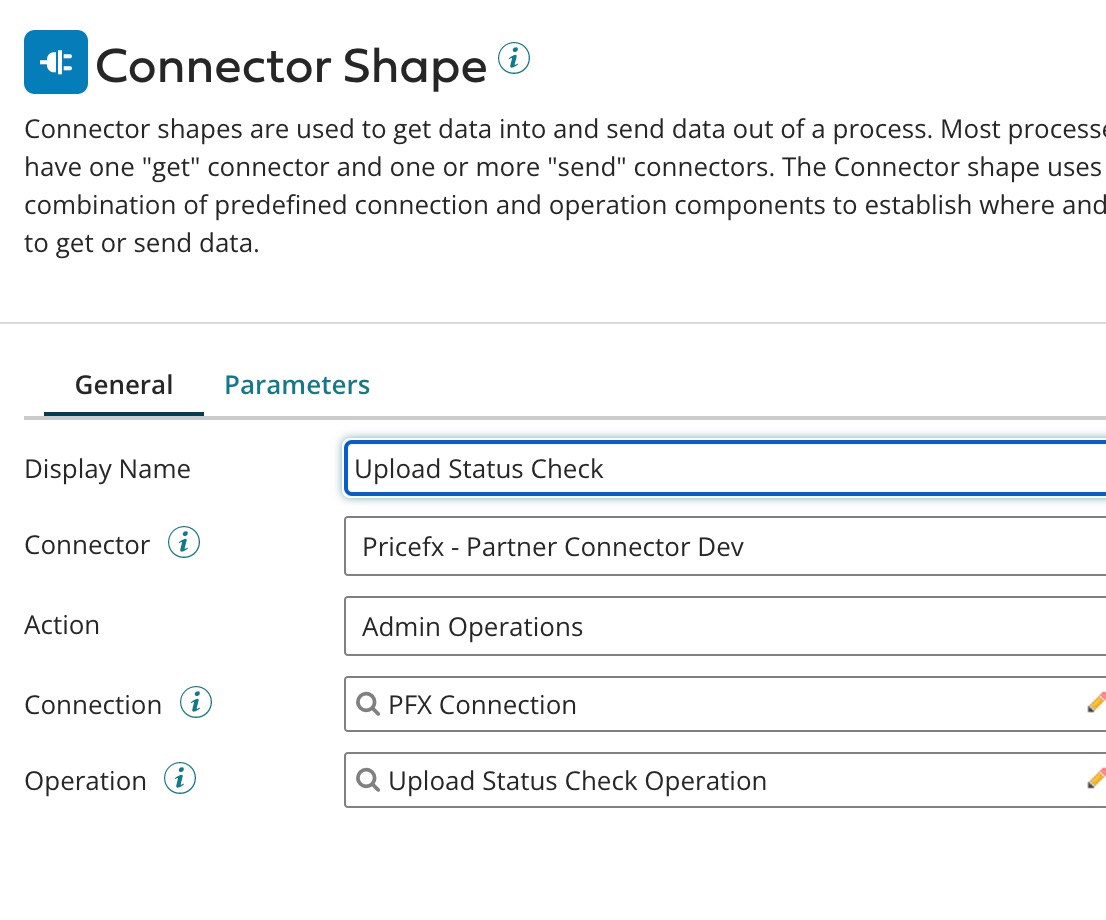
When you want to create a File Upload Status operation, insert a Connector Shape and follow all the steps described in Create an Operation.
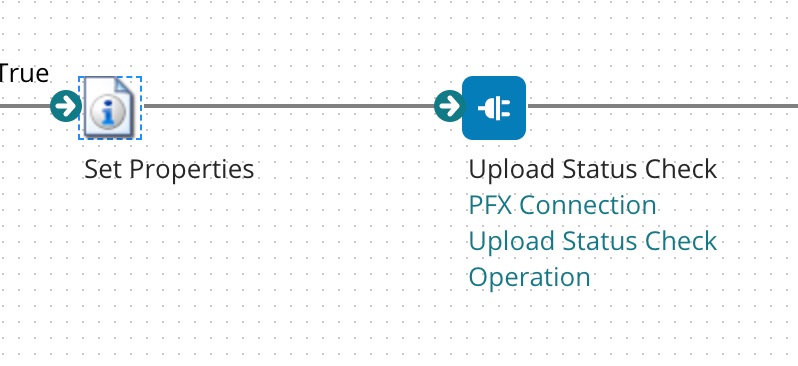
Specify File Upload ID, which is retrieved from the response message of a file update operation, in the Properties shape.
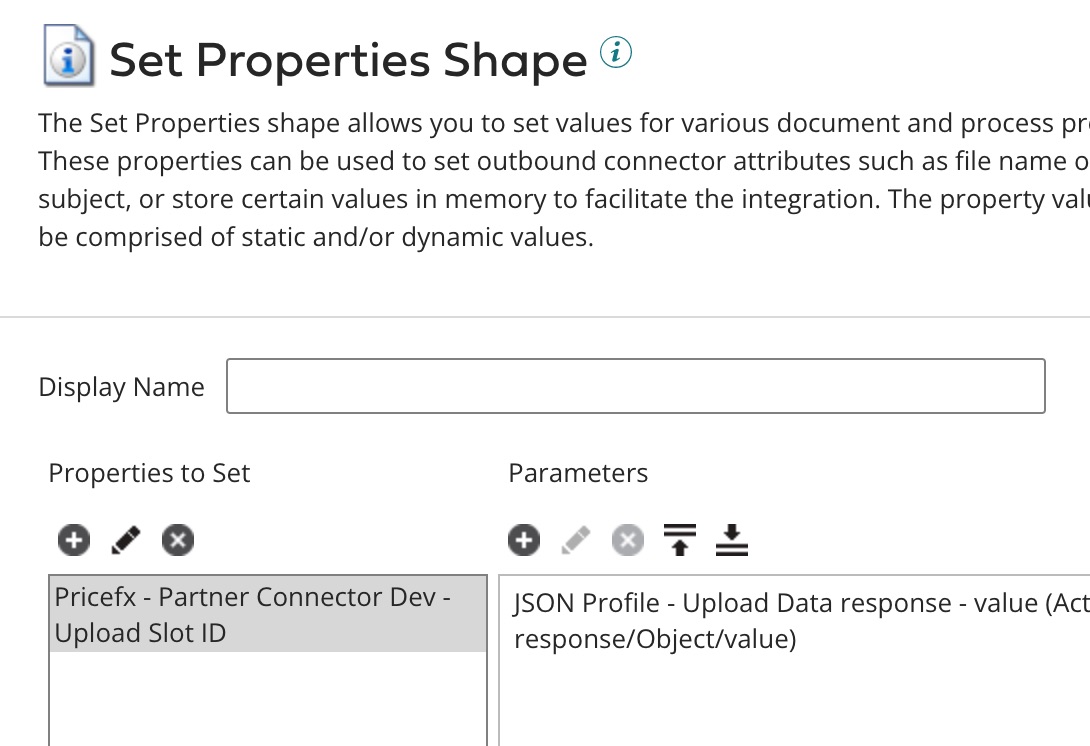
In Step 2, the setup should look like this:
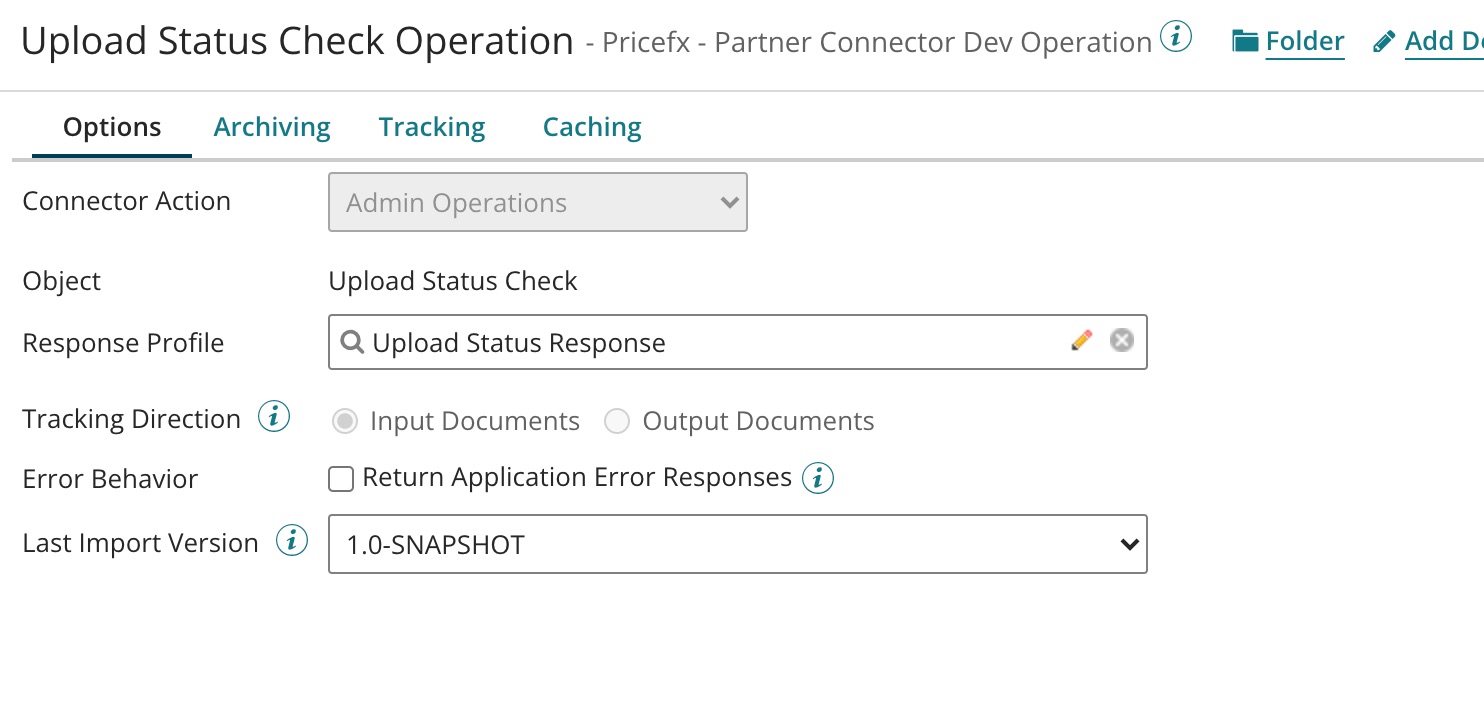
The last field 'Operation' (which relates to Step 7 in the common flow) has the following options:
File Upload Status Check Response Message
The message displays information such as number of loaded records, upload status, number of duplicated records and number of failed records in the file upload process.
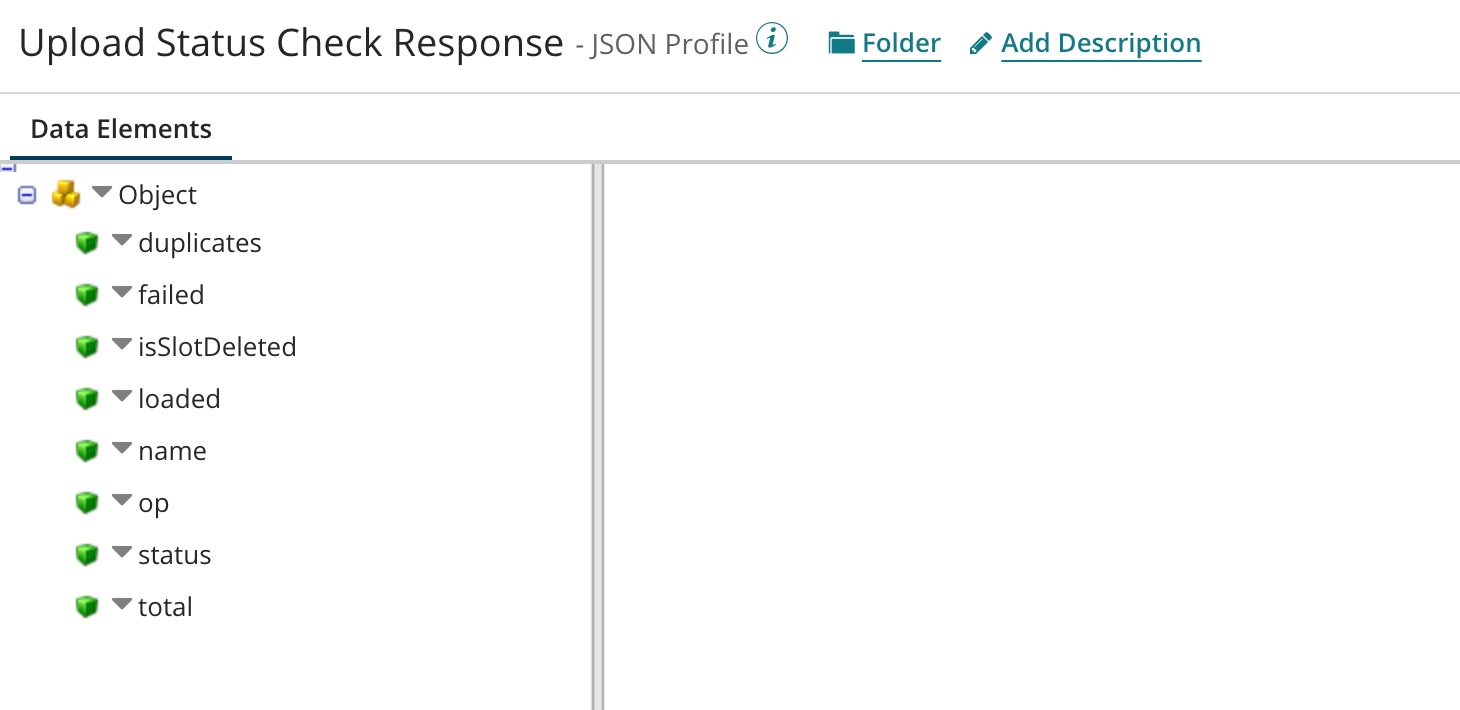
Possible states include: STARTED, DONE, INPROGRESS, ERROR, CANCELLED, POSTPROCESSING_DONE
If the file is successfully uploaded, the status is POSTPROCESSING_DONE.